
Mocagen B0DP729NFC
Mocagen Wireless Mobile Gaming Controller Instruction Manual
Model: B0DP729NFC
Introduction
Thank you for choosing the Mocagen Wireless Mobile Gaming Controller. This device is designed to enhance your mobile gaming experience on both iPhone and Android devices. Featuring Hall Effect joysticks for precise control, customizable LED lighting, and a comfortable ergonomic grip, this controller provides a console-like experience for your smartphone. Please read this manual thoroughly to ensure proper setup and optimal performance.
What's in the Box
Upon opening your Mocagen Wireless Mobile Gaming Controller package, you should find the following items:
- Mocagen Wireless Mobile Gaming Controller
- USB Charging Cable
- Instruction Manual
- Optional Thumb Grips (various designs)

Image: The Mocagen Mobile Gaming Controller, typically found alongside its charging cable, instruction manual, and additional thumb grips within the product packaging.
Product Overview
The Mocagen Wireless Mobile Gaming Controller features a retractable design to accommodate various smartphone sizes. It integrates advanced components for a superior gaming experience:
- Hall Effect Joysticks: These joysticks utilize magnetic sensors for ultra-precise control, eliminating common issues like drift and wear, ensuring a long lifespan.
- Colorful LED Lighting: The controller features multi-color changing LED lights around the joysticks and buttons, allowing for customization of your gaming setup's aesthetic.
- Ergonomic Big Grip: Designed with larger, more comfortable grips compared to standard controllers, reducing hand fatigue during extended play.
- Adjustable Stretch: The controller's adjustable mechanism can securely hold smartphones ranging from 4 to 7 inches, including those with protective cases, and is designed to avoid obstructing the phone's camera.
- Turbo Function: Provides a rapid-fire capability with three adjustable speeds for enhanced performance in action games.
- Dual Vibration: Equipped with dual motors to deliver realistic and immersive haptic feedback during gameplay.
- Long Play Time: A built-in 600mAh rechargeable battery offers approximately 15 hours of continuous gameplay on a single 2-hour charge.
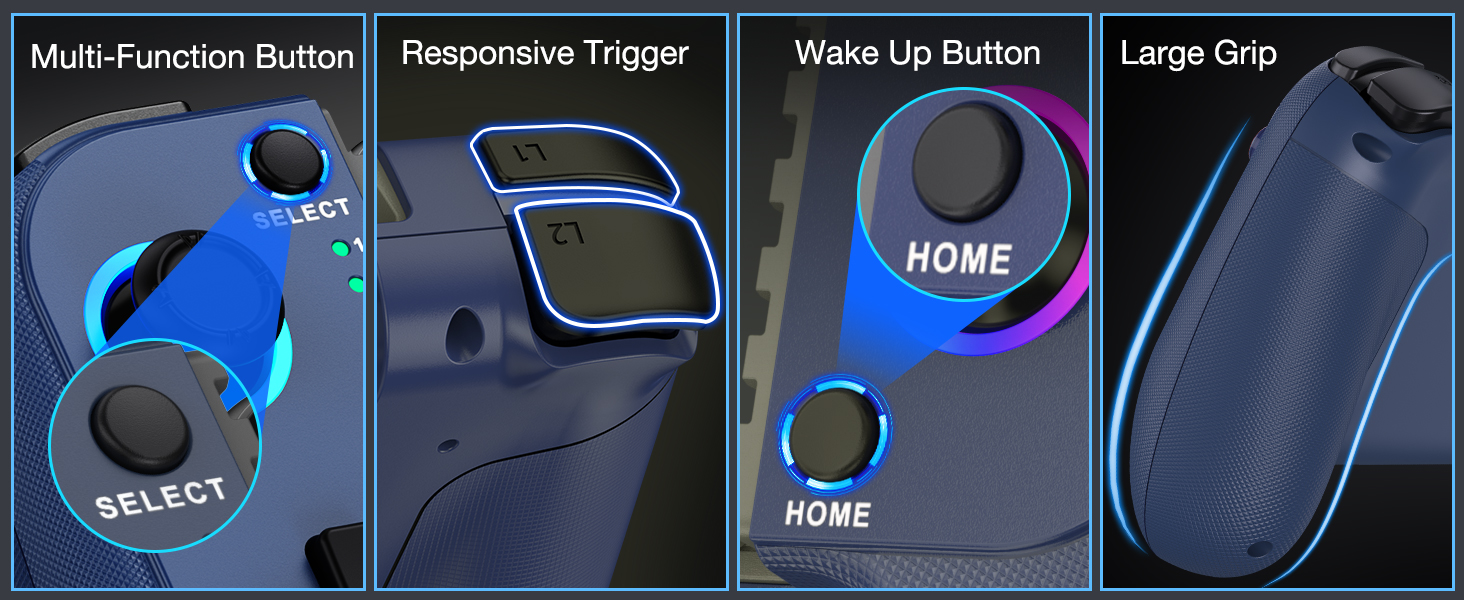
Image: A detailed diagram illustrating the Hall Effect joystick technology, emphasizing its precision, lack of drift, and extended durability compared to traditional joysticks.
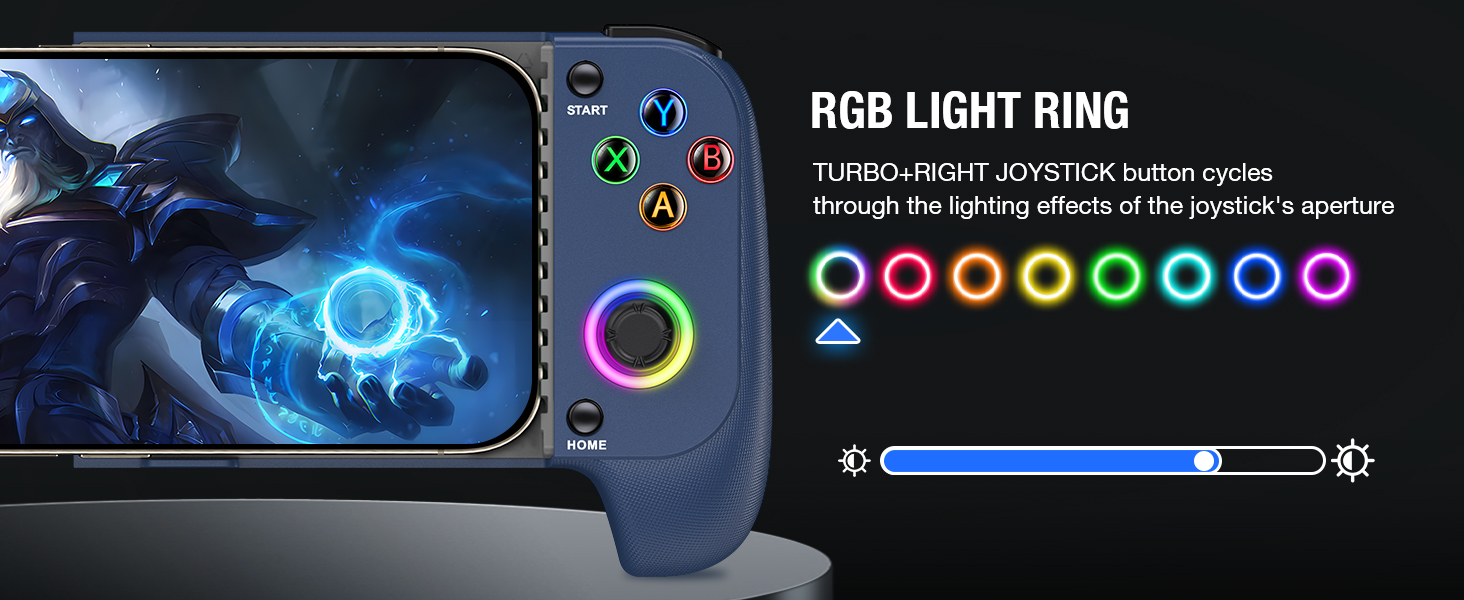
Image: A visual comparison highlighting the Mocagen controller's large, ergonomic grip designed for comfort during extended gaming sessions, contrasted with a smaller, less comfortable grip.
Setup Guide
1. Charging the Controller
Before initial use, ensure your controller is fully charged. Connect the provided USB charging cable to the controller's charging port and a suitable power source. The 600mAh battery typically charges completely within 2 hours, offering up to 15 hours of gameplay.

Image: The Mocagen controller displaying its battery indicator lights and the USB-C charging port, with text indicating 15 hours playing time and 2 hours charging time for its 600mAh capacity.
2. Attaching Your Smartphone
Gently stretch the controller's sides to fit your smartphone. The adjustable mechanism is designed to securely hold phones between 4 and 7 inches. It also provides sufficient clearance for most phone cases and avoids obstructing the phone's camera.

Image: The Mocagen controller with a smartphone securely inserted, demonstrating the adjustable design that provides sufficient space for phone cases and avoids obstructing the camera.
3. Bluetooth Connection
Follow these steps to connect your controller to your smartphone via Bluetooth:
- Ensure the controller is not connected to a charging cable.
- Press and hold the HOME button (or designated wake-up button) until the LED lights on the controller begin flashing. This indicates it is in pairing mode.
- On your smartphone, navigate to your Bluetooth settings.
- Search for available devices and select
Ask a question about this manual
Ask about setup, troubleshooting, compatibility, parts, safety, or missing instructions. Manuals+ will review the question and use this page’s manual context to help answer it.