
Introduction
This manual provides detailed instructions for the QISHENKOLA M22pro Retro Handheld Game Console. The M22pro features a 5-inch IPS full-viewing-angle screen, a 3000mAh lithium battery, and a 3D rocker with RGB lighting. It supports various emulators and offers seamless connectivity options including HD output, Wi-Fi, and external controllers.
What's in the Box
Verify that all items are present in the packaging:
- M22pro Handheld Game Console (1 unit)
- Packing Box (1 unit)
- Game Pad (1 unit)
- HD Cable (1 unit)
- Micro USB Charging Line (1 unit)
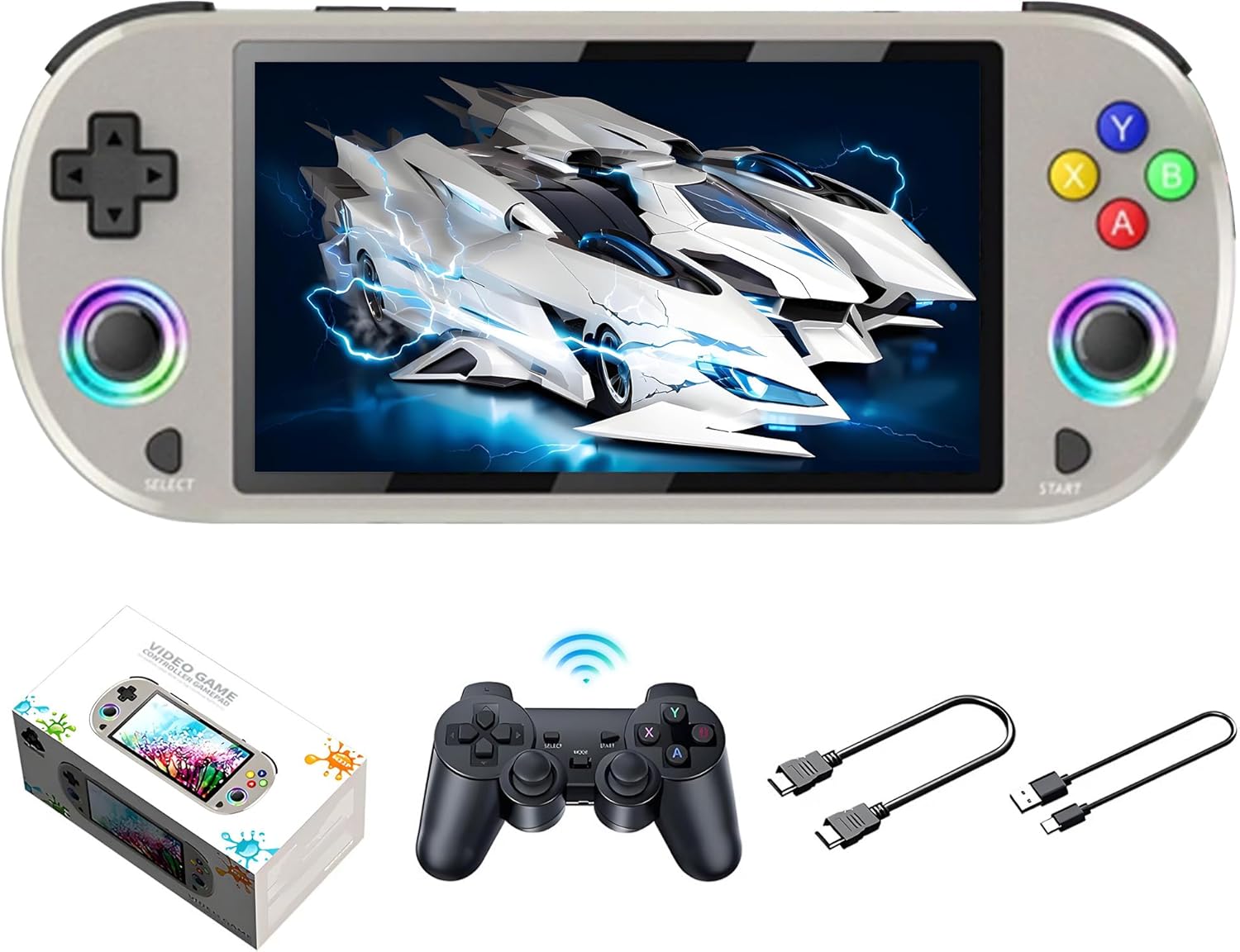
Image: The M22pro console, a wireless gamepad, an HD cable, and a charging cable, all included in the package.
Setup
1. Power On and Connectivity
Press and hold the power button to turn on the console. To connect to Wi-Fi for online pairing or streaming, navigate to the system settings and select the Wi-Fi option. Follow the on-screen prompts to connect to your desired network.
2. Controller Pairing
The console supports 2.4G wireless and wired controllers. For wireless controllers, follow the pairing instructions provided with your specific controller. For wired controllers, simply plug the controller into the appropriate USB port on the console.
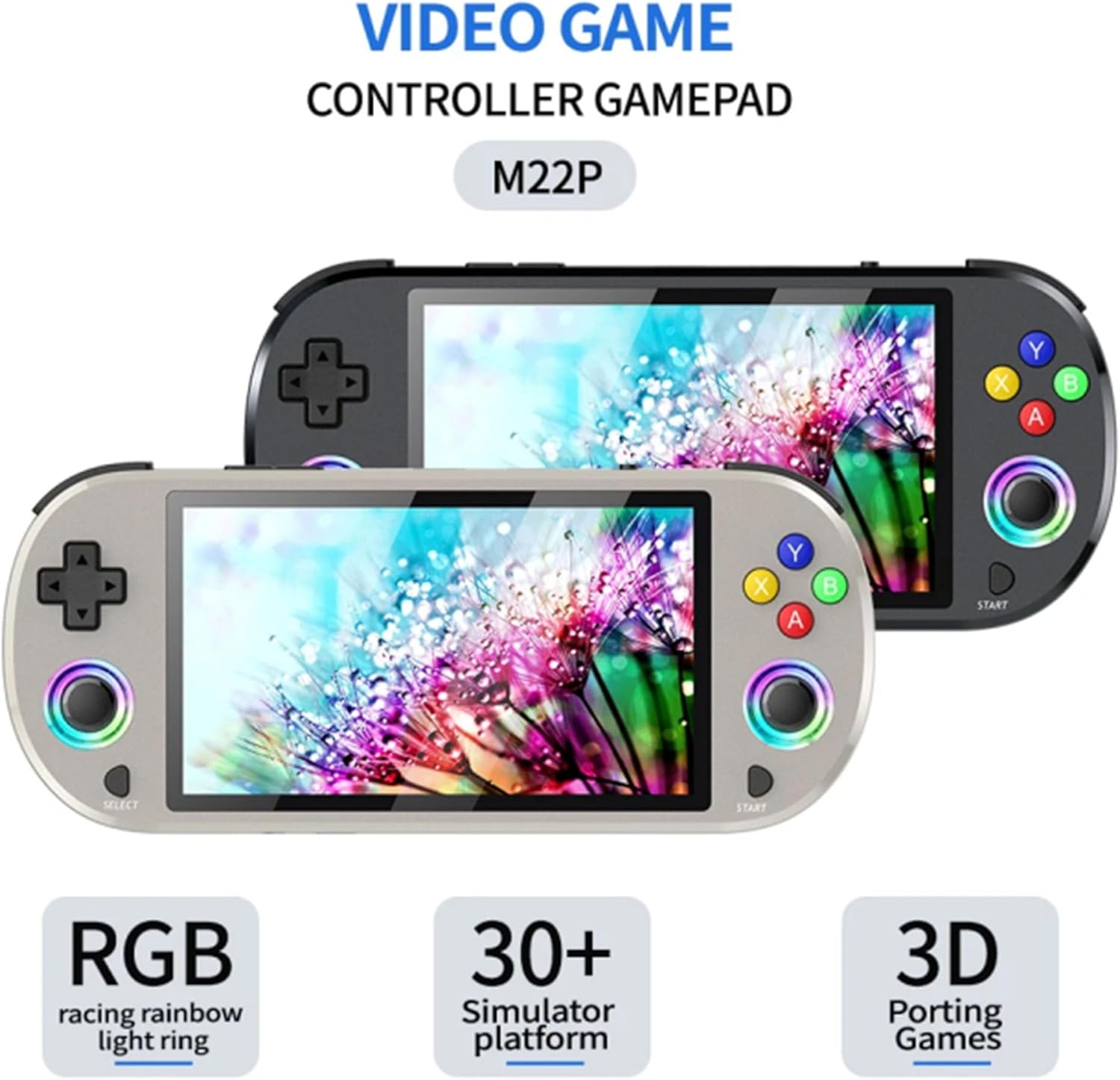
Image: The M22pro console displayed alongside an external gamepad, illustrating connectivity options.
3. HD Output
To connect the console to an external display (e.g., TV or monitor), use the provided HD cable. Plug one end into the console's HD output port and the other end into your display device's HDMI input. Select the correct input source on your display device.
Operating Instructions
1. Basic Gameplay
Utilize the 3D rocker and the various buttons on the console for game operations. The high-sensitivity rocker is designed for precise control, and its anti-skid surface helps maintain grip during gameplay.
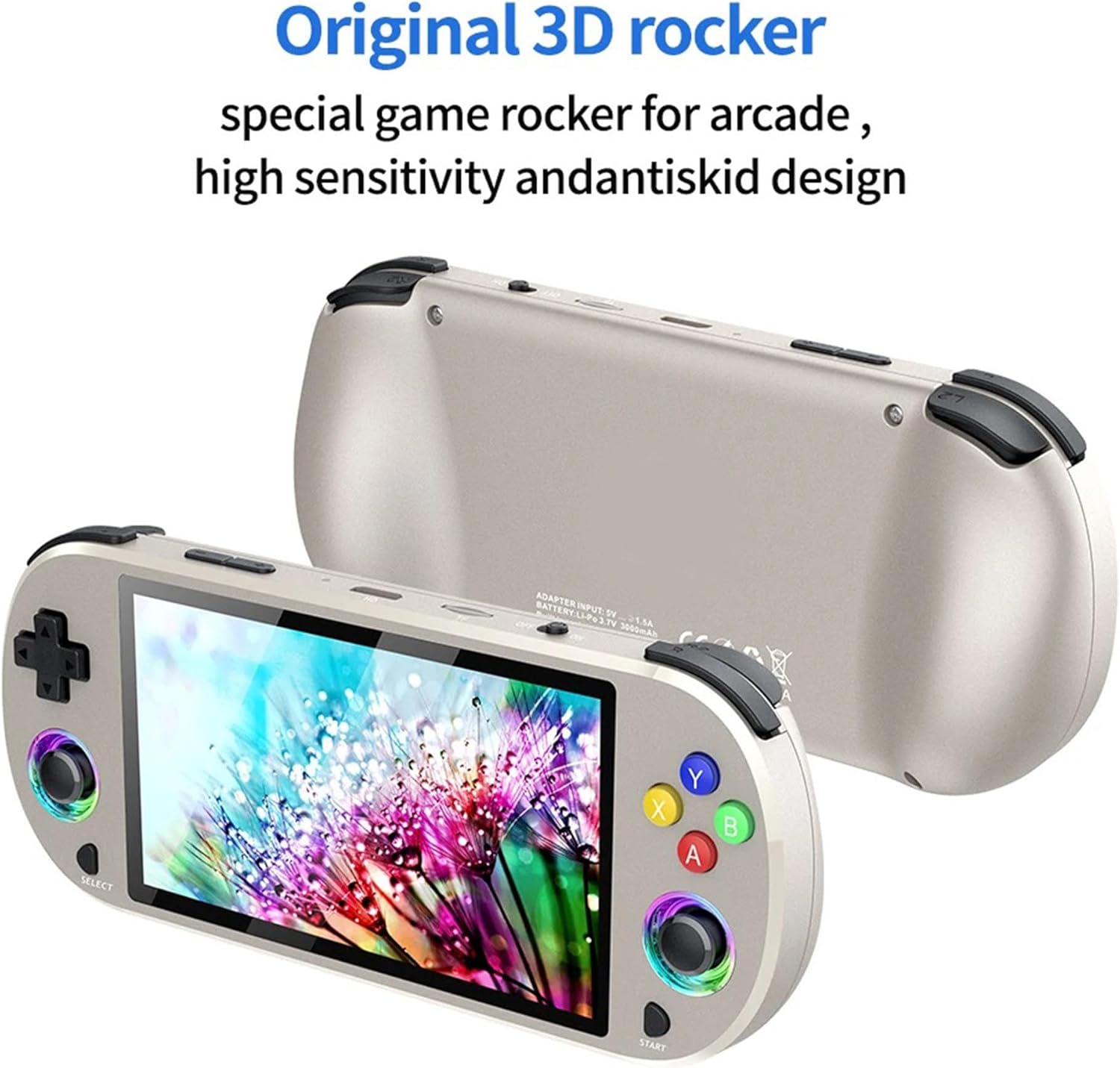
Image: A detailed view of the console's 3D rocker, highlighting its design for arcade games and high sensitivity.
2. RGB Lighting Control
The console features 16 million color RGB light rings around the joysticks. During gameplay, you can adjust the RGB lighting modes, colors, and brightness. The available modes include constant bright, breathing, rainbow, rainbow cycle, light pursuit, and game-specific modes. Refer to the console's system settings for detailed customization options.

Image: The M22pro console showcasing its 16 million color RGB light rings around the joysticks.
Charging
When the battery level is low, connect the provided Micro USB Charging Line to the console's charging port and a compatible power source. The console supports fast charging with a C2C charger (not included). While it is possible to use the console during charging, it is recommended to pause gaming for faster charging and to ensure optimal battery health.
The console is equipped with a 3000mAh lithium battery, providing approximately 6 hours of gameplay on a full charge.
Specifications

Image: A visual representation of the M22pro console with labels for its various buttons, ports, and key specifications.
| Feature | Detail |
|---|---|
| Screen Size | 5 Inches (IPS Full Viewing Angle, OCA full lamination) |
| Display Resolution | 640x480 |
| Display Type | LCD |
| Battery Capacity | 3000mAh Lithium Battery |
| Battery Life | Approximately 6 hours |
| Power Source | Battery Powered (supports C2C fast charging) |
| Memory Storage Capacity | 256 GB (for this variant) |
| Form Factor | Handheld |
| Material | Plastic |
| Product Dimensions | 5.75 x 0.63 x 2.76 inches |
| Connectivity | HD output, Wi-Fi, 2.4G wireless controller, wired controller |
| Joystick | Original 3D Rocker with 16 million color RGB lighting |
| Emulators Supported | 30+ Emulators |
Maintenance and Safety
To ensure the longevity and safe operation of your M22pro console, please observe the following guidelines:
- Temperature Exposure: Avoid exposing the console to extreme temperatures, direct sunlight, or high humidity for extended periods. This can negatively affect performance and lifespan.
- Charging: Always use the original Micro USB Charging Line or a high-quality, compatible USB Type-C cable for charging. This ensures safe and efficient power delivery.
- Cleaning: Keep the console clean by wiping it with a soft, dry cloth. Do not use harsh chemicals, abrasive cleaners, or solvents, as these can damage the screen or the console's body.
- Liquid Contact: Prevent any liquids from entering the console. Liquid damage is not covered under warranty.
- Disassembly: Do not attempt to disassemble or repair the console yourself. This can void the warranty and may cause further damage or injury.
Troubleshooting
If you encounter issues with your M22pro console, consider the following common solutions:
- Console Not Powering On:
- Ensure the battery is charged. Connect the console to a power source and allow it to charge for at least 30 minutes before attempting to power on again.
- Press and hold the power button for 5-10 seconds to perform a hard reset.
- Screen Issues (No Display/Flickering):
- Restart the console.
- If connected to an external display, ensure the HD cable is securely connected and the correct input source is selected on your TV/monitor.
- Controller Not Responding:
- For wireless controllers, ensure they are properly paired and have sufficient battery charge.
- For wired controllers, ensure they are securely plugged into the console's USB port.
- Try restarting the console and reconnecting the controller.
- Wi-Fi Connectivity Problems:
- Ensure your Wi-Fi router is working correctly and within range.
- Verify that you have entered the correct Wi-Fi password.
- Restart the console and attempt to reconnect to Wi-Fi.
If these steps do not resolve your issue, please contact customer support for further assistance.
Warranty and Support
QISHENKOLA is committed to providing satisfactory products and services.
- Warranty: The product includes a one-year return service. Refunds are available if you are not satisfied.
- Customer Support: We offer a lifetime worry-free warranty. If you have any questions or encounter issues, please contact our customer service. We aim to respond and resolve problems within 12 hours.
For support inquiries, please refer to the contact information provided with your purchase or on the official QISHENKOLA website.