1. Introduction
Thank you for choosing Savvies screen protectors for your Marsyu MT500 1.97" smartwatch. This package contains 18 pieces of clear protective film designed to safeguard your device's display from daily wear and tear. Our screen protectors are engineered for high transparency, maintaining original screen clarity and touch sensitivity, while offering reliable scratch protection.
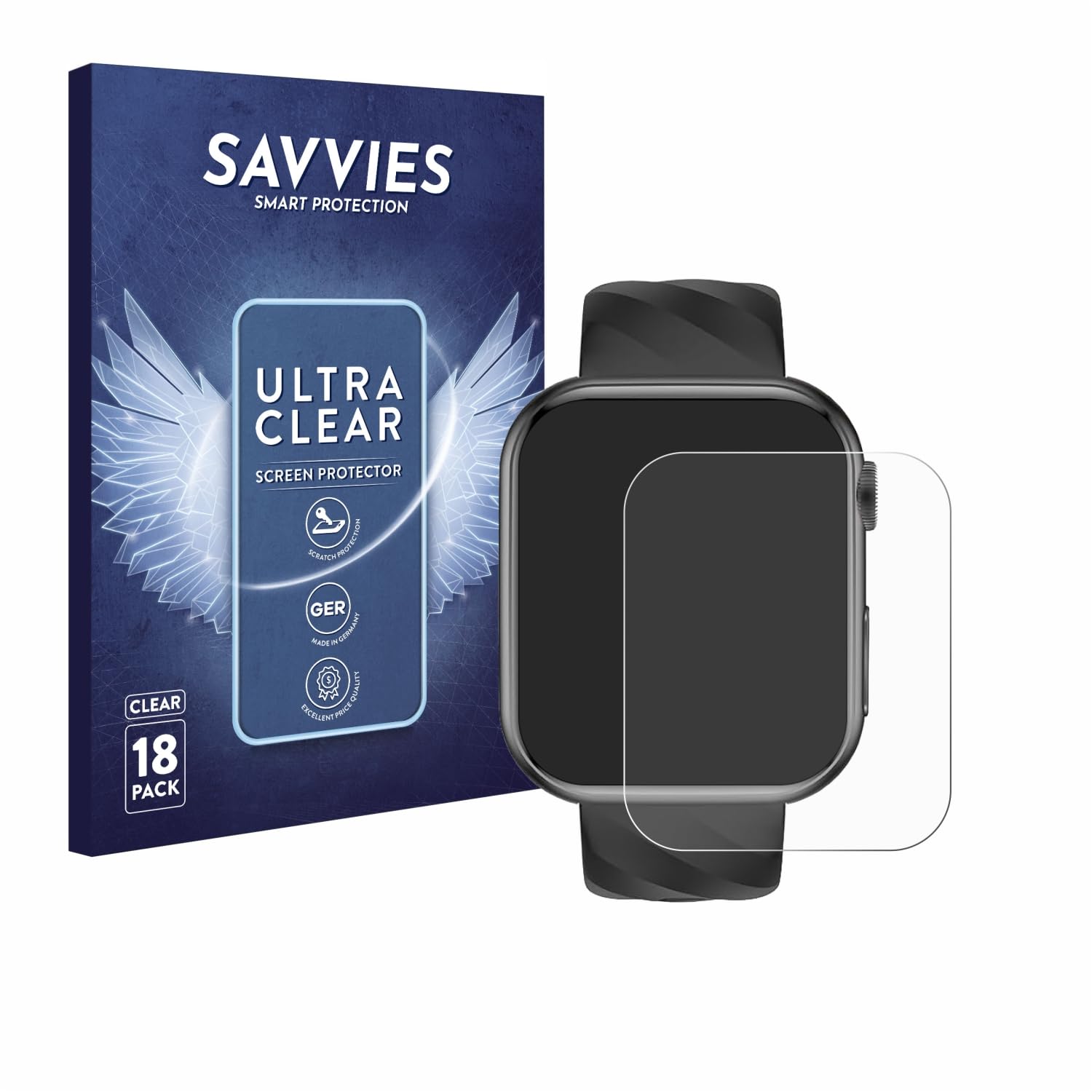
Image: Savvies screen protectors applied to a Marsyu MT500 smartwatch, demonstrating the precise fit.

Image: Visual representation of key features including scratch protection, German manufacturing, quality, ease of installation, high transparency, and touch compatibility.
Note: The screen protector is intentionally designed to be slightly smaller than the display. This accounts for the curved edges of the screen, ensuring optimal adhesion and preventing lifting.
2. Setup and Installation
Follow these steps for a simple and bubble-free installation of your Savvies screen protector:
- Step 1: Prepare the Display. Before application, ensure the display is perfectly clean and free of dust, dirt, or fingerprints. Use a microfiber cloth to wipe the screen thoroughly.
- Step 2: Remove Half of the Cover Film. Carefully peel back approximately half of the thin cover film from the screen protector. Align the exposed adhesive side precisely with the display, ensuring correct positioning relative to cameras and sensors.
- Step 3: Apply and Smooth. Once aligned, slowly press the exposed part of the protector onto the screen. Use a credit card or a similar flat object, wrapped in a soft cloth, to gently push out any air bubbles while simultaneously peeling off the remaining cover film. Work from the center outwards.
- Step 4: Final Smoothing. Brush out any remaining small air bubbles with your finger or a soft cloth. Minor bubbles typically disappear by themselves within 2-3 days.

Image: Detailed visual guide for screen protector installation, illustrating each step from cleaning to final smoothing.
3. Operating Features
The Savvies screen protector is designed to integrate seamlessly with your Marsyu MT500 1.97" smartwatch, preserving its intended functionality:
- High Transparency: The crystal-clear surface ensures that the display's brightness and color authenticity are unaffected, providing an uncompromised viewing experience.
- Touch Compatibility: The film does not interfere with the touch functions or the original tactile sensitivity of your device, allowing for smooth and responsive interaction.
- Scratch Protection: It provides a reliable daily defense against dirt, abrasions, and light scratches, keeping your screen pristine.
4. Maintenance
To maintain the clarity and effectiveness of your screen protector, follow these simple cleaning guidelines:
- Gently wipe the screen protector with a soft, lint-free cloth.
- For stubborn smudges, slightly dampen the cloth with water or a screen-safe cleaning solution. Avoid harsh chemicals.
- Do not apply excessive pressure when cleaning, as this could potentially dislodge the protector or damage the screen underneath.
5. Troubleshooting
If you encounter any issues during or after installation, consider the following:
- Bubbles: Small air bubbles are common immediately after installation. As mentioned in the installation steps, most minor bubbles will dissipate naturally within 2-3 days as the adhesive fully cures. For larger bubbles, try gently pushing them towards the edge with a soft cloth or credit card.
- Dust Particles: If dust particles are trapped under the protector, they can cause permanent bubbles. This usually requires removing the protector, cleaning the screen thoroughly again, and applying a new protector from the pack.
- Lifting Edges: Ensure the screen is perfectly clean before application. The protector is designed to be slightly smaller than the display to prevent lifting on curved edges. If edges lift, it might be due to improper alignment or dust.
6. Specifications
| Brand | savvies |
| Compatible Devices | Marsyu MT500 1.97" |
| Material | PET (Polyethylene terephthalate) |
| Item Hardness | 1H |
| Special Features | Easy installation, Made in Germany, Invisible scratch protection, Custom fit |
| Surface Description | Glossy |
| Water Resistance Level | Water Repellent |
| Unit Count | 18.0 Count |
7. Warranty and Support
Savvies products are manufactured in Germany with a focus on quality and precision. While specific warranty details are not provided, our commitment to high standards ensures a reliable product. For any questions, concerns, or support regarding your Savvies screen protectors, please refer to the retailer's customer service or visit the official Savvies brand store for assistance.
We are dedicated to providing smart protection solutions and value your satisfaction.