
Yulatik Heated Socks
Yulatik 5000mAh Rechargeable Heated Socks with App Control User Manual
Model: Heated Socks
Introduction
Thank you for choosing Yulatik Heated Socks. These rechargeable thermal socks are designed to provide warmth and comfort for your feet, especially during outdoor activities or in cold environments. Featuring 5000mAh batteries and intelligent app control, you can easily adjust the temperature to your preference. Please read this manual thoroughly before use to ensure proper operation and maintenance.
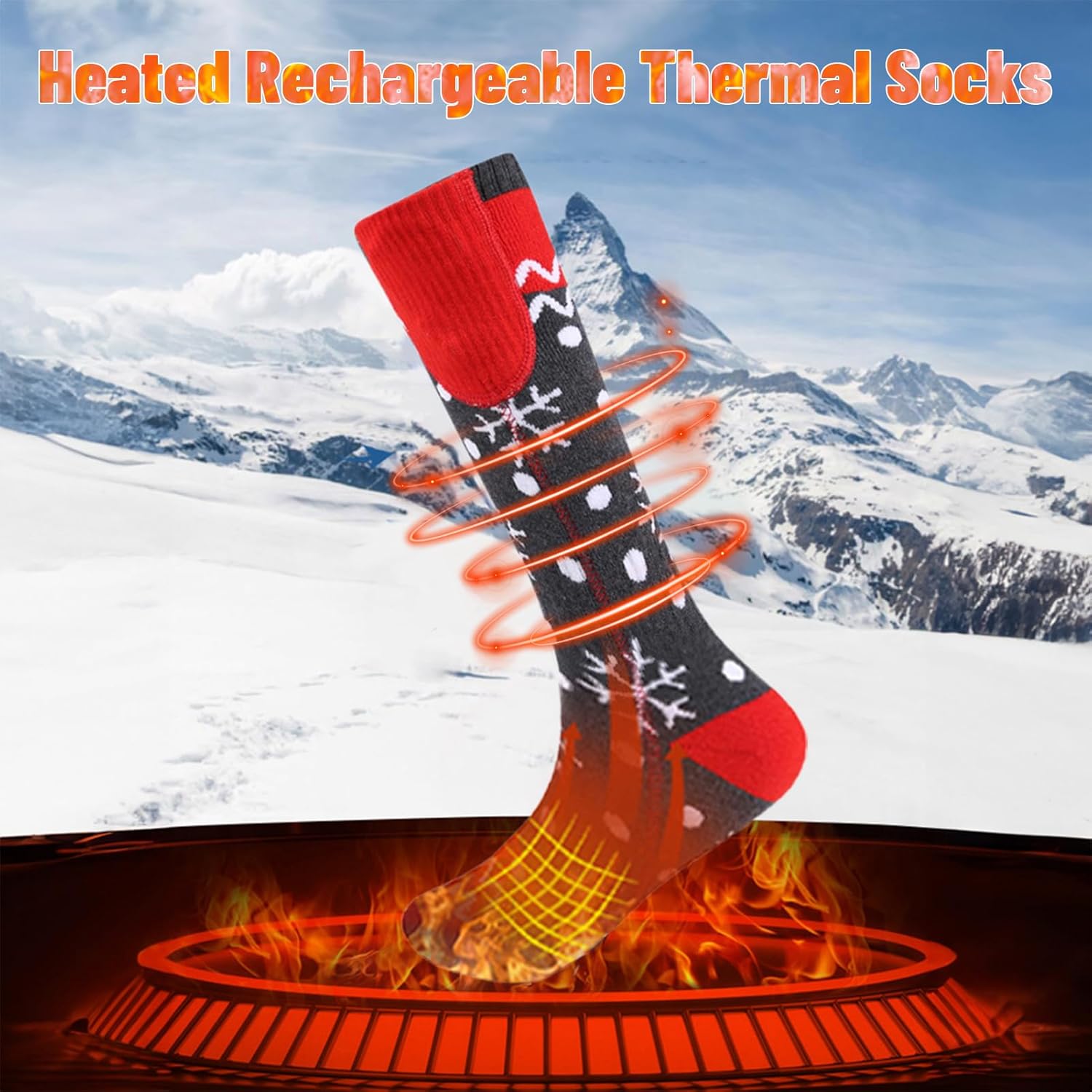
Image: Yulatik Heated Socks providing warmth in a cold, snowy landscape.
Safety Information
- Do not use if you have a pacemaker, are pregnant, or have circulatory problems without consulting a doctor.
- Keep batteries away from water and extreme temperatures.
- Do not puncture, disassemble, or modify the batteries or heating elements.
- Ensure socks are completely dry before connecting batteries.
- Discontinue use immediately if you experience discomfort, burning sensation, or skin irritation.
- Not suitable for children without adult supervision.
- Use only the provided charging cable and batteries.
Package Contents
Please check the box for the following items:
- 1 Pair x Yulatik Heating Socks
- 2 x 5V 5000mAh Li-Polymer Rechargeable Batteries
- 1 x 1-to-2 Type-C Charging Cable
- 1 x User Manual (this document)
- 1 x Packing Box
Setup
1. Charging the Batteries
- Connect the 1-to-2 Type-C charging cable to a 5V 2A USB power adapter (not included).
- Connect the two Type-C ends of the cable to the charging ports on both Li-Polymer batteries.
- The battery indicator lights will illuminate during charging. A full charge typically takes about 5 hours.
- Once fully charged, disconnect the batteries from the charging cable.

Image: Battery pack with charge indicator lights, demonstrating power connection.
2. Inserting Batteries into Socks
- Locate the battery pocket on the upper cuff of each sock.
- Carefully insert one charged battery into each sock pocket.
- Connect the power cable from the sock to the battery. Ensure a secure connection.
3. App Download and Pairing (Optional)
For intelligent control, download the "Aiwei" app:
- Scan the QR code provided in the product packaging or search for "Aiwei" in the Apple App Store (for iOS) or Google Play Store (for Android).
- Install the app on your smartphone.
- Ensure Bluetooth is enabled on your phone.
- Open the Aiwei app and follow the on-screen instructions to pair your heated socks.
- Once paired, you can control the temperature settings directly from your smartphone.

Image: Heated socks shown alongside a smartphone interface for app control.
Operating Instructions
1. Power On/Off
- To Power On: Press and hold the power button on the battery pack for 3-5 seconds until the indicator light illuminates. The socks will typically start at the highest heat setting.
- To Power Off: Press and hold the power button on the battery pack for 3-5 seconds until the indicator light turns off.
2. Adjusting Temperature Settings
The Yulatik Heated Socks offer three temperature settings:
- High: Approximately 50°C / 122°F (Indicated by three lights on the battery pack).
- Medium: Approximately 45°C / 113°F (Indicated by two lights on the battery pack).
- Low: Approximately 40°C / 104°F (Indicated by one light on the battery pack).
Manual Control (via Battery Pack)
- Once powered on, short press the power button on the battery pack to cycle through the temperature settings (High → Medium → Low → High).
- Observe the indicator lights on the battery pack to confirm the selected heat level.
App Control (via Aiwei App)
- Open the Aiwei app on your paired smartphone.
- Use the app interface to select your desired temperature setting. The app provides precise control and real-time status.

Image: Visual guide to temperature settings via battery lights and app control.
Maintenance
1. Cleaning Instructions
- Always remove batteries before washing the socks.
- Hand wash is recommended for longevity. Use mild detergent and cold water.
- If machine washing, place socks in a laundry bag and use a gentle cycle with cold water.
- Do not bleach, iron, or dry clean.
- Air dry thoroughly before reinserting batteries and using. Do not tumble dry.
2. Battery Care and Storage
- Charge batteries fully before first use and after each use.
- If storing for an extended period, charge batteries to about 50-70% capacity every 3-6 months to maintain battery health.
- Store batteries in a cool, dry place away from direct sunlight and extreme temperatures.
- Do not store batteries connected to the socks.
Troubleshooting
| Problem | Possible Cause | Solution |
|---|---|---|
| Socks not heating. | Battery not charged, not connected, or faulty. | Ensure batteries are fully charged and securely connected. Check battery indicator lights. |
| App not connecting to socks. | Bluetooth off, socks not powered on, or app issue. | Ensure Bluetooth is enabled on your phone. Power on socks. Restart app and try pairing again. |
| Socks feel too hot/cold. | Incorrect temperature setting. | Adjust temperature using the battery button or the Aiwei app to your desired comfort level. |
| Short heating time. | Battery not fully charged, or high heat setting used continuously. | Ensure batteries are fully charged. Lower heat settings extend battery life. |
Specifications
| Feature | Detail |
|---|---|
| Product Material | Imitation Cashmere |
| Size | One size fits 6-10.5 US (Unisex) |
| Battery Type | 2 x 5V 5000mAh Li-Polymer Rechargeable Batteries |
| Input | Type-C 5V 2A |
| Output | DC 5V 2A |
| Output Power | Max. 10W |
| Heating Time | Approx. 3-5 hours (depending on heat setting) |
| Charging Time | Approx. 5 hours |
| Temperature Settings | Low: 40°C/104°F, Medium: 45°C/113°F, High: 50°C/122°F |
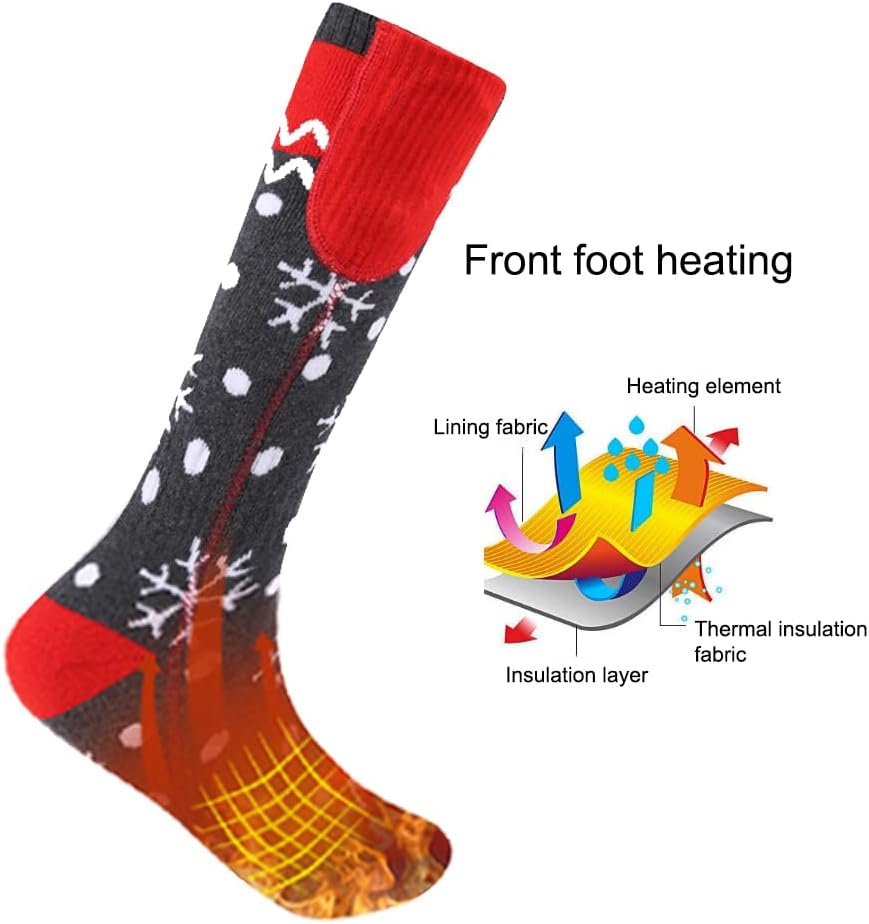
Image: Cross-section diagram of the sock's heating technology.
Warranty and Support
Warranty: This Yulatik product comes with a 1-Year Manufacturer Warranty from the date of purchase. This warranty covers defects in materials and workmanship under normal use.
What is not covered: This warranty does not cover damage caused by misuse, accident, unauthorized modification, improper maintenance, or normal wear and tear.
Customer Support: For warranty claims, technical assistance, or any questions regarding your Yulatik Heated Socks, please contact our customer support team. Refer to the contact information provided on the product packaging or the official Yulatik website.
Ask a question about this manual
Ask about setup, troubleshooting, compatibility, parts, safety, or missing instructions. Manuals+ will review the question and use this page’s manual context to help answer it.