
Introduction
The Purse Pets Unicorn is an interactive handbag designed for children aged 5 and up. This product combines the functionality of a handbag with interactive features, including eye movements, sounds, and reactions. It is designed to be a companion that responds to touch and movement.
This manual provides essential information for setting up, operating, maintaining, and troubleshooting your Purse Pets Unicorn.
Setup
Battery Installation
The Purse Pets Unicorn requires 3 LR03 (AAA) batteries, which are included with the product. Follow these steps to install or replace the batteries:
- Locate the battery compartment on the back or bottom of the handbag.
- Using a Phillips head screwdriver, unscrew the battery compartment cover.
- Insert 3 new LR03 (AAA) batteries, ensuring correct polarity (+/-) as indicated inside the compartment.
- Replace the cover and secure it with the screw.

Image: Product packaging indicating the need for 3 AAA batteries.
Power On/Off
To turn on the Purse Pets Unicorn, locate the power switch, usually near the battery compartment or on the side of the interactive unit. Slide the switch to the 'ON' position. To turn off the product, slide the switch to the 'OFF' position.
Operating Modes
The Purse Pets Unicorn features over 25 sounds and reactions across three distinct play modes:
- Interactions Mode: The handbag responds to touch. It blinks its eyes, makes soft eye movements, and purrs when touched.
- Questions Mode: The handbag can respond to questions. It blinks its eyes and makes amusing sounds as a response.
- Songs Mode: When carried or moved, the handbag will begin to sing. This mode utilizes an integrated motion sensor.

Image: A child gently touching the cheek of the Purse Pets Unicorn, demonstrating interaction.

Image: The Purse Pets Unicorn with its large, expressive eyes open, featuring heart-shaped pupils.
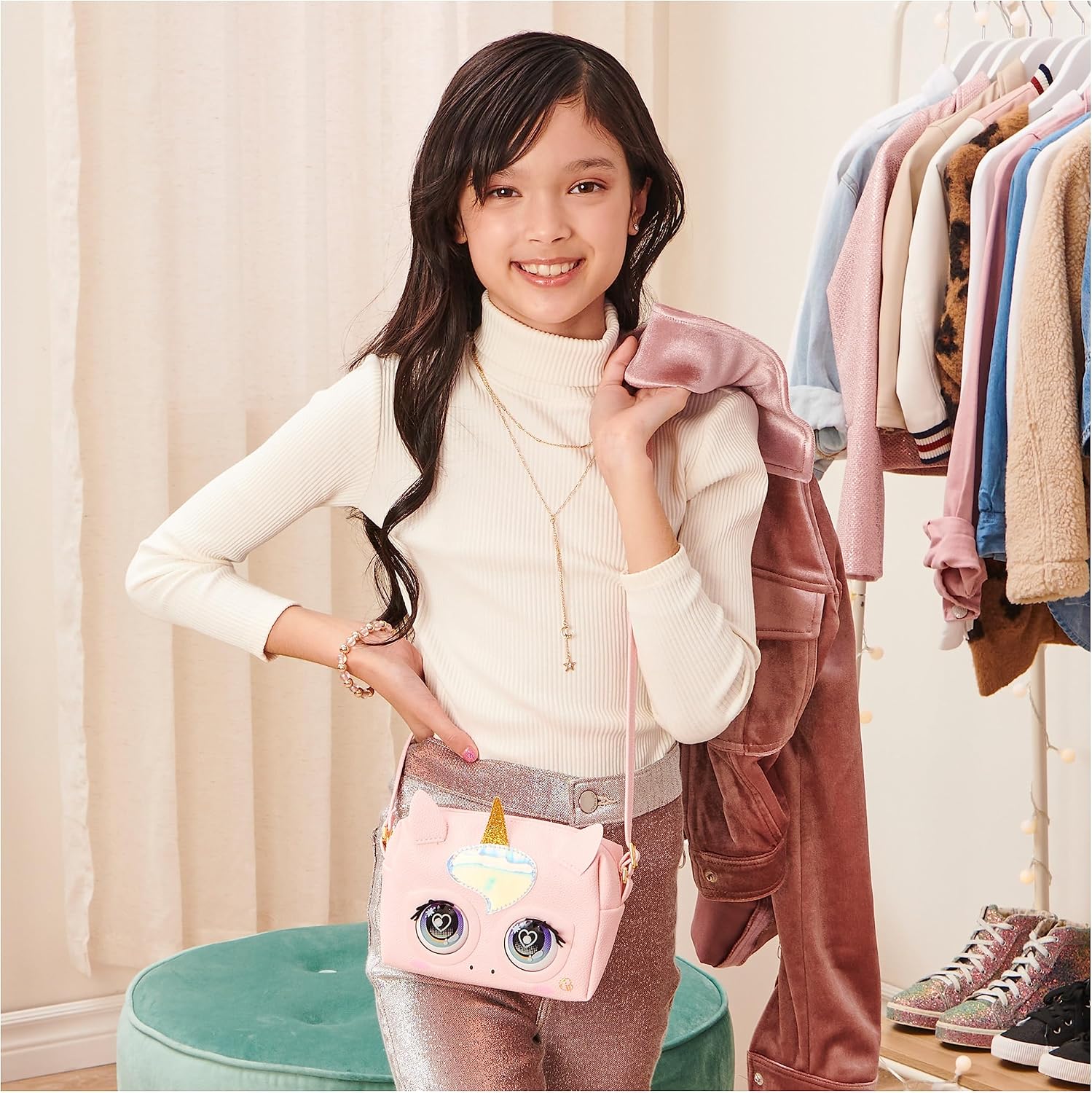
Image: The Purse Pets Unicorn with its eyes closed, highlighting its long, stylized eyelashes.
Maintenance
Cleaning Instructions
To clean your Purse Pets Unicorn, use a damp cloth. Gently wipe the surface to remove dust or dirt. Avoid using harsh chemicals or abrasive cleaners.
Care Tips
- Avoid exposing the product to excessive heat sources.
- Keep the product away from sharp objects to prevent damage to the faux leather material.
- Do not expose the product to prolonged direct sunlight, as this may affect the material and colors.
- When not in use for extended periods, remove the batteries to prevent leakage.
Troubleshooting
Product Not Responding
- Check Batteries: Ensure the batteries are correctly installed and not depleted. Replace with fresh batteries if necessary.
- Power Switch: Verify that the power switch is in the 'ON' position.
- Reset: If the product becomes unresponsive, turn the power switch 'OFF' and then 'ON' again to perform a soft reset.
Sounds or Movements are Intermittent
- Battery Level: Low battery power can cause inconsistent performance. Replace batteries.
- Obstructions: Ensure there are no obstructions around the eyes or sensors that might interfere with movement or detection.
Specifications
| Model Name | Purse Pets Unicorn |
| Model Number | 6062241-6064255 |
| Brand | Purse Pets |
| Manufacturer | Spin Master |
| UPC | 778988375402 |
| Dimensions (Item) | 20.7 x 7.3 x 20.3 cm (8.15 x 2.87 x 7.99 inches) |
| Size (Bag) | Approximately 15 cm long x 10 cm high (5.9 x 3.9 inches) |
| Material Type (Outer) | Synthetic Leather (Faux Leather) |
| Material Type (Inner) | Plastic |
| Power Source | 3 x LR03 (AAA) batteries (included) |
| Age Range | 5-12 years |
| Included Components | 1 Interactive Purse Pets Unicorn handbag with adjustable strap, batteries, 1 instruction manual |

Image: The Purse Pets Unicorn handbag shown with its full adjustable shoulder strap.
Warranty
According to manufacturer specifications, this product is sold without an explicit manufacturer's warranty. Please refer to your retailer's return policy for details on returns or exchanges.
Support
For further assistance, questions, or concerns regarding your Purse Pets Unicorn, please contact the retailer where the product was purchased or refer to the official Purse Pets website for potential support resources.
