
1. Introduction
The REV Digital Timer offers flexible and secure control over your electrical appliances and lighting. This device allows you to program custom schedules or use predefined time windows to automate your home, enhancing convenience and security. Its integrated battery ensures reliable operation even during power outages.
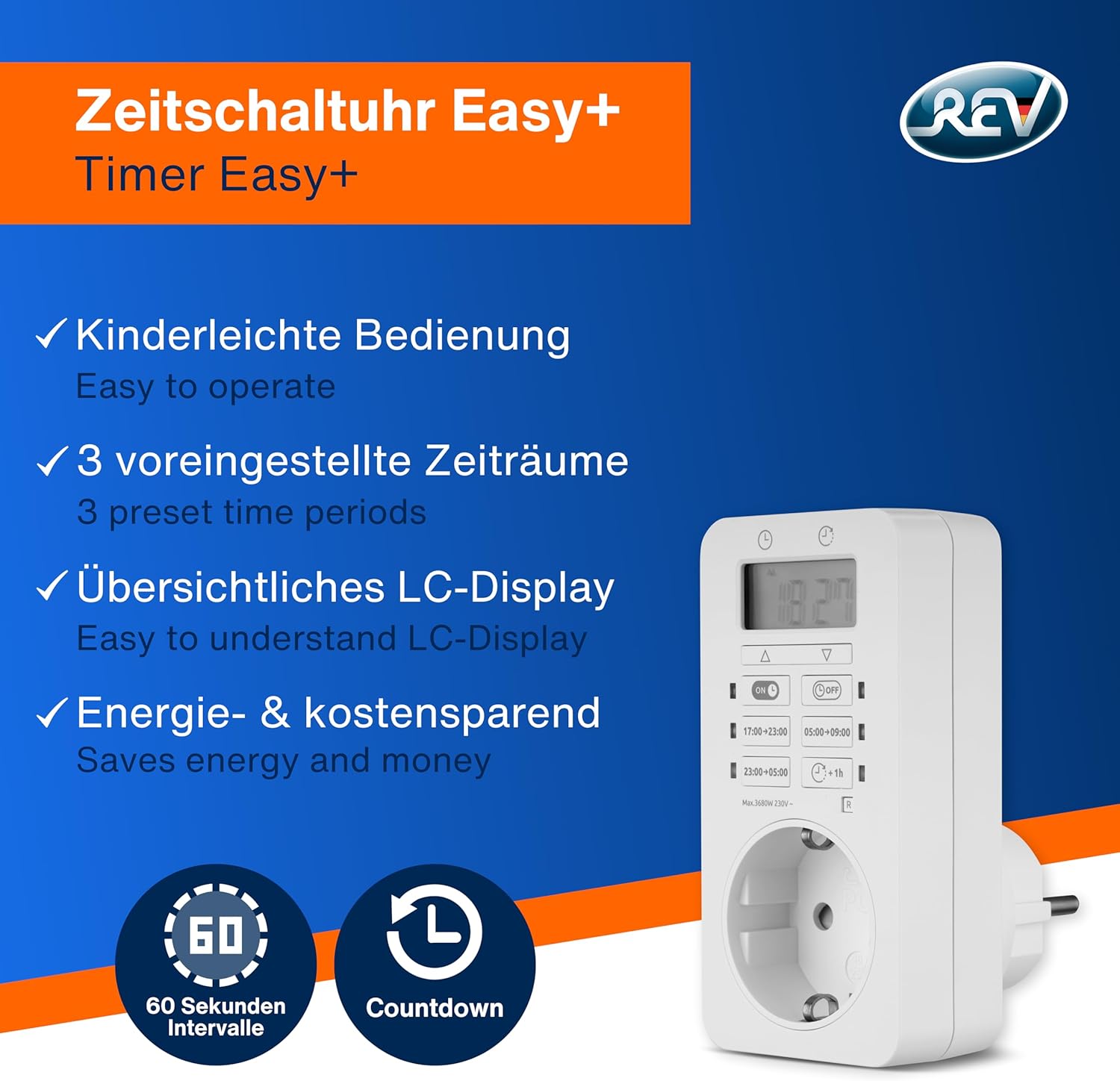
The REV Digital Timer is designed for easy operation, features a clear LC-Display, and includes three preset time periods to help save energy and money.
2. Safety Information
- Indoor Use Only: This device has an IP20 rating, meaning it is protected against solid objects larger than 12.5mm but has no protection against water. Use only in dry indoor environments.
- Increased Touch Protection: The timer is designed with increased touch protection for user safety.
- Electrical Rating: Do not exceed the maximum load of 3680 W (16 A). Overloading can cause damage to the device and pose a fire hazard.
- Voltage: Operate only with a 230 V~, 50 Hz power supply.
- Cleaning: Disconnect from power before cleaning. Use a dry, soft cloth. Do not use liquid cleaners.
3. Product Overview
The REV Digital Timer features a clear LCD display and intuitive buttons for programming. It plugs directly into a standard wall outlet, providing a controlled power source for your connected devices.
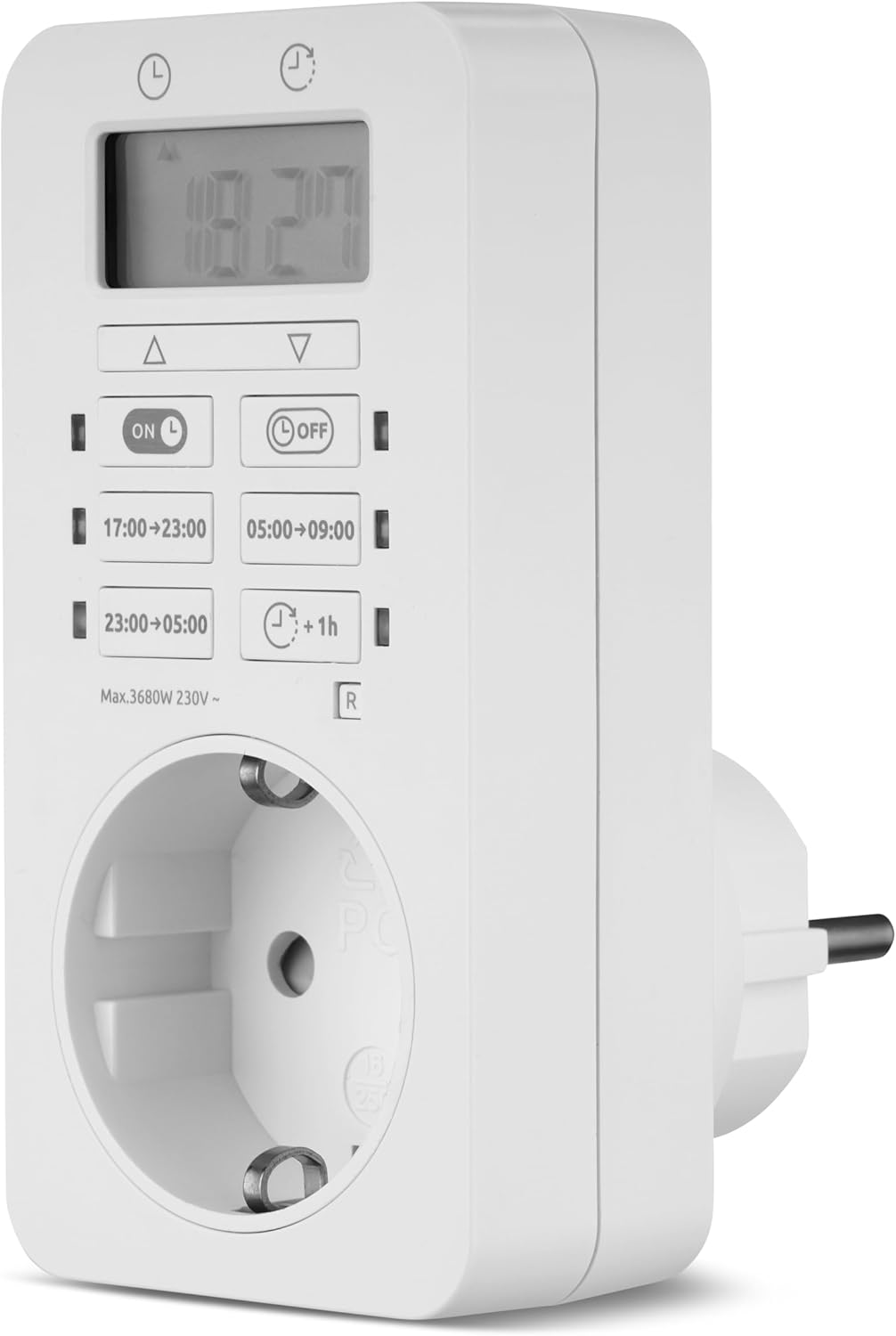
The main unit of the REV Digital Timer, illustrating its display and controls.
4. Setup
- Initial Charge: Before first use, plug the timer into a live wall outlet for approximately 30 minutes to charge the internal Ni-MH battery. This ensures the timer retains settings during power outages.
- Set Current Time: Use the ▲ (Up) and ▼ (Down) buttons to set the current hour and minute on the LCD display. Confirm with the appropriate button (refer to the device's specific button layout for 'Set' or 'OK' if available, otherwise, it usually auto-confirms after a few seconds).
- Plug in Device: Once the timer is set up, plug the appliance you wish to control into the timer's outlet.
5. Operating Instructions
The REV Digital Timer offers various programming options for flexible control.

Key functions for operating the REV Digital Timer.
5.1. Programming Schedules
- Predefined Time Windows: The timer includes three preset schedules for convenience:
- 17:00 - 23:00 (5 PM - 11 PM)
- 23:00 - 05:00 (11 PM - 5 AM)
- 05:00 - 09:00 (5 AM - 9 AM)
- Custom Programs: Create your own ON/OFF schedules with a minimum switching interval of one minute. Refer to the device's specific programming buttons (e.g., 'PROG', 'SET') to enter programming mode and define your desired times. Multiple programs can be combined.
5.2. Activating/Deactivating Programs
Use the 'ON L' or 'OFF' buttons to manually switch the connected device on or off, overriding any active program. To activate a programmed schedule, ensure the timer is in 'AUTO' or 'PROGRAM' mode (button labels may vary).
5.3. Countdown Function
The timer features a countdown function, typically activated by a '+1h' or similar button. This allows you to set a temporary ON or OFF period for a specific duration.
5.4. Reset to Factory Settings
To clear all programmed settings and return the timer to its default state, locate the 'R' (Reset) button, usually a small recessed button. Use a pointed object (like a pen tip) to press it. This will erase all custom programs and reset the clock.
5.5. Applications
The REV Digital Timer is versatile and can be used for various applications:
- Interval Lighting: Automate indoor lighting for energy saving or ambiance.
- Aquarium & Terrarium: Control lighting or heating elements for pets.
- Christmas Lighting: Schedule festive lights to turn on and off automatically.
- Burglary Deterrent: Simulate presence by programming lights to turn on and off at various times, even when you are away.

Examples of how the REV Digital Timer can be used in various settings.

The timer contributes to increased safety and security around the clock.
6. Maintenance
- Cleaning: Ensure the timer is unplugged before cleaning. Wipe the surface with a dry, soft cloth. Do not use abrasive cleaners or immerse the device in water.
- Battery: The integrated Ni-MH battery provides a power reserve of up to 1000 hours, maintaining your settings during short power interruptions. No user maintenance is required for the battery. If the timer consistently loses time or settings after being unplugged, the battery may need professional service.
7. Troubleshooting
- Timer not turning ON/OFF:
- Check if the timer is properly plugged into a live outlet.
- Ensure the connected appliance is correctly plugged into the timer and is switched on.
- Verify that the timer is in 'AUTO' or 'PROGRAM' mode, not 'ON L' (manual ON) or 'OFF' (manual OFF).
- Review your programmed schedules to ensure they are set correctly.
- Display is blank or dim:
- Plug the timer into a live outlet for at least 30 minutes to charge the internal battery.
- If the issue persists, the internal battery may be depleted or faulty.
- Timer loses settings:
- Ensure the internal battery has been sufficiently charged.
- If settings are lost frequently, the internal battery may require replacement.
- Resetting the timer: If the timer becomes unresponsive or behaves unexpectedly, perform a factory reset using the 'R' button. Note that this will erase all programmed settings.
8. Specifications
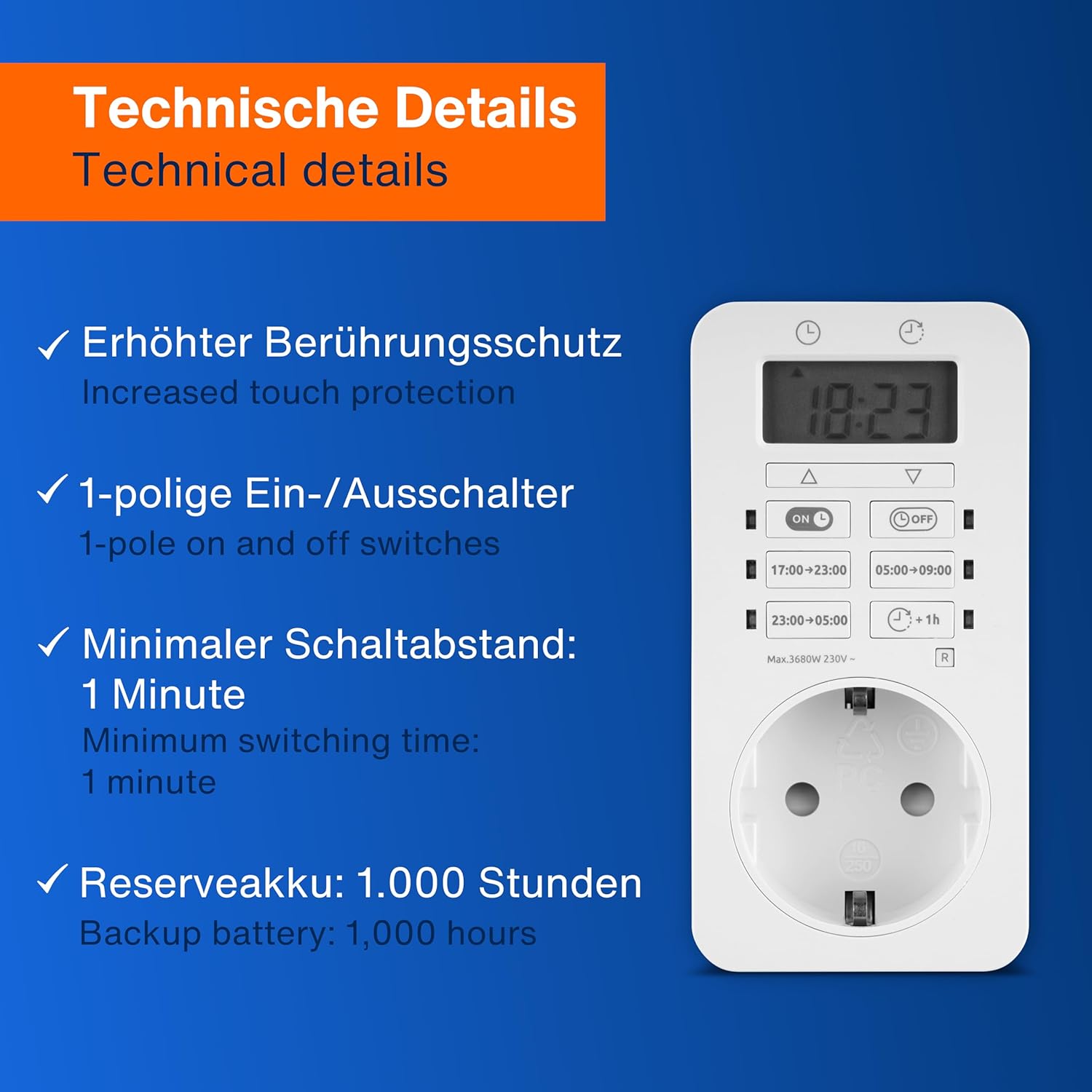
Key technical details of the REV Digital Timer.
| Feature | Detail |
|---|---|
| Brand | REV |
| Model Number | 0025030113 |
| Color | White |
| Material | Plastic |
| Product Dimensions (L x W x H) | 7.7 x 5.4 x 10.6 cm |
| Weight | 120 g |
| Max Load | 3680 W (16 A) |
| Self-consumption | 1.4 W |
| Operating Voltage | 230 V~, 50 Hz |
| Battery | Ni-MH 1.2 V, 80 mAh (1000 hours power reserve) |
| IP Rating | IP20 (Indoor use only) |
| Minimum Switching Interval | 1 minute |
| Switch Type | 1-pole on and off switches |
| Number of Settings | 5 |
| Country of Origin | China |
| Manufacturer | REV Ritter GmbH |
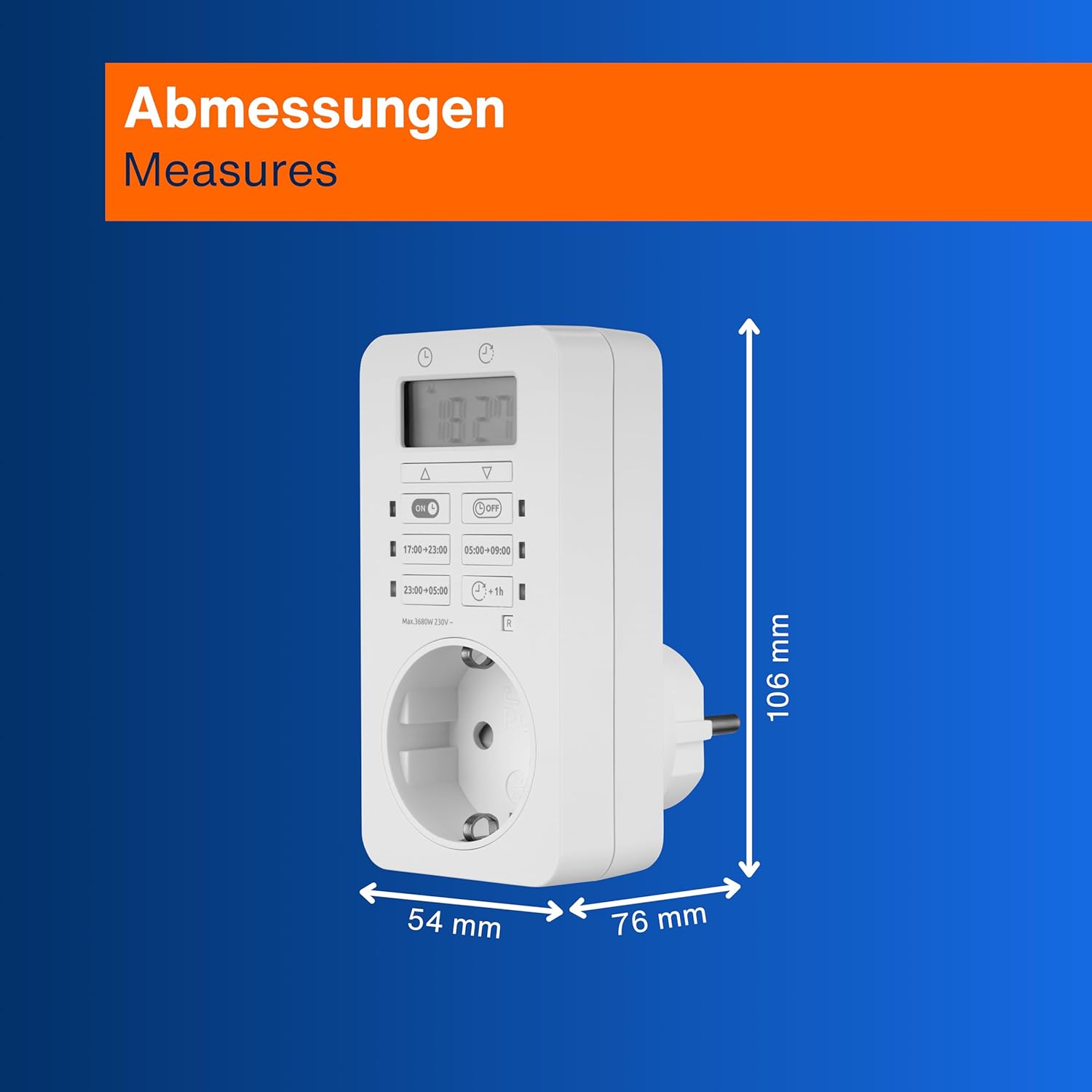
Physical dimensions of the timer.
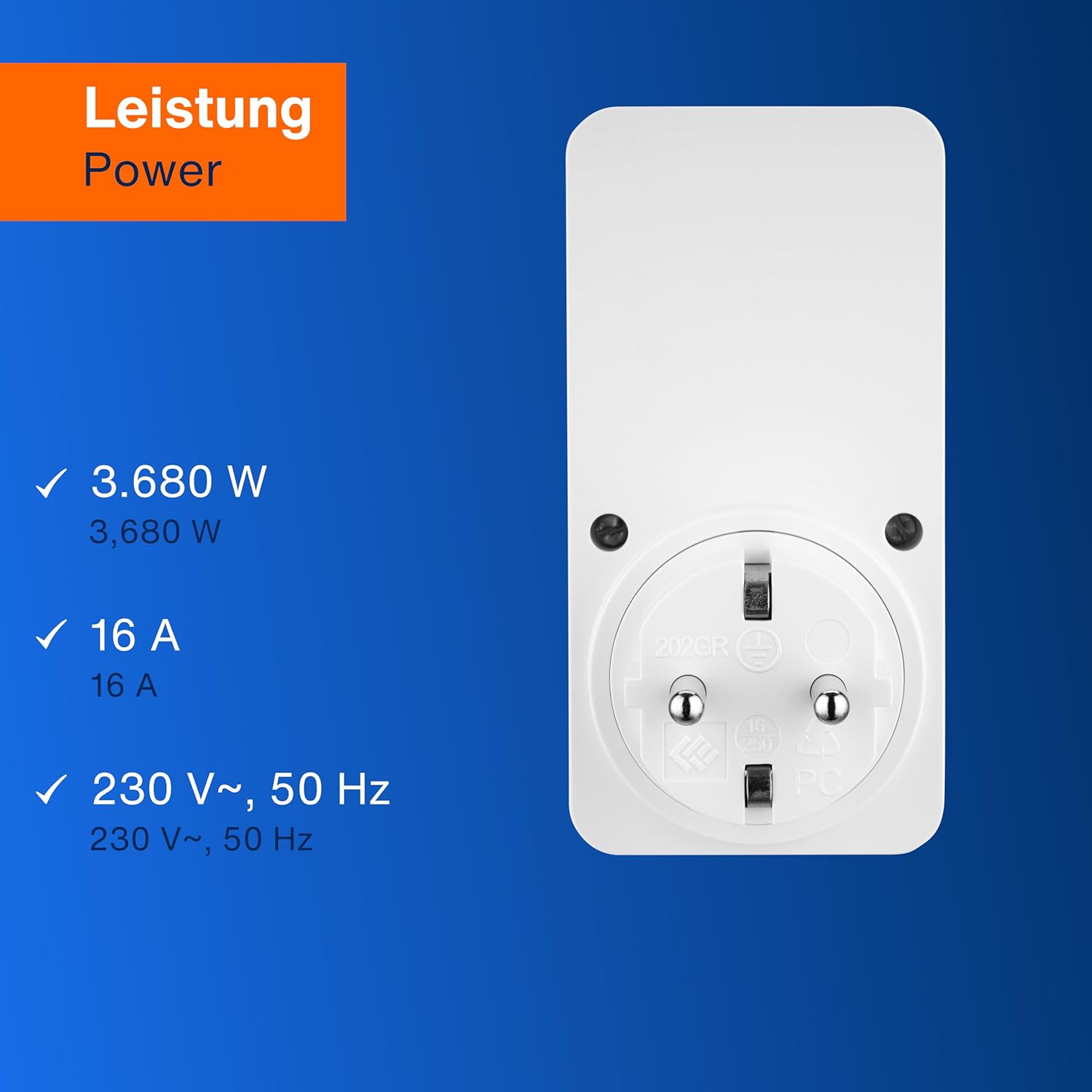
Power specifications of the timer.
9. Warranty and Support
Warranty information for the REV Digital Timer is typically provided with your purchase or can be obtained directly from the manufacturer, REV Ritter GmbH. Please retain your proof of purchase for warranty claims.
For technical support or further inquiries, please refer to the contact information provided by your retailer or visit the official REV Ritter GmbH website.