
Introduction
This manual provides detailed instructions for the VEROX TG09 Bluetooth 5.3 Wireless Gaming Earbuds. Please read this manual carefully before using the product to ensure proper operation and to maximize your gaming and audio experience. These earbuds feature Bluetooth 5.3 connectivity, a dedicated gaming mode with low latency, IPX4 water resistance, and touch controls for various functions.
What's in the Box
Verify that all items are present in the package:
- VEROX TG09 Wireless Gaming Earbuds (Left and Right)
- Charging Case
- USB Charging Cable (Type-C)
- Eartips (various sizes)
- User Manual
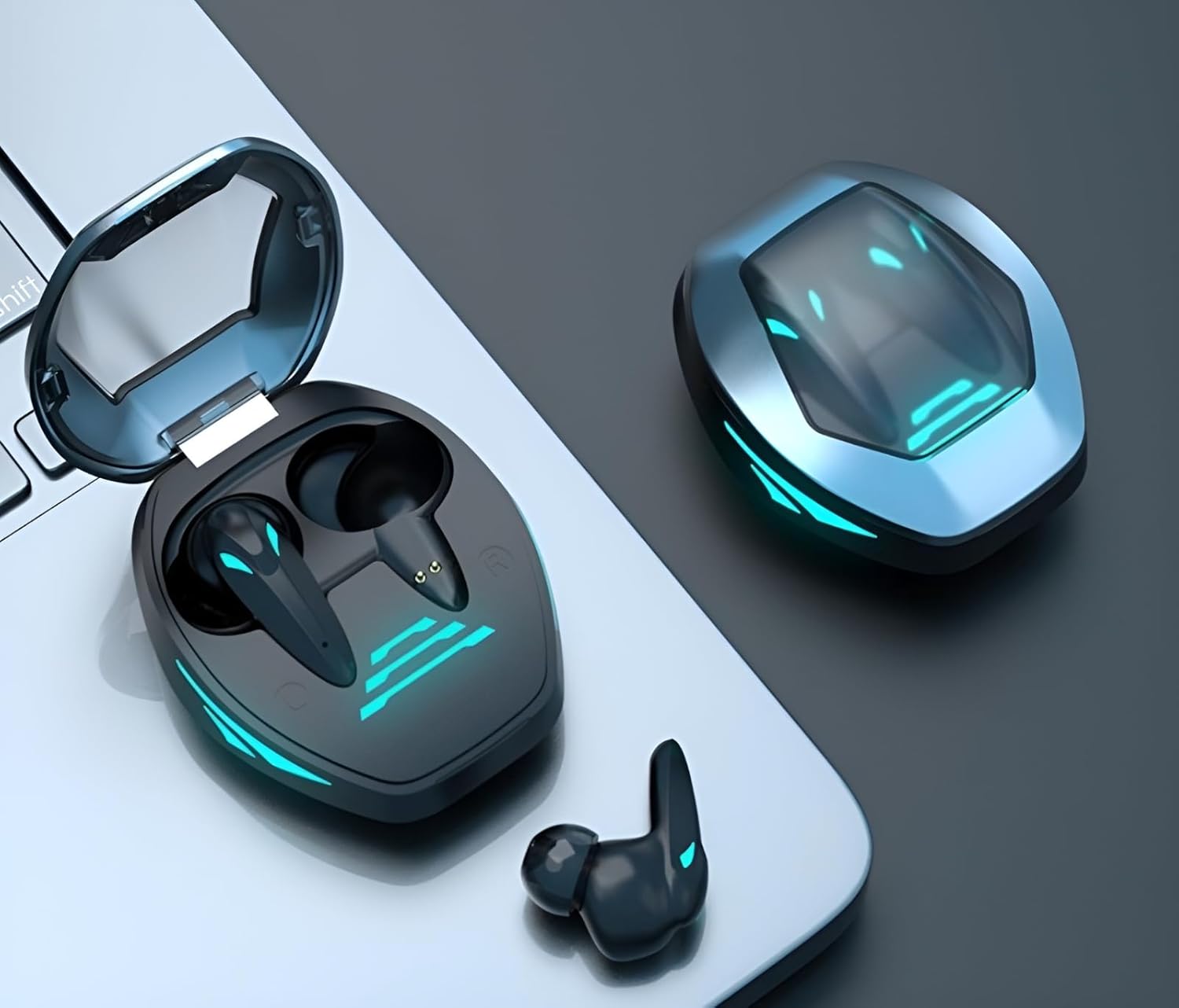
Image: The VEROX TG09 wireless gaming earbuds shown inside their open charging case, with one earbud placed outside the case, all resting on a laptop keyboard. The case and earbuds feature blue LED accents.
Setup
1. Charging the Earbuds and Case
Before first use, fully charge the earbuds and the charging case. Place the earbuds into the charging case. Connect the USB Type-C cable to the charging port on the case and the other end to a USB power adapter (not included) or a computer's USB port. The LED indicators on the case will show the charging status. A full charge provides approximately 30 hours of total playtime with the charging case.

Image: The VEROX TG09 earbuds are shown inside their open charging case, which is placed on a dark, textured surface. The earbuds and case display blue LED lights, indicating power or charging status.
2. Pairing with a Device
- Ensure the earbuds are charged and inside the charging case.
- Open the charging case lid. The earbuds will automatically enter pairing mode, and their indicator lights will flash.
- On your device (smartphone, tablet, laptop, gaming console), enable Bluetooth.
- Search for "VEROX TG09" in the list of available Bluetooth devices and select it to connect.
- Once connected, the earbud indicator lights will stop flashing or change to a steady light, and you will hear a confirmation tone.
The earbuds support Bluetooth 5.3 for stable and efficient wireless communication. They are compatible with cellphones, gaming consoles, laptops, smart speakers, and televisions.
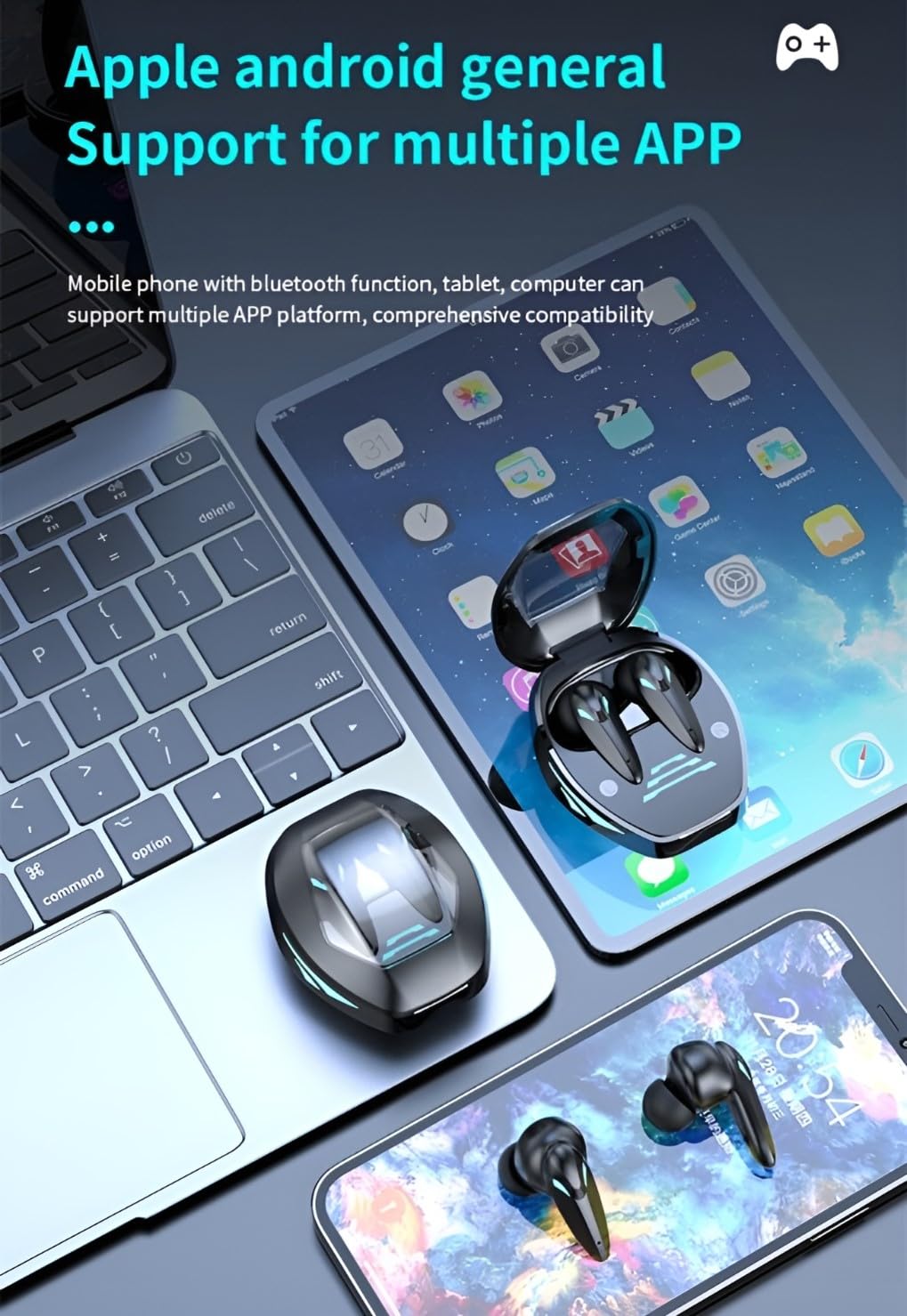
Image: The VEROX TG09 earbuds and their charging case are displayed alongside a laptop, a tablet, and a smartphone, illustrating their compatibility with various devices.
3. Wearing the Earbuds
Choose the eartips that provide the most comfortable and secure fit. Gently insert each earbud into your ear canal and twist slightly to secure it. A proper fit is essential for optimal sound quality and noise isolation.
Operating Instructions
Touch Controls
The VEROX TG09 earbuds feature touch controls on each earbud for easy management of music, calls, and modes.
| Function | Action |
|---|---|
| Play/Pause Music | Single tap on either earbud |
| Next Track | Double tap on the right earbud |
| Previous Track | Double tap on the left earbud |
| Answer/End Call | Single tap on either earbud |
| Reject Call | Press and hold either earbud for 2 seconds |
| Activate Voice Assistant | Triple tap on either earbud |
| Toggle Gaming Mode | Press and hold the right earbud for 2 seconds |
| Toggle Active Noise Cancellation (ANC) | Press and hold the left earbud for 2 seconds |
Gaming Mode
The dedicated Gaming Mode reduces audio latency to under 40ms, providing a synchronized audio-visual experience crucial for competitive gaming. Activate or deactivate this mode using the touch controls as described above. When Gaming Mode is active, you may notice a slight change in audio profile optimized for positional sound cues.

Image: The VEROX TG09 earbuds and their open charging case are depicted in a stylized gaming environment, emphasizing their "E-SPORTS GAMES BLUETOOTH" feature.
Audio Quality
The VEROX TG09 earbuds are engineered to deliver high-fidelity sound with deep bass, providing an immersive audio experience for both gaming and music. The dynamic drivers and acoustic design ensure clear sound reproduction across various frequencies.

Image: A close-up illustration of a speaker driver with sound waves emanating, representing the high-fidelity sound quality and immersive audio experience provided by the earbuds.
Active Noise Cancellation (ANC)
The earbuds feature Active Noise Cancellation to reduce ambient noise, allowing for a more immersive audio experience. Use the touch controls to toggle ANC on or off. This feature is particularly useful in noisy environments.

Image: The VEROX TG09 earbuds and charging case are shown next to a smartphone displaying a music player, with graphics illustrating the "intelligent noise reduction" feature.
Power On/Off
- Power On: Open the charging case lid, or press and hold the touch area on both earbuds for 3 seconds.
- Power Off: Place the earbuds back into the charging case and close the lid, or press and hold the touch area on both earbuds for 5 seconds.
Maintenance
- Cleaning: Regularly clean the earbuds and charging case with a soft, dry, lint-free cloth. Do not use harsh chemicals or abrasive materials.
- Eartips: Remove eartips and clean them with mild soap and water if necessary. Ensure they are completely dry before reattaching.
- Water Resistance: The earbuds are IPX4 water resistant, meaning they are protected against splashing water from any direction. They are not designed for submersion. Avoid exposing them to excessive moisture, rain, or sweat for prolonged periods.
- Storage: When not in use, store the earbuds in their charging case to protect them and keep them charged. Store in a cool, dry place away from direct sunlight and extreme temperatures.
Troubleshooting
| Problem | Solution |
|---|---|
| Earbuds not pairing |
|
| Only one earbud working |
|
| Low volume or poor sound quality |
|
| Charging issues |
|
Specifications
| Feature | Detail |
|---|---|
| Model Name | TG09 |
| Connectivity Technology | Wireless (Bluetooth) |
| Bluetooth Version | 5.3 |
| Audio Latency | 40 Milliseconds (Gaming Mode) |
| Noise Control | Active Noise Cancellation |
| Water Resistance Level | IPX4 (Water Resistant) |
| Control Type | Touch Control |
| Microphone | Built-in Quad Mic |
| Playtime | Up to 30 hours (with charging case) |
| Charging Port | Type-C |
| Material | Plastic |
| Item Weight | 100 Grams |
| Dimensions (Product) | 10 x 10 x 10 cm |
| Compatible Devices | Cellphones, Gaming Consoles, Laptops, Smart Speaker, Television |

Image: A grid displaying key features of the VEROX TG09 earbuds, including E-sports LED lights, Stereo sound, Long life, Master-slave switch, Bluetooth 5.3, HD calls, Smart noise reduction, Game mode, and Open cover auto-connect.
Warranty Information
VEROX products are designed and manufactured to the highest quality standards. This product comes with a standard manufacturer's warranty against defects in materials and workmanship from the date of purchase. For specific warranty terms and conditions, please refer to the warranty card included in your package or visit the official VEROX website.
Extended warranty options may be available from third-party providers. Please check with your retailer for details on additional protection plans.
Support
For further assistance, technical support, or customer service inquiries regarding your VEROX TG09 Wireless Gaming Earbuds, please contact VEROX customer support through their official website or the contact information provided in your product packaging.
Manufacturer: VEROX
Country of Origin: China
Date First Available: 25 November 2024