
Introduction
This manual provides essential instructions for the safe and efficient operation of your QKR 48V 10A Lithium Battery Charger. Designed specifically for 48V Lithium Iron Phosphate (LiFePO4) batteries, this charger offers high efficiency and multiple protection features to optimize battery performance and extend its lifespan. Please read this manual thoroughly before use and retain it for future reference.
Safety Information
Always observe the following safety precautions to prevent injury or damage to the charger and battery:
- Use this charger only with 48V Lithium Iron Phosphate (LiFePO4) batteries. Do not attempt to charge other battery types.
- Ensure proper ventilation during charging. Do not cover the charger.
- Avoid short-circuiting the output terminals.
- Do not expose the charger to water, rain, or excessive moisture.
- Keep out of reach of children.
- Disconnect the charger from the AC power outlet before making or breaking connections to the battery.
- If the charger is damaged, do not use it. Contact support.
Product Features
- Designed for 48V Lithium Iron Phosphate (LiFePO4) batteries.
- High charging efficiency (over 90%).
- Fast charging: 10A output current, capable of charging a 48V 50Ah battery in approximately 5 hours.
- Multiple protection features: Over-temperature, reverse polarity connection, output short-circuit, and output over-voltage.
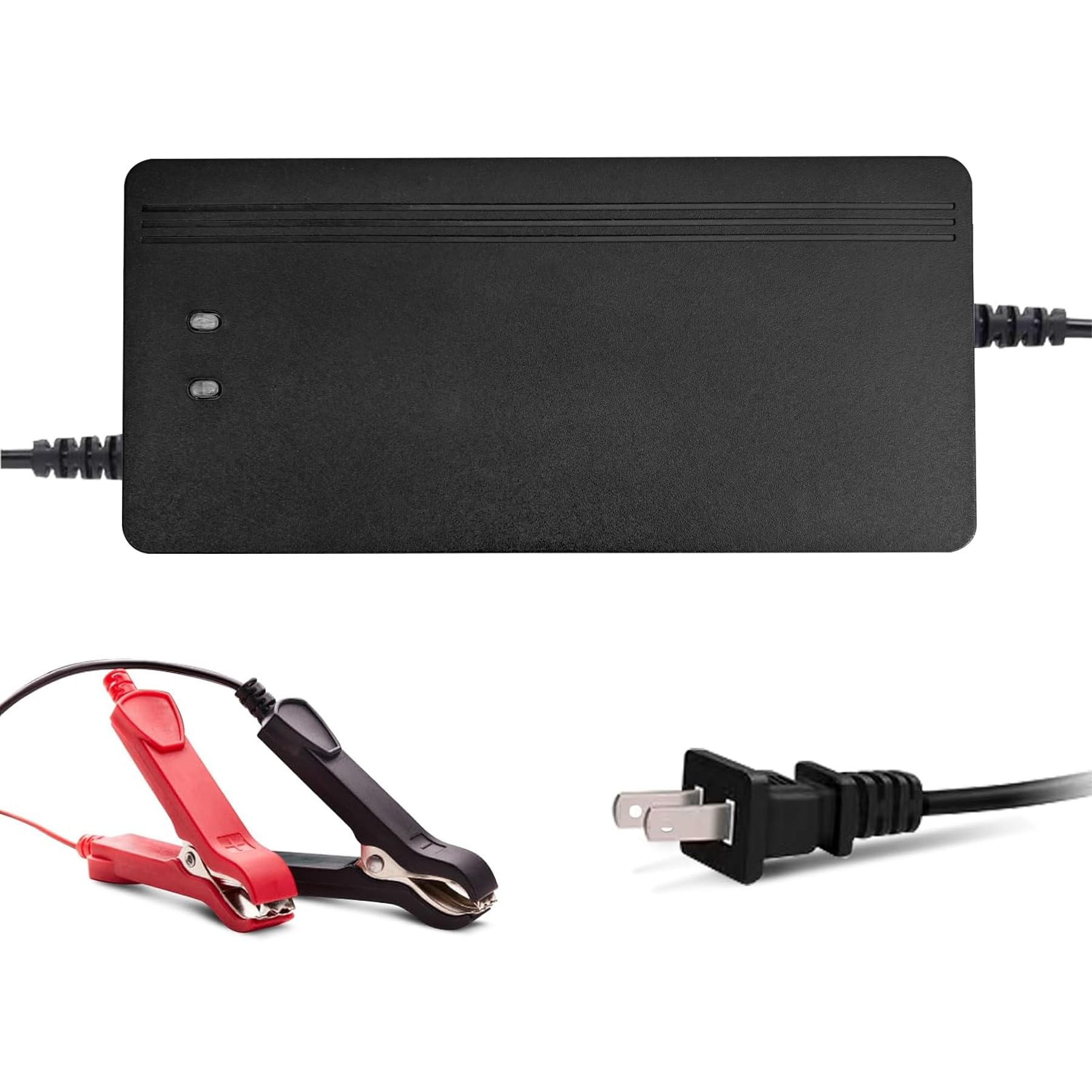
- LED indicator for clear charging status monitoring.
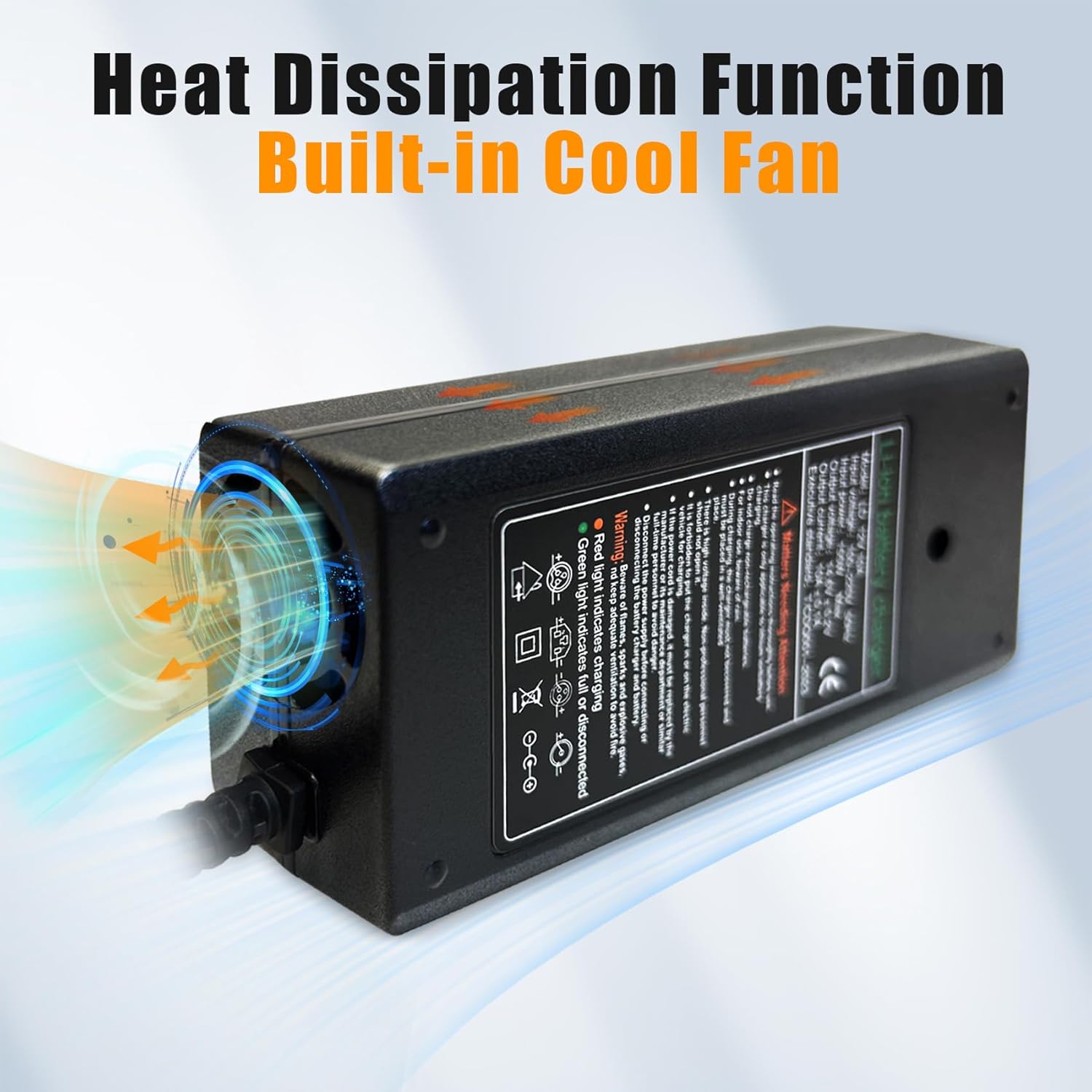
- Durable shell and built-in cooling fan for effective heat dissipation.
- Easy operation with fitted alligator clips.
Setup
Follow these steps to set up your charger:
- Ensure the charger is disconnected from the AC power outlet.
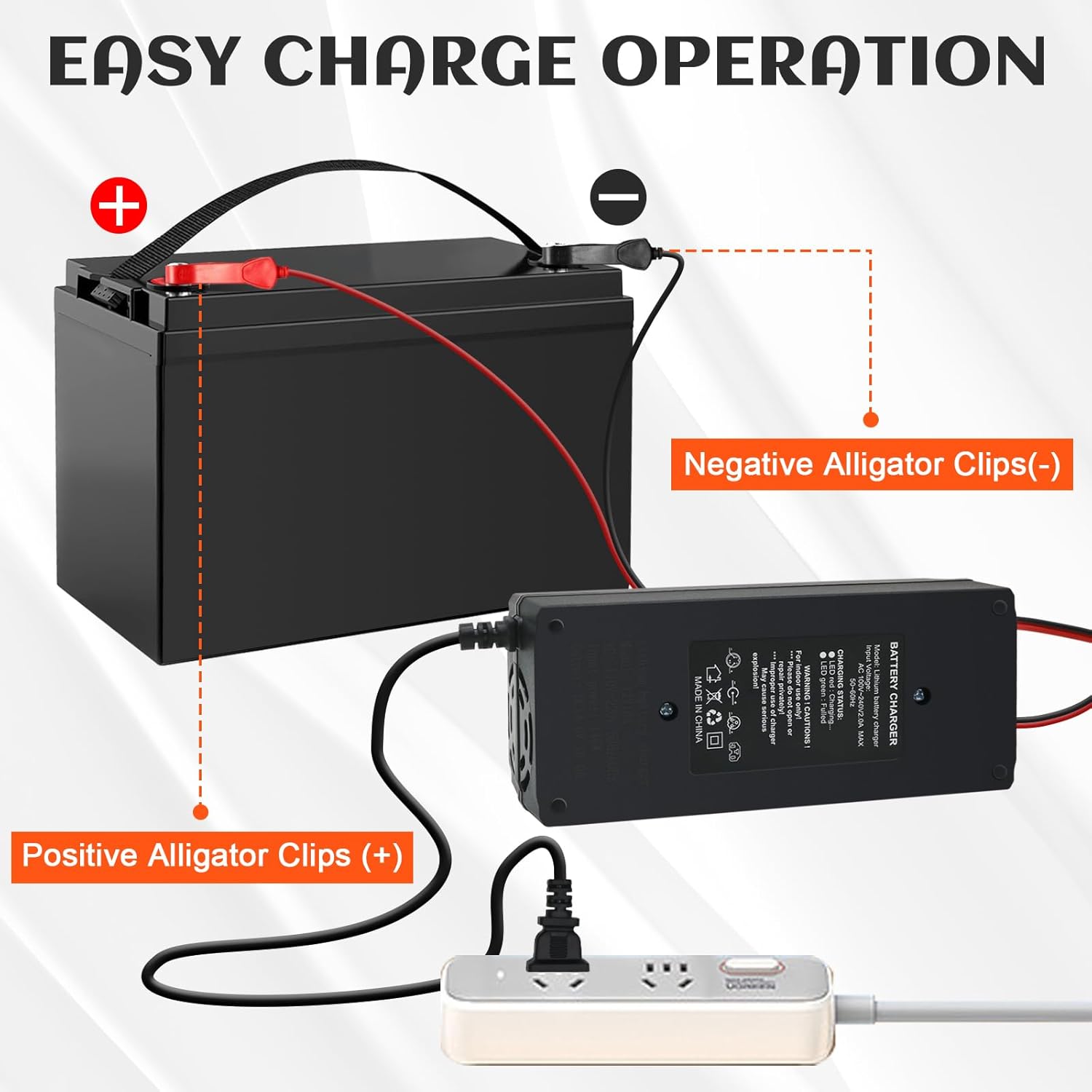
- Connect the red (+) alligator clip to the positive terminal of your 48V LiFePO4 battery.
- Connect the black (-) alligator clip to the negative terminal of your 48V LiFePO4 battery.
- Verify that the connections are secure and correct polarity is observed.
- Plug the charger's AC power cord into a standard 110V AC outlet.
Operating Instructions
Once connected, the charger will automatically begin the charging process. The LED indicator provides status updates:
- Red LED Light: Indicates the battery is currently charging.
- Green LED Light: Indicates the battery is fully charged or disconnected.
The charger employs a three-stage charging process: constant current, constant voltage, and floating charge, ensuring optimal and safe charging for your LiFePO4 battery.

Maintenance
- Keep the charger clean and dry. Wipe with a soft, dry cloth.
- Do not open the charger casing. There are no user-serviceable parts inside.
- Store the charger in a cool, dry place when not in use.
- Ensure the cooling fan is not obstructed to maintain proper heat dissipation.
Troubleshooting
| Problem | Possible Cause | Solution |
|---|---|---|
| Charger not turning on / No LED light | No AC power; Loose connection; Faulty outlet. | Check AC power cord connection. Try a different outlet. Ensure battery connections are secure. |
| Red LED not lighting up when connected to battery | Battery already fully charged (Green LED should be on); Incorrect polarity; Battery fault. | Verify battery voltage. Check polarity of alligator clips. If Green LED is on, battery is full. If neither, battery may be faulty. |
| Charger gets hot during operation | Normal operation; Obstructed cooling fan; Overload. | Some heat is normal. Ensure cooling fan is not blocked. If excessively hot or smells, disconnect immediately and contact support. |
| Battery not charging or charging slowly | Battery capacity too large for charger; Battery fault; Poor connection. | Ensure charger is appropriate for battery capacity. Check all connections. Battery may be damaged. |
Specifications
| Feature | Detail |
|---|---|
| Brand | QKR |
| Model | 58.4V 10A |
| Input Voltage | AC 110V, 60Hz |
| Output Voltage | 58.4 Volts |
| Output Current | 10 Amps |
| Compatible Battery Type | 48V Lithium Iron Phosphate (LiFePO4) |
| Product Dimensions | 6 x 3 x 2 inches (15.24 x 7.62 x 5.08 cm) |
| Item Weight | 2.07 pounds (0.94 kg) |
| Certifications | CE, RoHS |


Warranty and Support
QKR provides professional technical support. If you have any questions or require assistance with your charger, please contact us. We aim to provide quick feedback within 24 hours and will do our best to meet your needs.
For specific warranty information, please refer to the product packaging or contact customer support directly.