Introduction
This instruction manual provides essential information for the proper installation, operation, and maintenance of your BLUTENET TT-AP005 Replacement Filter. Please read this manual thoroughly before using the product to ensure optimal performance and longevity.
The TT-AP005 Replacement Filter is designed for use with the TaoTronics TT-AP005 Air Purifier. It features a 3-stage filtration system to effectively capture various airborne particles.
Product Overview
The BLUTENET TT-AP005 Replacement Filter is a 3-in-1 filtration system comprising a Pre-Filter, H13 True HEPA Filter, and High-Efficiency Activated Carbon Filter.
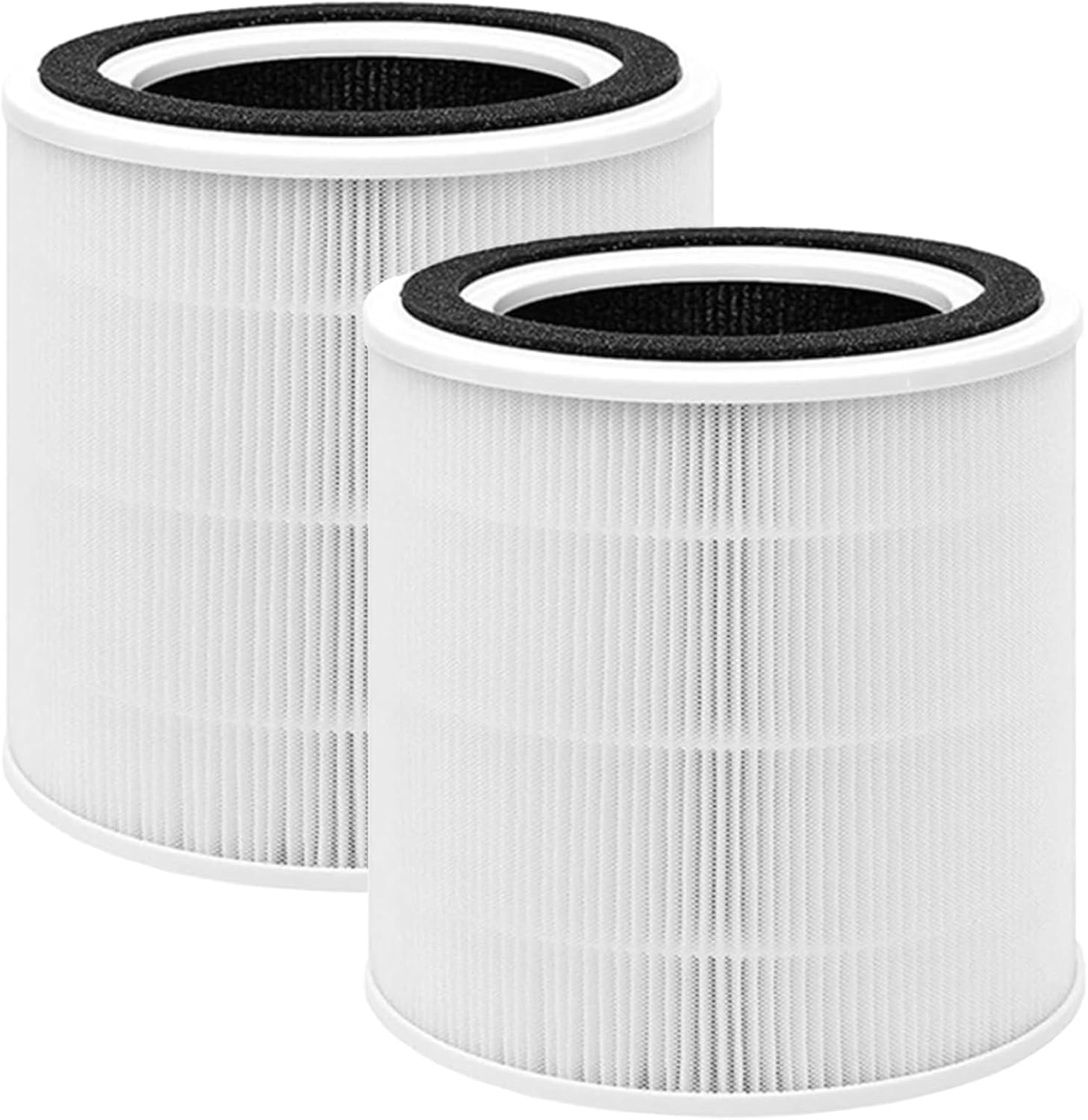
Image: Two BLUTENET TT-AP005 replacement filters, showing their cylindrical shape and white pleated filter material with a black top ring.
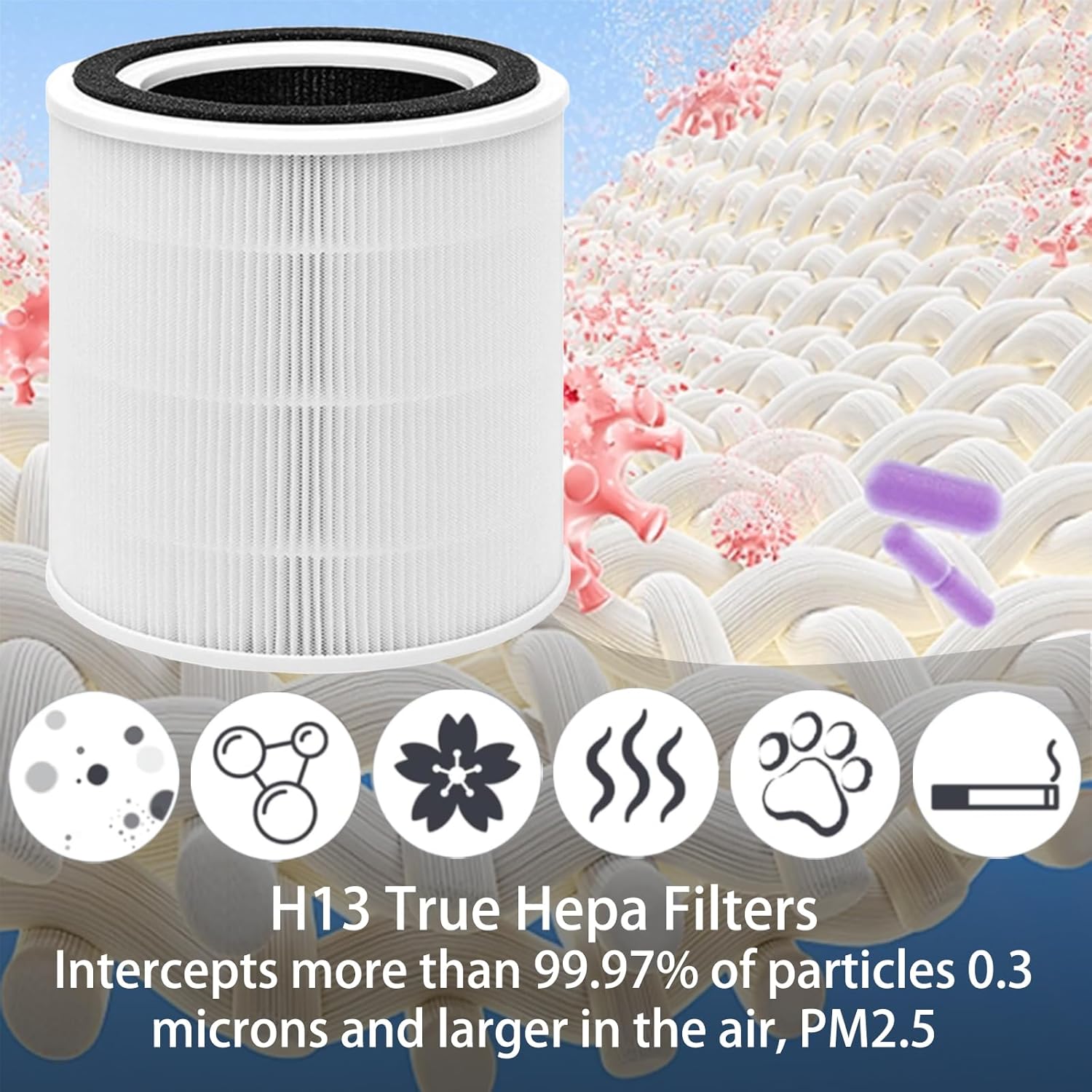
Image: Close-up of the H13 True HEPA filter, illustrating its ability to intercept particles like dust, pollen, pet dander, and smoke. This filter is designed to capture more than 99.97% of particles 0.3 microns and larger, including PM2.5.

Image: A visual representation of the High-Efficiency Activated Carbon filter, with an inset showing activated carbon pellets. This filter is effective in adsorbing odors and harmful gases.
Setup and Installation
Follow these steps to properly install the replacement filter into your TaoTronics TT-AP005 Air Purifier.
- Unplug the Air Purifier: Before beginning, ensure the air purifier is unplugged from the power outlet to prevent electrical hazards.
- Remove the Base Cover: Gently turn the air purifier upside down. Locate the base cover and twist it counter-clockwise to unlock and remove it.
- Remove the Old Filter: Carefully pull out the used filter from the air purifier. Dispose of the old filter responsibly.
- Unpack the New Filter: Remove the new BLUTENET TT-AP005 Replacement Filter from its protective packaging.
- Insert the New Filter: Place the new filter into the air purifier, ensuring it is seated correctly and securely.
- Replace the Base Cover: Align the base cover with the air purifier and twist it clockwise to lock it into place.
- Plug In and Reset: Plug the air purifier back into the power outlet. If your air purifier has a filter reset indicator, follow the manufacturer's instructions to reset it.

Image: An air purifier with a TT-AP005 filter placed next to it, indicating compatibility with TaoTronics TT-AP005 Air Purifier models.
Operating Instructions
Once the filter is installed, operate your TaoTronics TT-AP005 Air Purifier according to its original instruction manual. The new filter will immediately begin purifying the air.
- Ensure the air purifier is placed on a flat, stable surface.
- Keep the air intake and outlet vents clear of obstructions.
- For optimal air purification, operate the air purifier in an enclosed space.
Maintenance and Filter Replacement
Regular maintenance ensures the efficiency and longevity of your air purifier and its filter.
Filter Lifespan
For best performance, it is recommended to replace the BLUTENET TT-AP005 Replacement Filter every 6-12 months. The actual lifespan may vary depending on air quality, usage frequency, and environmental factors.

Image: A diagram showing the dimensions of the filter (7.5 inches in height and diameter) and a graphic indicating a suggested replacement interval of 6-12 months.
Storage Recommendations
Store unused replacement filters in a dry place, away from direct sunlight and moisture, to maintain their integrity and effectiveness.
Cleaning the Filter
The TT-AP005 Replacement Filter is not washable. Attempting to wash the filter will damage its filtration media and reduce its effectiveness. Replace the filter as recommended.
Troubleshooting
If you encounter issues after replacing the filter, refer to the following common problems and solutions.
| Problem | Possible Cause | Solution |
|---|---|---|
| Air purifier not turning on after filter replacement. | Filter not installed correctly; base cover not securely locked; power cord not fully plugged in. | Ensure the filter is seated properly. Twist the base cover clockwise until it locks. Check power cord connection. |
| Filter indicator light remains on after replacement. | Filter reset function not performed. | Refer to your TaoTronics TT-AP005 Air Purifier manual for specific instructions on how to reset the filter indicator. Typically involves pressing and holding a button. |
| Reduced air purification performance. | Filter is nearing end of life; filter is dirty; incorrect filter type. | Replace the filter if it has been 6-12 months or if air quality has significantly deteriorated. Ensure you are using the correct TT-AP005 replacement filter. |
| Unusual odors from air purifier. | New filter odor (temporary); filter needs replacement. | A slight odor from a new filter is normal and should dissipate quickly. If odors persist or worsen, replace the filter. |
Specifications
| Feature | Detail |
|---|---|
| Model | TT-AP005 Replacement Filter |
| Brand | BLUTENET |
| Compatible Air Purifier | TaoTronics TT-AP005 Air Purifier |
| Filtration Type | 3-in-1 (Pre-Filter, H13 True HEPA, Activated Carbon) |
| HEPA Efficiency | Captures 99.97% of particles 0.3 microns and larger |
| Material Type | Polyester |
| Item Weight | Approximately 2 pounds (0.91 kg) per filter |
| Product Dimensions | 7.5"L x 7.5"W x 7.5"Th (approximate) |
| Recommended Replacement | Every 6-12 months |
Warranty and Support
BLUTENET is committed to providing high-quality products. If you have any questions or concerns regarding your TT-AP005 Replacement Filter, please do not hesitate to contact our customer service team.
Customer Service: For assistance, please refer to the contact information provided with your original purchase or visit the BLUTENET official website. We aim to respond professionally and quickly to all inquiries.
Note: This replacement filter is an accessory for the TaoTronics TT-AP005 Air Purifier. Any warranty claims related to the air purifier itself should be directed to TaoTronics.