
Introduction
Thank you for purchasing the Generic Vintage-Style Bluetooth Speaker, Model Player001. This device combines a portable Bluetooth speaker with a unique water wave light effect, offering multiple audio playback options and a built-in clock. This manual provides essential information for safe and efficient operation of your speaker.
Product Overview
Key Features:
- 3 Lighting Modes: Creates a dynamic visual atmosphere with adjustable light settings.
- 4 Playback Modes: Supports White Noise, Bluetooth, TF Card, and AUX input.
- 360° Surround Sound Effect: Delivers immersive audio.
- Bluetooth Connectivity: Easy pairing with compatible devices.
- Portable Design: Lightweight and easy to transport.
- Built-in Clock: Displays time for added utility.
Included Components:
- Dust cover
- 45 RPM adapter (for aesthetic purposes, not functional vinyl playback)
- Power cable
Setup
- Unpacking: Carefully remove all components from the packaging. Retain packaging for future transport or storage.
- Charging: Connect the provided power cable to the speaker's charging port and a suitable power source. The device is battery-powered and should be fully charged before first use.
- Placement: Place the speaker on a stable, flat surface. Ensure adequate ventilation and avoid placing near heat sources or in direct sunlight.

Image: The speaker in a typical usage scenario, demonstrating its compact size and aesthetic appeal.
Operating Instructions
Power On/Off:
To power on the speaker, turn the tone arm (the small arm resembling a record player needle) to the right. To power off, turn it back to the left.
Mode Selection:
The speaker features four distinct playback modes: White Noise, Bluetooth, TF Card, and AUX. Use the mode selection knob or button (refer to device markings) to cycle through these options.
White Noise Mode:
Activate White Noise mode to access a selection of natural sounds designed for relaxation or sleep. Adjust volume using the dedicated volume knob.
Video: Demonstrates the speaker's white noise mode and various lighting effects.
Video: Overview of the white noise speaker, highlighting Bluetooth, TF Card, and AUX capabilities.
Bluetooth Mode:
- Switch the speaker to Bluetooth mode. The display will indicate Bluetooth pairing readiness.
- On your smartphone, tablet, or other compatible device, enable Bluetooth and search for available devices.
- Select "Player001" (or similar device name) from the list to pair. A confirmation sound will indicate successful pairing.
- Once paired, you can play audio from your device through the speaker.
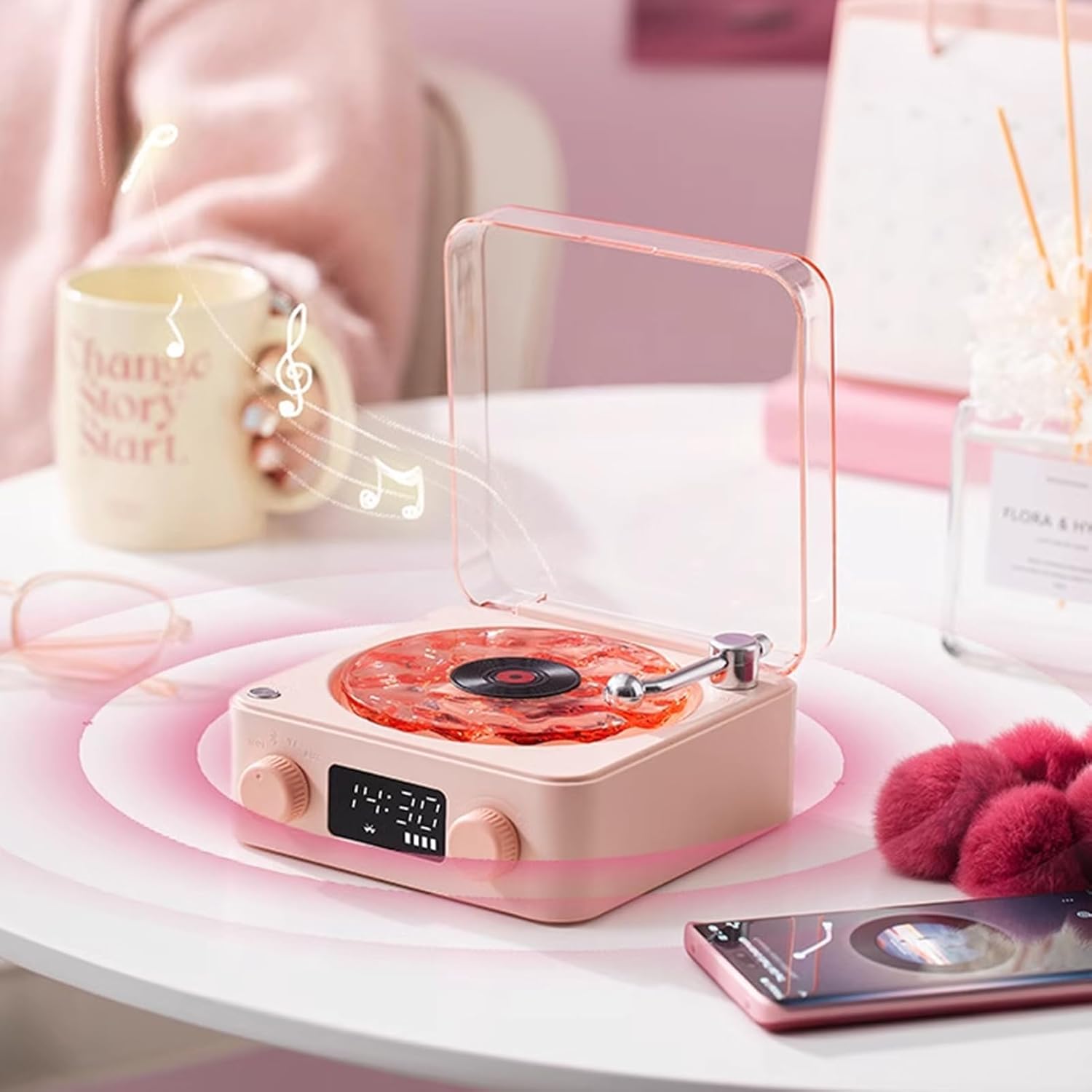
Image: The speaker connected via Bluetooth, playing music with its light effect.
Video: Detailed explanation of the speaker's features, including Bluetooth connectivity.
Video: Demonstrates the speaker's use as a Bluetooth speaker and white noise machine.
TF Card Mode:
Insert a TF (MicroSD) card loaded with audio files into the designated slot. Switch to TF Card mode, and the speaker will automatically begin playing the audio.
AUX Mode:
Connect an external audio device using a 3.5mm AUX cable to the AUX input port. Switch to AUX mode to play audio from the connected device.
Lighting Modes:
Press the light control button (usually marked with a light bulb icon) to cycle through the three available lighting modes. These modes create a romantic atmosphere and visual enjoyment.
Video: Review of the sound machine, showcasing its various light settings and sound modes.
Video: Short demonstration of the speaker's light effects and suitability for different rooms.
Time/Clock Setting:
The speaker features a digital clock display. Refer to the specific buttons near the display for setting the time. Typically, a 'Set' or 'Mode' button is used to enter time-setting mode, and volume/track buttons adjust hours and minutes.
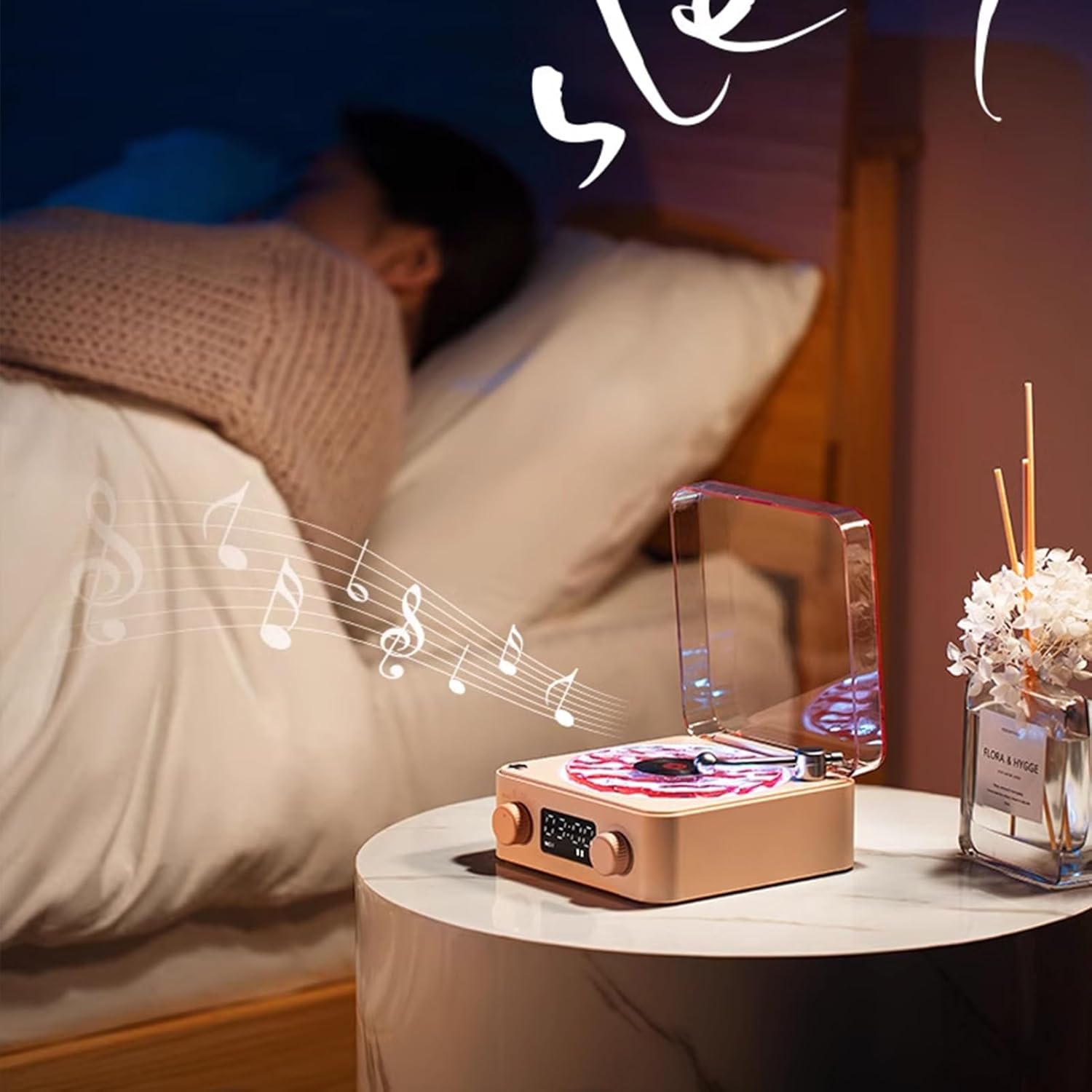
Image: The speaker used in a bedroom setting, providing ambient light and sound for sleep.
Maintenance
- Cleaning: Use a soft, dry cloth to clean the speaker's exterior. Do not use abrasive cleaners or solvents.
- Dust Cover: Keep the dust cover closed when not in use to protect the internal components and the water wave effect surface.
- Storage: Store the speaker in a cool, dry place away from direct sunlight and extreme temperatures.
- Battery Care: For optimal battery life, avoid fully discharging the battery frequently. Charge regularly.
Troubleshooting
- No Power: Ensure the speaker is charged. Connect to a power source and allow it to charge for at least 30 minutes before attempting to power on again.
- No Sound: Check the volume level on both the speaker and the connected device. Ensure the correct playback mode (Bluetooth, TF Card, AUX) is selected.
- Bluetooth Pairing Issues: Ensure the speaker is in Bluetooth pairing mode. Turn off and on Bluetooth on your device, then try pairing again. Move closer to the speaker to ensure a strong signal.
- Lights Not Working: Check if the light function is enabled. Cycle through the lighting modes to ensure it's not set to off or a very dim setting.
- TF Card Not Playing: Ensure the TF card is inserted correctly and contains compatible audio files (e.g., MP3 format).
Specifications
| Brand | Generic |
| Model Number | Player001 |
| Manufacturer | Yabeihui |
| Item Weight | 0.8 Pounds |
| Power Source | Battery Powered |
| Connectivity Technology | Bluetooth, Auxiliary |
| Compatible Devices | MP3 Player, Smartphone, Tablet |
Warranty and Support
For warranty information and customer support, please refer to the documentation provided at the time of purchase or contact your retailer. Keep your proof of purchase for any warranty claims.