
1. Introduction
This manual provides essential instructions for the safe and efficient use of your OGRPHY 36V 25A LiFePO4 Battery Charger. Please read this manual thoroughly before operating the device and retain it for future reference. This charger is specifically designed for 36V LiFePO4 batteries, offering a stable 43.8V DC output and a 3-stage charging mode.
2. Safety Instructions and Cautions
To ensure safe operation and prevent damage, observe the following precautions:
- DO NOT short circuit the charger.
- DO NOT attempt reverse charging.
- DO NOT disassemble the charger.
- DO NOT expose the charger to excessive heat or immerse it in water.
- Keep the charger away from children and pets.
- Ensure the charger output is connected to the battery with correct polarity.
- If the charger or battery appears abnormal or damaged during charging, immediately unplug input and output wires.
- Never use the charger near heat sources or in direct sunlight.
- Verify battery technical specifications match the charger's data before charging.

Image: Important notes for safe charger operation.
3. Product Features
- Dedicated LiFePO4 Charging: Designed for 36V LiFePO4 batteries, providing a stable 43.8V DC output.
- Fast Charging: 25A maximum current ensures efficient and quicker charging compared to lower amperage chargers.
- 0V Charging Function: Capable of activating and charging LiFePO4 batteries with very low voltage, even when the Battery Management System (BMS) has triggered protection.
- Intelligent Protection: Includes short circuit protection, over voltage protection, battery isolation protection, and temperature protection to prevent overheating.
- Heat Dissipation: Designed with effective heat dissipation to ensure safe operation.

Image: Charger capabilities including 0V charging and estimated charging times.
4. Setup and Installation
The OGRPHY charger is designed for easy installation and connection.
4.1 Connecting to the Battery
- Identify the positive (+) and negative (-) terminals on your 36V LiFePO4 battery.
- Connect the red cable from the charger to the positive (+) terminal of the battery.
- Connect the black cable from the charger to the negative (-) terminal of the battery.

Image: Step-by-step guide for connecting the charger to a battery.
4.2 Mounting (Optional)
The charger features reserve mounting holes for secure installation. The coil connector design allows for multi-paragraph connections without requiring disassembly after initial installation.

Image: Charger with mounting features and connection options.
5. Operating Instructions
After connecting the charger to the battery, plug the charger's power cord into a standard AC outlet (100-240V, 50/60Hz). The charging process will begin automatically.
5.1 Indicator Lights
The charger features an indicator light to show the charging status:
- Red light flashing: Battery charge level is less than 90%.
- Green light flashing: Battery charge level is 90% or greater.
- Green light solid: Battery is 100% charged.
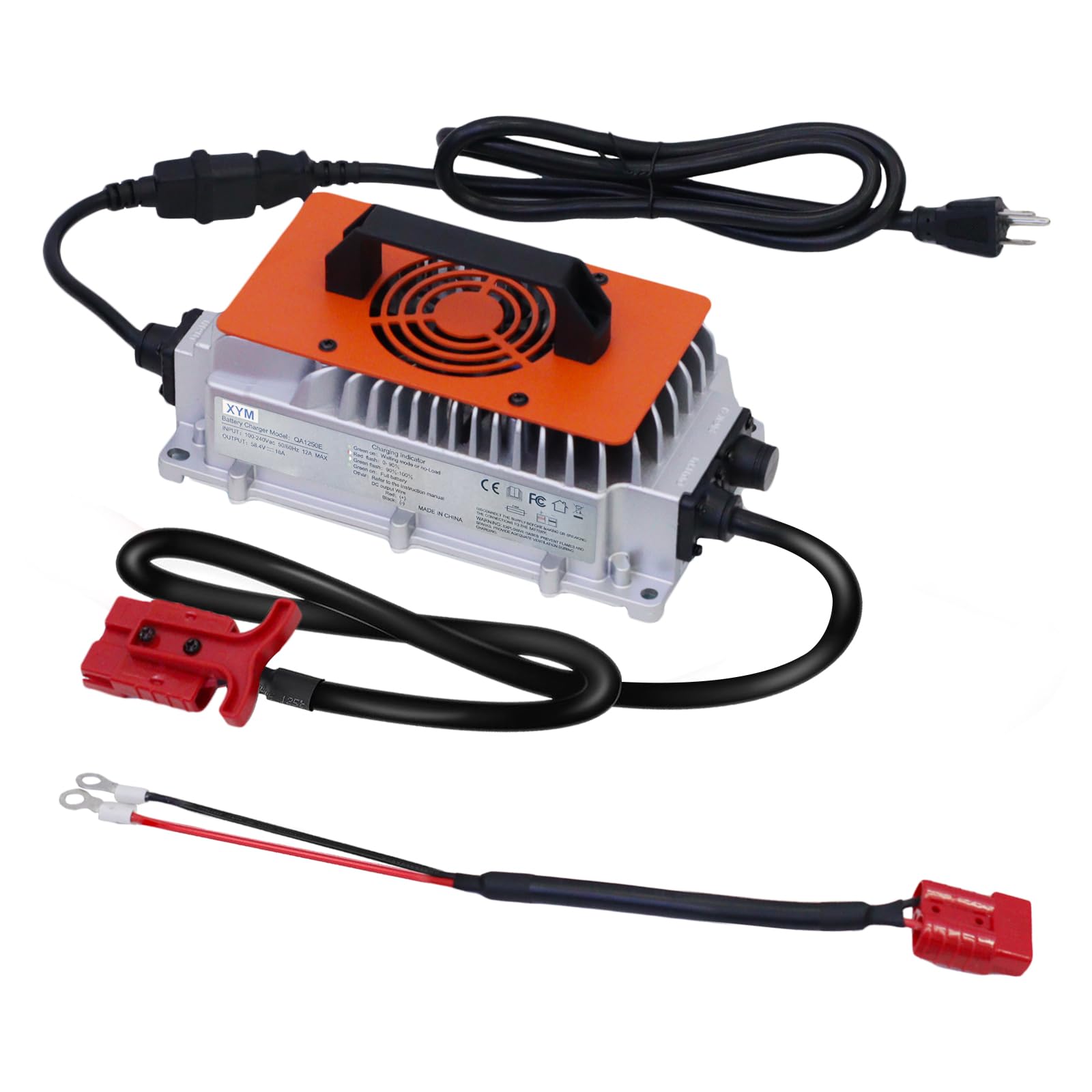
Image: Charger indicator lights and their meaning.
5.2 0V Charging Function
If your 36V LiFePO4 battery's BMS has activated protection due to low voltage, rendering the battery unusable, connect the OGRPHY charger. The 0V charging function will attempt to activate and charge the battery, restoring its functionality.
6. Maintenance
The OGRPHY charger is designed for durability and requires minimal maintenance. To ensure optimal performance and longevity:
- Keep the charger clean and free from dust and debris. Use a dry, soft cloth for cleaning.
- Store the charger in a cool, dry place when not in use.
- Regularly inspect cables and connectors for any signs of wear or damage. Replace if necessary.
7. Troubleshooting
If you encounter issues with your OGRPHY charger, consider the following:
- Charger not turning on: Ensure the power cord is securely plugged into a live AC outlet and the charger.
- Battery not charging: Verify that the battery cables are correctly connected to the battery terminals (positive to positive, negative to negative). Check if the battery's voltage is extremely low; the 0V charging function should address this, but ensure proper connection.
- Indicator light not behaving as expected: Refer to the 'Operating Instructions' section for indicator light meanings. If the issue persists, disconnect and reconnect the charger.
- Overheating: The charger has temperature protection. If it feels excessively hot, disconnect it immediately and allow it to cool. Ensure it is used in a well-ventilated area.
For persistent issues not resolved by these steps, please contact customer support.
8. Specifications

Image: Technical specifications of the OGRPHY LiFePO4 Battery Charger.
| Specification | Value |
|---|---|
| Item Name | 36V Charger |
| Output Voltage | 43.8Vdc |
| Input Voltage Range | AC100~240V 50/60Hz |
| Output Current | 25A |
| Operating Temperature | -10°C~40°C (14°F~104°F) |
| Dimensions (L x W x H) | 23.5 x 13.8 x 7.8 cm (9.25 x 5.43 x 3.07 inches) |
| Net Weight | 6.6 Kilograms (approx. 4 lbs) |
| Compatible Devices | 36V LiFePO4 batteries |
9. Warranty and Support
The OGRPHY 36V 25A LiFePO4 Battery Charger comes with a 6-month manufacturer's warranty.
For any questions, technical assistance, or warranty claims, please contact OGRPHY customer service. We offer 24-hour one-to-one customer service and lifelong technical support.