
1. Introduction
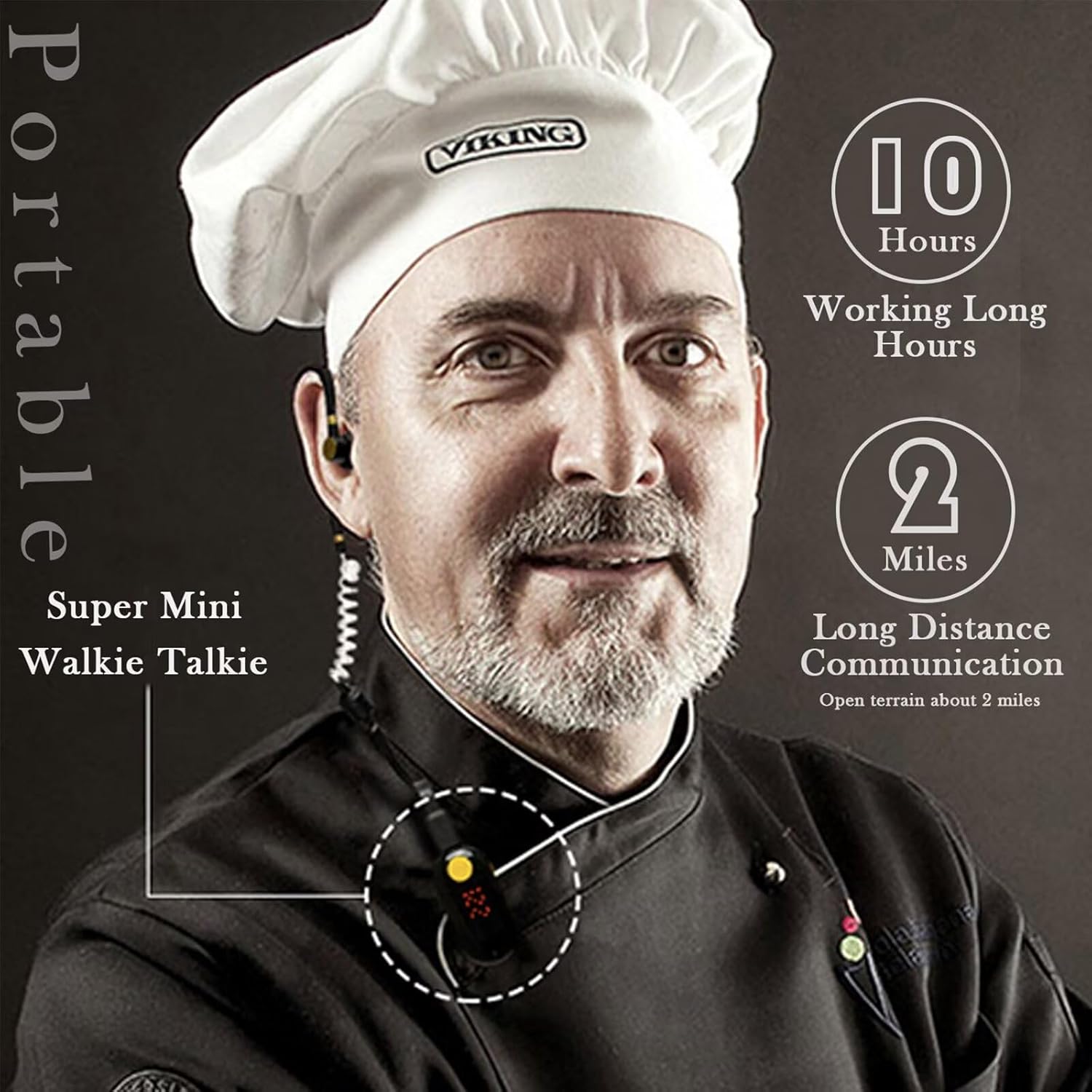
The ELIDAIP T-M9 Ultra Mini Walkie Talkie is a compact and lightweight two-way radio designed for clear and reliable communication. Featuring a G-shaped ear hook earpiece for comfortable wear, an intuitive LED display, and convenient Type-C charging, this device is suitable for various professional and recreational activities.
Its ultra-light design, weighing approximately 0.6 ounces, ensures portability. The integrated clip allows for easy attachment to clothing. The T-M9 offers a communication range of up to 2 miles in open, flat areas, making it ideal for restaurants, hotels, outdoor sports, and team coordination.

2. Package Contents
Please verify that all items are present in your package:
- Mini Walkie Talkie (T-M9) x 1
- G-shaped Ear Hook Earpiece x 1
- USB Type-C Charging Cable x 1
- Power Adapter x 1
- English User Manual x 1
3. Product Overview
The ELIDAIP T-M9 features a streamlined design with essential controls and indicators for ease of use.

- Power Button: Used to turn the device on or off.
- P Key: Program/Menu key.
- Microphone: For voice input during transmission.
- Earphone and Charging Hole: Port for connecting the earpiece and the Type-C charging cable.
- - Key: Decreases volume or navigates menu options.
- + Key: Increases volume or navigates menu options.
- PTT Key (Push-to-Talk): Press and hold to transmit, release to receive.
The device also features a smart LED display that clearly shows channel/volume settings and charge status. A smart security lock function prevents accidental key presses.

4. Setup
4.1. Initial Charging
Before first use, fully charge the walkie talkie. The device uses a Li-Polymer battery and supports Type-C charging.
- Connect the provided USB Type-C charging cable to the charging port (4) on the walkie talkie.
- Connect the other end of the USB cable to the power adapter, and plug the adapter into a standard wall outlet.
- The LED display will indicate the charging status. A full charge typically takes a few hours.
- Once fully charged, disconnect the cable. The device offers approximately 8-12 hours of continuous use and up to 48 hours of standby time.
4.2. Attaching the Earpiece
Insert the earpiece connector into the earphone port (4) on the walkie talkie. The G-shaped ear hook earpiece is designed for comfortable wear and can be rotated 360 degrees to fit either the left or right ear.
5. Operating Instructions
5.1. Power On/Off
- To power on: Press and hold the Power Button (1) until the LED display illuminates.
- To power off: Press and hold the Power Button (1) until the LED display turns off.
5.2. Channel Selection
The T-M9 supports 25 channels. To change the channel:
- Ensure the key lock is disengaged (see 5.4).
- Press the P Key (2) once. The channel number on the LED display will flash.
- Use the + Key (6) or - Key (5) to select the desired channel.
- Press the P Key (2) again to confirm the selection, or wait a few seconds for it to auto-confirm.
5.3. Volume Adjustment
To adjust the listening volume:
- While in standby mode (not transmitting), press the + Key (6) to increase volume.
- Press the - Key (5) to decrease volume.
- The LED display will show the current volume level.
5.4. Transmitting and Receiving
- To Transmit: Press and hold the PTT Key (7). Speak clearly into the microphone (3). Release the PTT Key when finished speaking.
- To Receive: Ensure the PTT Key is not pressed. The walkie talkie will automatically receive transmissions on the selected channel.
5.5. Key Lock Function
The smart security lock prevents accidental key presses.
- To lock keys: Press and hold the P Key (2) until a lock icon or indicator appears on the LED display.
- To unlock keys: Press and hold the P Key (2) again until the lock icon disappears.
5.6. CTCSS/DCS Tones
The ELIDAIP T-M9 supports CTCSS/DCS tones for enhanced privacy and to filter out unwanted conversations. While the device is equipped with this feature, specific user-configurable steps for setting these tones are not detailed in the provided information. Please refer to the manufacturer's official support channels for advanced programming instructions if needed.
6. Maintenance
6.1. Cleaning
- Wipe the device with a soft, damp cloth. Do not use harsh chemicals or abrasive cleaners.
- Ensure the charging port and earpiece connector are free from dust and debris.
6.2. Battery Care
- Avoid fully discharging the battery frequently to prolong its lifespan.
- Charge the device regularly, even if not in use, to maintain battery health.
- Do not expose the battery to extreme temperatures.
6.3. Storage
When storing the walkie talkie for extended periods, ensure it is fully charged and kept in a cool, dry place away from direct sunlight.
7. Troubleshooting
| Problem | Possible Cause | Solution |
|---|---|---|
| Device does not power on | Low battery; Power button not held long enough | Charge the device; Press and hold the Power Button for 3 seconds |
| Cannot transmit or receive | Incorrect channel; Out of range; PTT button not pressed/released correctly; Key lock engaged | Verify channel matches other devices; Move closer to other devices; Ensure PTT is pressed to talk and released to listen; Unlock keys (see 5.5) |
| Poor audio quality | Weak signal; Volume too low/high; Earpiece not properly connected | Move to an area with better reception; Adjust volume; Re-insert earpiece connector firmly |
| Keys are unresponsive | Key lock engaged | Unlock keys (see 5.5) |
| Battery drains quickly | Frequent transmission; Old battery; Extreme temperatures | Reduce transmission time; Consider battery replacement if very old; Operate within recommended temperature range |
8. Specifications
| Feature | Specification |
|---|---|
| Model Number | T-M9 |
| Item Weight | 0.6 ounces (approx. 17 grams) |
| Product Dimensions | 2.08 x 0.59 x 0.84 inches (approx. 5.3 x 1.5 x 2.1 cm) |
| Battery Type | 1 Lithium Polymer battery (included) |
| Display Type | LED full-array |
| Number of Channels | 25 |
| Frequency Range | 462.55-467.71MHz |
| Maximum Talking Range | Up to 2 miles (in open, flat areas) |
| Voltage | 3.7 Volts (DC) |
| Water Resistance Level | Water Resistant |
| Charging Port | USB Type-C |
9. Warranty Information
The ELIDAIP T-M9 Walkie Talkie is covered by a manufacturer's warranty. For specific details regarding warranty duration, coverage, and claims process, please refer to the documentation included with your purchase or contact ELIDAIP customer support directly.
10. Customer Support
For further assistance, technical support, or inquiries regarding your ELIDAIP T-M9 Ultra Mini Walkie Talkie, please contact ELIDAIP customer service through their official website or the contact information provided in your product packaging.
Note on Videos: No official product videos with 'Seller' creator type and 'm3u8' format were found in the provided data to embed in this manual.


