
Product Overview
This document provides instructions for the Transwon 2.5D Tempered Glass Screen Protector, designed for various 10.1 inch tablets including URAO C107, Higrace C108, AUMI AI OS C107, Coolfan Jeazans ZOFYWNAS C107, and OC101 models. The screen protector offers robust protection while maintaining display clarity and touch sensitivity.
Key features include a 2.5D rounded edge design for a smooth feel, 9H hardness for scratch and impact resistance, and an oleophobic coating to reduce fingerprints and smudges.
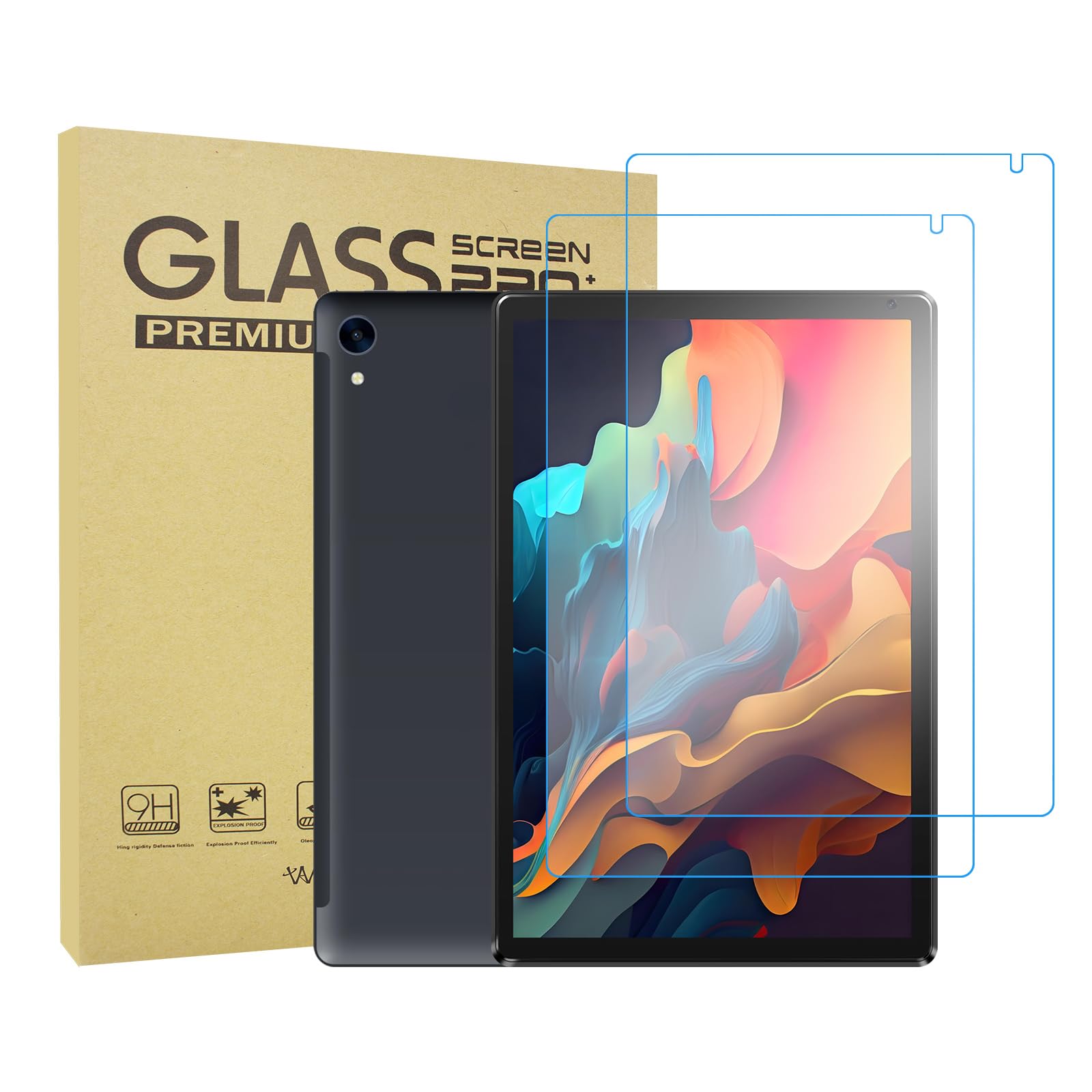
Image: The Transwon Tempered Glass Screen Protector, showing its packaging and the glass protector itself, highlighting its clear, smooth surface and precise cutouts.
Installation Guide
Proper installation is crucial for optimal performance. Ensure you are in a dust-free environment before beginning.
- Clean the Tablet Screen: Use the provided alcohol wipe to thoroughly clean the tablet's screen, removing all dirt, dust, and oils. Follow with the microfiber cloth to dry and polish the screen until it is spotless. Use a dust-absorber sticker to remove any remaining lint or dust particles.
- Prepare the Screen Protector: Carefully peel off the protective film from the adhesive side of the tempered glass. Avoid touching the adhesive surface to prevent fingerprints or dust accumulation.
- Align the Protector: Hold the screen protector by its edges and carefully align it with your tablet's screen. Pay close attention to the cutouts for the camera, sensors, and speaker to ensure a precise fit.
- Apply the Protector: Once aligned, gently lower the screen protector onto the tablet's screen. The adhesive will begin to spread automatically. Lightly press the center of the protector to encourage adhesion.
- Remove Bubbles: If any bubbles appear, gently push them towards the edges of the screen using the microfiber cloth or a soft card. Small bubbles should disappear within 24-48 hours.
Usage and Functionality
Once installed, the Transwon Tempered Glass Screen Protector provides an additional layer of protection without compromising the tablet's functionality. It is designed to maintain the original touch sensitivity and display clarity of your device. The oleophobic coating helps resist fingerprints, keeping your screen looking clean during daily use.
Care and Maintenance
To keep your screen protector in optimal condition:
- Cleaning: Use a soft, lint-free microfiber cloth to gently wipe the screen protector. For stubborn smudges, slightly dampen the cloth with water or a screen cleaner specifically designed for electronics. Avoid harsh chemicals or abrasive materials.
- Avoid Sharp Objects: While the protector has 9H hardness, extreme pressure or sharp objects can still cause damage.
Troubleshooting
- Bubbles After Installation: Small bubbles often disappear within 24-48 hours. For larger bubbles, gently lift the nearest edge of the protector and re-apply, pushing the bubble out with a microfiber cloth. Ensure no dust is trapped underneath.
- Dust Underneath: If dust particles are trapped, carefully lift the corner of the screen protector closest to the dust using a piece of tape. Use another piece of tape to dab the dust particle off the screen or the adhesive side of the protector. Re-apply the protector.
- Misalignment: If the protector is significantly misaligned, gently lift it from one corner and re-align. Be careful not to bend the glass excessively, as it may crack.
Product Specifications
| Feature | Detail |
|---|---|
| Material | Tempered Glass |
| Item Hardness | 9H |
| Product Dimensions | 9.09"L x 5.71"W |
| Screen Size Compatibility | 10.1 Inches |
| Finish Type | Glossy |
| Unit Count | 2.0 Count |
| Model Number | SMA0160-US1 |
Warranty and Support
For specific warranty information regarding your Transwon Tempered Glass Screen Protector, please refer to the product packaging or contact the seller directly. If you encounter any issues not covered in this manual or require further assistance, please reach out to Transwon customer support through their official channels or the retailer from whom the product was purchased.