
Introduction
Thank you for choosing the Monyhigh S48 Wireless Earbuds. These earbuds feature Bluetooth 5.3 connectivity, 4-microphone Environmental Noise Cancellation (ENC) for clear calls, and are designed for comfortable in-ear wear. They are compatible with both Apple and Android systems, providing a seamless audio experience for music and calls.
Package Contents
Please check the package carefully to ensure all items are present:
- Monyhigh S48 Wireless Earbuds (Left & Right)
- Charging Case
- USB-C Charging Cable
- User Manual (this document)
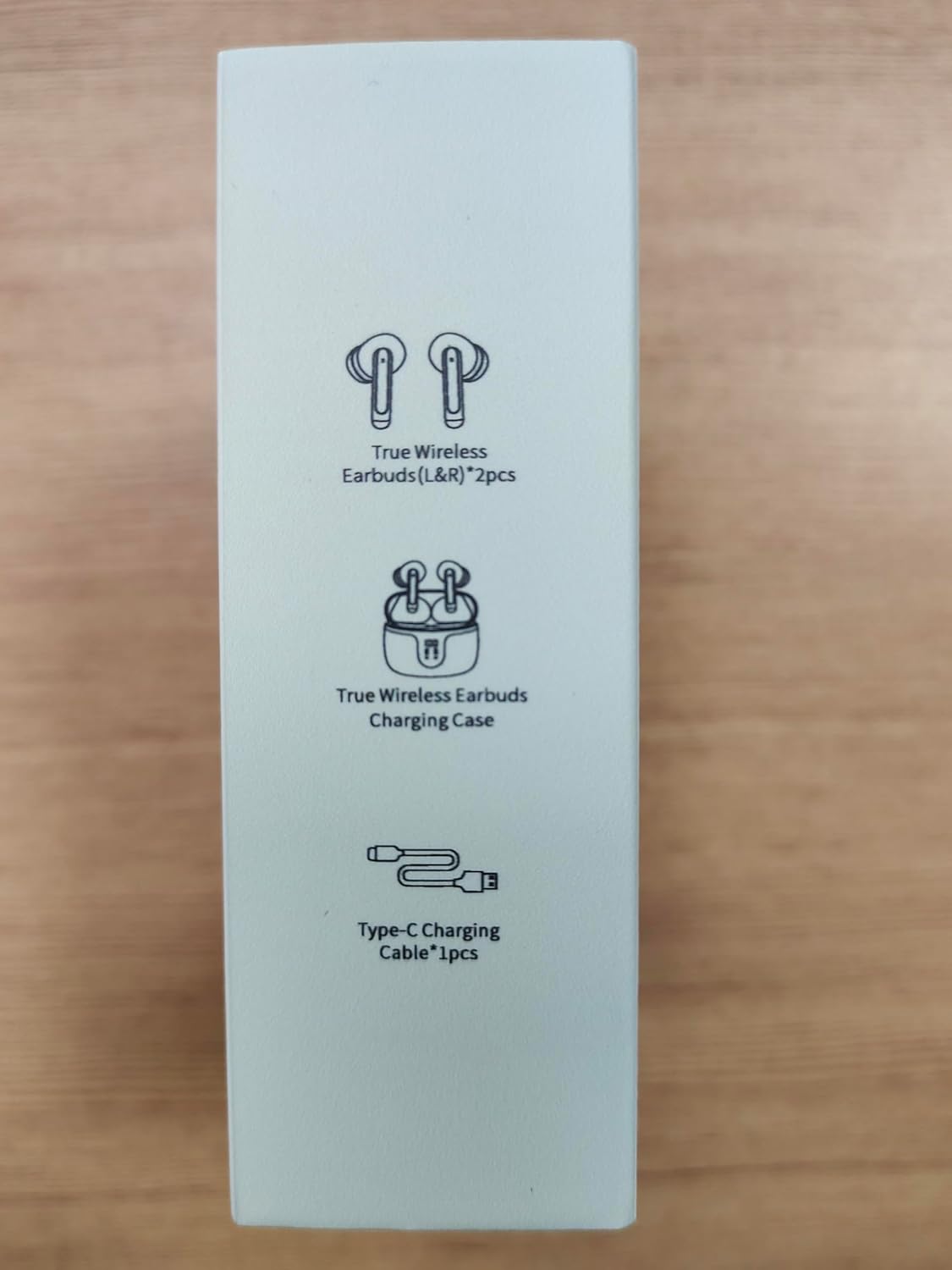
Image: The side of the product box illustrating the included components: two true wireless earbuds (L&R), a true wireless earbuds charging case, and one Type-C charging cable.
Product Overview
Familiarize yourself with the components of your Monyhigh S48 Wireless Earbuds:
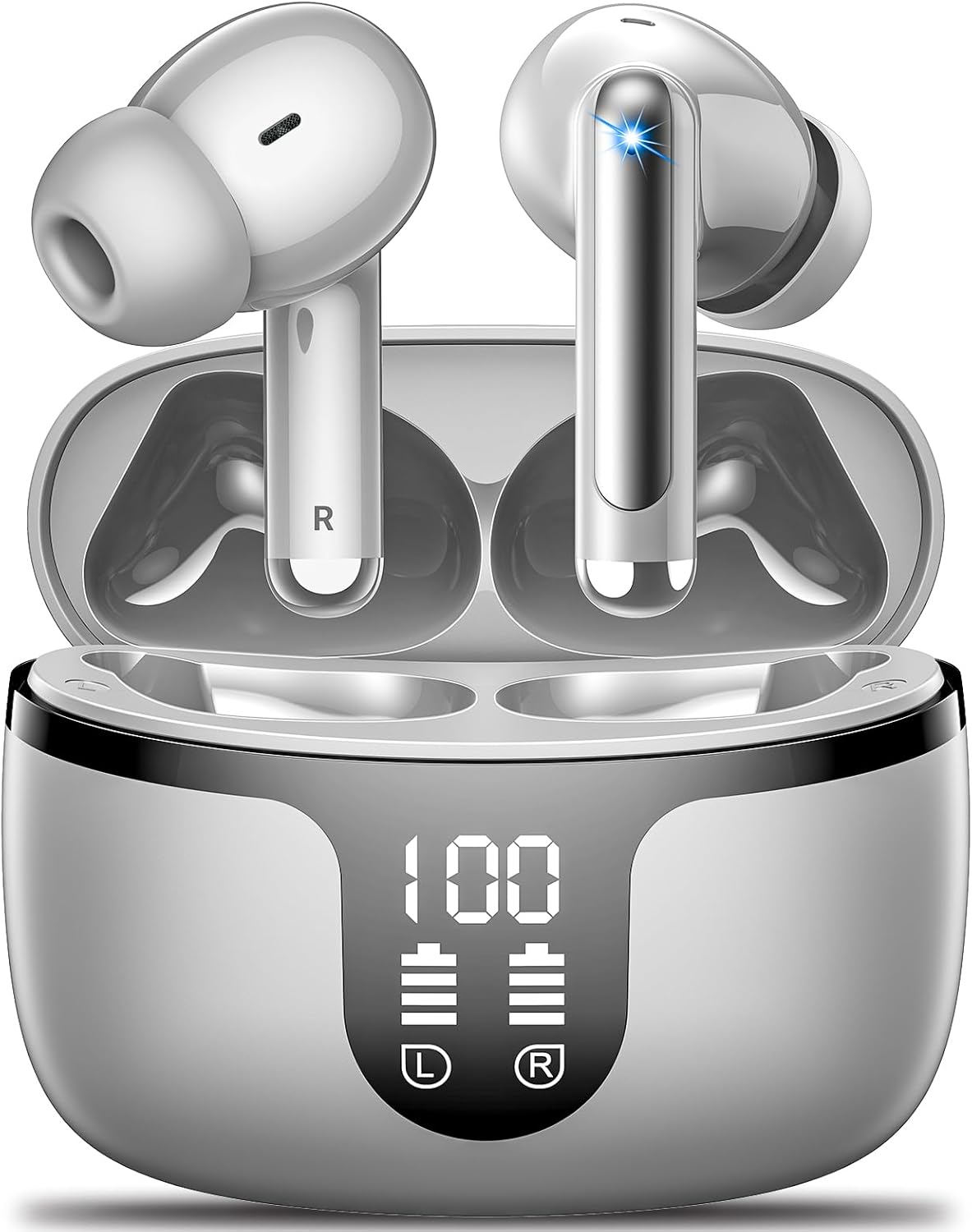
Image: The Monyhigh S48 earbuds resting in their open charging case. The case features a digital display indicating "100" percent charge and individual battery levels for the left (L) and right (R) earbuds. One earbud shows a blue indicator light.
Earbud Components:
- Touch Control Area: For managing playback, calls, and voice assistant.
- Microphone: Four microphones for clear calls and ENC.
- Charging Contacts: Located at the bottom of the earbud stem.
- Ear Tip: Silicone tips for comfortable fit and passive noise isolation.
Charging Case Components:
- Earbud Charging Slots: Securely hold and charge the earbuds.
- Digital Display: Shows the charging case battery percentage and individual earbud charging status.
- USB-C Charging Port: Located on the back or bottom of the case for charging the case itself.
Setup
1. Initial Charging
Before first use, fully charge both the earbuds and the charging case. The earbuds come with a USB-C charging cable.
- Place both earbuds into the charging case. Ensure they are correctly seated in their respective slots (L for left, R for right).
- Connect the USB-C charging cable to the charging port on the case and the other end to a USB power adapter (not included) or a computer's USB port.
- The digital display on the charging case will show the battery percentage. Allow the case and earbuds to charge until the display shows 100%.
2. Pairing with Your Device
The earbuds will automatically enter pairing mode when taken out of the charging case.
- Open the charging case and remove both earbuds. They will automatically power on and attempt to pair with each other.
- On your smartphone or Bluetooth-enabled device, go to the Bluetooth settings.
- Turn on Bluetooth.
- Search for available devices. You should see "S48" or "Monyhigh S48" in the list.
- Select "S48" to connect. Once connected, you will hear a confirmation tone, and the earbuds will be ready for use.
Note: If the earbuds do not connect automatically, place them back in the case, close the lid, wait a few seconds, then open the lid and try again.
Operating Instructions
Touch Controls
The Monyhigh S48 earbuds feature intuitive touch controls on each earbud. The specific functions may vary slightly based on your device and application.
| Action | Function |
|---|---|
| Single Tap (Left or Right Earbud) | Play/Pause Music, Answer/End Call |
| Double Tap (Right Earbud) | Next Track |
| Double Tap (Left Earbud) | Previous Track |
| Triple Tap (Right Earbud) | Volume Up |
| Triple Tap (Left Earbud) | Volume Down |
| Long Press (2 seconds, Left or Right Earbud) | Reject Call, Activate Voice Assistant |
Making and Receiving Calls
- Answer Call: Single tap either earbud.
- End Call: Single tap either earbud during a call.
- Reject Call: Long press either earbud for 2 seconds.
Listening to Music
- Play/Pause: Single tap either earbud.
- Next Track: Double tap the right earbud.
- Previous Track: Double tap the left earbud.
- Volume Up: Triple tap the right earbud.
- Volume Down: Triple tap the left earbud.
Maintenance
Proper maintenance ensures the longevity and optimal performance of your earbuds.
- Cleaning: Regularly clean the earbuds, especially the ear tips and charging contacts, with a soft, dry, lint-free cloth. Do not use harsh chemicals or abrasive materials.
- Storage: When not in use, always store the earbuds in their charging case to protect them from dust, dirt, and damage.
- Avoid Moisture: Keep the earbuds and charging case away from water, humidity, and extreme temperatures.
- Charging: Use only the provided USB-C cable or a certified equivalent for charging.
Troubleshooting
If you encounter issues with your Monyhigh S48 earbuds, try the following solutions:
- Earbuds not pairing with each other or device:
- Ensure both earbuds are fully charged.
- Place both earbuds back into the charging case, close the lid, wait 5 seconds, then open the lid and remove them.
- Turn off Bluetooth on your device, then turn it back on.
- Forget/delete "S48" from your device's Bluetooth list and try pairing again.
- No sound from one earbud:
- Ensure both earbuds are charged.
- Place both earbuds back in the case and then take them out again to re-establish the connection.
- Clean the charging contacts on both the earbuds and the case.
- Charging case not charging:
- Check if the USB-C cable is securely connected to both the case and the power source.
- Try a different USB-C cable or power adapter.
- Poor sound quality or intermittent connection:
- Ensure the earbuds are within the effective Bluetooth range (typically 10-15 meters) of your device.
- Avoid obstacles between the earbuds and your device (e.g., thick walls).
- Try disconnecting and reconnecting the earbuds from your device.
Specifications
Detailed technical specifications for the Monyhigh S48 Wireless Earbuds:
| Feature | Detail |
|---|---|
| Model Name | S48 |
| Connectivity Technology | Wireless (Bluetooth 5.3) |
| Wireless Communication Technology | Bluetooth |
| Included Components | USB C Cable |
| Material | Plastic |
| Control Type | Volume Control |
| Control Method | Touch |
| Manufacturer | Monyhigh |
| Package Dimensions | 3.82 x 3.46 x 1.3 inches |
| Item Weight | 5.6 ounces |
| Batteries | 1 A batteries required (included) |
| Date First Available | February 3, 2025 |
| Color | Starry Sky Grey |
| Form Factor | In Ear |
| Noise Control | None (Features ENC for calls) |
| Headphones Jack | Bluetooth |
| Bluetooth Version | V5.3 |
| Stand-by time | 140 days |
| Talk time | 4.5 hours |
| Music playtime | 7 hours |
| Charging time (Earbuds) | 1.5 hours |
| Charging voltage | DC 5V |
| Frequency range | 20-20000Hz |
| Transmission distance | 10m-15m |
| Battery capacity (Earbud) | 35mAh |
| Battery capacity (Charging case) | 300mAh |

Image: The back of the product packaging displaying key specifications such as Bluetooth version V5.3, standby time, talk time, music playtime, charging time, frequency range, transmission distance, and battery capacities for both earbuds and the charging case. It also shows regulatory compliance marks like UKCA, FCC, and CE.
Warranty and Support
Monyhigh products are designed and manufactured to the highest quality standards. For information regarding warranty coverage, technical support, or service inquiries, please refer to the warranty card included with your purchase or contact Monyhigh customer service through the retailer where the product was purchased. Please retain your proof of purchase for warranty claims.


