
TIQLAB B0DNJSRNFB
TIQLAB Console Table with LED Light User Manual
Model: B0DNJSRNFB
Important Safety Information
Please read all instructions carefully before assembly and use. Failure to follow these instructions may result in injury or damage to the product.
- Always follow the assembly instructions carefully to avoid injury.
- Keep fingers away from pinch points during assembly.
- Do not exceed the weight limit of the table to maintain stability.
- Always anchor the table to the wall to prevent tipping.
Product Overview
The TIQLAB Console Table is a versatile furniture piece designed for living rooms, bedrooms, or entryways. It features an integrated LED light strip to enhance ambiance and safety, and a spacious tabletop for display and storage.

Image: The TIQLAB Console Table, black finish, positioned in an entryway. The integrated LED light illuminates the space beneath the tabletop, and the table is adorned with decorative items like vases and candles.
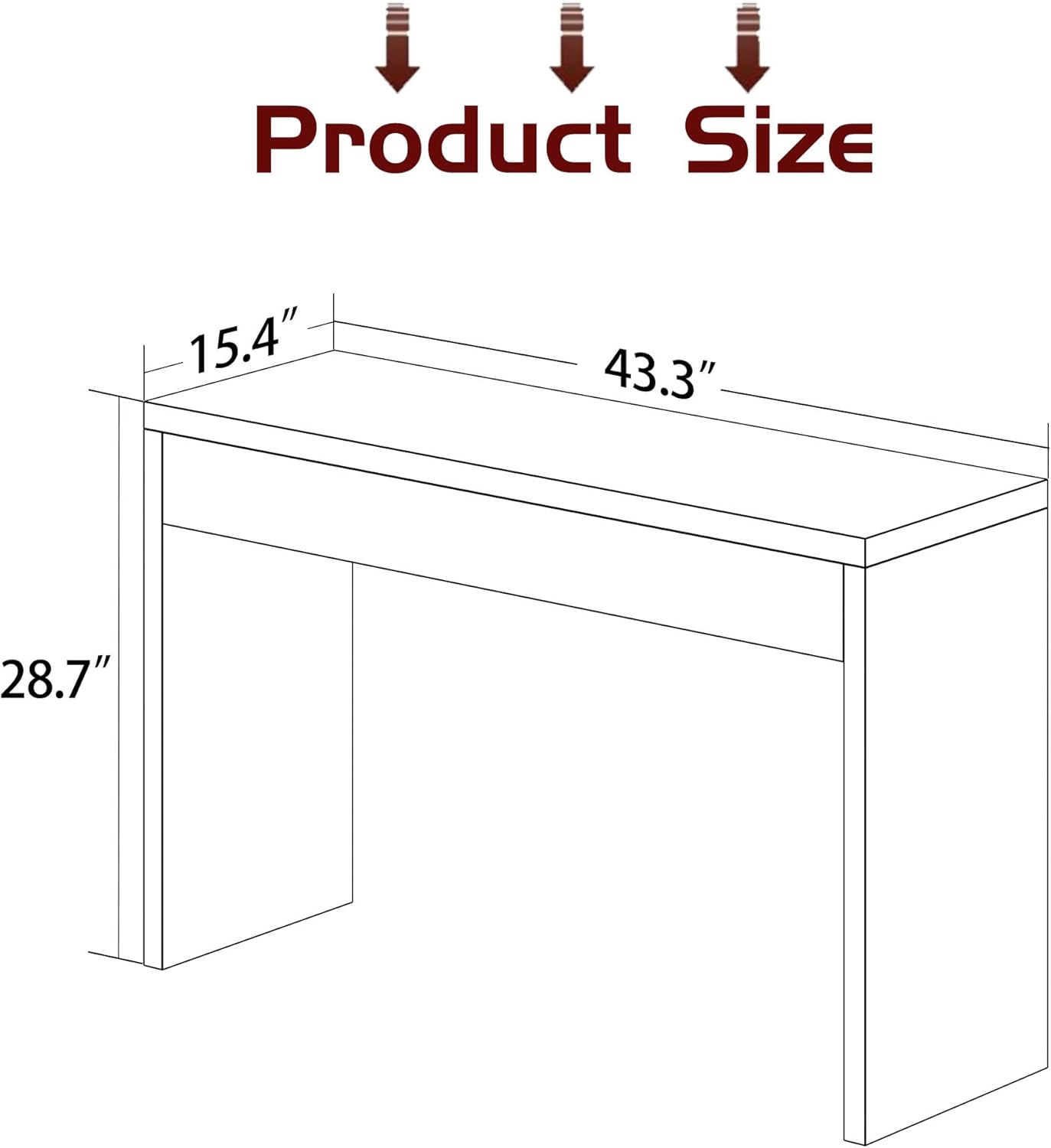
Image: A line drawing illustrating the dimensions of the console table. The diagram indicates a length of 43.3 inches, a width of 15.4 inches, and a height of 28.7 inches.
Assembly Instructions
The TIQLAB Console Table is designed for quick and easy assembly, typically within 15 minutes. All necessary holes are pre-drilled, and accessories are clearly labeled.
Included Components:
- Assembly Guide
- Installation Tool (screwdriver)
- Table panels (top, sides, support beams)
- Hardware (screws, dowels, etc.)
- LED Light Strip
Assembly Steps:
- Unpack all components and verify against the parts list in the included Assembly Guide.
- Identify the main table panels and support beams.
- Follow the step-by-step instructions in the Assembly Guide to connect the panels using the provided hardware and installation tool. Ensure all connections are secure.
- Attach the LED light strip according to the guide's instructions, typically along the underside of the tabletop.
- Once assembled, position the table in its desired location. For added safety, consider anchoring the table to the wall, especially in homes with children or pets.

Image: Various components of the console table, including panels, hardware, an LED strip, and the assembly manual, laid out on a wooden floor, illustrating the ease of assembly.
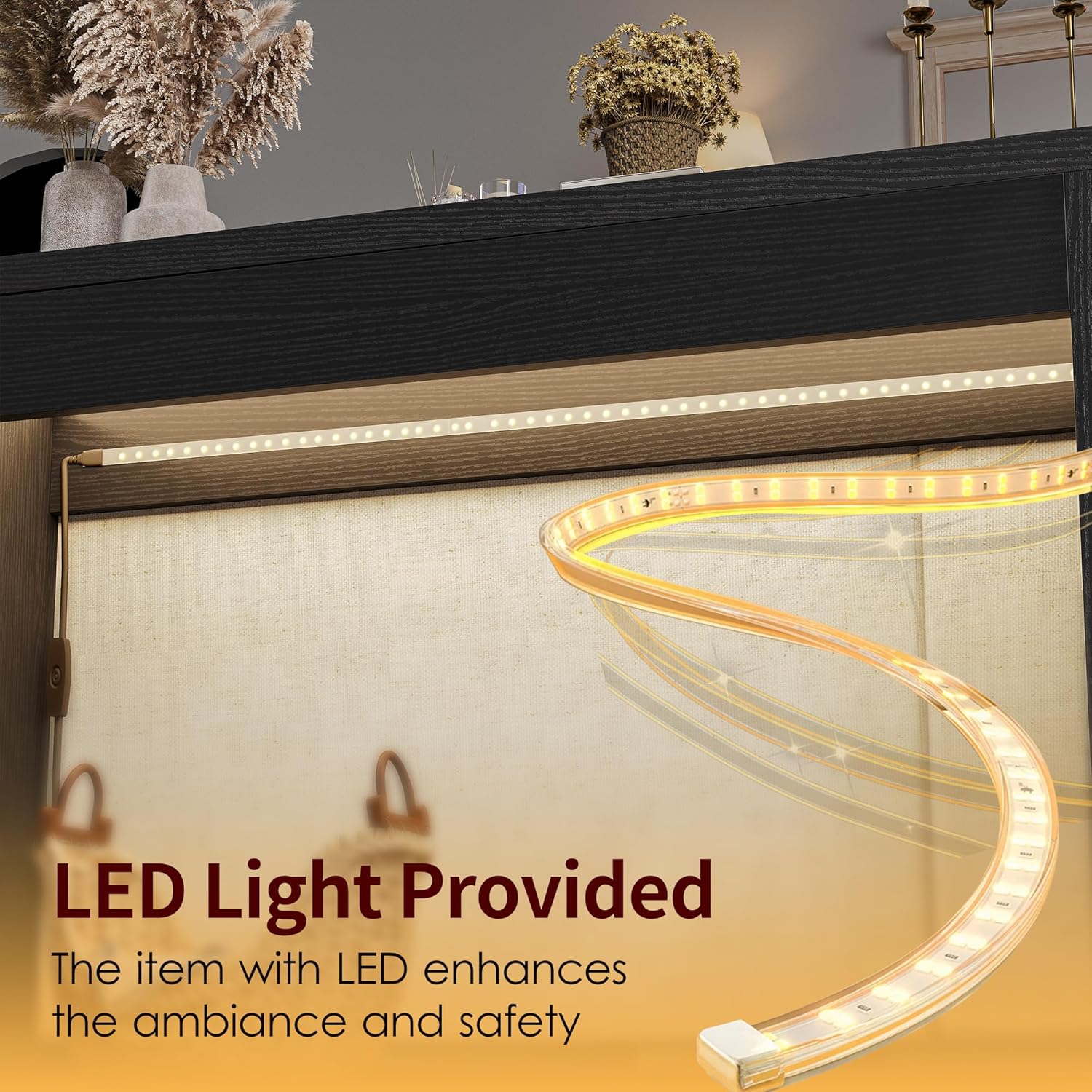
Image: A close-up view of the LED light strip, highlighting its design and how it integrates with the console table to provide illumination and enhance ambiance.
Operating Instructions
Using the LED Light:
The console table includes an integrated LED light strip. To operate, connect the LED light's power cable to a suitable power source. The light is designed to provide ambient illumination, enhancing the aesthetic appeal and safety of your space, particularly in low-light conditions.
General Use:
This console table offers a spacious tabletop suitable for displaying decorative items, photographs, or storing entryway essentials. Its design allows it to function effectively as an entryway table, a sofa table behind a couch, or even as a compact desk or dresser in smaller spaces.

Image: A graphic highlighting the spacious tabletop of the console table, emphasizing its utility for displaying items and its potential use as a desk.

Image: A detailed view of the console table, with an overlay indicating the 18mm thickness of the tabletop, signifying its sturdy construction.
Maintenance and Care
To ensure the longevity and appearance of your TIQLAB Console Table, follow these simple maintenance guidelines:
- Cleaning: Wipe the table surface with a soft, damp cloth. Avoid using harsh chemicals or abrasive cleaners, as these can damage the finish.
- Spills: Clean up spills immediately to prevent staining, especially on the engineered wood surface.
- LED Light Care: Ensure the LED light strip and its connections remain dry. Do not attempt to disassemble or repair the LED strip yourself. If issues arise, contact customer support.
- Stability: Periodically check all screws and connections to ensure they remain tight. Re-tighten if necessary to maintain stability.
- Environment: Place the table in an indoor environment away from direct sunlight, excessive moisture, or extreme temperature changes to prevent warping or fading.
Troubleshooting
If you encounter any issues with your TIQLAB Console Table, refer to the following common troubleshooting tips:
| Problem | Possible Cause | Solution |
|---|---|---|
| Table is wobbly/unstable. | Loose screws or uneven floor. | Check and tighten all assembly screws. Ensure the table is on a flat, level surface. If necessary, use furniture pads to level. |
| LED light is not working. | Power connection issue, damaged strip. | Ensure the power cable is securely plugged into both the LED strip and the power outlet. Check the outlet with another device. If still not working, contact customer support. |
| Parts missing during assembly. | Packaging error. | Carefully re-check all packaging materials. If parts are genuinely missing, contact TIQLAB customer service with your purchase details. |
Specifications
| Feature | Detail |
|---|---|
| Brand | TIQLAB |
| Model | B0DNJSRNFB |
| Product Dimensions (L x W x H) | 43.3" x 15.4" x 28.7" (approx. 15.7"D x 43"W x 28"H) |
| Maximum Weight Recommendation | 16 Kilograms (approx. 35 lbs) |
| Color | Black |
| Table Design | Console Table |
| Frame Material Type | Wood |
| Top Material Type | Engineered Wood |
| Item Weight | 35 Pounds |
| Tabletop Thickness | 18 Millimeters |
| Indoor/Outdoor Usage | Indoor |
| Shape | Rectangular |
| Style Name | Modern |
| Included Components | Assembly Guide, Installation Tool, LED Light Strip |
Warranty and Support
TIQLAB aims to provide complete after-sales service for its products. For specific warranty information, please refer to the documentation included with your purchase or contact TIQLAB directly.
If you require assistance, have questions about assembly, or need to report a defect, please contact TIQLAB customer support. You can often find contact information on the manufacturer's website or through the retailer where you purchased the product.
You can also visit the official TIQLAB store for more information: TIQLAB Store on Amazon
Ask a question about this manual
Ask about setup, troubleshooting, compatibility, parts, safety, or missing instructions. Manuals+ will review the question and use this page’s manual context to help answer it.