
Pyle PPHP868ST
Pyle Portable Bluetooth Speaker PPHP868ST User Manual
Model: PPHP868ST
Introduction
This manual provides detailed instructions for the Pyle Portable Bluetooth Speaker, model PPHP868ST. This speaker system is designed for versatile audio playback, featuring Bluetooth connectivity, multiple input options, and dynamic LED lighting. Please read this manual thoroughly before operating the device to ensure proper use and to maximize its performance.
What's in the Box
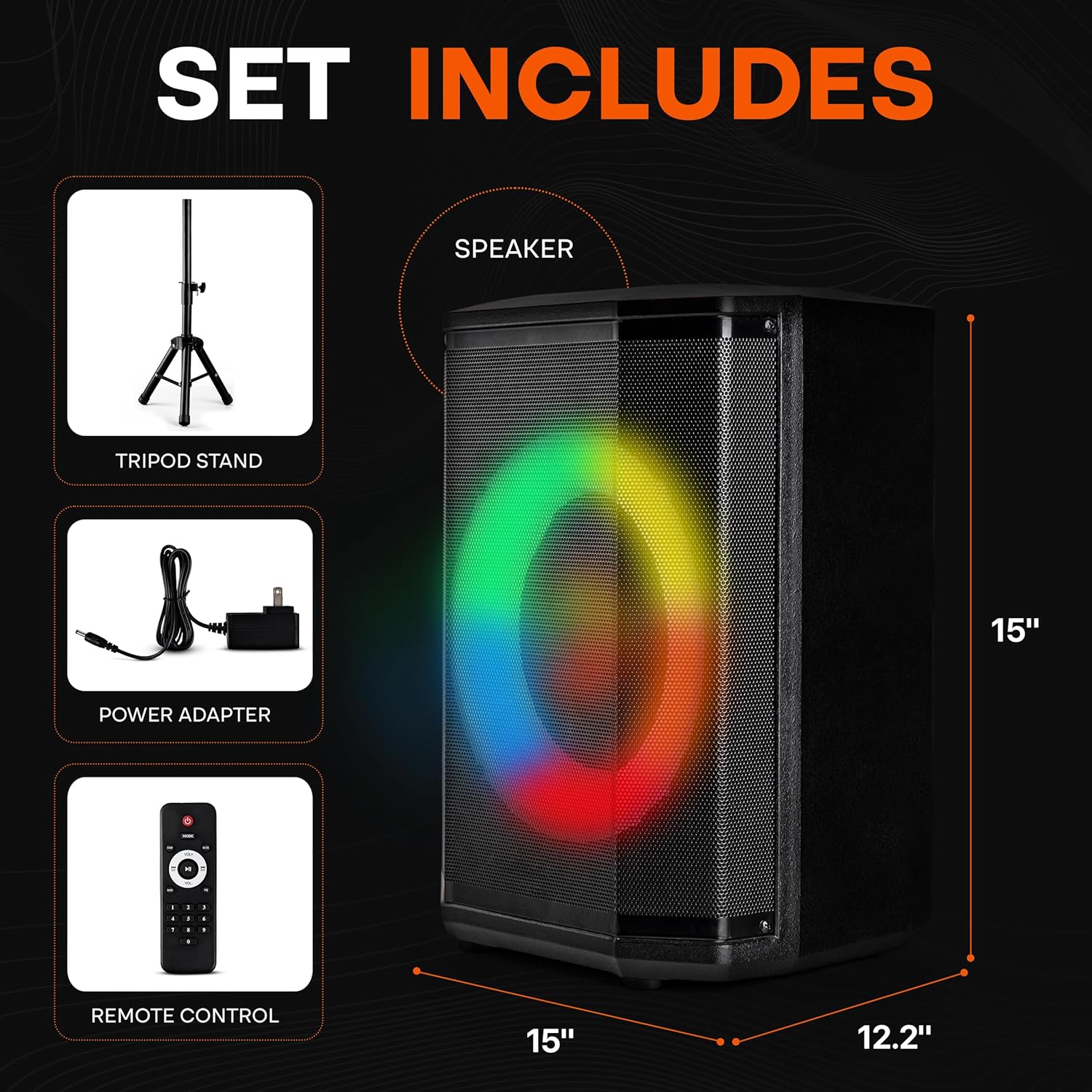
Image: The package contents, showing the speaker, tripod stand, power adapter, and remote control.
Upon unpacking, please ensure all items listed below are present:
- Portable Bluetooth Speaker
- Power Adapter
- Remote Control
- Tripod Stand
Product Overview
The Pyle PPHP868ST is a portable audio system featuring an 8-inch woofer and a 1-inch tweeter, delivering clear and powerful sound. It includes a True Wireless Stereo (TWS) function for connecting two speakers wirelessly, a microphone input for karaoke, and various connectivity options such as Bluetooth, USB, Micro SD, and FM radio. Dynamic LED ring lights enhance the audio experience.

Image: Internal components and portability features of the speaker.
Setup
1. Charging the Speaker
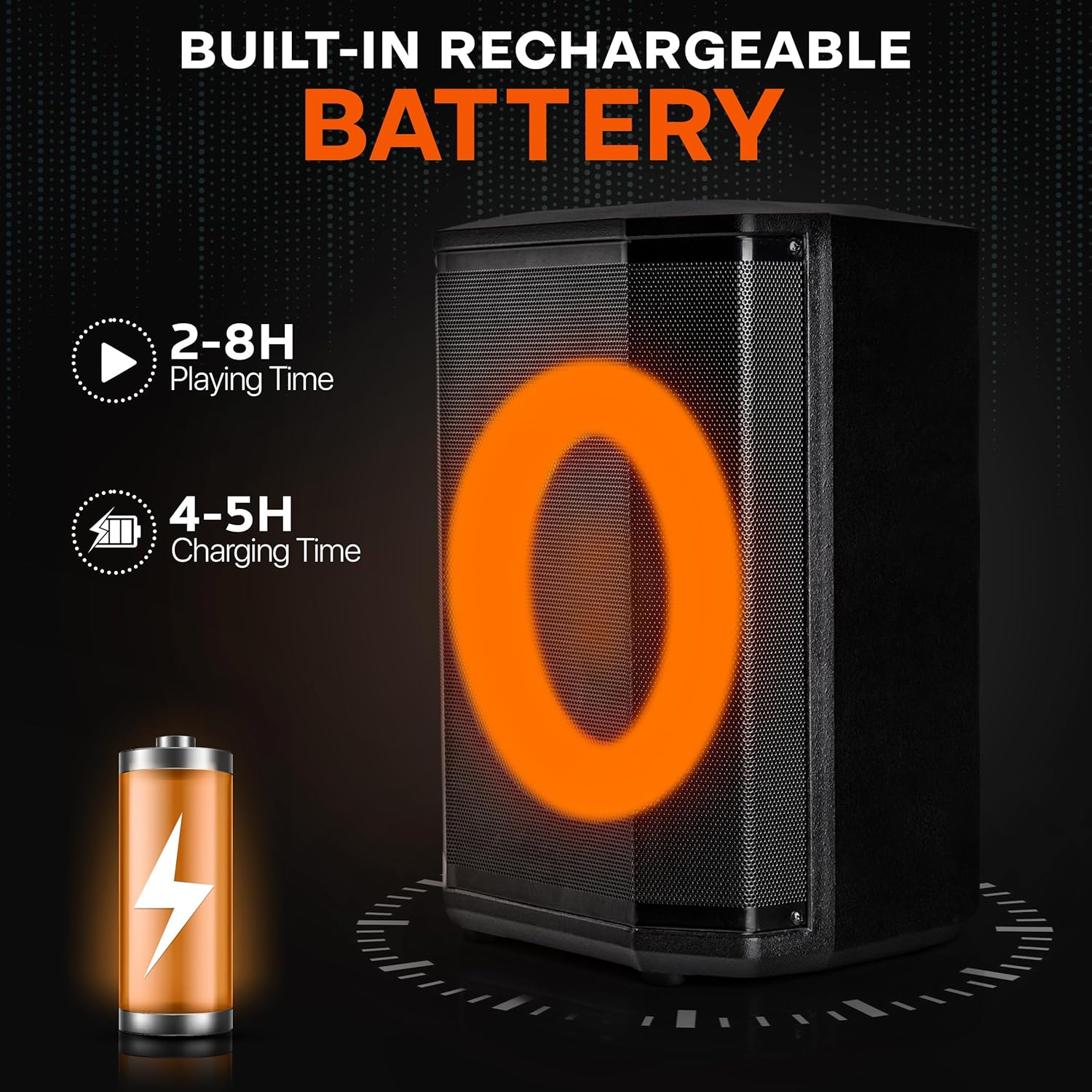
Image: Battery life and charging duration information.
- Connect the provided power adapter to the DC IN port on the speaker.
- Plug the power adapter into a standard wall outlet.
- The battery indicator light will illuminate during charging. A full charge typically takes 4-5 hours.
- Once fully charged, the speaker provides approximately 2-8 hours of playtime, depending on volume level and usage.
2. Tripod Stand Assembly

Image: Speaker on tripod stand in an outdoor setting.
- Unfold the legs of the tripod stand until they are fully extended and stable.
- Adjust the height of the stand using the locking mechanism. Ensure it is securely tightened.
- Carefully place the speaker onto the top pole of the tripod stand, ensuring it is seated firmly.
Operating Instructions

Image: Detailed view of the speaker's control panel.
1. Power On/Off
- To power on the speaker, press and hold the POWER button on the control panel or remote control.
- To power off, press and hold the POWER button again.
2. Bluetooth Pairing
- Turn on the speaker. It will automatically enter Bluetooth pairing mode, indicated by a flashing Bluetooth icon on the LED display.
- On your device (smartphone, tablet, laptop), enable Bluetooth and search for available devices.
- Select "Pyle Audio" or similar from the list.
- Once connected, a confirmation tone will sound, and the Bluetooth icon will stop flashing.
True Wireless Stereo (TWS) Function
To connect two PPHP868ST speakers for a stereo experience:
- Ensure both speakers are powered on and in Bluetooth mode, but not yet paired with any device.
- On one speaker, press and hold the TWS button (if available) or the MODE button until you hear a pairing sound.
- The two speakers will automatically connect to each other.
- Now, pair your device with the primary speaker as described above. Audio will play through both speakers in stereo.
3. USB/Micro SD Playback
- Insert a USB flash drive or Micro SD card (with MP3/WAV audio files) into the respective port on the control panel.
- The speaker will automatically switch to USB/SD mode and begin playing audio. If not, press the MODE button to select USB or SD.
- Use the PLAY/PAUSE, PREVIOUS, and NEXT buttons to control playback.
4. FM Radio
- Press the MODE button to switch to FM radio mode.
- Press the PLAY/PAUSE button once to initiate an automatic scan for FM stations. The speaker will save detected stations.
- Use the PREVIOUS and NEXT buttons to navigate through saved stations.
5. Microphone Input

Image: Microphone input and audio control features.
- Connect a 6.5mm microphone to the MIC IN port.
- Adjust the microphone volume using the MIC VOLUME knob on the control panel.
- Use the ECHO control (if available) to add an echo effect to your voice.
6. Audio Controls
- MASTER VOLUME: Adjust the overall output volume using the large knob on the control panel or the VOL+/- buttons on the remote.
- TREBLE/BASS: Use the dedicated knobs on the control panel to fine-tune the treble and bass levels of the audio output.
- EQ: The remote control may feature an EQ button to cycle through preset equalizer settings.
7. LED Lights

Image: Dynamic LED lights synchronized with music.
- The speaker features dynamic LED ring lights that synchronize with the music.
- To turn the lights on or off, or to change light modes, refer to the dedicated light button on the control panel or remote control (if available).
Maintenance
- Keep the speaker away from water, moisture, and extreme temperatures.
- Clean the speaker with a soft, dry cloth. Do not use abrasive cleaners or solvents.
- When not in use for extended periods, store the speaker in a cool, dry place and ensure it is fully charged every few months to maintain battery health.
- Avoid blocking the speaker's vents to ensure proper airflow.
Troubleshooting
| Problem | Possible Cause | Solution |
|---|---|---|
| No power | Battery is depleted; Power adapter not connected. | Charge the speaker using the provided power adapter. Ensure the adapter is securely plugged into both the speaker and a working outlet. |
| No sound | Volume is too low; Incorrect input mode selected; Device not paired correctly. | Increase the master volume. Press the MODE button to select the correct input (Bluetooth, USB, SD, FM, AUX). Re-pair your Bluetooth device. |
| Bluetooth connection unstable | Device is too far from the speaker; Obstructions between devices. | Move your device closer to the speaker (within 50 feet). Remove any obstacles. Try re-pairing the device. |
| Microphone not working | Microphone not plugged in correctly; Mic volume is too low. | Ensure the microphone is fully inserted into the MIC IN port. Increase the MIC VOLUME knob. |
| FM radio static | Weak signal; No antenna connected (if applicable). | Relocate the speaker to an area with better reception. Ensure any external antenna is properly connected. Perform an auto-scan again. |
Specifications
- Model: PPHP868ST
- Woofer Size: 8 inches
- Tweeter Size: 1 inch
- Power Output: 120 Watts
- Impedance: 4 Ohm
- Connectivity: Bluetooth, USB, Micro SD, AUX (3.5mm), 1/4" TRS Microphone Input
- Bluetooth Range: Up to 50 feet (approx. 15 meters)
- Battery Life: 2-8 hours (depending on volume)
- Charging Time: 4-5 hours
- Digital Audio File Support: MP3, WAV
- Construction Material: ABS, Iron Grill
- Product Dimensions (L x W x H): 14.17" x 11.22" x 9.84" (36 x 28.5 x 25 cm)
- Item Weight: 9.92 lbs (4.5 kg)
Warranty & Support
Pyle products are designed for reliability and performance. For warranty information and technical support, please refer to the official Pyle website or contact their customer service department. Keep your purchase receipt as proof of purchase for any warranty claims.
For further assistance, please visit: www.pyleusa.com
Related documentsPPHP868ST


Ask a question about this manual
Ask about setup, troubleshooting, compatibility, parts, safety, or missing instructions. Manuals+ will review the question and use this page’s manual context to help answer it.