
DEZEX MF-PC01
Hinice Cordless Robotic Pool Vacuum
Model: MF-PC01
Brand: DEZEX
1. Introduction
Thank you for choosing the Hinice Cordless Robotic Pool Vacuum. This manual provides essential information for the safe and efficient operation, maintenance, and troubleshooting of your new pool cleaner. Please read this manual thoroughly before first use and keep it for future reference.
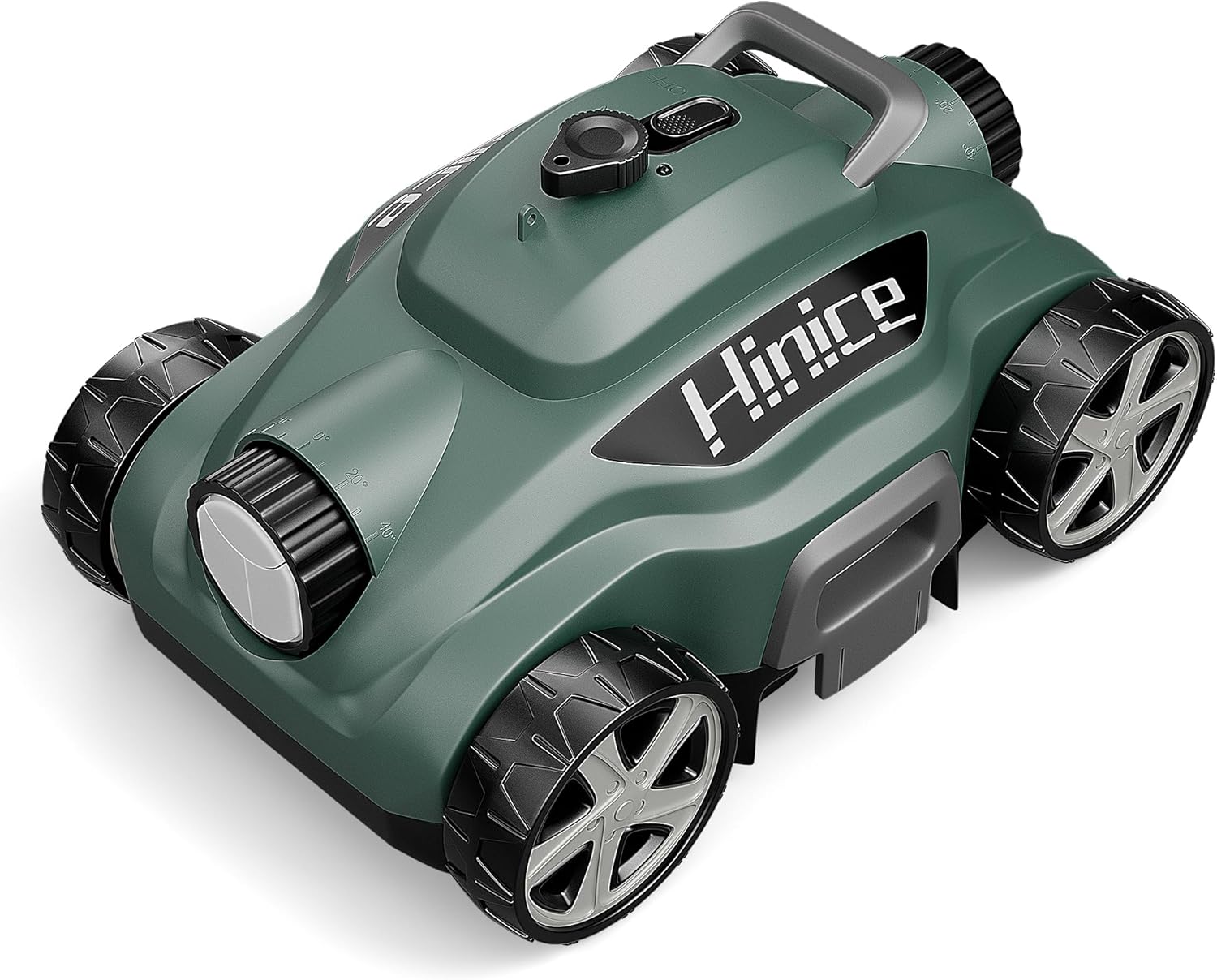
Image 1.1: The Hinice Cordless Robotic Pool Vacuum, showcasing its compact and robust design.
Key Features:
- Cordless Operation: Enjoy hassle-free cleaning without tangled cords.
- Long Battery Life: Equipped with a 5800mAh Lithium-ion battery, providing up to 110 minutes of cleaning time.
- Powerful Cleaning: Efficiently cleans flat pools up to 1076 square feet, removing dust, debris, leaves, sand, and small rocks.
- Self-Parking: Automatically stops and parks when cleaning is complete or battery is low.
- Easy to Use: Simple one-click operation and quick drainage.
- Lightweight Design: Weighs only 10.6 lbs for easy handling and storage.
2. Important Safety Instructions
To reduce the risk of injury or damage, read and follow all safety instructions carefully.
- Always ensure the pool cleaner is fully submerged in water before turning it on. Operating it out of water can cause damage to the motor.
- Do not allow children to play with or operate the pool cleaner.
- Use only the original power adapter provided for charging.
- Keep the charging port dry and clean. Do not charge the unit near water.
- Do not attempt to disassemble or repair the unit yourself. Contact authorized service personnel for repairs.
- Remove the cleaner from the pool before adding chemicals or performing maintenance on the pool.
- Store the cleaner in a cool, dry place away from direct sunlight when not in use.
3. Package Contents
Please check the package contents upon opening to ensure all items are present and undamaged. If any items are missing or damaged, please contact customer support.
- 1 x Cordless Pool Robotic Cleaner
- 1 x User Manual
- 1 x Power Adapter
- 1 x Floating Ball
- 1 x Bottom Cleaner Brush

Image 3.1: All components included in the Hinice Pool Cleaner package.
4. Product Specifications
| Feature | Specification |
|---|---|
| Model Name | MF-PC01 |
| Brand | DEZEX |
| Product Dimensions | 16.73 x 11.02 x 9.06 inches |
| Weight | 10.6 lbs (approx.) |
| Battery Type | Lithium-Ion (2 batteries included) |
| Battery Capacity | 5800mAh |
| Run Time | Up to 110 minutes |
| Charging Time | 3.5-4 hours |
| Max Pool Area | 1076 sq.ft |
| Control Method | Manual Switch (App control not applicable for this model) |
| UPC | 732236948763 |
5. Setup Guide
Follow these steps to prepare your Hinice Pool Cleaner for its first use.
5.1 Charging the Battery
- Ensure the pool cleaner is dry before charging.
- Locate the charging port on the cleaner.
- Connect the provided power adapter to the charging port and plug it into a standard electrical outlet.
- The charging indicator light will illuminate. A full charge takes approximately 3.5-4 hours.
- Once fully charged, disconnect the power adapter.
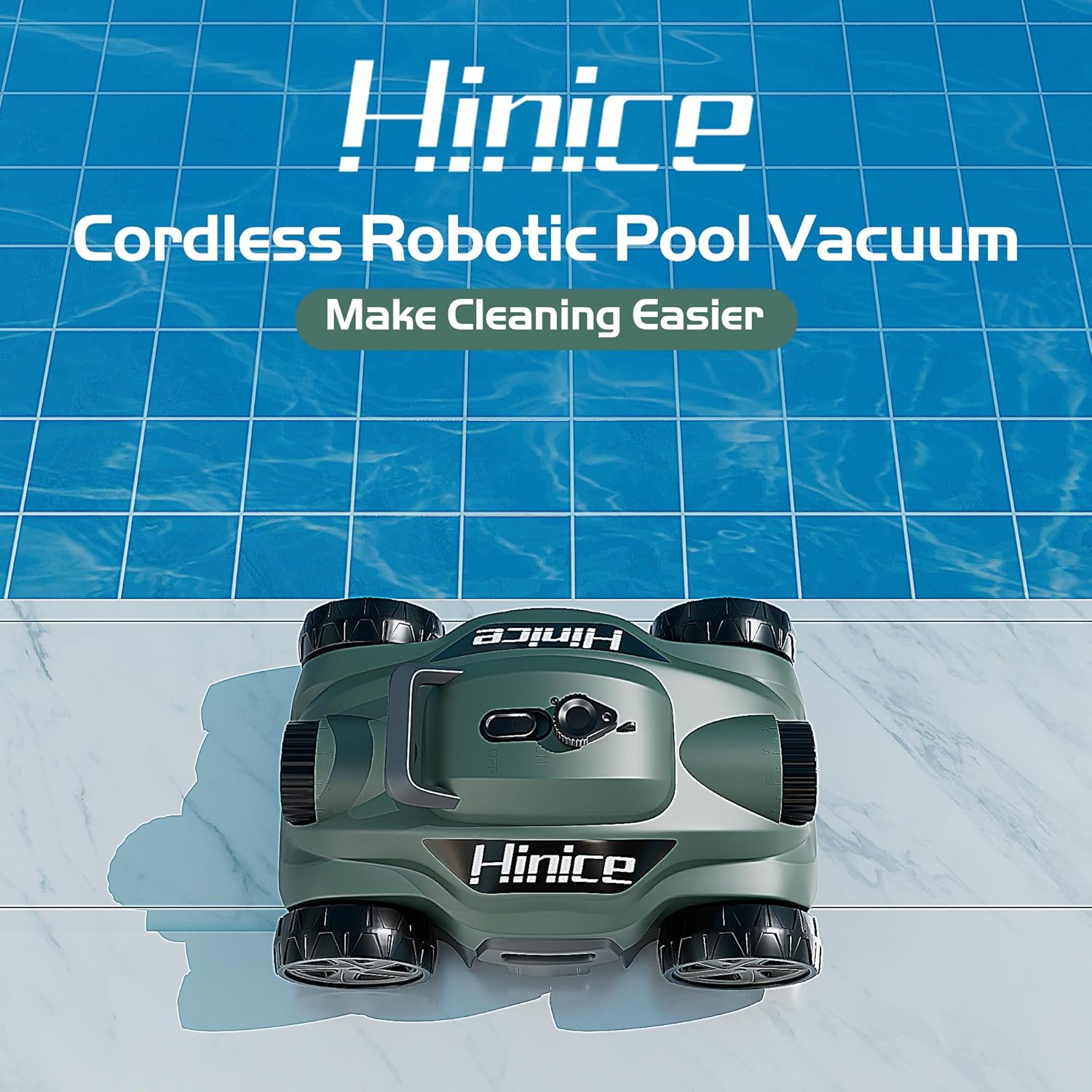
Image 5.1: Connecting the power adapter to charge the pool cleaner.
5.2 Initial Placement in the Pool
- After charging, ensure the cleaner's power switch is in the OFF position.
- Carefully place the cleaner into the pool. For optimal performance, position the cleaner with its bottom facing the pool wall.
- Allow the cleaner to sink to the bottom of the pool. Ensure it is fully submerged and no air bubbles are escaping.
6. Operating Instructions
Operating your Hinice Pool Cleaner is simple and straightforward.
6.1 Starting the Cleaning Cycle
- Once the cleaner is fully submerged at the bottom of the pool, locate the power switch on the top of the unit.
- Flip the switch to the ON position. The cleaner will activate within 5 seconds.
- The cleaner will begin its automatic cleaning cycle, navigating the pool floor to collect debris.

Image 6.1: Activating the pool cleaner by pressing the power switch.
6.2 Cleaning Performance
The Hinice Pool Cleaner is designed for flat pool surfaces up to 1076 square feet. It can operate for up to 110 minutes on a single charge, ensuring thorough cleaning of most debris types.
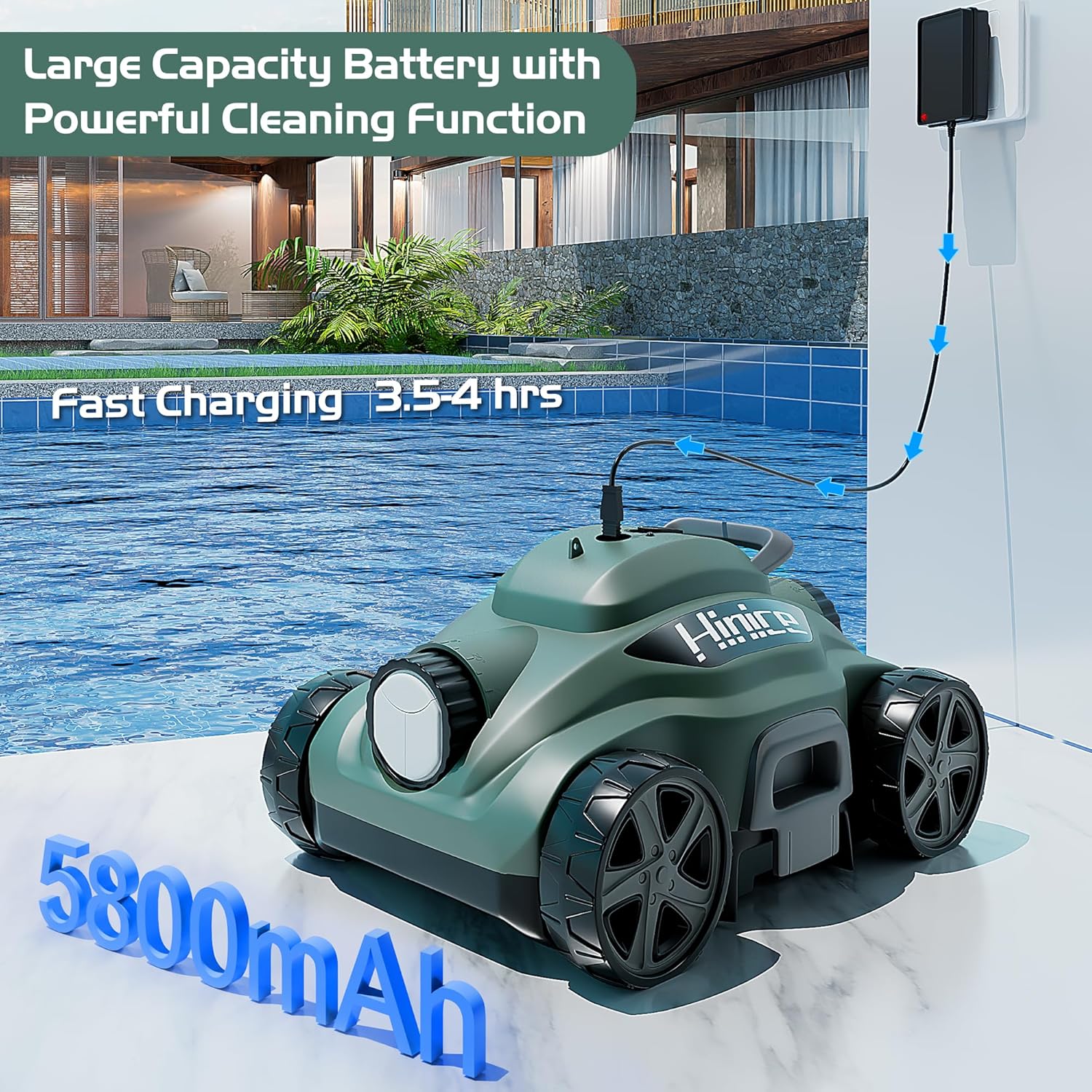
Image 6.2: Visual representation of the cleaner's 110-minute runtime and 1076 sq.ft coverage.
6.3 Automatic Parking and Retrieval
When the cleaning cycle is complete or the battery is low, the cleaner will automatically stop and park itself near the pool wall for easy retrieval. It will also drain water automatically as it is lifted from the pool.

Image 6.3: Lifting the pool cleaner from the water after a cleaning cycle.
7. Maintenance
Regular maintenance ensures the longevity and optimal performance of your pool cleaner.
7.1 Cleaning the Filter
The Hinice Pool Cleaner features top-load filters for easy access and cleaning.
- After each cleaning cycle, remove the cleaner from the pool.
- Open the filter compartment, usually located on the top of the unit.
- Remove the filter basket/trays.
- Rinse the filter thoroughly with a garden hose until all debris is removed.
- Ensure the filter is completely clean before reinserting it into the cleaner.
- Close the filter compartment securely.

Image 7.1: A user cleaning the filter basket with a hose.
7.2 Storage
When not in use for extended periods, store the pool cleaner in a cool, dry, and shaded area. Ensure the battery is fully charged before storage to prolong its lifespan.
8. Troubleshooting
If you encounter issues with your Hinice Pool Cleaner, refer to the table below for common problems and solutions.
| Problem | Possible Cause | Solution |
|---|---|---|
| Cleaner does not turn on. | Battery is low or dead. | Charge the cleaner fully (3.5-4 hours). |
| Cleaner stops prematurely. | Battery is low. | Recharge the cleaner. |
| Poor cleaning performance. | Filter is clogged with debris. | Clean the filter basket thoroughly. |
| Cleaner is stuck or not moving. | Obstruction in the pool or cleaner. | Remove any large debris from the pool. Check cleaner for tangled items. |
| Cleaner does not sink. | Air trapped inside. | Gently rock the cleaner underwater to release trapped air. Ensure it is fully submerged before turning on. |
If the problem persists after trying these solutions, please contact customer support.
9. Warranty and Customer Support
9.1 Warranty Information
The Hinice Cordless Robotic Pool Vacuum (Model MF-PC01) comes with a 12-month warranty from the date of purchase. This warranty covers manufacturing defects and malfunctions under normal use. It does not cover damage caused by misuse, accidents, unauthorized repairs, or normal wear and tear.
Please retain your proof of purchase for warranty claims.
9.2 Customer Support
For technical assistance, warranty claims, or any questions regarding your Hinice Pool Cleaner, please contact DEZEX customer support through the following channels:
- Visit the official DEZEX store on Amazon: DEZEX Amazon Store
- Refer to the contact information provided on the product packaging or the DEZEX official website (if available).