
UGREEN 55151
UGREEN Magnetic M.2 NVMe SSD Enclosure User Manual
Model: 55151 | Brand: UGREEN
Product Overview
The UGREEN Magnetic M.2 NVMe SSD Enclosure is designed to expand your storage and enhance productivity, especially for mobile devices like the iPhone 15/16 Pro Max. It features a strong MagSafe magnetic module for convenient attachment and offers high-speed data transfer capabilities.

Image: The UGREEN Magnetic M.2 NVMe SSD Enclosure shown magnetically attached to the back of an iPhone, highlighting its compact design and MagSafe compatibility.
Key Features:
- MagSafe Super Strong Magnetism: Equipped with a MagSafe magnetic module, ideal for iPhone 15/16 Pro Max. Includes a MagSafe sticker for non-magnetic devices.
- 10Gbps NVMe Enclosure: Utilizes USB 3.2 Gen2 for data transfer speeds up to 10Gbps. Backward compatible with USB 3.2 Gen1 and USB 2.0. Note: 10Gbps speeds require a compatible USB 3.2 Gen2 data cable.
- 4K ProRes Storage: Supports direct recording and storage of 4K ProRes content to the hard disk, turning your mobile phone into a professional photography device.
- 8TB Large Capacity Expansion: Provides read and write capabilities for NVMe SSDs up to 8TB, addressing memory concerns for large files and video recording.
- Broad Compatibility: Supports NVMe protocol M/B&M keys and SSD sizes 2230/2242/2260/2280. Compatible with iPhone 15/16 Pro Max, Windows, Mac OS, Android, and iOS systems.
What's in the Box
Verify that all components are present in the packaging:
- 1 x UGREEN Magnetic NVMe Case
- 1 x Packing Box
- 1 x Screwdriver
- 1 x USB-C 10Gbps Cable (10 CM)
- 2 x Magnetic Rings
- 1 x Thermal Pad
- 1 x User Manual (this document)

Image: A visual representation of all items included in the product package: the enclosure, screwdriver, USB-C cable, magnetic rings, thermal pad, and user manual.
Setup Guide
Follow these steps to install your M.2 NVMe SSD into the enclosure:
- Open the Top Cover: Use the provided screwdriver to carefully open the top cover of the enclosure.
- Insert the SSD: Gently insert your M.2 NVMe SSD into the slot at a 45-degree angle. Once fully seated, push down and secure it with the small screw provided.
- Attach Thermal Pad: Place the thermal pad onto the installed SSD. This helps with heat dissipation during operation.
- Close the Top Cover: Align the top cover and secure it back in place using the screwdriver.

Image: A four-step diagram illustrating the process of opening the enclosure, inserting the SSD, applying the thermal pad, and closing the enclosure.
Important: After physical installation, you may need to initialize and format the SSD drive on your computer or device before it can be used for storage. Refer to your operating system's disk management tools for this process.
Magnetic Attachment:
- For iPhone 15/16 series and devices with MagSafe cases, the enclosure will attach directly.
- For non-MagSafe phones or cases, use one of the included magnetic rings. Peel the adhesive backing and firmly attach the ring to the back of your device or case where you intend to mount the enclosure.

Image: Demonstrates the direct magnetic attachment for MagSafe-compatible devices and the use of an adhesive magnetic ring for other devices to ensure secure connectivity.
Operating Instructions
Connecting to Devices:
Connect the UGREEN SSD Enclosure to your device using the provided USB-C cable. The enclosure is compatible with a wide range of devices and operating systems:
- Devices: iPhone 15/16 Pro/Pro Max, Tablets, Laptops (Windows, Mac OS), Game Consoles.
- Systems: Windows, Mac OS, Android, iOS, Linux.

Image: Illustrates the versatility of the enclosure, showing it connected to an iPhone for mobile recording, a tablet for productivity, a laptop for data management, and a game console for expanded storage.
High-Speed Data Transfer:
The enclosure supports USB 3.2 Gen2, enabling data transfer speeds of up to 10Gbps. This allows for rapid transfer of large files, such as 1GB in approximately 1 second.

Image: A graphic demonstrating the 10Gbps transfer speed capability of the enclosure, showing a laptop and phone connected, with data icons indicating fast file movement.
4K ProRes Video Recording:
For iPhone 15/16 Pro/Pro Max users, the enclosure allows direct external recording of 4K ProRes video, saving content directly to the installed SSD. This is particularly useful for professional videography and content creation, ensuring you do not miss moments due to internal memory limitations.

Image: A hand holding an iPhone with the UGREEN enclosure attached, illustrating its use for 4K ProRes video recording and direct storage to the external SSD.
PD 100W Simultaneous Charging:
The enclosure supports Power Delivery (PD) up to 100W, allowing for simultaneous charging of your device while the SSD is in use. This ensures continuous operation during extended recording sessions or data transfers.
Maintenance
Heat Dissipation:
The UGREEN enclosure features an exclusive heat dissipation design, utilizing an aluminum shell, thermal pads, and an insulation layer. This design effectively keeps your SSD and connected device cool, even during intensive use like prolonged 4K video recording.
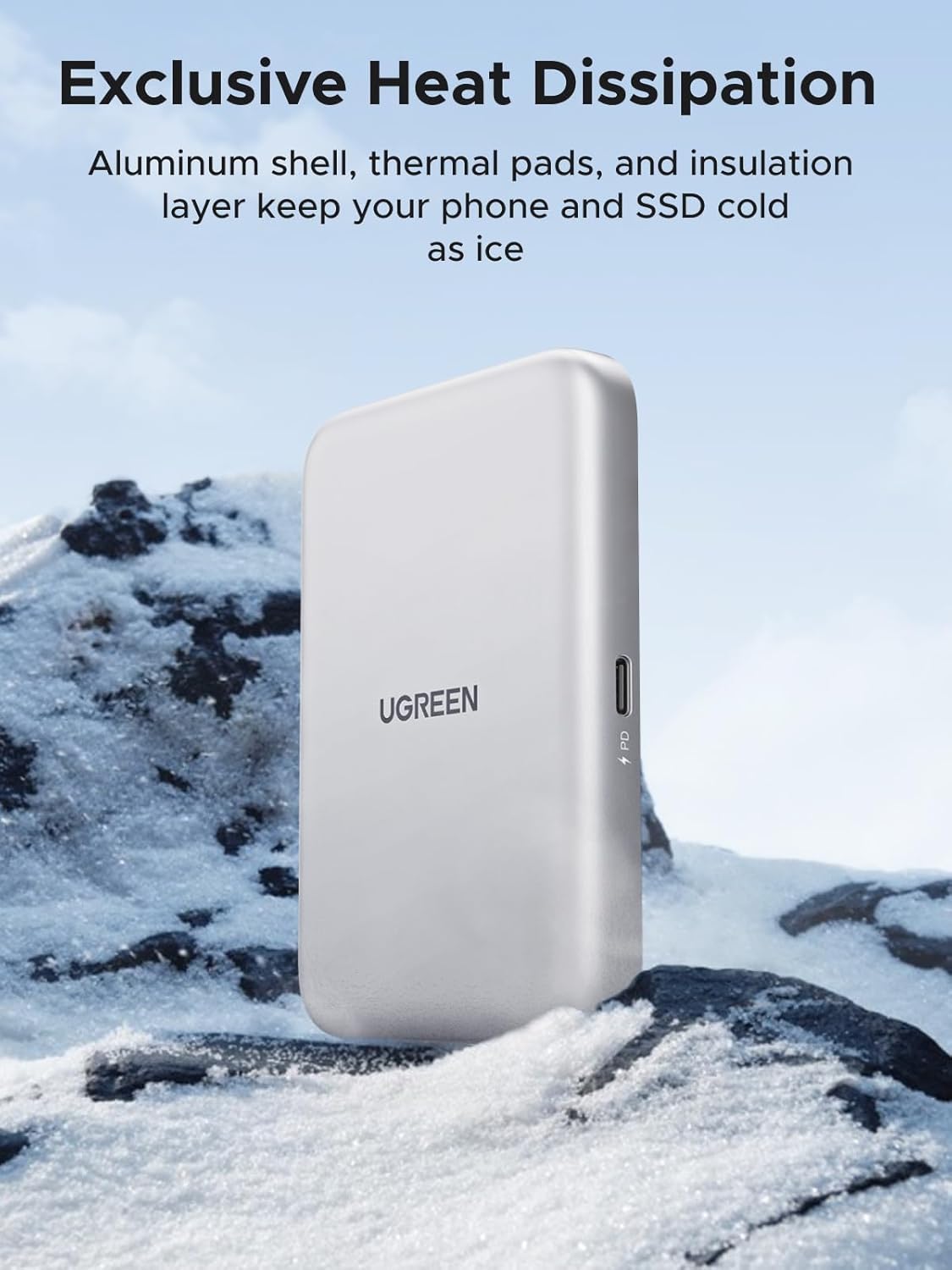
Image: The UGREEN enclosure depicted in a cold, snowy landscape, visually representing its efficient heat dissipation capabilities that keep the device cool during operation.
To ensure optimal performance and longevity, keep the enclosure clean and free from dust. Use a soft, dry cloth for cleaning. Avoid exposing the device to extreme temperatures or moisture.
Troubleshooting
- Device Not Recognizing SSD:
- Ensure the SSD is correctly installed and secured within the enclosure.
- Verify that the USB-C cable is securely connected to both the enclosure and your device.
- Check if the SSD needs to be initialized and formatted through your device's disk management utility (e.g., Disk Management on Windows, Disk Utility on Mac).
- Try connecting the enclosure to a different USB-C port or a different device to rule out port or device specific issues.
- "USB Accessory Requires Too Much Power" Error / Disconnections:
- High-capacity SSDs or intensive operations (like 4K ProRes recording) may draw significant power.
- Ensure your iPhone's USB-C port power output is sufficient. Some devices may have limitations.
- If experiencing power-related issues, connect an external power source to the enclosure's PD USB-C port (if available and supported by your setup) to provide additional power.
- Ensure you are using the provided USB 3.2 Gen2 cable for optimal power delivery and data transfer.
- Slow Data Transfer Speeds:
- Confirm that your device's USB-C port supports USB 3.2 Gen2 (10Gbps) or higher. Older USB versions will result in slower speeds.
- Ensure you are using the provided 10Gbps USB-C cable.
- Verify the SSD itself is capable of 10Gbps speeds.
- Magnetic Attachment Issues:
- Ensure the surface of your device or case is clean and flat for proper magnetic adhesion.
- If using the magnetic ring, ensure it is securely attached and properly aligned.
Specifications
| Product Dimensions | 3.98 x 2.72 x 0.43 inches |
| Item Weight | 4.6 ounces |
| Item Model Number | 55151 |
| ASIN | B0DN635B27 |
| Brand | UGREEN |
| Material | Aluminum |
| Supported SSD Interface | NVMe (M Key, B&M Key) |
| Supported SSD Sizes | 2230, 2242, 2260, 2280 |
| Max Capacity | 8TB |
| Data Transfer Speed | 10Gbps (USB 3.2 Gen2) |
| Power Delivery | PD 100W (Simultaneous Charging) |
| Manufacturer | Ugreen Group Limited |
| Country of Origin | China |

Image: An internal view of the enclosure's circuit board, illustrating the compatibility with various M.2 NVMe SSD lengths (2230, 2242, 2260, 2280) and key types (M Key, B&M Key).
Warranty and Support
UGREEN products are manufactured with high standards and undergo rigorous quality control. For warranty information, technical support, or any inquiries regarding your UGREEN Magnetic M.2 NVMe SSD Enclosure, please contact UGREEN customer service directly.
You can find more information and contact details by visiting the official UGREEN Store on Amazon: UGREEN Official Store
Related documents55151


Ask a question about this manual
Ask about setup, troubleshooting, compatibility, parts, safety, or missing instructions. Manuals+ will review the question and use this page’s manual context to help answer it.