Introduction
This manual provides comprehensive instructions for the installation, use, and maintenance of your brotect 3D Curved Matte Screen Protector, designed specifically for the Kumi KU7 device. Please read these instructions carefully before proceeding with the installation to ensure optimal results and protection for your device's screen.
Package Contents
Your brotect screen protector package includes the following items:
- 2x BROTECT Flex Matte Full-Cover Screen Protector compatible with Kumi KU7
- Cleaning wipe
- Wet pad (70% Isopropyl Alcohol)
- Installation card (Mounting Card)
- Dust remover sticker
- 3 Guide stickers
- Installation instructions (printed on packaging)
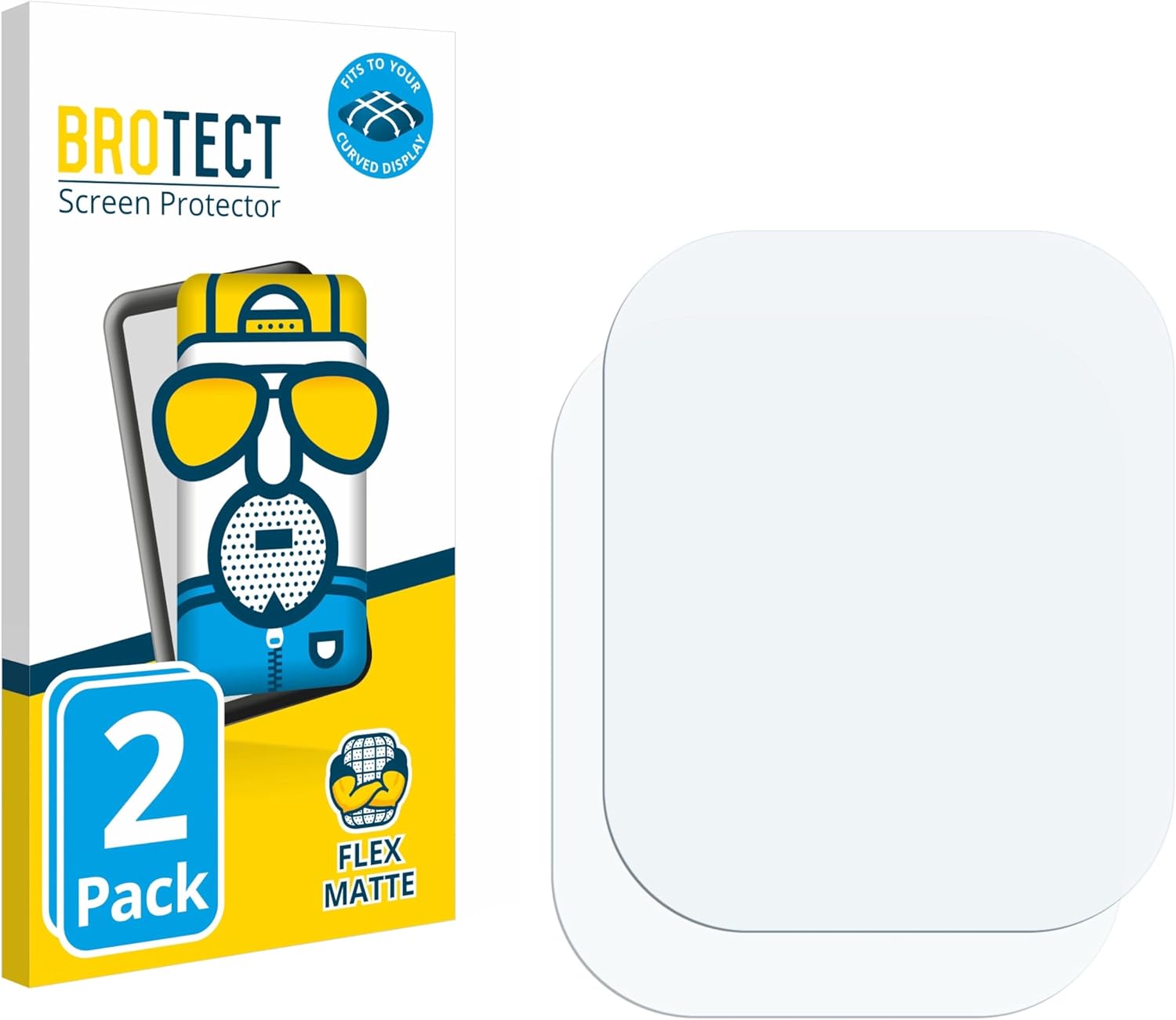
Image: Contents of the brotect screen protector package, including two screen protectors and the retail box.
Key Features
- 3D Curved Full Coverage: Precisely cut to fit the curved screen of your Kumi KU7, providing edge-to-edge protection.
- Matte, Anti-Glare Surface: Reduces reflections from light and sun, improving screen visibility.
- Self-Healing Technology: Special coating allows minor scratches to disappear over time.
- Anti-Fingerprint: Repels dirt and fingerprints for a cleaner screen.
- Super Flexible Material: Innovative Thermoplastic Polyurethane (TPU) designed for curved surfaces.
- Delicate Touch: Preserves the original touch sensitivity of your device's display.

Image: Visual representation of the screen protector's key features, including edge-to-edge coverage, flexibility, anti-glare, self-healing, and shock absorption.
Installation Guide
Follow these steps carefully for a successful installation. It is recommended to perform the installation in a dust-free environment.
- Clean your display: Use the provided wet pad and cleaning wipe to thoroughly clean your device's screen. Ensure no dust, smudges, or fingerprints remain.
- Remove upper part of cover film: Gently peel off the upper part of the cover film (labeled Step 1) from the screen protector.
- Align and affix upper part: Carefully align the exposed upper part of the screen protector with your device's screen. Once aligned, gently affix it to the screen.
- Remove lower part of cover film: Turn the screen protector around. Remove the lower part of the cover film (labeled Step 2).
- Apply screen protector evenly: Use the installation card to evenly apply the screen protector, pushing out any air bubbles as you go. Work from the center outwards.
- Gently remove remaining bubbles: Use your fingers to gently push any small remaining air bubbles towards the edges of the screen.
- Remove colored cover film: Peel off the colored cover film (labeled Step 3) from the screen protector.
- Firmly press edges: Firmly press down on the edges of the screen protector with your fingers to ensure a secure adhesion. Small air bubbles may disappear within 2-3 days.
For a visual guide, please refer to the official installation video:

Image: Visual guide for the screen protector installation process, showing 8 steps and the included accessories.
Maintenance and Care
To maintain the clarity and effectiveness of your brotect screen protector:
- Clean the screen protector regularly with a soft, lint-free cloth.
- For stubborn smudges, use a screen cleaner specifically designed for electronics or a slightly damp cloth. Avoid harsh chemicals.
- The self-healing feature works best for minor scratches. Avoid sharp objects that could cause deep damage.
Troubleshooting
Air Bubbles:
- Small bubbles: Many small air bubbles will naturally disappear within 2-3 days due to the material's properties.
- Large bubbles: If large bubbles remain immediately after installation, gently lift the nearest edge of the protector and reapply, using the installation card to push the air out. Ensure the screen is free of dust.
Dust Particles:
- If dust particles are trapped under the protector, gently lift the nearest edge with a guide sticker. Use another guide sticker or the dust remover to carefully lift the dust particle. Reapply the protector.
Specifications
| Brand | brotect |
| Compatible Devices | Kumi KU7 |
| Material | Thermoplastic Polyurethane (TPU) |
| Screen Surface Description | Matte |
| Number of Items | 2 (Pack) |
| Special Feature | Super flexible, Self-Healing, Anti-Glare, Anti-Fingerprint |
| Product Dimensions (Packaging) | 6.69 x 4.13 x 0.5 inches |
| Item Weight | 0.694 ounces |
Warranty and Support
brotect products are manufactured with high quality standards. For warranty information or support, please refer to the official brotect website or contact their customer service.
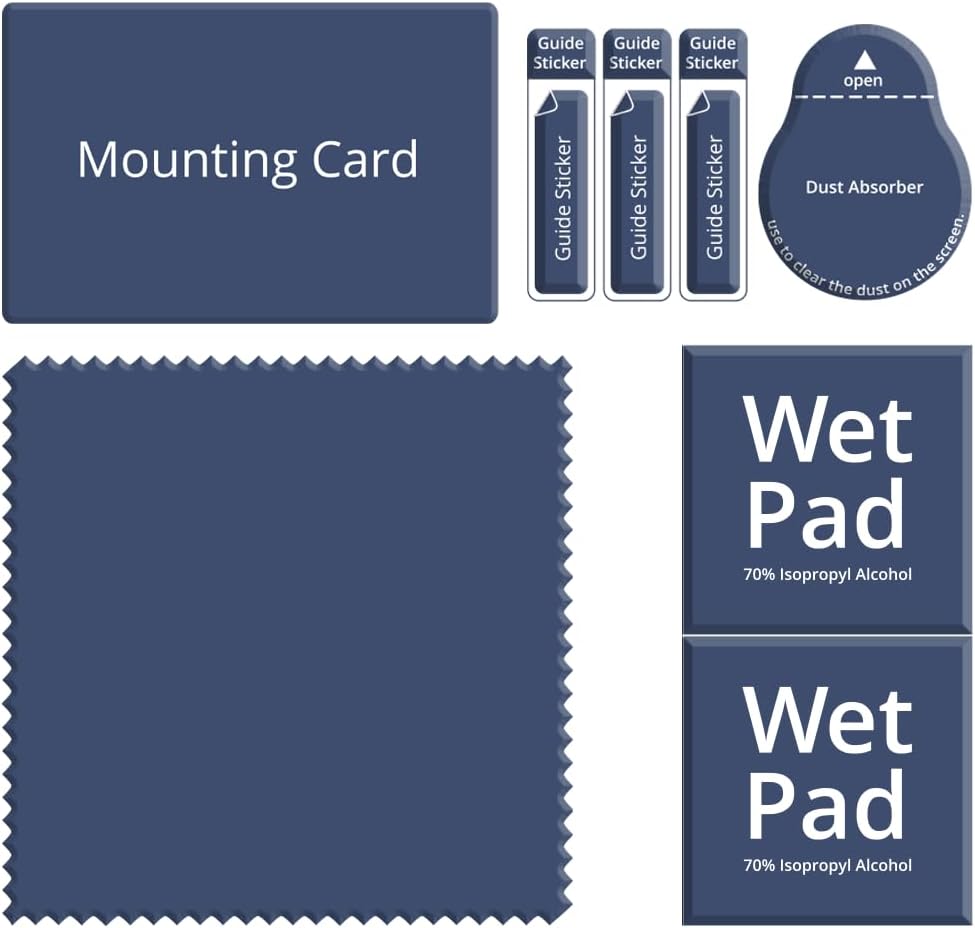
Image: brotect Warranty badge, indicating "Best Quality," "Made in Germany," and "10 years Know-How."