1. Important Safety Instructions
Please read and understand all safety instructions before using this product. Keep this manual for future reference.
- Do not expose the unit to rain or moisture to prevent fire or electric shock hazards.
- Do not block any ventilation openings. Install in accordance with the manufacturer's instructions.
- Do not install near any heat sources such as radiators, heat registers, stoves, or other apparatus (including amplifiers) that produce heat.
- Protect the power cord from being walked on or pinched, particularly at plugs, convenience receptacles, and the point where they exit from the apparatus.
- Only use attachments/accessories specified by the manufacturer.
- Unplug this apparatus during lightning storms or when unused for long periods of time.
- Refer all servicing to qualified service personnel. Servicing is required when the apparatus has been damaged in any way, such as power-supply cord or plug is damaged, liquid has been spilled or objects have fallen into the apparatus, the apparatus has been exposed to rain or moisture, does not operate normally, or has been dropped.
2. Package Contents
Verify that all items listed below are included in your package:
- Ktaxon Karaoke Machine (Main Unit)
- Wireless Microphones (x2)
- Microphone Covers (x4)
- Power Cord
- Remote Control
- User Manual
3. Product Overview
3.1 Front Panel and Audio Output
The front panel features the main speaker grille and dynamic LED lights that enhance the audio experience.

Image: Front view of the Ktaxon Karaoke Machine highlighting the speaker and LED light display.
3.2 Top Control Panel
The top panel provides all controls for audio adjustments, input selection, and microphone settings.
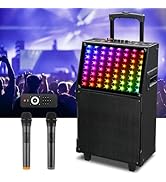
Image: Close-up of the top control panel, showing volume, treble, bass, echo, microphone volume controls, mode selection, and input ports.
- Volume Knob: Adjusts the main speaker volume.
- Treble/Bass Sliders: Adjusts high and low frequencies of the audio output.
- M.Echo/GT.Vol Sliders: Adjusts microphone echo effect and guitar volume (if connected).
- M.Volume Knob: Adjusts the microphone volume.
- Mode Button: Cycles through input modes (Bluetooth, USB, AUX).
- Play/Pause, Next/Previous Buttons: Controls media playback.
- REC Button: Initiates recording (requires USB drive or TF card).
- USB Port: For USB drive playback or charging.
- TF Card Slot: For TF card playback.
- AUX Input: 3.5mm jack for external audio devices.
- MIC 1/MIC 2 Inputs: 6.35mm jacks for wired microphones.
- LED Mode Button: Changes LED light patterns.
- Power Switch: Turns the unit on or off.
3.3 Portability Features
The unit is designed for easy transport with a retractable handle and durable wheels.

Image: A person demonstrating the portability of the Ktaxon Karaoke Machine, utilizing its retractable handle and smooth-rolling wheels.
4. Setup
4.1 Initial Charging
Before first use, fully charge the karaoke machine. Connect the power cord to the unit's power input and then to a standard electrical outlet. The charging indicator will illuminate. A full charge typically takes 3-6 hours and provides approximately 1-2 hours of playback time.

Image: Visual representation of charging and playing times for the Ktaxon Karaoke Machine.
Note: To preserve battery life, avoid leaving the unit in standby mode for extended periods. Turn off the main power switch when not in use.
4.2 Powering On/Off
Locate the Power Switch on the top control panel. Flip the switch to the 'ON' position to power on the unit. The display will light up. To power off, flip the switch to the 'OFF' position.
5. Operating Instructions
5.1 Bluetooth Connection
To connect your device via Bluetooth:
- Ensure the karaoke machine is powered on.
- Press the 'Mode' button until 'BLUE' appears on the display, indicating Bluetooth pairing mode.
- On your mobile device (smartphone, tablet, laptop), enable Bluetooth and search for available devices.
- Select 'Ktaxon KTKM601' (or similar name) from the list to pair.
- Once connected, you will hear a confirmation sound, and the display will show 'BLUE' steadily.
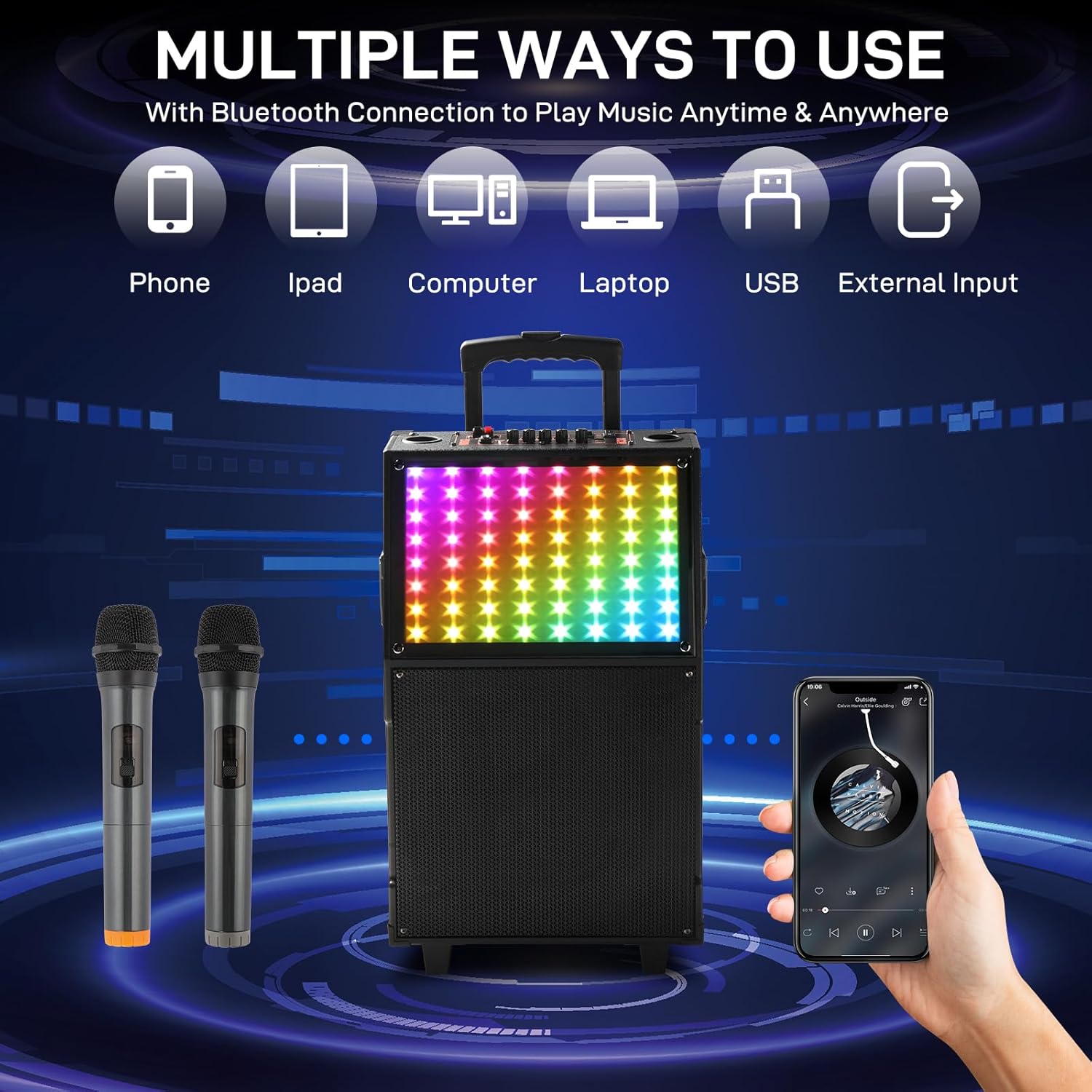
Image: Diagram illustrating multiple ways to connect to the Ktaxon Karaoke Machine, including Bluetooth, USB, and AUX.
5.2 Using Wireless Microphones
The Ktaxon Karaoke Machine comes with two wireless microphones for vocal performances.
- Insert batteries into each wireless microphone (batteries not included).
- Turn on the microphones using their respective power switches. They should automatically connect to the karaoke machine.
- Adjust the microphone volume using the 'M.Volume' knob on the top control panel.
- Adjust the microphone echo effect using the 'M.Echo' slider for desired vocal enhancement.

Image: The Ktaxon Karaoke Machine with two wireless microphones, demonstrating the effective 15-meter wireless range.
5.3 Music Playback (USB/AUX)
In addition to Bluetooth, you can play music via USB or AUX input:
- USB/TF Card: Insert a USB drive or TF card into the corresponding slot. The unit will automatically switch to USB/TF mode and begin playing compatible audio files. Use the Play/Pause, Next/Previous buttons to control playback.
- AUX Input: Connect an external audio device (e.g., MP3 player, smartphone) to the 'AUX' input using a 3.5mm audio cable (not included). Press the 'Mode' button until 'AUX' appears on the display. Control playback from your external device.
5.4 LED Light Modes
The karaoke machine features multiple LED light modes that sync with the music. Press the 'LED Mode' button on the top control panel to cycle through different light patterns and effects.
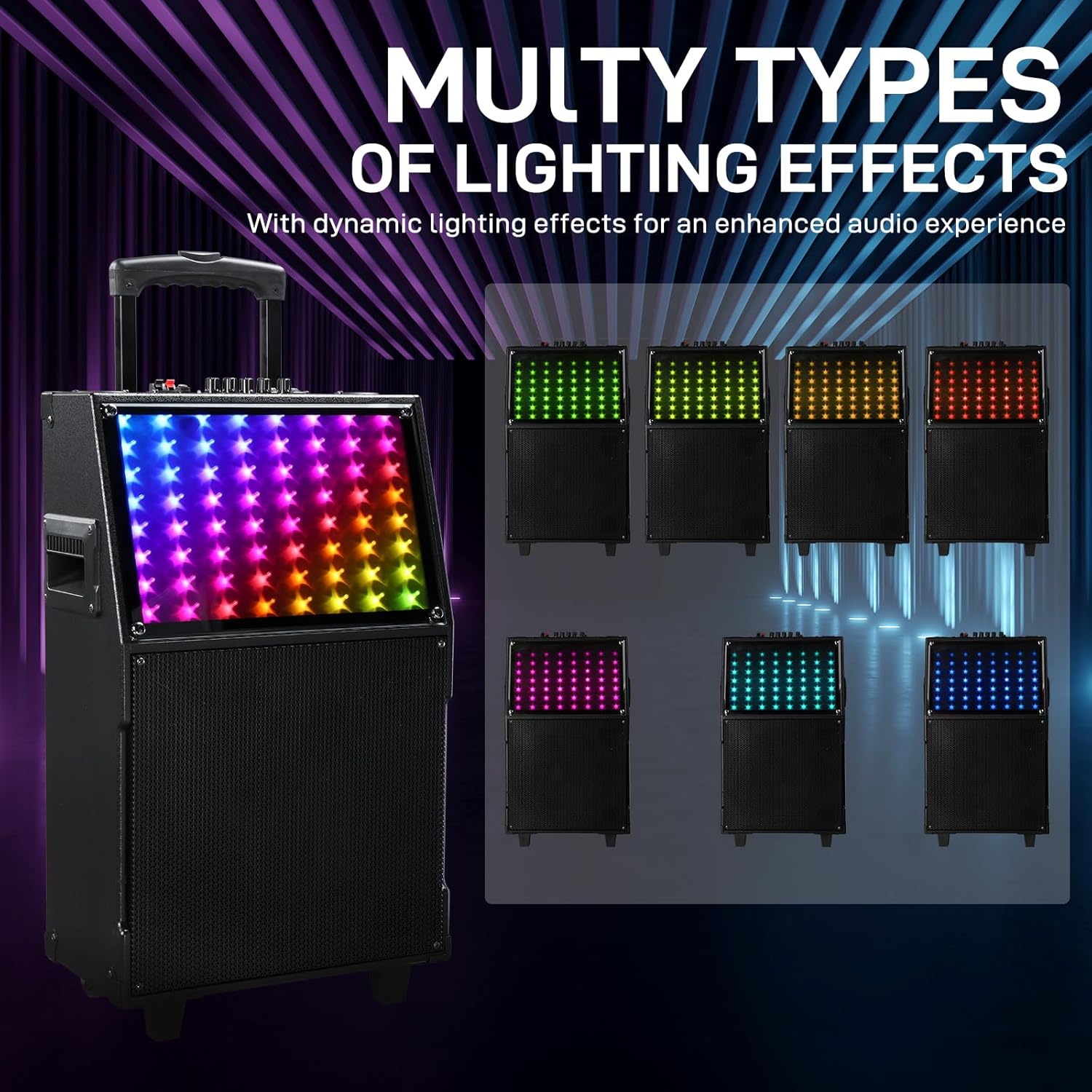
Image: The Ktaxon Karaoke Machine showcasing several dynamic LED lighting effects.
5.5 Remote Control Operation
The included remote control allows convenient operation from a distance.
- Power Button: Turns the unit on/off.
- Mode Button: Changes input sources.
- Volume +/-: Adjusts main volume.
- Play/Pause, Next/Previous: Controls media playback.
- Number Buttons: For direct track selection (in USB/TF mode).
6. Maintenance
Proper maintenance ensures the longevity of your Ktaxon Karaoke Machine.
- Cleaning: Use a soft, dry cloth to clean the exterior of the unit. Do not use liquid cleaners or abrasive chemicals.
- Storage: When not in use, store the unit in a cool, dry place away from direct sunlight and extreme temperatures.
- Battery Care: If the unit will not be used for an extended period, charge the battery periodically (e.g., every 3 months) to maintain its health.
7. Troubleshooting
If you encounter issues, refer to the following troubleshooting guide:
| Problem | Possible Cause | Solution |
|---|---|---|
| No power | Unit not charged or power cord disconnected. | Ensure power cord is securely connected and unit is charged. Check power outlet. |
| No sound | Volume too low, incorrect input mode, or device not connected. | Increase main volume and source device volume. Press 'Mode' to select correct input. Reconnect Bluetooth or AUX cable. |
| Microphone not working | Microphone off, low batteries, or microphone volume too low. | Turn on microphone. Replace batteries. Increase 'M.Volume' knob. |
| Bluetooth not connecting | Unit not in pairing mode, device too far, or previously paired. | Ensure unit is in 'BLUE' mode. Move device closer. Forget device on your phone and re-pair. |
| LED lights not working/changing | LED mode off or stuck. | Press the 'LED Mode' button to cycle through modes. Power cycle the unit if unresponsive. |
8. Specifications
| Feature | Detail |
|---|---|
| Brand | Ktaxon |
| Model Number | KTKM601 |
| Output Wattage | 60 Watts |
| Speaker Size | 12 inches |
| Connectivity Technology | Bluetooth, USB, AUX |
| Color | Black |
| Compatible Devices | Laptop, MP3 Player, Smartphone, Tablet, Wireless Microphone |
| Mounting Type | Floor Standing |
| Power Source | Corded Electric (with internal rechargeable battery) |
| Number of Channels | 2 |
| Item Weight | 24.7 Pounds |
| Enclosure Material | Engineered Wood |
9. Product Video
Watch this official product video for a visual guide on the Ktaxon Karaoke Machine's features and operation.
Video: An overview of the Ktaxon Karaoke Machine, demonstrating its design, features, and ease of use.
10. Warranty and Support
The Ktaxon Karaoke Machine KTKM601 is covered by a 1-Year Manufacturer Warranty from the date of purchase.
For warranty claims, technical support, or any questions regarding your product, please contact Ktaxon customer service through the retailer's platform or the official Ktaxon website.