
Rogbid rowatch F12
Rogbid Smart Watch User Manual
Model: rowatch F12
Introduction
This manual provides comprehensive instructions for the Rogbid Smart Watch, Model rowatch F12. It covers setup, operation, maintenance, and troubleshooting to ensure optimal use of your device. Please read this manual carefully before using the product.
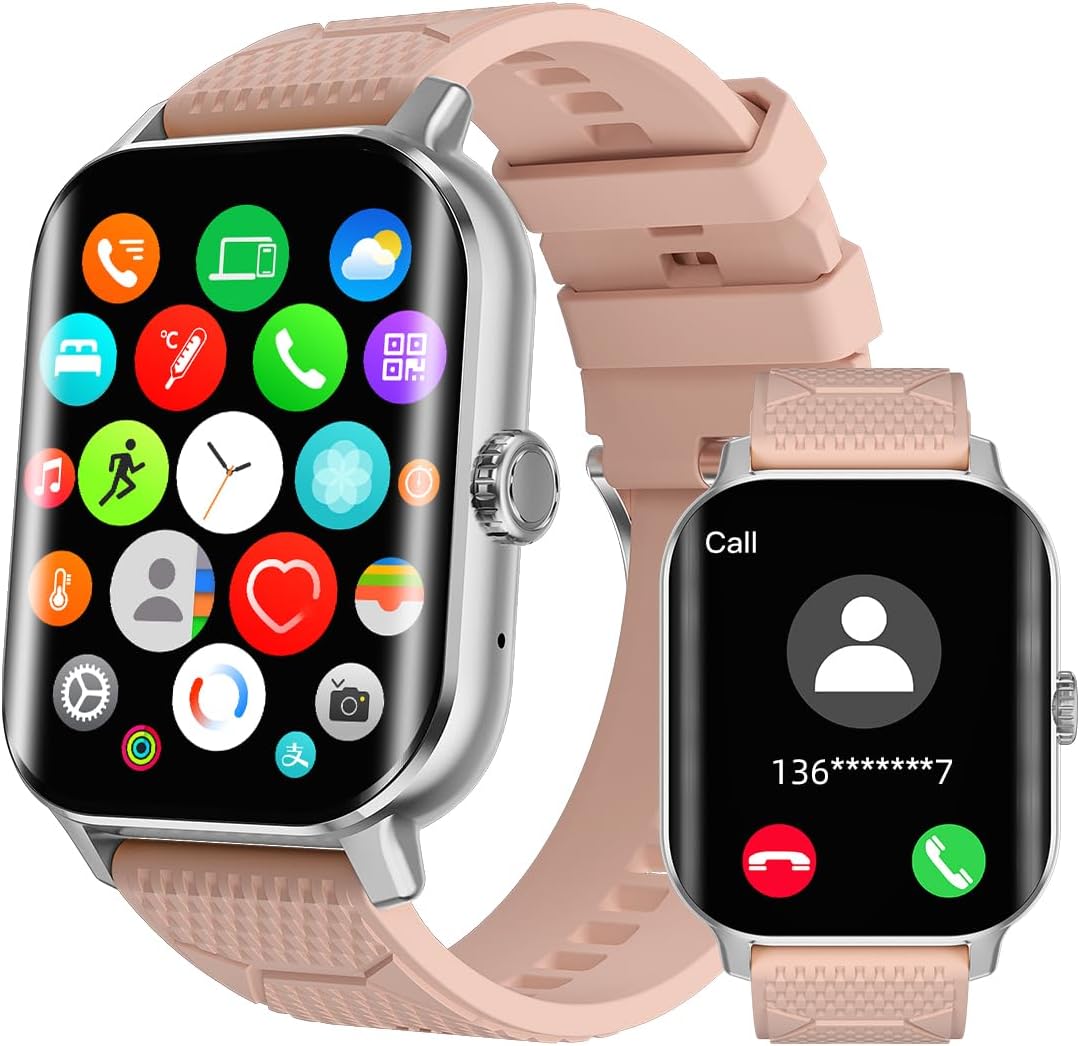
What's in the Box
- Smart Watch (1 unit)
- Smart Watch Band (1 unit)
- Charging Cable
- User Manual (this document)
Setup
1. Initial Charging
Before first use, fully charge your Rogbid Smart Watch. Connect the charging cable to the watch's charging port and plug the USB end into a compatible power adapter (5V/1A recommended) or a computer's USB port. The watch display will indicate charging status.
2. Power On/Off
- Power On: Press and hold the side button until the screen lights up.
- Power Off: Press and hold the side button, then select "Power Off" on the screen.
3. App Installation and Pairing
To unlock the full features of your smart watch, download the companion app (e.g., "Co Fit" as mentioned in reviews) from your smartphone's app store (iOS or Android). Follow the in-app instructions to pair your watch via Bluetooth 5.3. Ensure Bluetooth is enabled on your phone.
Operating Instructions
Display and Navigation
The Rogbid Smart Watch features a 2.01" AMOLED color display with 380*454 resolution. Navigate through menus by swiping across the touchscreen or using the rotating crown (if applicable, based on A+ content image). Adjust brightness settings for optimal visibility in various lighting conditions.

Bluetooth Calling and Notifications
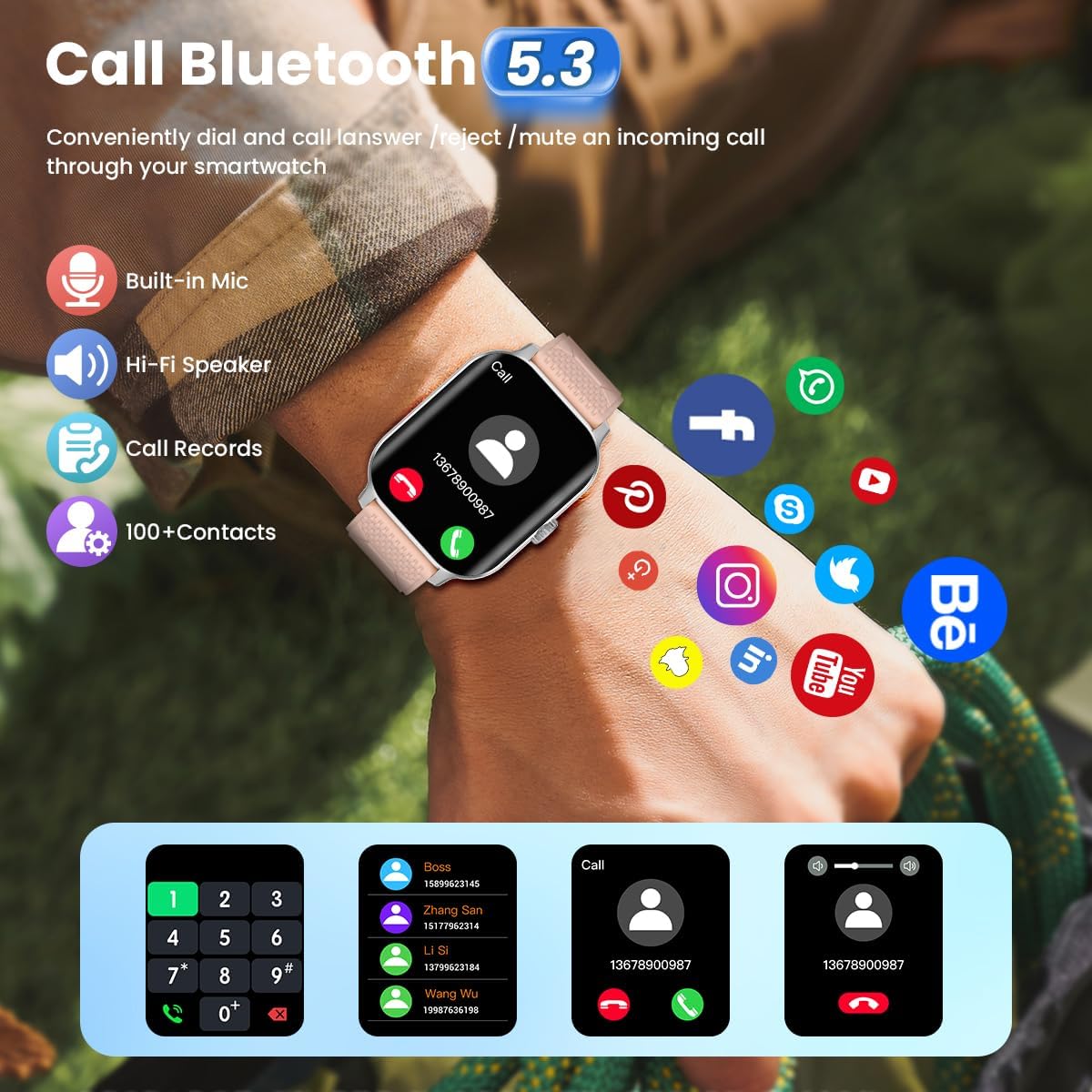
With its built-in microphone and HiFi speaker, the watch allows you to answer calls directly. You can also receive and read message notifications from various apps like Facebook, Messenger, Instagram, Whatsapp, and Twitter. Simply raise your wrist to view incoming alerts.
Health Monitoring
The watch includes sensors for 24-hour heart rate, blood oxygen (SpO2), and blood pressure monitoring. Data can be viewed on the watch and in the companion app, with records available for the last three months. For accurate readings, ensure the watch is worn snugly on your wrist.

Sleep Monitoring: The watch tracks your sleep quality, including fall asleep and awake times, REM, light, and deep sleep durations. Analysis and suggestions for improving sleep habits are available in the app. Ensure the watch is connected to the app and not worn too loosely for accurate sleep data.
Activity Tracking and Sports Modes
Track daily activities such as steps, distance, and calories burned. The watch supports over 120 sports modes, providing real-time data for heart rate, steps, distance, calories, and duration. For outdoor activities, connect to your phone's GPS to map your workout route and pace in the app.

Additional Features
The watch offers various convenient features including real-time weather display, sedentary reminders, drinking water reminders, menstrual cycle reminders, remote camera control, flashlight, alarm, and calculator. You can choose between 12-hour or 24-hour time formats and Fahrenheit/Celsius temperature units.
Maintenance
Cleaning Your Watch
Regularly clean your watch and band with a soft, damp cloth. Avoid using harsh chemicals or abrasive materials. Ensure the charging contacts are clean and dry before charging.
Water Resistance (IP68)
The watch is IP68 waterproof, suitable for daily activities like washing hands or exercising in the rain. Note: It is not recommended for use in hot water environments such as saunas, or for prolonged soaking in water, as this may affect its waterproof integrity over time.

Battery Life
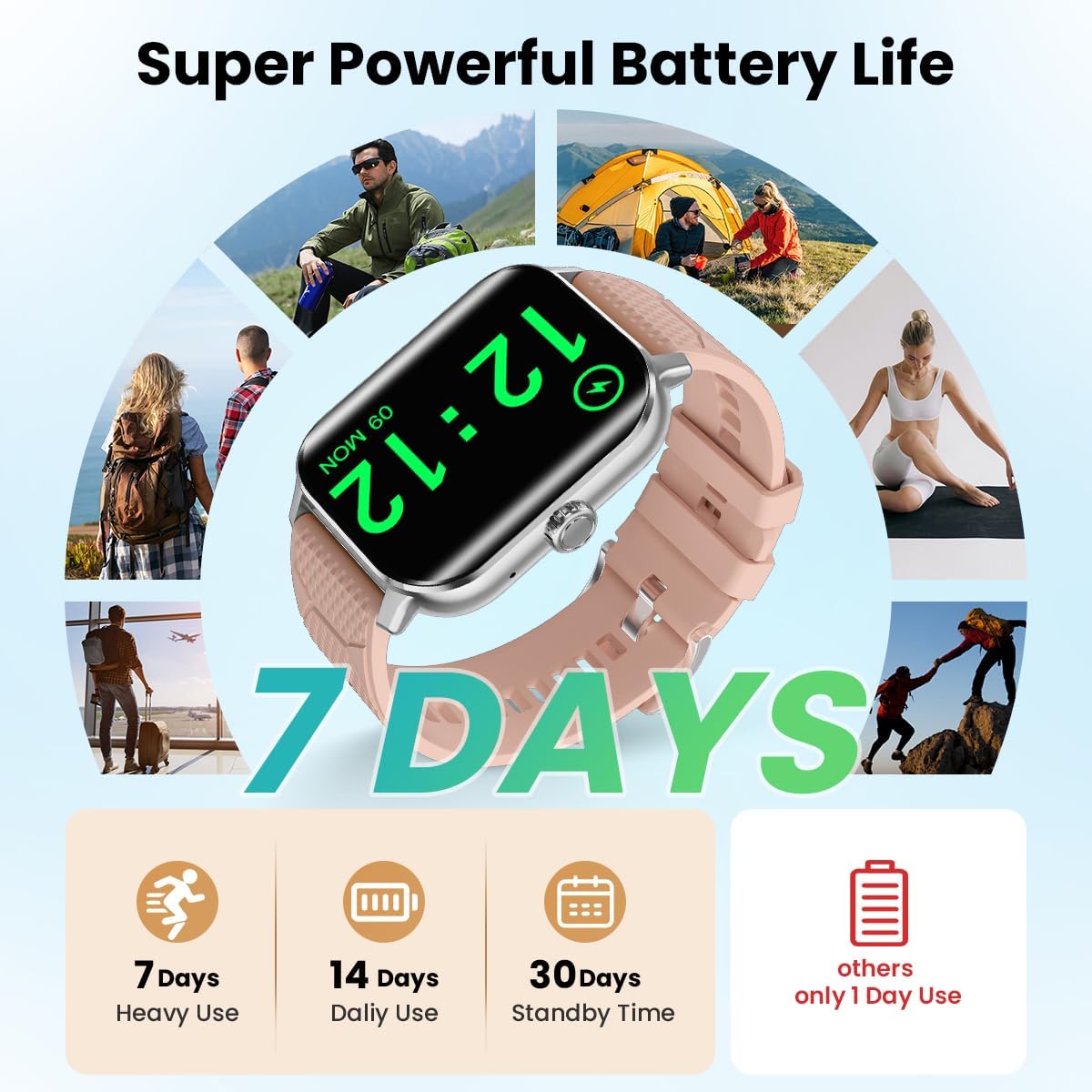
The Rogbid Smart Watch offers extended battery life, up to 14 days with typical daily use. Actual battery life may vary based on usage patterns and enabled features. For optimal battery performance, avoid extreme temperatures and fully charge the device when prompted.
Troubleshooting
| Problem | Possible Cause | Solution |
|---|---|---|
| Watch not turning on | Low battery | Charge the watch for at least 30 minutes. |
| Cannot pair with phone | Bluetooth off, app issue, or watch too far | Ensure Bluetooth is on, restart both devices, keep watch close to phone, check app permissions. |
| Inaccurate health data | Watch worn too loosely or incorrectly | Ensure the watch is snug on your wrist, about one finger's width above the wrist bone. |
| Notifications not received | App permissions, notification settings | Check notification permissions in the app and phone settings. Ensure the app is running in the background. |
Specifications
- Model: rowatch F12
- Display: 2.01" AMOLED, 380x454 resolution
- Connectivity: Bluetooth 5.3
- Battery Capacity: 380 Milliamp Hours
- Battery Life: Up to 14 days (daily use)
- Water Resistance: IP68
- Sensors: Heart Rate, Blood Oxygen (SpO2), Blood Pressure
- Sports Modes: 120+
- Operating System: Android Wear 2.6
- Weight: 2.29 ounces (approx. 65 grams)
- Dimensions: 6.3 x 2.36 x 0.98 inches (Package Dimensions)
Durability and Performance Overview
The Rogbid Smart Watch is designed with a metal uni-body for enhanced durability. It incorporates a most advanced wearable chip (RTL 8762DT) for efficient performance. The watch has undergone rigorous testing to ensure resistance against extreme conditions, including freezing temperatures, dust, and water.
Video 1: Overview of Rogbid Smartwatch features, including metal uni-body design, advanced chip, Bluetooth calling, health monitoring, freezing test, dust resistance, IP68 waterproofing, extreme temperature resistance, and sports modes.
Warranty and Support
Rogbid offers a 2-year warranty for this product. For any issues or support inquiries, please refer to the contact information provided on the product packaging or the official Rogbid website. You may also find assistance through the seller's customer service channels.
- Warranty Period: 2 Years
- Customer Service: 24 Hours Customer Service
- Refund Guarantee: 30 Days
For further assistance, visit the Rogbid Store on Amazon.
Related Documents - rowatch F12
 |
ROGBID Smart Watch FAQs and Troubleshooting Guide Comprehensive Frequently Asked Questions (FAQs) and troubleshooting guide for the ROGBID Smart Watch, covering app download, time setting, phone connection, message notifications, weather display, and reconnection. |
 |
SeekTag F12 Operation Manual: Setup, Features, and Usage Guide Comprehensive operation manual for the SeekTag F12 device, covering installation, account registration, device adding, location tracking, track query, sharing, unbinding, renaming, and FAQ. |
 |
Future Tag User Manual - Getting Started, Locating, and Resetting Comprehensive user manual for the Future Tag (Model: F12), detailing setup, location tracking via Apple's Find My network, notifications, and resetting procedures. Includes information on battery replacement and FCC compliance. |
 |
Forster Lithium Premium Under Seat Batteries: Operating Instructions & Specifications Comprehensive guide to Forster Lithium Premium Under Seat LiFePO4 batteries, covering installation, operation, charging, safety, warranty, and technical specifications. Includes model details, BMS features, and connection diagrams. |
 |
Forster LiFePO4 Lithium Batteries: Operating Instructions and Technical Specifications Comprehensive operating instructions, technical specifications, advantages, safety guidelines, and installation details for Forster LiFePO4 lithium batteries, including model series F12, F24, and F36. Learn about BMS, Smart Connect App, charging, and warranty. |
 |
F12 Smart Sports and Health Watch User Manual User manual for the F12 Smart Sports and Health Watch, detailing its features, operation, connectivity, and health monitoring functions. |
Ask a question about this manual
Ask about setup, troubleshooting, compatibility, parts, safety, or missing instructions. Manuals+ will review the question and use this page’s manual context to help answer it.