
Introduction
This manual provides detailed instructions for the installation, operation, and maintenance of your Lian Li UNI Fan TL Wireless 120-Triple Pack. Please read this guide thoroughly before use to ensure optimal performance and longevity of your product.

Image: The Lian Li UNI Fan TL Wireless 120-Triple Pack, showcasing three white fans with ARGB lighting.
Product Features
- Wireless Controller: The included controller is essential for operating the Uni Fan wireless version. The 3-Pack comes with a controller and a PWM 1-to-3 cable for convenient connectivity.
- 2.4 GHz Wireless Control: Advanced 2.4 GHz wireless technology eliminates cable clutter, allowing seamless management of fan speed, RGB lighting, and LCD display (for LCD models).
- Customizable RGB and Dual Zone Lighting Visuals: Bring your setup to life with customizable RGB lighting. UNI FAN TL LCD WIRELESS supports MP4, GIF, JPG, and PNG formats for vibrant colors and personalized displays.
- Simplified Installation & Cable Management: L-Wireless Sync technology simplifies installation by eliminating traditional 5V ARGB and PWM headers, leading to cleaner cable management.
- L-Connect 3 Control Software: Gain complete control of your fans with L-Connect 3 software. Easily customize fan settings, RGB presets, and LCD content for tailored aesthetics and optimal performance. Fan Size: 120x124.5x28mm.
Package Contents
The Lian Li UNI Fan TL Wireless 120-Triple Pack includes the following components:
- Three (3) UNI Fan TL Wireless 120mm Fans
- One (1) Receiver
- One (1) Wireless Controller
- One (1) 1-to-3 SATA Power Cable
Setup and Installation
Follow these steps to properly install your Lian Li UNI Fan TL Wireless fans:
1. Connecting the Wireless Controller
The wireless controller is crucial for managing your fans. It connects to your motherboard via a USB 2.0 header and a PWM header for power. If your motherboard lacks sufficient USB 2.0 headers, a USB splitter cable can be used.

Image: Diagram illustrating the wireless transmission and easy installation process, showing the L-Wireless controller and its connection points.

Image: Close-up of the L-Wireless controller connecting to a USB Type-A port on the motherboard, highlighting the simplified wiring.
2. Fan Connection and Daisy-Chain Design
The UNI Fan TL Wireless fans feature a daisy-chain design, allowing multiple fans to connect directly to each other, reducing cable clutter. The included 1-to-3 SATA power cable provides power to the fan groups.
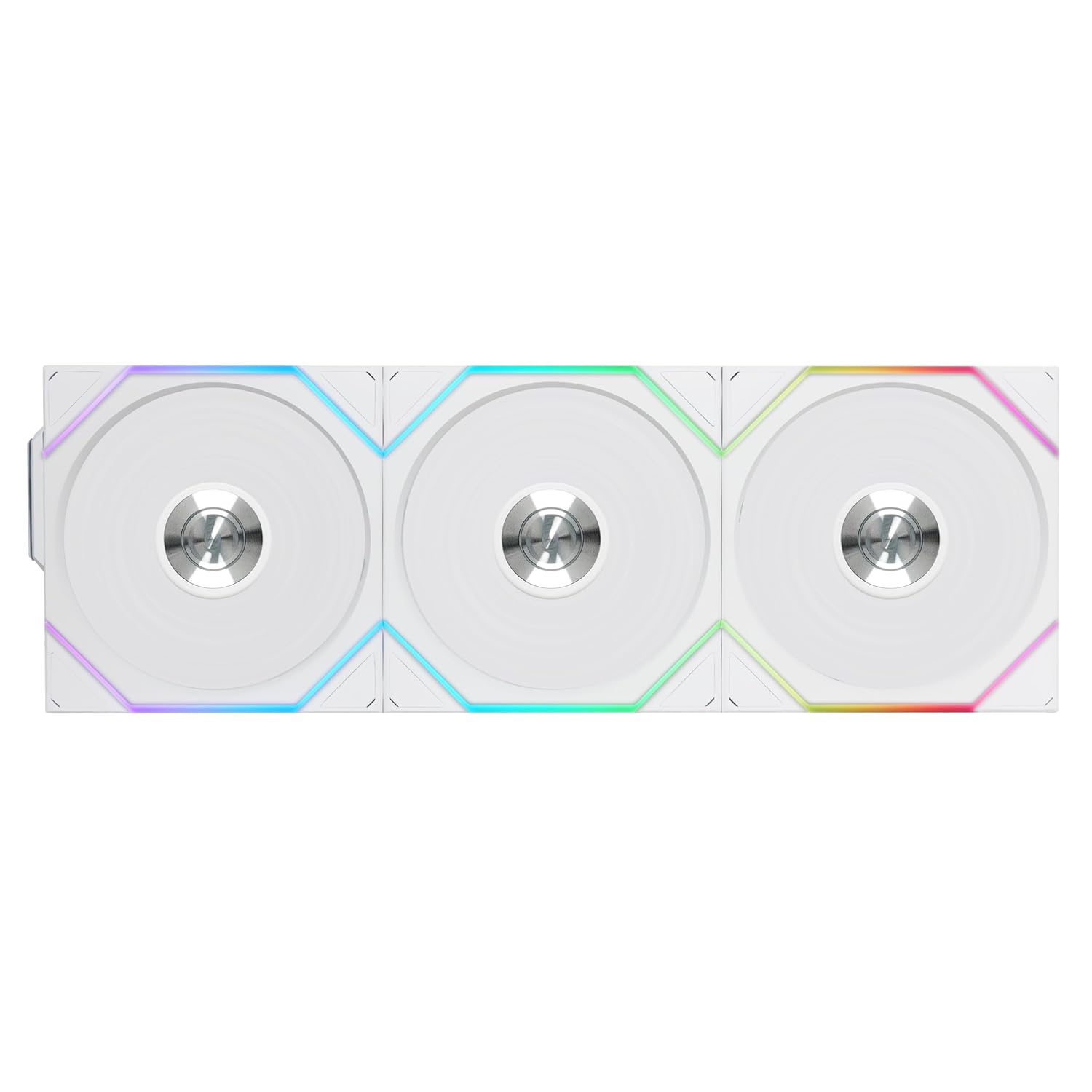
Image: Three white Lian Li UNI Fans connected in a daisy chain, illustrating the interlocking design.
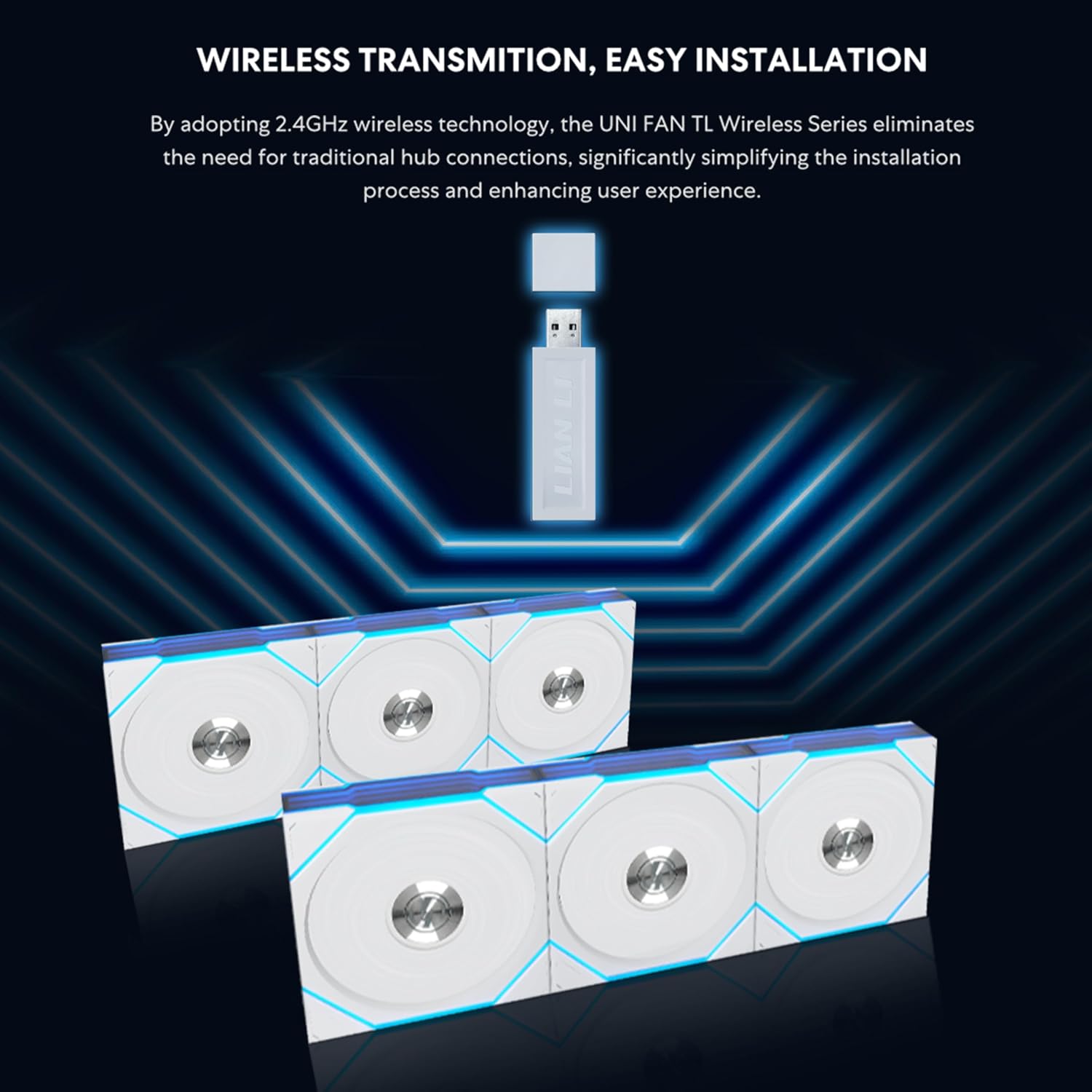
Image: A single Lian Li UNI Fan TL Wireless 120, highlighting its ARGB lighting and sleek design.

Image: A close-up of the Lian Li UNI Fan TL Wireless 120, showing the infinity mirror effect on the fan frame.

Image: Lian Li UNI Fan TL Wireless 120 fans installed in a PC case, demonstrating their aesthetic integration.

Image: The Lian Li UNI Fan TL Wireless 120 displaying customizable lighting effects.

Image: Multiple Lian Li UNI Fan TL Wireless 120 fans showcasing different ARGB lighting patterns.

Image: A close-up of the Lian Li UNI Fan TL Wireless 120 fans installed in a PC build, showing their integration with other components.

Image: The Lian Li UNI Fan TL Wireless 120 fans alongside a PC case screen, demonstrating a complete aesthetic setup.

Image: The Lian Li UNI Fan TL Wireless 120 fans integrated into a Lancool 217 INF PC case.

Image: The Lian Li UNI Fan TL Wireless 120 fans installed in an O11 Vision Compact PC case.

Image: The Lian Li UNI Fan TL Wireless 120 fans showcased within an O11 Dynamic Mini V2 PC case.

Image: A single pack of the Lian Li UNI Fan TL Wireless 120 Reverse Blade fan.
Installation Videos
Video: "PC Crazy: Lian Li UNI FAN TL & TL LCD WIRELESS-Part1" - This video provides a detailed overview of the Lian Li UNI Fan TL and TL LCD Wireless fans, including unboxing and initial setup considerations.
Video: "PC Crazy: Lian Li UNI FAN TL & TL LCD WIRELESS-Part2" - This video continues the detailed review of the Lian Li UNI Fan TL and TL LCD Wireless fans, focusing on advanced features and installation tips.
Video: "PC Crazy - Lian Li A3 PC Case with TL Wireless Fans" - This video demonstrates the installation and functionality of TL Wireless Fans within a Lian Li A3 PC case.
Video: "O11D Mini V2 & TL LCD W & Strimer W & SL INF W & HS II Video" - This video showcases a complete PC build featuring the O11D Mini V2 case, TL LCD Wireless fans, Strimer Wireless cables, SL INF Wireless fans, and HydroShift II components.
Operating Instructions
Manage your UNI Fan TL Wireless fans using the L-Connect 3 software:
- Fan Speed Control: Adjust fan speeds for individual fan clusters to optimize cooling performance for various scenarios (e.g., radiator or case fan needs).
- RGB Customization: Select from a variety of RGB presets and customize lighting effects to match your PC's aesthetic.
- LCD Content (for TL LCD models): For TL LCD models, customize the display with MP4 videos, GIFs, JPGs, PNGs, or real-time system information like CPU/GPU temperature and load, and fan RPM.
- L-Wireless Sync Setup: The software automatically recognizes wireless devices. Click the link icon to bind devices (turns blue when successful) or click again to unbind. An option to bind all recognized devices at once is also available. The device finder feature lights up the corresponding device yellow for 5 seconds to confirm its location.

Image: Screenshot of the L-Connect 3 software interface, showing options for fan speed, RGB lighting effects, and LCD screen setup.

Image: Another view of the L-Connect 3 software, displaying fan profiles, system information, and advanced settings.

Image: The LCD screen of a Lian Li UNI Fan TL LCD Wireless fan displaying CPU temperature, GPU temperature, and fan RPM.
Specifications
| Attribute | Value |
|---|---|
| Brand | Lian Li |
| Model | 12TL1W3W |
| Power Connector Type | SATA/Molex |
| Voltage | 5 Volts (DC) |
| Wattage | 5 watts |
| Cooling Method | Air |
| Compatible Devices | Desktop |
| Noise Level | 33 Decibels |
| Material | Liquid Crystal Polymer, Electronic Components |
| Maximum Rotational Speed | 2600 RPM |
| Item Weight | 450 Grams |
| Unit Count | 1.0 Count |

Image: A chart detailing the performance specifications (airflow, static pressure, noise, speed) for various Lian Li UNI Fan TL models.

Image: An exploded view diagram of the Lian Li UNI Fan TL, highlighting its components and materials like Liquid Crystal Polymer blades and Fluid Dynamic Bearings.
Maintenance
To ensure the longevity and optimal performance of your fans, regular maintenance is recommended:
- Cleaning: Periodically clean the fan blades and frame to prevent dust buildup, which can impede airflow and increase noise. Use a soft brush or compressed air.
- Cable Management: Ensure all cables are neatly routed and secured to prevent interference with moving parts or airflow.
- Software Updates: Keep your L-Connect 3 software updated to the latest version to benefit from performance improvements and new features.
Troubleshooting
If you encounter issues with your UNI Fan TL Wireless fans, consider the following:
- Connectivity Issues: If fans are not detected or responding, ensure the wireless controller is properly connected to both the USB 2.0 header and the PWM header. Check the L-Connect 3 software for binding status.
- Lighting/Speed Control Problems: If you cannot change colors or fan speed via L-Connect 3, try uninstalling and reinstalling the software. Ensure the PWM cable is connected to the motherboard and the corresponding fan header is set to PWM mode in the BIOS.
- Insufficient Power: If using multiple fans, ensure the SATA power cable is connected for stable power delivery, especially for LCD versions.
Warranty and Support
This product comes with No Warranty as per the manufacturer's specifications.
For further support or inquiries, please visit the Official Lian Li Store.