1. Introduction
Thank you for purchasing the Sonix My Melody Adjustable Phone Stand. This stand is designed to provide a stable and adjustable platform for your mobile device, enhancing your viewing experience for videos, video calls, and general hands-free use. Its compact and foldable design makes it convenient for both desk use and portability.
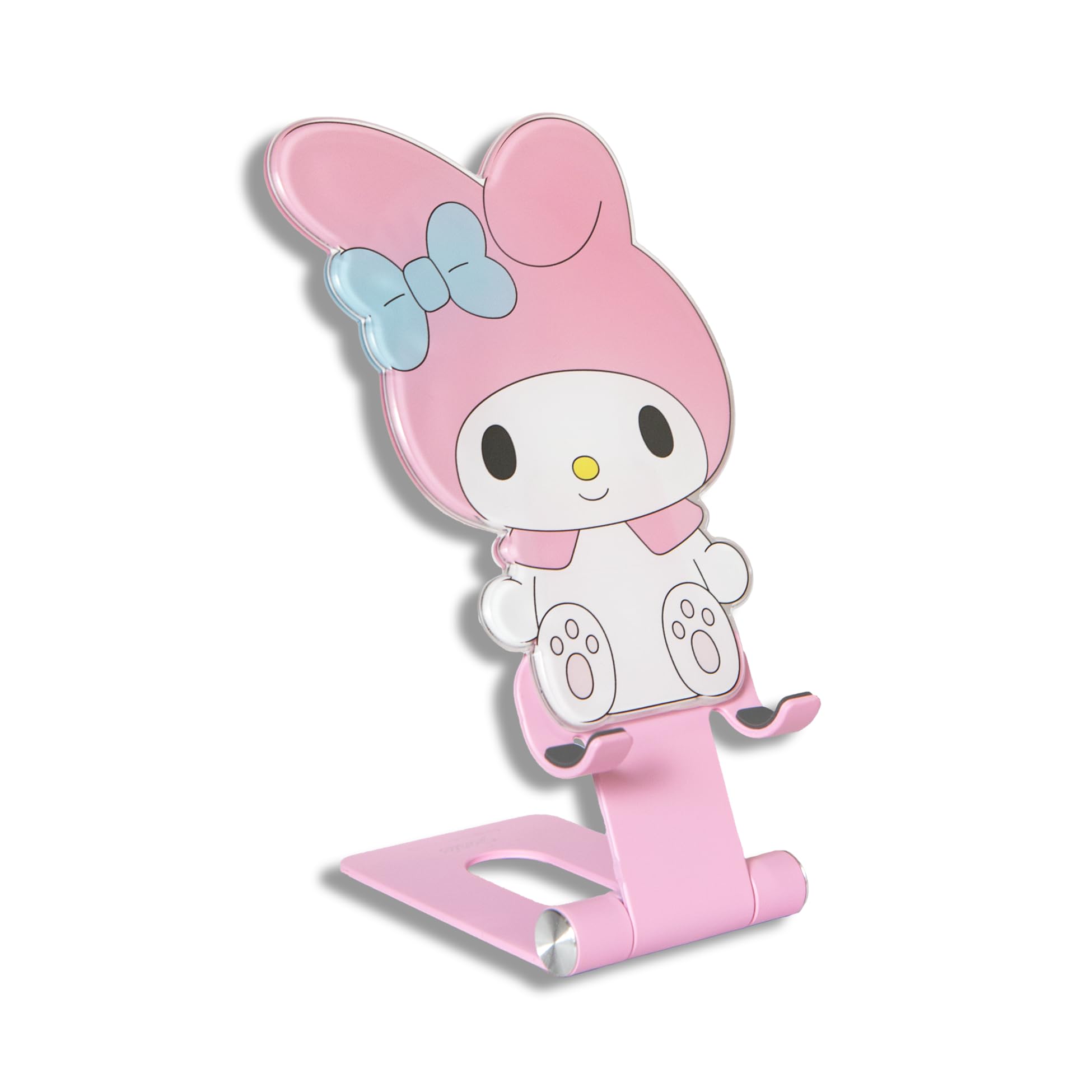
Image: The Sonix My Melody Adjustable Phone Stand holding a smartphone, showcasing its design and functionality.
2. Product Features
- Adjustable Design: Allows for customizable viewing angles and height.
- Foldable: Compacts for easy storage and portability.
- Durable Construction: Features an acrylic Sanrio character top with a sturdy aluminum base.
- Universal Compatibility: Supports various smartphones, tablets, and e-readers.
- Charging Friendly: Designed to allow charging while your device is on the stand.

Image: A diagram illustrating the foldable and adjustable features of the phone stand, highlighting its versatility.
3. Package Contents
- 1 x Sonix My Melody Adjustable Phone Stand
4. Setup Instructions
- Unfold the Stand: Gently pull the base and the back support of the stand apart until they form a stable triangular shape. The hinges are designed for smooth, firm movement.
- Adjust Angle and Height: The stand features two adjustable hinges. Adjust the angle of the back support and the height of the phone cradle to your preferred viewing position. Ensure both hinges are securely set before placing your device.
Video: Demonstration of unfolding the phone stand, adjusting its angle, and placing a phone in both landscape and portrait orientations.

Image: Front and back views of the My Melody phone stand, illustrating its compact folded form and ready-to-use unfolded state.
5. Operating Instructions
- Place Your Device: Carefully place your smartphone, tablet, or e-reader onto the cradle of the stand. The stand is designed to accommodate devices with or without cases.
- Adjust for Optimal Viewing: Fine-tune the angle and height as needed to achieve your desired viewing comfort.
- Charging: The stand's design includes a cutout at the bottom of the cradle, allowing you to connect a charging cable to your device while it is on the stand.
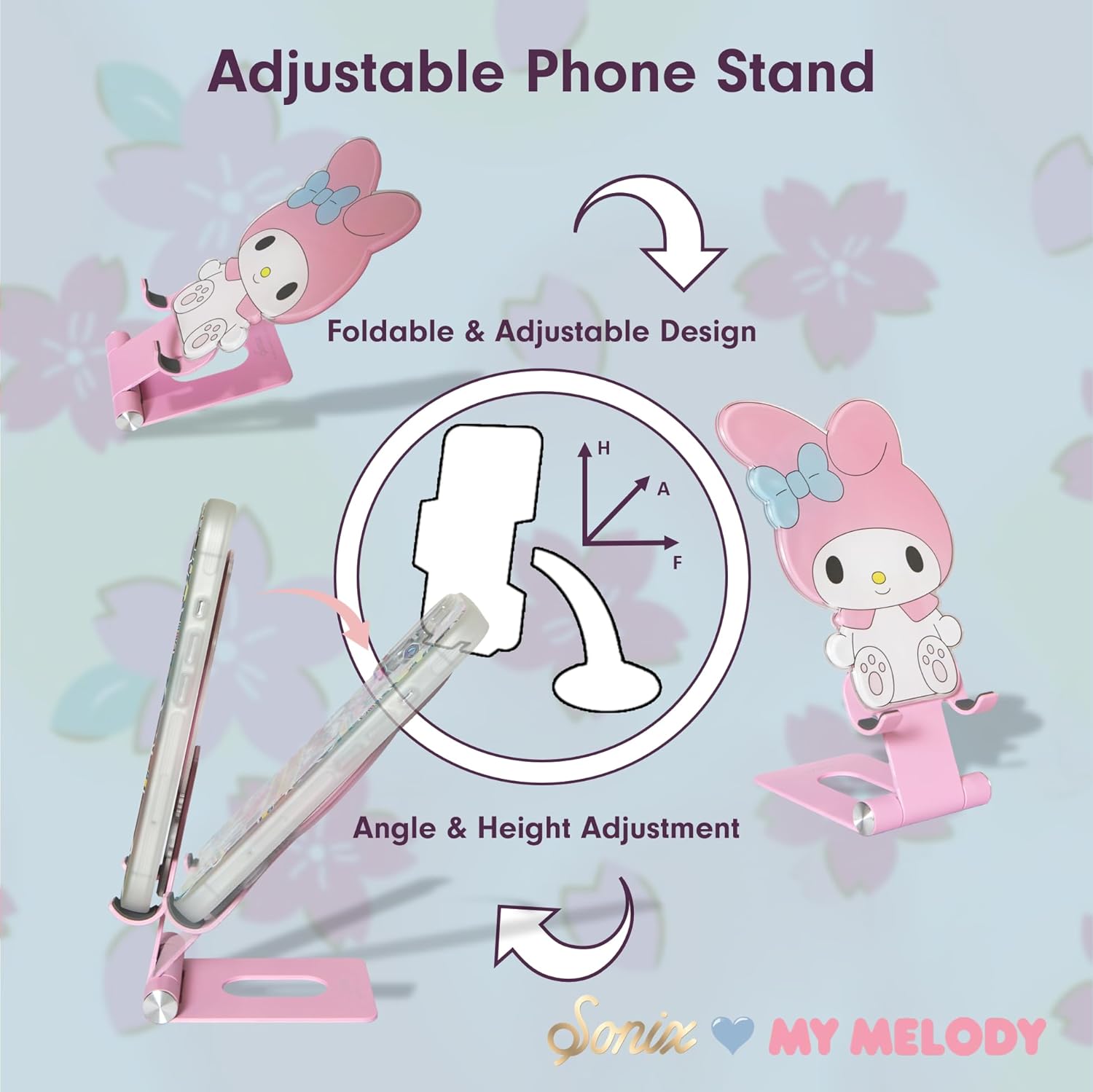
Image: The phone stand holding a smartphone that is actively charging, demonstrating the accessible charging port.
6. Maintenance
- Cleaning: Wipe the stand with a soft, damp cloth. Avoid abrasive cleaners or solvents that may damage the finish or acrylic character.
- Storage: When not in use, fold the stand to its compact form and store it in a dry place away from direct sunlight.
- Handling: Avoid excessive force when adjusting the hinges to prevent damage.
7. Troubleshooting
| Issue | Possible Cause | Solution |
|---|---|---|
| Stand feels unstable. | Hinges not fully extended or locked into position. | Ensure both hinges are fully extended and the stand is on a flat, stable surface. |
| Device slips off the stand. | Device not properly seated or stand angle is too steep. | Adjust the angle of the stand to a less steep position and ensure your device is securely placed in the cradle. |
8. Specifications
- Model Number: SAN-PS-P
- Color: My Melody
- Material: Acrylic character, Aluminum base
- Package Dimensions: 8.62 x 6.46 x 1.73 inches
- Item Weight: 5.9 ounces
- Compatible Devices: Universal for smartphones, tablets, e-readers, and handheld gaming consoles (e.g., Apple iPhone, Samsung Galaxy, Google Pixel, Kindle, iPad, Nintendo Switch).

Image: A visual representation of the My Melody phone stand with its key dimensions (width and height) indicated.
9. Warranty and Support
This product comes with a standard manufacturer's warranty. For specific warranty details, returns, or technical support, please refer to the official Sonix website or contact their customer service directly. Keep your purchase receipt for warranty claims.
Manufacturer: Lenntek
Brand: Sonix
Website: Visit the Sonix Store


