Introduction
This manual provides detailed instructions for the setup, operation, and maintenance of your MERV X10 Ultra 3 Smart Watch. Please read this manual thoroughly to ensure proper use and to maximize the features of your device.

Image: The MERV X10 Ultra 3 Smart Watch, featuring a curved screen and an orange strap. The display shows the time, date, temperature, heart rate, and battery percentage.
Setup
1. Charging the Device
Before first use, fully charge your MERV X10 Ultra 3 Smart Watch. The device supports wireless charging.
- Place the back of the watch onto a compatible wireless charging pad.
- Ensure the charging icon appears on the watch screen, indicating it is charging.
- Allow the watch to charge until the battery indicator shows 100%.
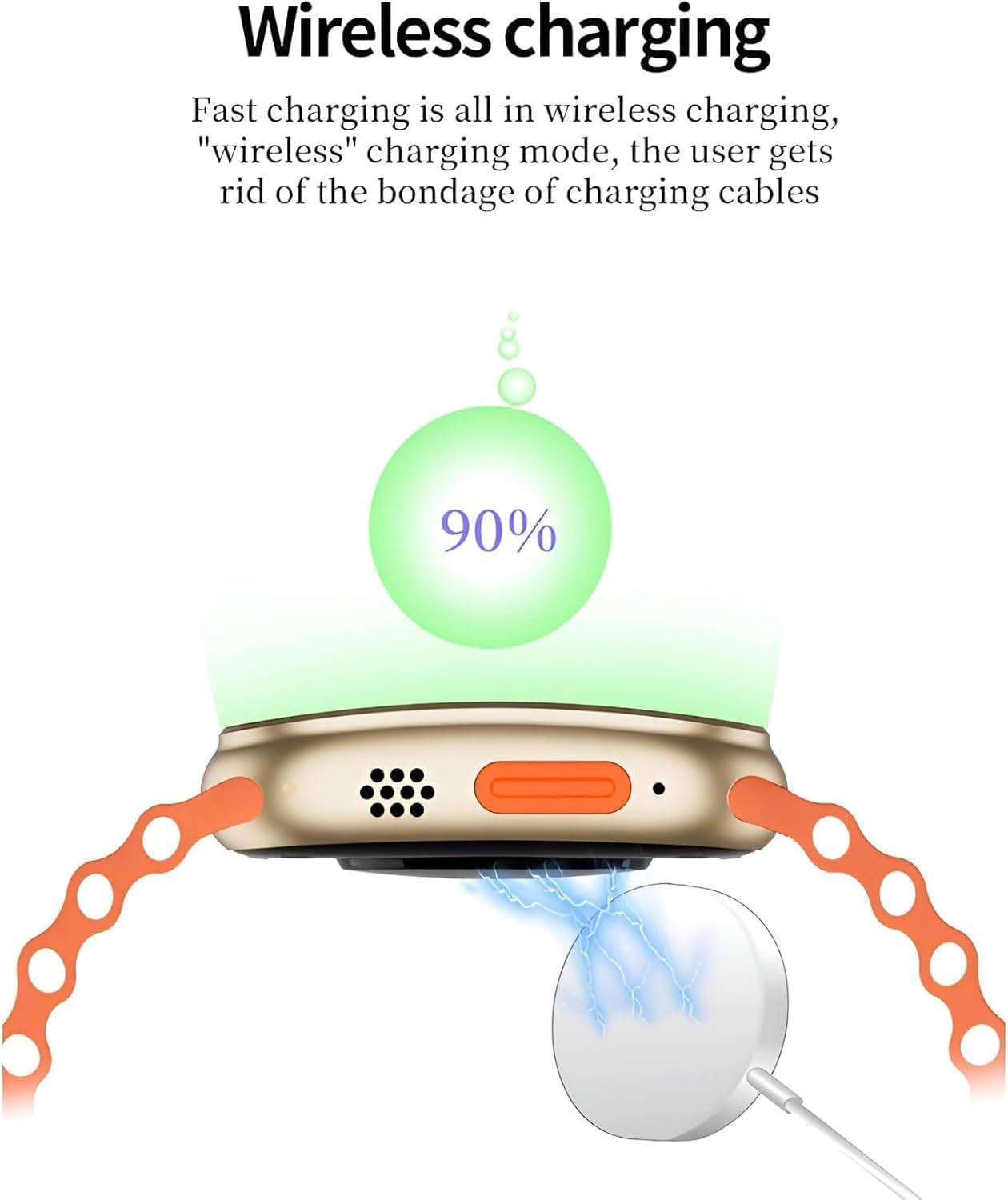
Image: Illustration of the MERV X10 Ultra 3 Smart Watch undergoing wireless charging, with a charging pad connected to the watch's underside.
2. App Installation and Pairing
To unlock the full functionality of your smart watch, download and install the WearFit application on your smartphone.
- Search for "WearFit" in your smartphone's app store (Google Play Store for Android or Apple App Store for iOS).
- Download and install the official WearFit application.
- Open the WearFit app and follow the on-screen instructions to create an account or log in.
- Enable Bluetooth on your smartphone.
- Within the WearFit app, navigate to the device pairing section and select your MERV X10 Ultra 3 Smart Watch from the list of available devices.
- Confirm the pairing request on both your smartphone and the smart watch.
Operating Instructions
Basic Navigation
- Touchscreen: Swipe left, right, up, or down to navigate through menus and notifications. Tap to select items.
- Side Button/Crown: Press the side button to return to the home screen or wake the device. Rotate the crown to scroll through lists or adjust settings.
Customizing the Display
The MERV X10 Ultra 3 allows for extensive customization of its display and user interface.
- Dynamic Menu Styles: Switch between various UI menu styles to suit your preference. Access this setting through the watch's menu or the WearFit app.
- New Dynamic Dials: Download and apply a wide range of watch faces from the WearFit app to personalize your watch's appearance.

Image: The smart watch screen showing different UI menu layouts, demonstrating the ability to switch between various display styles.

Image: The smart watch screen showcasing several dynamic watch faces, highlighting customization options for the display.
Communication Features
- Making and Answering Calls: Directly make and answer calls via the smart watch when connected to your smartphone via Bluetooth. Synchronize your mobile phone contacts through the WearFit app.
- Notifications: Receive push notifications for calls, SMS, email, and social media applications like Facebook, WhatsApp, and WeChat.

Image: Two smart watches side-by-side, one displaying a dial pad for making calls and the other showing an incoming call notification.
Health and Fitness Tracking
The MERV X10 Ultra 3 Smart Watch offers comprehensive health and fitness monitoring capabilities.
- Heart Rate Monitoring: Continuously track your heart rate.
- ECG: Monitor your electrocardiogram.
- Blood Pressure/Oxygen: Measure your blood pressure and blood oxygen levels.
- Sleep Monitoring: Analyze your sleep patterns.
- Activity Tracking: Calculates steps, calories burned, distance traveled, and tracks various sports activities including running, cycling, sit-ups, and mountaineering.
Additional Features
- Intelligent AI Voice Assistant: Utilize the built-in voice assistant for daily tasks, calls, and setting alarms.
- Music Control: Control music playback on your connected smartphone.
- Stopwatch: Use the stopwatch function for timing activities.
- NFC & Payments: Supports NFC functionality for various applications, including payments (check regional availability and compatibility).
- Password Protection: Secure your device with a password.
- Health Positioning: Provides health-related positioning data (requires GPS via smartphone).

Image: The smart watch screen showing the AI voice assistant interface, with example commands like "Call Limi" and "Set your alarm to wake up."
Maintenance
Cleaning Your Smart Watch
- Wipe the screen and body of the watch with a soft, lint-free cloth.
- For stubborn dirt, slightly dampen the cloth with water. Avoid using harsh chemicals or abrasive materials.
- Ensure the charging contacts are clean and dry before charging.
Water Resistance (IP68)
The MERV X10 Ultra 3 Smart Watch is rated IP68 for water and dust resistance. This means it is protected against immersion in water up to 1.5 meters for up to 30 minutes. While it can withstand splashes, rain, and brief immersion, it is not recommended for swimming, diving, or high-pressure water activities.
Note: Water resistance is not a permanent condition and may decrease over time with normal wear. Damage caused by liquid immersion is not covered under warranty if used outside of specified conditions.
Battery Care
- To prolong battery life, avoid exposing the watch to extreme temperatures.
- Charge the device regularly and avoid letting the battery completely drain for extended periods.
- Use only approved charging accessories.
Troubleshooting
- Watch not turning on: Ensure the watch is fully charged. Connect it to the wireless charger and wait a few minutes before attempting to power it on.
- Cannot pair with smartphone:
- Ensure Bluetooth is enabled on your smartphone and the watch.
- Make sure the watch is within range of your smartphone.
- Restart both your smartphone and the watch.
- Check if the WearFit app is updated to the latest version.
- Notifications not appearing:
- Verify that notification permissions are granted to the WearFit app on your smartphone.
- Ensure the watch is properly connected via Bluetooth.
- Check notification settings within the WearFit app and on the watch itself.
- Inaccurate health data: Ensure the watch is worn snugly on your wrist, but not too tight. Clean the sensors regularly. Note that smart watch health data is for reference only and not intended for medical diagnosis.
Specifications
| Feature | Detail |
|---|---|
| Brand | MERV |
| Model Name | X10 Ultra 3 |
| Item Model Number | 10 |
| Screen Size | 46 Millimeters (49mm case size, curved screen) |
| Item Shape | Rectangular with rounded corners (as depicted in product images) |
| Connectivity Technology | Bluetooth |
| Wireless Communication Standard | Bluetooth |
| Memory Storage Capacity | 256 MB |
| Special Features | Activity Tracker, Heart Rate Monitor, ECG, Blood Pressure/Oxygen Monitor, Sleep Monitor, Bluetooth Calling, Notifications, Music Control, Stopwatch, NFC, Password, Voice Assistant, Health Positioning |
| Battery Cell Composition | Lithium Polymer |
| GPS | GPS Via Smartphone |
| Water Resistance | IP68 |
| Country of Origin | China |
Warranty and Support
Information regarding warranty coverage and customer support for the MERV X10 Ultra 3 Smart Watch was not available in the provided product data. Please refer to the product packaging or the official MERV website for detailed warranty terms and support contact information.


