1. Introduction
This user manual provides comprehensive instructions for the operation, maintenance, and troubleshooting of your Generic Underwater Fishing Camera & Fish Finder. Please read this manual thoroughly before using the device to ensure proper functionality and longevity.
The Generic Underwater Fishing Camera & Fish Finder is designed to enhance your fishing experience by providing a clear view of the underwater environment. It features a 4.3-inch LED screen, a waterproof camera, and a 15-meter cable, making it ideal for locating fish and observing their behavior.
2. Package Contents
Verify that all items listed below are present in your package:
- Underwater Camera
- Display Screen (4.3-inch LED)
- 15 Meter Cable
- Charging Cable (USB)
- User Manual (This document)
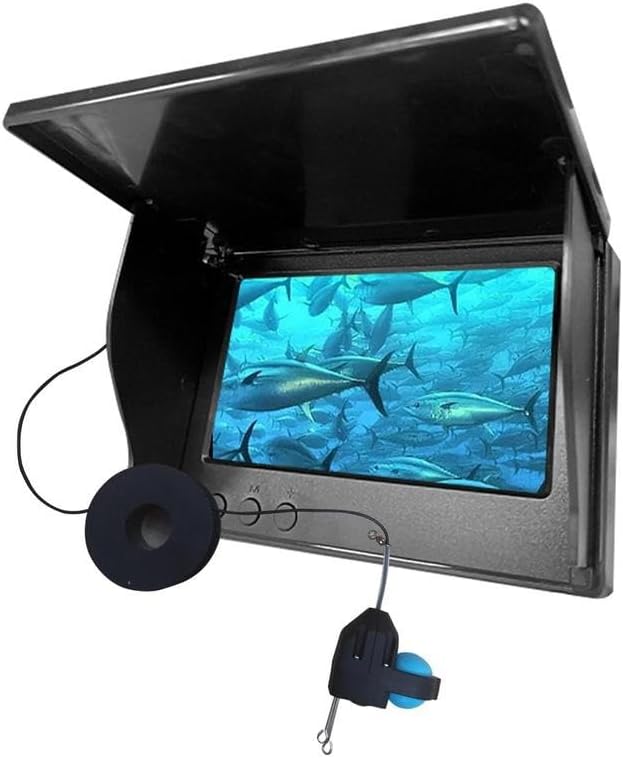
Image: The main unit of the Generic Underwater Fishing Camera and Fish Finder, showing the display screen with a sunshade and the camera cable with a reel.
3. Setup Guide
3.1 Charging the Device
Before first use, ensure the display unit is fully charged. Connect the charging cable to the charging port on the display unit and plug the other end into a compatible USB power adapter (not included).

Image: A close-up view of the display unit's side, highlighting the OFF/ON switch, charging port, camera interface, and Night Vision OFF/ON switch.
- Locate the Charging port on the side of the display unit.
- Insert the charging cable into the port.
- A charging indicator (if present) will illuminate.
- Charging time is approximately 4-6 hours for a full charge.
3.2 Connecting the Camera
Connect the underwater camera to the display unit.
- Locate the Camera interface port on the side of the display unit.
- Carefully insert the camera cable connector into this port. Ensure a secure connection.
4. Operating Instructions
4.1 Powering On/Off
- To power on the device, slide the OFF / ON switch to the "ON" position. The screen will illuminate.
- To power off, slide the OFF / ON switch to the "OFF" position.
4.2 Deploying the Camera
Carefully lower the underwater camera into the water to the desired depth. The camera is waterproof up to 15 meters (49 feet).
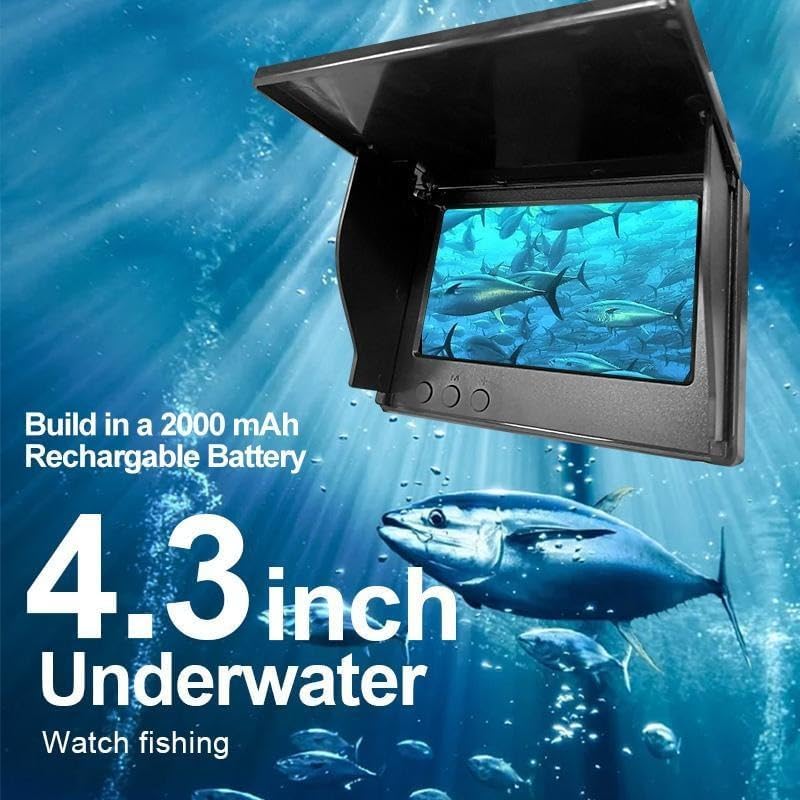
Image: A diagram illustrating the dimensions of the display unit, showing its length, width, and height in both centimeters and inches.
- Unwind the camera cable from the reel.
- Gently lower the camera into the water.
- Observe the live feed on the 4.3-inch display screen.
4.3 Using Night Vision
For low-light or dark underwater conditions, activate the night vision feature.

Image: A close-up of the display unit's side, with a highlighted area indicating the Night Vision ON/OFF switch and a note advising to turn on Night Vision mode in dark environments.
- Locate the Night vision OFF/ON switch on the side of the display unit.
- Slide the switch to the "ON" position to activate night vision.
- Slide the switch to the "OFF" position to deactivate night vision.
4.4 Adjusting Display Settings
Use the control buttons on the display unit to adjust settings.
- The UP and Down buttons are used for navigation or adjusting values.
- The Set button is used to confirm selections or enter menus.

Image: A diagram pointing out the control buttons on the display unit: OFF/ON, Charging port, Camera interface, Night vision OFF/ON, UP, Set, and Down buttons.
5. Maintenance
5.1 Cleaning
- After each use, especially in saltwater, rinse the camera and cable thoroughly with fresh water.
- Wipe the display unit with a soft, damp cloth. Do not use abrasive cleaners or solvents.
- Ensure all components are dry before storage.
5.2 Storage
- Store the device in a cool, dry place, away from direct sunlight and extreme temperatures.
- Wind the camera cable neatly around its reel to prevent tangles.
6. Troubleshooting
| Problem | Possible Cause | Solution |
|---|---|---|
| Device does not power on. | Low battery. | Charge the display unit fully. |
| No image on screen. | Camera not connected properly. | Ensure the camera cable is securely plugged into the display unit. |
| Image is blurry or unclear. | Camera lens is dirty or scratched. | Clean the camera lens gently with a soft cloth. Avoid scratching. |
| Night vision not working. | Night vision feature is off. | Ensure the Night Vision OFF/ON switch is in the "ON" position. |
7. Specifications
| Feature | Detail |
|---|---|
| Model Number | XW521211 |
| Screen Size | 4.3 Inches (LED) |
| Waterproof Depth | Up to 15 meters (49 feet) |
| Cable Length | 15 meters (49 feet) |
| Video Capture Resolution | 480p |
| Photo Sensor Technology | BSI CMOS |
| Item Weight | 1.8 pounds |
| Package Dimensions | 8 x 3.5 x 3.5 inches |
| Special Features | Fish Finder, Underwater Camera, Waterproof, Night Vision |

Image: An infographic summarizing key features including 2000 mAh battery, 15/30M long line (note: manual uses 15m), HD 1080P (note: manual uses 480p from specs), holder, sunshade, and 4.3 inch IPS screen.
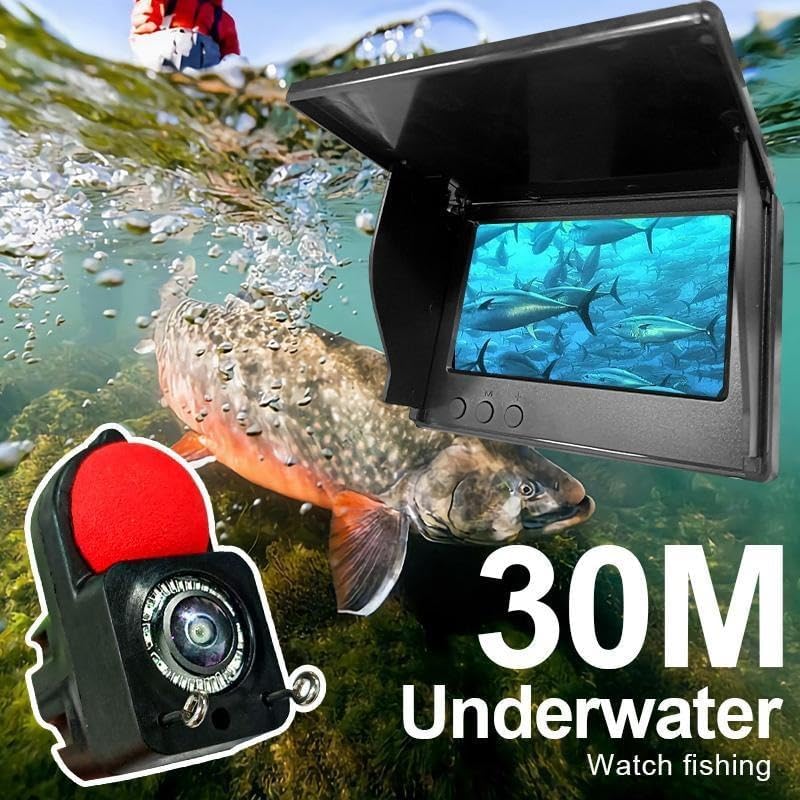
Image: The underwater camera and display unit in an active fishing scenario, showing a large fish and emphasizing the 30-meter cable length for underwater observation.
8. Warranty and Support
This product is covered by a standard manufacturer's warranty. For specific warranty details, please refer to the warranty card included in your package or contact the seller directly.
For technical support, troubleshooting assistance, or inquiries regarding your product, please contact the seller or manufacturer through the platform where the product was purchased. Please have your model number (XW521211) and purchase date ready when contacting support.
Seller: Fuhua Electromechanical