
1. Introduction
Thank you for choosing the Kviflon 45-Inch Tropical Ceiling Fan with Lights and Remote/APP Control. This manual provides essential information for the safe installation, operation, and maintenance of your new ceiling fan. Please read it thoroughly before installation and keep it for future reference.
This tropical-style ceiling fan features distinctive palm leaf-shaped ABS blades, a powerful motor, and integrated lighting. It offers convenient control via a remote or mobile application, allowing for adjustable fan speeds, light brightness, and color temperature. The fan also includes a reversible function for year-round comfort and quiet operation.
2. Safety Information
WARNING: To reduce the risk of fire, electric shock, or personal injury, always follow these basic precautions:
- Read all instructions carefully before installing and operating the fan.
- Ensure the installation location is structurally sound and can support the fan's weight.
- All wiring must be in accordance with national and local electrical codes. If you are unsure about wiring, consult a qualified electrician.
- Turn off power at the circuit breaker or fuse box before beginning installation or performing any maintenance.
- Do not operate the fan with a damaged power cord or plug.
- Avoid placing objects in the path of the rotating blades.
- Do not use the fan in wet or damp locations unless specifically rated for such environments. This fan is rated for indoor use.
- Keep children away from the fan during operation.
3. Package Contents
Before installation, verify that all components listed below are included in your package:
- Fan body assembly
- Hanging board
- Blades (5 pieces)
- Light source
- Remote control
- Screws and mounting hardware
- Instruction manual
For a visual guide to the package contents and initial assembly steps, please refer to the installation video below.
Video: Installation Video for 8222 45 Inch Ceiling Fan with Light. This video demonstrates the unboxing and assembly of the fan components, including attaching the blades and light kit, and preparing for ceiling mounting.
4. Setup & Installation
Follow these steps for proper installation of your Kviflon Tropical Ceiling Fan. It is recommended to have two people for installation.
4.1 Pre-Installation Steps
- Turn off Power: Before starting, ensure the power supply to the installation area is turned off at the circuit breaker.
- Prepare Mounting Location: Securely attach the hanging board to the ceiling junction box. Ensure it is firmly mounted to a structural beam or a fan-rated outlet box.
4.2 Assembling the Fan Body
- Attach Blades: Carefully align each palm leaf-shaped blade with the mounting holes on the fan body assembly. Secure them using the provided screws. Ensure all screws are tightened to prevent wobbling.
- Install Light Source: Connect the light source wiring to the fan body. Secure the light source plate to the fan body using the designated screws.
- Attach Light Cover: Place the light cover over the light source and twist or secure it into place.
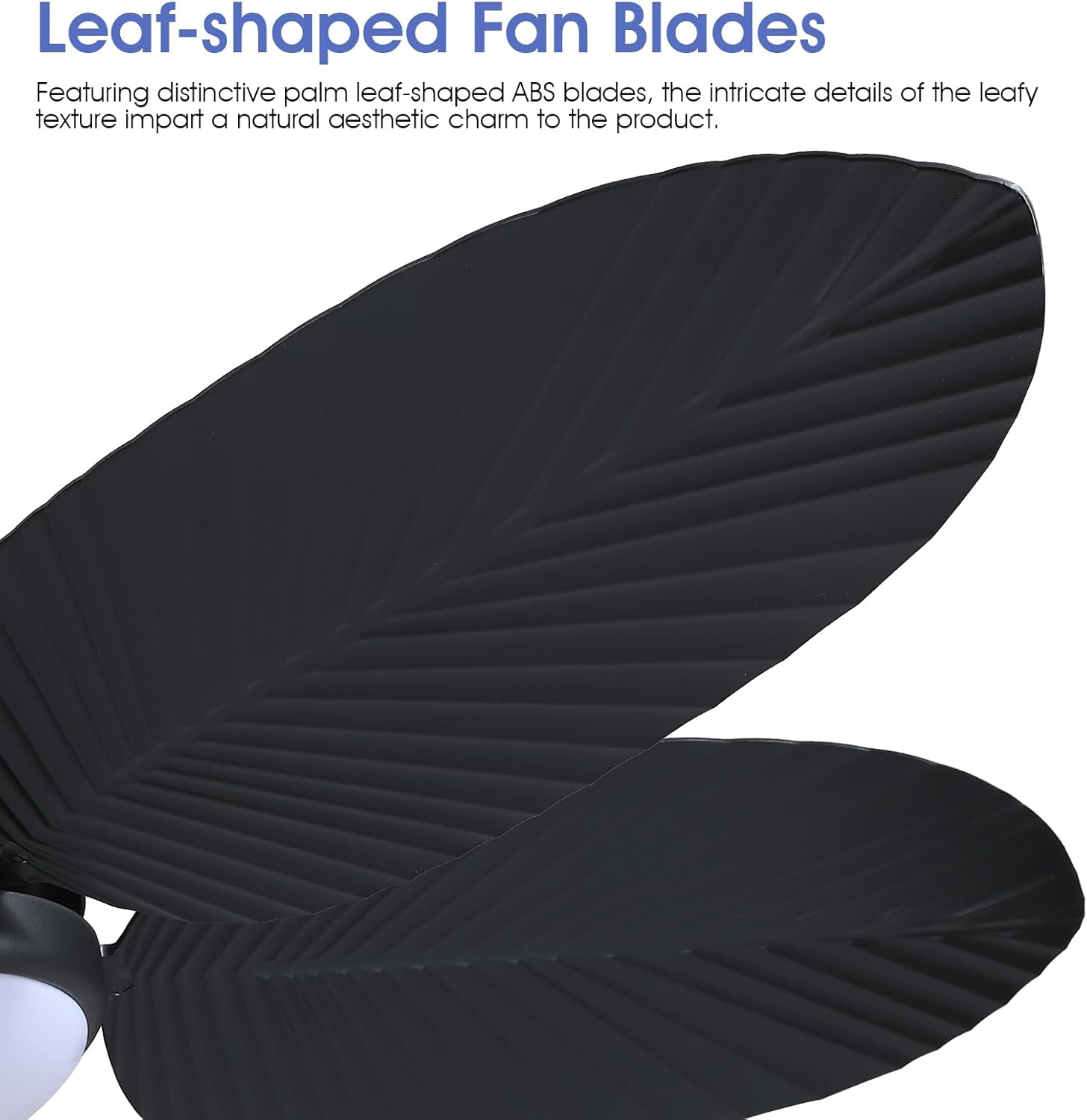
Image: Close-up view of the distinctive palm leaf-shaped ABS blades, highlighting their intricate texture.

Image: Detailed view of the stable flush mount, the highlight 3-color LED light source, and the powerful DC motor.
4.3 Wiring and Mounting
- Connect Wiring: Connect the fan's electrical wires to the household wiring according to the wiring diagram in the full instruction manual. Ensure proper grounding.
- Secure Fan to Ceiling: Lift the assembled fan and attach it to the hanging board. Secure it with the appropriate screws.
- Restore Power: Once installation is complete, restore power at the circuit breaker and test the fan's functions.
5. Operating Instructions
Your Kviflon Tropical Ceiling Fan can be operated using the included remote control or a dedicated mobile application.
5.1 Remote Control Functions
The remote control provides comprehensive control over your fan and light settings:
- On/Off: Turn the fan and light on or off.
- Fan Speed: Select from 6 fan speeds (1-6) to adjust airflow.
- Light Brightness: Adjust the light intensity from 10% to 100% (stepless dimming).
- Color Temperature: Switch between 3 color temperatures: 3000K (Warm Light), 4500K (Natural Light), and 6000K (White Light).
- Night Light: Activate a low-brightness night light mode.
- Reverse Function (F/R): Change the direction of blade rotation for summer (downward airflow) or winter (upward airflow).
- Timer: Set a 2-hour timer for automatic fan shutdown.
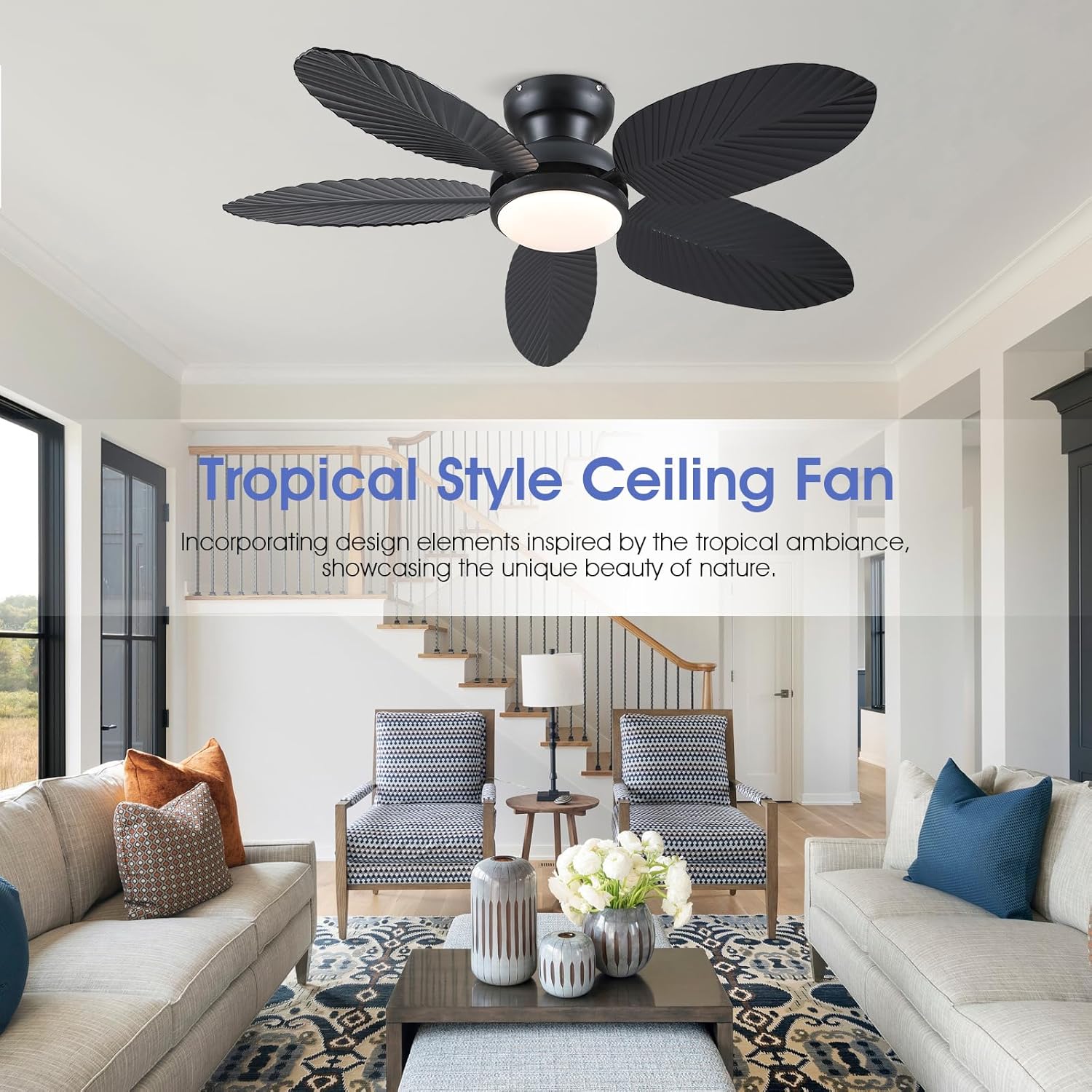
Image: The remote control unit, showing buttons for fan speed, light control, timer, and reverse function.
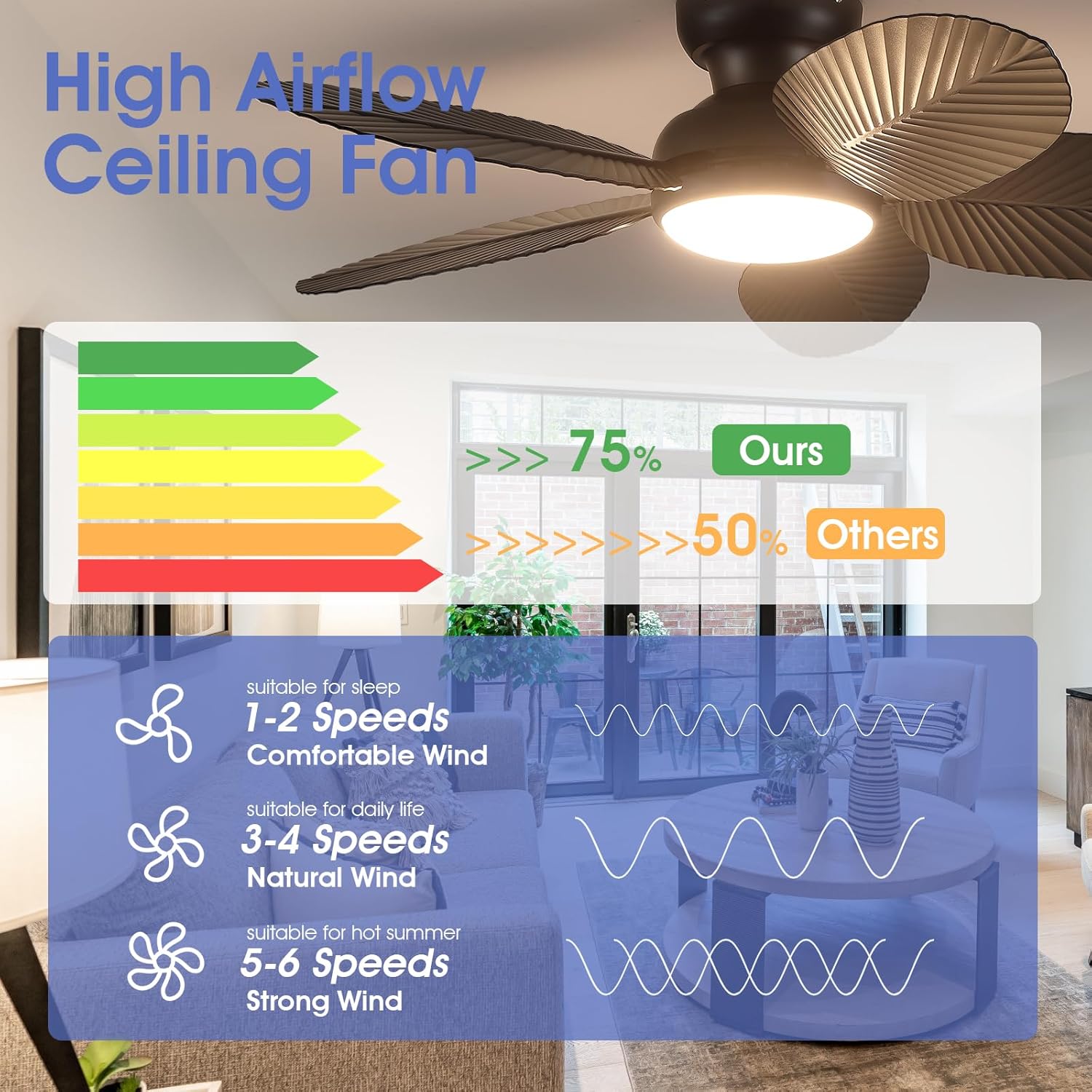
Image: Visual representation of the three adjustable light color temperatures (3000K Warm Light, 4500K Natural Light, 6000K White Light) and stepless dimming from 10% to 100% brightness.
5.2 Mobile APP Control
Download the 'Fan Lamp Pro' app to control your fan from your smartphone. Scan the QR code provided in the product packaging or visit www.jasonghost.com/fanlamppro/ to download the app.
- Pairing: Follow the in-app instructions to pair your fan. Typically, this involves turning off the main power, turning on Bluetooth on your phone, opening the app, turning on the main power to the fan, and clicking the connect button in the app within 5 seconds. The fan light will blink twice to confirm successful connection.
- Functions: The app offers similar controls to the remote, including fan speed adjustment (6 speeds), light brightness (dimmable), color temperature selection (3 colors), and reverse function.
Video: APP Control for 8222 45 Inch Ceiling Fan with Light. This video demonstrates how to connect and control the fan using the mobile application, including adjusting fan speed, light color, and brightness.
6. Key Features
- Tropical Design: Inspired by the tropical rainforest, this 45-inch ceiling fan features distinctive palm leaf-shaped ABS blades with intricate leaf patterns, adding a touch of natural beauty to your space.
- High Airflow: The unique design of palm leaf blades, coupled with a powerful motor, generates substantial airflow, ensuring effective room ventilation and delivering a cool breeze.
- Quiet Operation: Designed with a high-quality, silent motor, the noise level is minimized to ensure a comfortable and cool environment without disturbing sleep.
- Reversible Function: The fan features a reversible motor, allowing it to adapt to different seasons. In summer, it creates a downward airflow for a cooling effect. In winter, it circulates warm air trapped near the ceiling.
- Integrated LED Light: Equipped with an LED light that offers 3 color temperatures (3000K, 4500K, 6000K) and stepless dimming from 10% to 100% brightness.
- Multiple Control Options: Conveniently control the fan and light settings using either the included remote control or a mobile application.

Image: Illustration of the fan's reversible function, demonstrating forward rotation for cooling in summer and reverse rotation for air circulation in winter.
7. Maintenance
Regular maintenance ensures the longevity and optimal performance of your ceiling fan.
- Cleaning: Periodically clean the fan blades and motor housing with a soft, damp cloth. Do not use abrasive cleaners or solvents that could damage the finish.
- Tighten Fasteners: Check all screws and fasteners annually to ensure they are securely tightened. Loose connections can cause noise or wobbling.
- Blade Balance: If the fan wobbles, ensure all blades are securely attached and balanced. A blade balancing kit (not included) can be used if necessary.
- Light Source: The integrated LED light source is designed for long life and typically does not require replacement. If issues arise, contact customer support.
8. Troubleshooting
If you encounter problems with your fan, refer to the following common issues and solutions:
| Problem | Possible Cause | Solution |
|---|---|---|
| Fan does not start | No power to the fan; Loose wire connections; Remote control battery low. | Check circuit breaker/fuse; Verify all wire connections are secure; Replace remote control battery. |
| Fan wobbles | Loose blade screws; Unbalanced blades; Loose mounting bracket. | Tighten all blade screws; Use a balancing kit to balance blades; Ensure mounting bracket is securely fastened. |
| Light does not work | Loose wire connection to light kit; Faulty LED driver. | Check light kit wiring; Contact customer support for LED driver replacement. |
| Remote control not working | Battery low/dead; Remote not paired with fan. | Replace battery; Re-pair remote control with the fan according to pairing instructions. |
| APP control not working | Bluetooth off; APP not paired with fan; Incorrect APP version. | Ensure Bluetooth is enabled on your device; Re-pair APP with the fan; Update APP to the latest version. |
9. Specifications
| Feature | Detail |
|---|---|
| Brand | Kviflon |
| Model Name | Tropical Ceiling Fan with Light |
| Size | 45 Inch |
| Color | Black |
| Product Dimensions | 45"D x 45"W x 9.5"H |
| Number of Blades | 5 |
| Blade Material | Plastic |
| Number of Speeds | 6 |
| Light Source | Integrated LED (3000K/4500K/6000K, Dimmable) |
| Control Method | Remote Control, APP Control |
| Voltage | 120 Volts |
| Indoor/Outdoor Usage | Indoor |
| Special Features | App Operable, LED Light, Quiet Operation, Remote Controlled, Timer, Reversible |
10. Warranty & Support
Kviflon products are designed and manufactured to the highest quality standards. This product comes with a limited warranty against defects in materials and workmanship under normal use. Please refer to the warranty card included in your package for specific terms and conditions.
For technical support, troubleshooting assistance, or warranty claims, please contact Kviflon customer service through the retailer where the product was purchased or visit the official Kviflon website. Our professional team is ready to provide timely after-sales support.


