Introduction
This manual provides detailed instructions for the proper use and maintenance of your H'MASTON RS-55 Bluetooth 5.3 Wireless Earbuds. Please read this manual thoroughly before using the product to ensure optimal performance and longevity.
Package Contents
Verify that all items are present in the package:
- H'MASTON RS-55 Wireless Earbuds (Left and Right)
- Charging Case
- USB Charging Cable
- Eartips (various sizes)
- User Manual
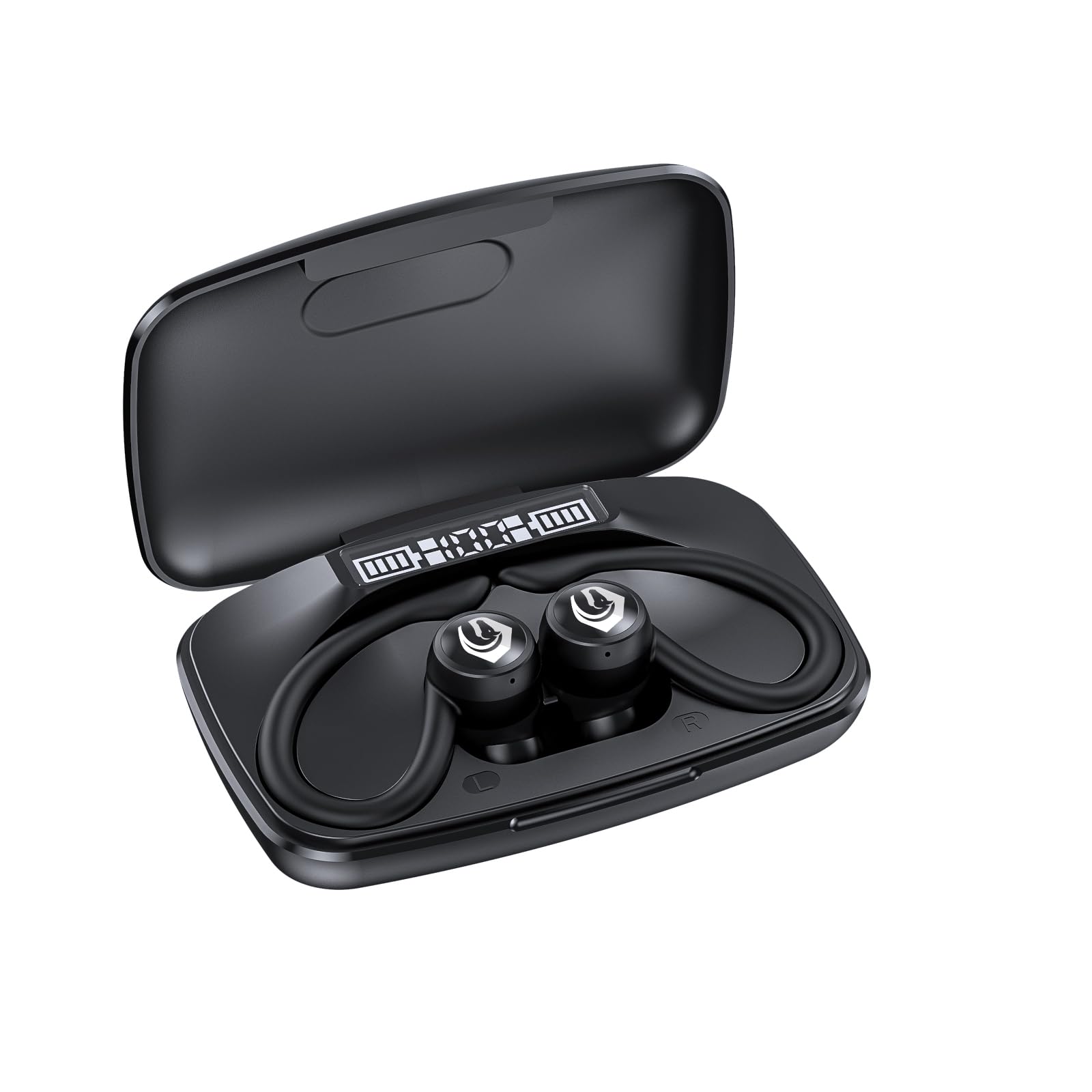
Image: The H'MASTON RS-55 wireless earbuds and their charging case, illustrating the product's components.
Setup and Pairing
Initial Pairing
- Ensure the earbuds are charged. Open the charging case.
- On your device (smartphone, tablet, etc.), enable Bluetooth.
- Search for available Bluetooth devices.
- Select "RS-55" from the list of devices to pair.
- Once connected, a confirmation sound will play, and the LED indicator on the earbuds will change.
Video: Demonstrates the unboxing and Bluetooth pairing process for H'MASTON RS53 UP earbuds, which share similar pairing steps with the RS-55 model.
Automatic Reconnection
After initial pairing, the earbuds will automatically connect to the last paired device when removed from the charging case and Bluetooth is enabled on the device.
Operating Instructions
Touch Controls
The earbuds feature touch-sensitive controls for various functions:
- Play/Pause: Single tap on either earbud.
- Next Track: Double tap on the right earbud.
- Previous Track: Double tap on the left earbud.
- Answer/End Call: Single tap on either earbud.
- Reject Call: Press and hold either earbud for 2 seconds.
- Activate Voice Assistant: Triple tap on either earbud.
- Volume Up: Press and hold the right earbud.
- Volume Down: Press and hold the left earbud.

Image: Illustration of the touch control area on the earbud for easy operation.
Charging the Earbuds and Case
Place the earbuds into the charging case. The LED display on the case will indicate the charging status. Connect the charging case to a power source using the provided USB Type-C cable.

Image: The charging case showing its Type-C charging port.
Reverse Charging Function
The charging case features a reverse charging function, allowing it to act as a portable power bank. Connect your mobile phone or other compatible device to the USB-A port on the charging case to charge it in emergencies.
Features
- High-Fidelity Sound Quality: Equipped with Bluetooth 5.3 for a stable and fast connection, delivering high-quality audio.
- ENC Environmental Noise Cancellation: Provides clear calls and music in noisy environments.
- LED Digital Display: The charging case features a digital LED display showing the battery status of both the case and individual earbuds.
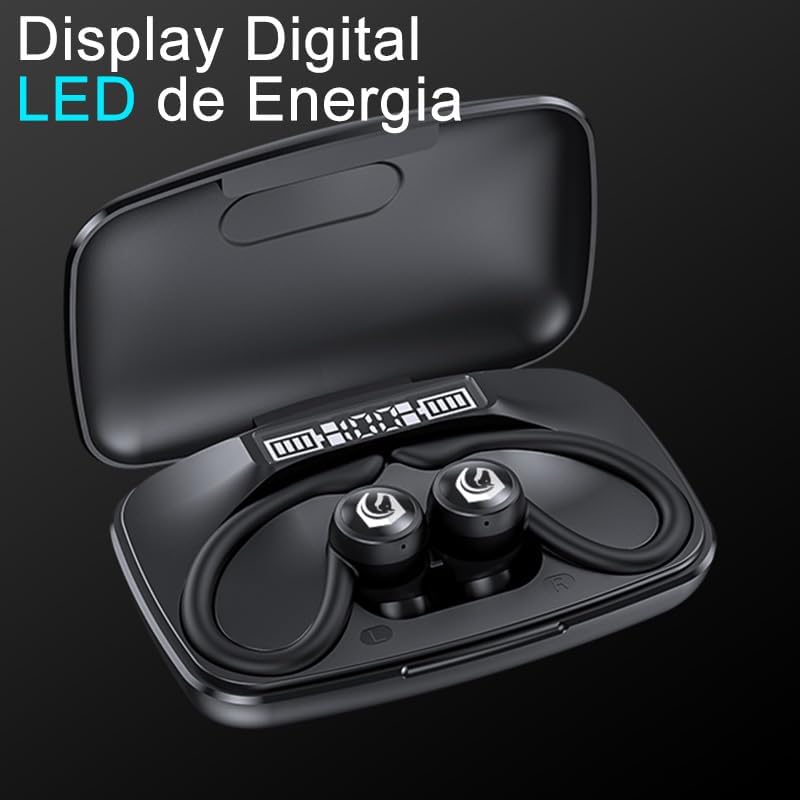
Image: The charging case displaying the battery levels of the earbuds and the case itself via an LED screen.
- Waterproof Design: Designed to be water-resistant, suitable for sports and daily activities without fear of rain or sweat.

Image: Earbuds shown with water splashing, highlighting their waterproof capability.
- Secure Ear Hook Design: Ensures the earbuds stay securely in place during exercise or active use.
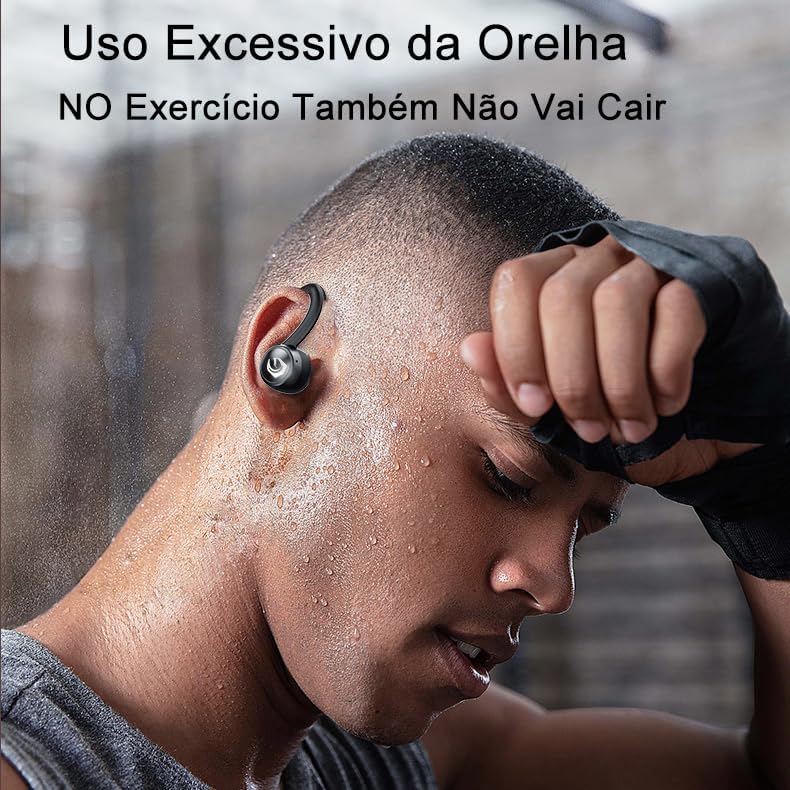
Image: A person wearing the earbuds during physical activity, demonstrating the secure fit provided by the ear hooks.
- Long Battery Life: Up to 9 hours of listening time on a single charge, and up to 60 hours with the charging case.

Image: A graphic illustrating the battery life: 9 hours for earbuds and 60 hours total with the charging case.
- Single or Dual Earbud Use: Flexibility to use one or both earbuds.

Image: The earbuds displayed both in the charging case and as individual units, demonstrating the option for single or dual earbud use.
- Wide Compatibility: Compatible with various Bluetooth-enabled devices such as mobile phones, tablets, and notebooks.

Image: Various electronic devices (laptop, smartphone, tablet) are shown alongside the earbuds, illustrating their broad compatibility.
Video: Showcases the features and design of the H'MASTON RS-51 Bluetooth Sport Earbuds, which have similar functionalities to the RS-55 model.
Maintenance
- Clean the earbuds and charging case regularly with a soft, dry cloth.
- Avoid using abrasive cleaners or solvents.
- Ensure the charging contacts on the earbuds and inside the case are clean and dry before charging.
- Store the earbuds in their charging case when not in use to protect them and maintain battery life.
- Avoid exposing the product to extreme temperatures or direct sunlight for extended periods.
Troubleshooting
| Problem | Solution |
|---|---|
| Earbuds do not turn on. | Ensure the earbuds are charged. Place them in the charging case and check the LED display. |
| Cannot pair with device. |
|
| No sound or low volume. |
|
| Earbuds frequently disconnect. |
|
Specifications
| Feature | Detail |
|---|---|
| Model Name | RS-55 |
| Connectivity Technology | Wireless (Bluetooth 5.3) |
| Wireless Communication Technology | Bluetooth |
| Noise Control | Active Noise Cancellation (ENC) |
| Water Resistance Level | Waterproof |
| Control Type | Touch Control |
| Ear Placement | In-Ear |
| Headphone Form Factor | In-Ear |
| Impedance | 32 Ohms |
| Maximum Operating Distance | 10 Meters |
| Battery Composition | Lithium-Ion |
| Batteries Included | Yes |
| Product Weight | 240 g |
| Manufacturer | H'MASTON |
Warranty and Support
The H'MASTON RS-55 earbuds come with a manufacturer's warranty of 30 days from the date of purchase. For warranty claims or technical support, please contact your retailer or the H'MASTON customer service.
Additional support and information may be available on the official H'MASTON website: H'MASTON Store


