
Ttbesmi TWS-19
Ttbesmi TWS-19 Wireless In-Ear Headphones User Manual
Model: TWS-19
Product Overview
The Ttbesmi TWS-19 Wireless In-Ear Headphones are designed to provide a comfortable and high-quality audio experience. Featuring Bluetooth 5.3 connectivity, these earbuds offer a stable connection and are suitable for various activities, including sports and gaming, thanks to their waterproof design. They are ergonomically designed for small ear canals and include ENC Dual Microphone AI Noise Reduction for clear communication.
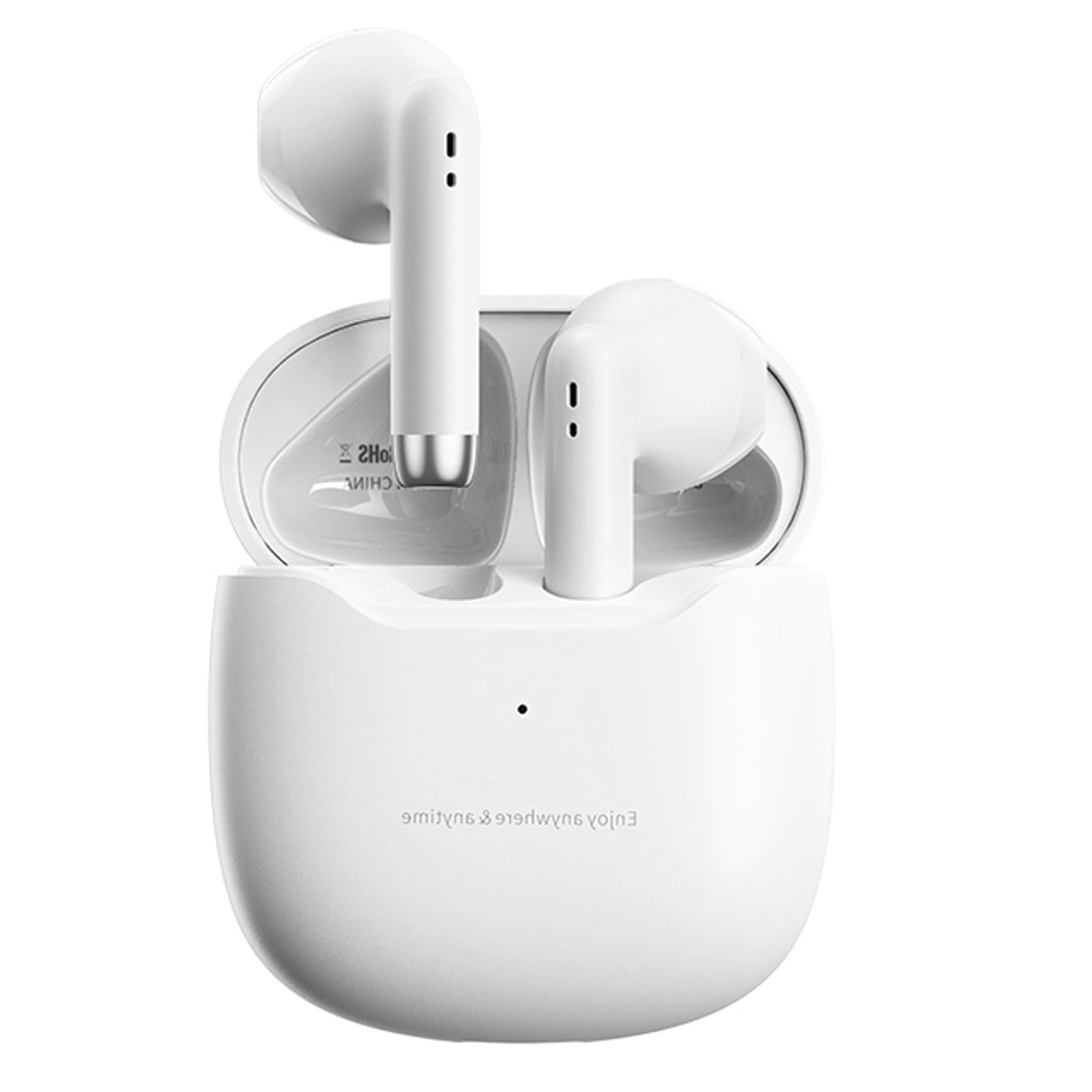
Image: The Ttbesmi TWS-19 Wireless In-Ear Headphones, featuring the charging case and earbuds in white.
Package Contents
- Left and Right Earbuds
- Charging Case
- USB Charging Cable (Type-C)
- User Manual
Setup
1. Charging the Earbuds and Case
Before initial use, ensure both the earbuds and charging case are fully charged. Connect the provided USB Type-C charging cable to the charging port on the case and a compatible power source. The charging case has a 320mAh battery, and each earbud has a 30mAh battery. A full charge typically takes approximately 1 hour.
Image: The TWS-19 charging case and earbuds, illustrating the battery life and charging status on a smartphone screen. The charging case provides up to 30 hours of additional playtime.
2. Pairing with a Device
- Open the charging case. The earbuds will automatically power on and enter pairing mode.
- On your device (smartphone, tablet, etc.), enable Bluetooth and search for available devices.
- Select "TWS-19" from the list of available devices to connect.
- Once connected, a voice prompt will confirm successful pairing.
The earbuds utilize Bluetooth 5.3 for a stable and smooth connection with ultra-low latency (38ms). They support master/slave switching, allowing independent use of either earbud.
Operating Instructions
Touch Controls
The TWS-19 earbuds feature intelligent touch controls for convenient management of audio playback and calls.
- Play/Pause: Single tap on either earbud.
- Next Song: Double tap the right earbud.
- Previous Song: Double tap the left earbud.
- Answer/Hang Up Call: Single tap on either earbud.
- Reject Call: Press and hold either earbud for 2 seconds.
- Activate Voice Assistant: Triple tap on either earbud.
Audio Features
Equipped with a 13mm titanium-plated diaphragm, these earbuds deliver surround stereo sound. The adaptive digital audio algorithm enhances 3D stereo effects for an immersive listening experience. ENC Dual Microphone AI Noise Reduction ensures clear call quality even in noisy environments.
Maintenance
- Cleaning: Use a soft, dry cloth to clean the earbuds and charging case regularly. Avoid using liquids or abrasive cleaners.
- Water Resistance: The earbuds are waterproof and resistant to sweat and rain. They are not designed for swimming or prolonged submersion. Ensure the charging port is dry before charging.
- Storage: Store the earbuds in their charging case when not in use to protect them and maintain charge. Avoid exposure to extreme temperatures.
- Battery Care: To prolong battery life, avoid frequent full discharge cycles. Charge the earbuds and case regularly, even if not in constant use.
Troubleshooting
- Earbuds not pairing: Ensure both earbuds are in the charging case, then open the lid to activate pairing mode. Check your device's Bluetooth settings and try reconnecting.
- No sound from one earbud: Place both earbuds back in the case, close the lid, wait a few seconds, then open it again. This often re-syncs them.
- Charging issues: Verify the Type-C cable is securely connected to both the case and the power source. Ensure the charging contacts on the earbuds and inside the case are clean and dry.
- Poor sound quality: Ensure the earbuds are properly seated in your ears. Check the audio source device for any issues.
If problems persist, refer to the full user manual included in the package or contact customer support for further assistance.
Specifications
| Brand | Ttbesmi |
| Model Name | TWS-19 |
| Bluetooth Version | 5.3 |
| Bluetooth Range | >10 Meters |
| Earbud Battery Capacity | 30mAh (each) |
| Charging Case Battery Capacity | 320mAh |
| Play Time | 5 hours (earbuds), 30 hours (with charging case) |
| Charging Time | 1 hour |
| Charging Port | Type-C |
| Water Resistance | Waterproof |
| Noise Control | ENC Dual Microphone AI Noise Reduction |
| Driver Size | 13mm |
| Control Method | Touch |
| Item Weight | 0.64 Ounces |
Warranty Information
This product comes with a standard manufacturer's warranty. Please refer to the warranty card included in your package for specific terms and conditions, or contact the seller for details regarding warranty coverage and duration.
Customer Support
For any questions, technical assistance, or issues not covered in this manual, please contact the seller or manufacturer directly. Contact information can typically be found on the product packaging or the retailer's website.
Product Video Guide
Video: An official product video demonstrating the features, setup, and usage of the Ttbesmi TWS-19 Wireless In-Ear Headphones. This video covers unboxing, charging, pairing, and touch controls.
Ask a question about this manual
Ask about setup, troubleshooting, compatibility, parts, safety, or missing instructions. Manuals+ will review the question and use this page’s manual context to help answer it.