
1. Important Safety Instructions
To ensure safe operation and prolong the life of your device, please read and adhere to the following safety guidelines:
- Power Source: Use only the specified power adapter. Ensure the voltage matches the requirements of the device.
- Water and Moisture: Do not expose the device to rain, moisture, or immerse it in water. Keep liquids away from the unit.
- Ventilation: Do not block ventilation openings. Ensure adequate airflow around the unit to prevent overheating.
- Heat Sources: Keep the device away from heat sources such as radiators, heat registers, stoves, or other heat-producing appliances.
- Cleaning: Unplug the device before cleaning. Use a dry, soft cloth. Do not use liquid cleaners or aerosol cleaners.
- Servicing: Do not attempt to service this product yourself. Refer all servicing to qualified service personnel.
- Battery Care: The unit contains a rechargeable battery. Do not expose the battery to excessive heat or direct sunlight. Dispose of batteries properly according to local regulations.
- Placement: Place the speaker on a stable, flat surface to prevent it from falling.
2. Product Overview
The Pyle PPHP26BL is a compact, portable Bluetooth PA party speaker system designed for versatile audio playback. It features dual 6.5-inch speakers, a built-in rechargeable battery, and multiple input options for various audio sources.
Key Features:
- 160W Peak Power Output
- Dual 6.5-inch Two-Way Speakers
- Bluetooth Wireless Streaming
- USB and Micro SD Card Readers
- FM Radio Tuner
- 6.5mm Microphone Input
- Mic Priority Function
- True Wireless Stereo (TWS) Function
- Dynamic Flashing LED Lights
- Built-in Rechargeable Battery
- Rugged Molded Cabinet Design with Sturdy Handle
What's Included:
- Compact PA Party Speaker System
- Power Adapter
- Remote Control
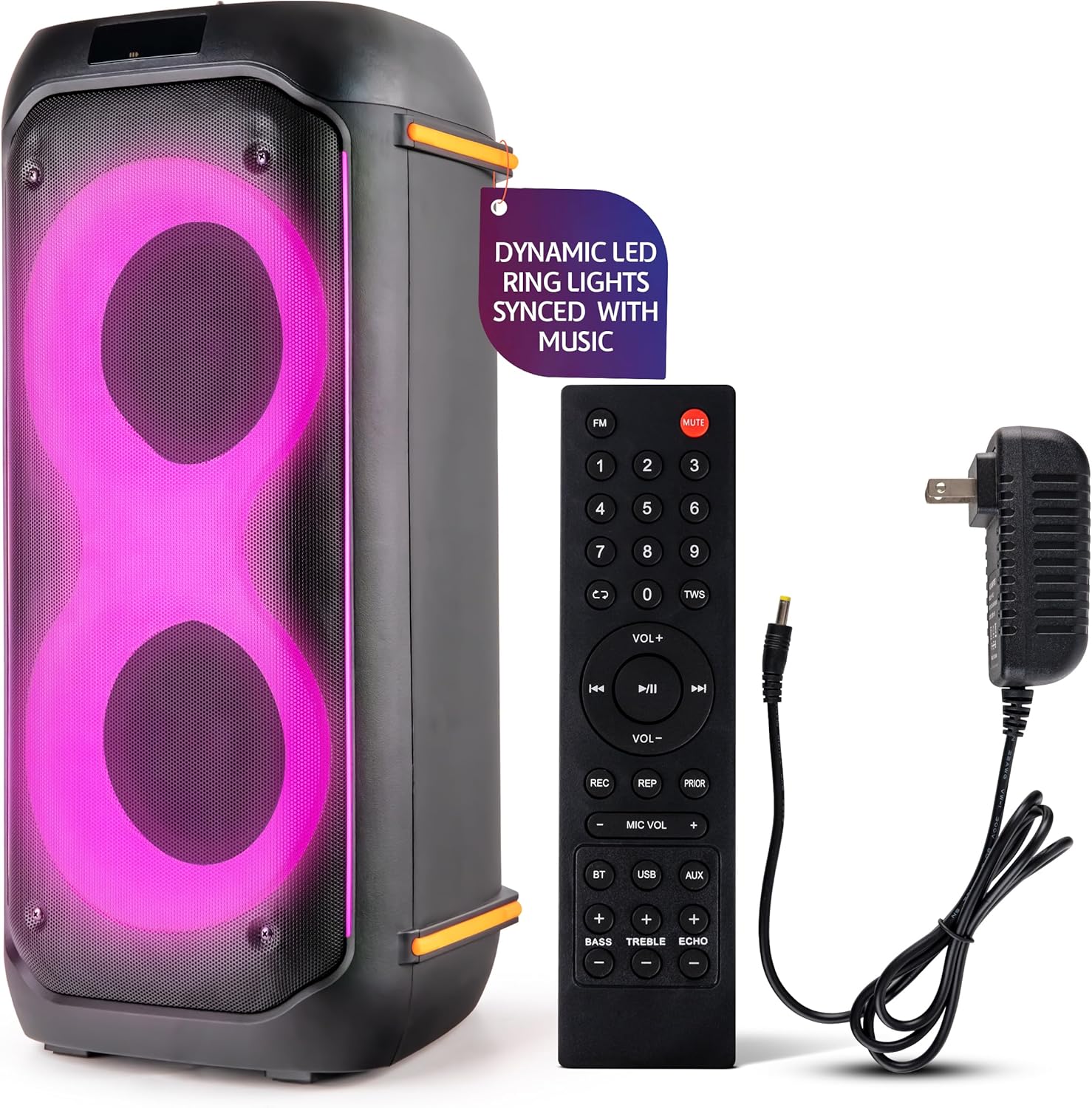
Image: The Pyle PPHP26BL speaker system, showcasing its front panel, included remote control, and power adapter.

Image: A visual representation of the items included in the package: the speaker unit, its charging cable, and the remote control.

Image: A detailed view of the speaker's robust, integrated handle, highlighting its design for easy transport.
3. Controls and Connections
Familiarize yourself with the control panel and various input/output options on your Pyle PPHP26BL speaker system.

Image: The speaker's side panel illustrating key functions such as Microphone Priority, Recording, Echo, Bass and Treble controls, Bluetooth connectivity, and support for various music streaming applications.
Control Panel (Top/Rear):
- Power Button: Turns the unit On/Off.
- Mode Button: Switches between Bluetooth, USB, SD, FM, and AUX modes.
- Play/Pause Button: Plays or pauses audio playback.
- Previous/Next Buttons: Navigates tracks or FM radio stations.
- Volume Control: Adjusts the master volume.
- Mic Volume: Adjusts microphone input volume.
- Echo Control: Adjusts the echo effect for the microphone.
- Bass/Treble Controls: Adjusts low and high frequency audio levels.
- Mic Priority: Prioritizes microphone audio over music playback.
- REC Button: Initiates recording (to USB/SD).
Input/Output Ports:
- USB Port: For USB flash drives.
- Micro SD Card Slot: For Micro SD memory cards.
- AUX Input (3.5mm): For connecting external audio devices.
- Microphone Input (6.35mm): For connecting a wired microphone.
- DC IN: Power input for charging.
4. Setup
4.1 Charging the Battery
Before initial use, fully charge the speaker's built-in battery. Connect the included power adapter to the DC IN port on the speaker and then to a standard wall outlet. The charging indicator will illuminate. A full charge typically takes 2-8 hours, providing 6-8 hours of playback time depending on usage volume and LED light activity.
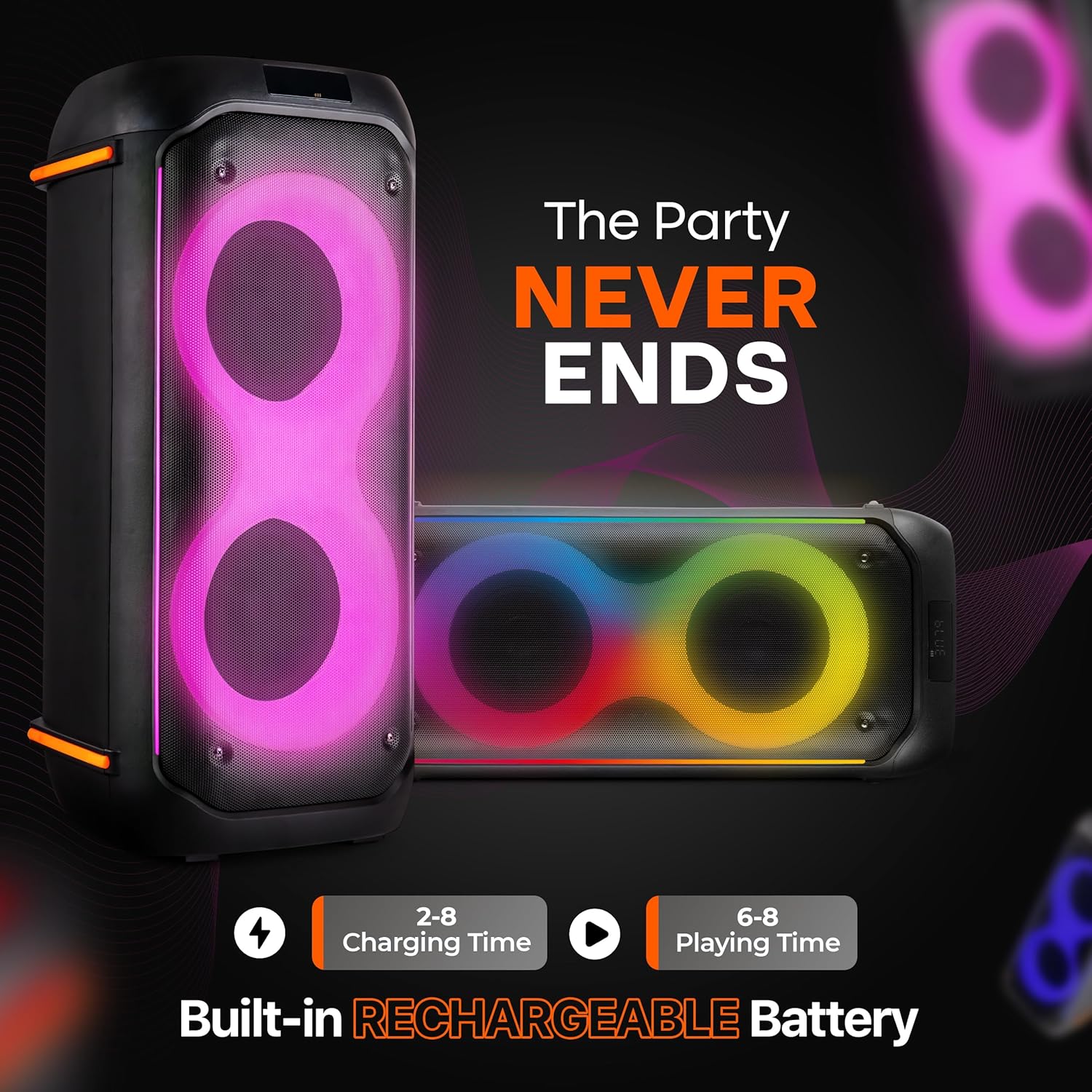
Image: The speaker displaying its battery performance, indicating a charging time of 2-8 hours and a playing time of 6-8 hours.
4.2 Powering On/Off
Press and hold the Power button on the control panel to turn the speaker On or Off.
5. Operating Instructions
5.1 Bluetooth Mode
- Turn on the speaker. The LED display will show 'BLUE' and a voice prompt will indicate Bluetooth mode.
- Enable Bluetooth on your smartphone, tablet, or other device.
- Search for available Bluetooth devices and select 'PYLE PPHP26BL' from the list.
- Once paired, the speaker will confirm with a voice prompt. You can now stream audio wirelessly.
5.2 USB/SD Card Mode
- Insert a USB flash drive or Micro SD card into the corresponding port/slot.
- The speaker will automatically switch to USB/SD mode and begin playing audio files. If not, press the 'Mode' button to select USB or SD.
- Use the Play/Pause and Previous/Next buttons to control playback.
5.3 FM Radio Mode
- Press the 'Mode' button to switch to FM Radio mode. The LED display will show the frequency.
- Press and hold the Play/Pause button to automatically scan and save available FM stations.
- Use the Previous/Next buttons to navigate through the saved stations.
5.4 AUX Input Mode
- Connect an external audio device (e.g., MP3 player, laptop) to the 3.5mm AUX input using an audio cable (not included).
- Press the 'Mode' button to select AUX mode.
- Control playback and volume from your connected device.
5.5 Microphone Operation
- Connect a 6.35mm microphone to the Microphone Input port.
- Adjust the 'Mic Volume' knob to control the microphone's output level.
- Use the 'Echo' knob to add an echo effect to your voice.
- Activate 'Mic Priority' to automatically lower music volume when speaking into the microphone.
5.6 True Wireless Stereo (TWS) Function
The TWS function allows you to pair two PPHP26BL speakers for a stereo sound experience.
- Ensure both speakers are powered on and in Bluetooth mode, without being connected to any device.
- On one speaker, press and hold the 'TWS' button (if available on remote) or a dedicated TWS button on the control panel. The speaker will search for another TWS-compatible speaker.
- Once connected, one speaker will act as the master (left channel) and the other as the slave (right channel).
- Connect your Bluetooth device to the master speaker as described in section 5.1.
5.7 LED Light Modes
The speaker features dynamic LED lights that can sync with your music.

Image: The speaker showcasing its vibrant, dynamic LED lights, which can change colors and patterns to enhance the audio experience.
Use the dedicated LED light button (if available) or the remote control to cycle through different light patterns or turn them off.
6. Maintenance
6.1 Cleaning
Wipe the exterior of the speaker with a soft, dry cloth. Do not use abrasive cleaners, waxes, or solvents as they may damage the finish. Ensure no liquids enter the speaker's openings.
6.2 Battery Care and Storage
- To maximize battery life, avoid fully discharging the battery frequently.
- If storing the speaker for an extended period, charge the battery to approximately 50% every 3-6 months.
- Store the speaker in a cool, dry place away from direct sunlight and extreme temperatures.
7. Troubleshooting
| Problem | Possible Cause | Solution |
|---|---|---|
| No Power | Battery is depleted; Power adapter not connected; Power button not pressed. | Charge the battery; Connect the power adapter; Press and hold the Power button. |
| No Sound | Volume too low; Incorrect mode selected; Audio source issue; Cables not connected properly. | Increase volume; Select correct input mode (BT, USB, AUX); Check audio source device; Ensure cables are securely connected. |
| Bluetooth Not Connecting | Speaker not in Bluetooth mode; Device too far; Speaker already paired to another device; Bluetooth on source device is off. | Switch speaker to Bluetooth mode; Move device closer; Disconnect from other devices; Enable Bluetooth on your source device. |
| Microphone Not Working | Microphone not connected; Mic Volume too low; Microphone faulty. | Ensure microphone is securely plugged in; Increase Mic Volume; Test with another microphone if possible. |
| FM Radio Poor Reception | Weak signal; Interference. | Relocate the speaker; Extend the antenna (if applicable); Rescan for stations. |
8. Specifications

Image: An internal view of the speaker's audio components, detailing the dual speaker setup, 6.5-inch woofer, and 2+2-inch tweeter for sound reproduction.
| Feature | Detail |
|---|---|
| Brand | Pyle |
| Model Number | PPHP26BL |
| Power Output | 160W |
| Speaker Type | Dual 6.5" Two-Way Speakers |
| Connectivity Technology | Bluetooth, USB, Micro SD, AUX |
| Audio Input | USB, Micro SD, AUX, Mic (6.35mm Jack, 3.5mm Jack) |
| Power Source | Battery Powered |
| Battery Life | 6-8 hours (approx.) |
| Charging Time | 2-8 hours (approx.) |
| Product Dimensions (L x W x H) | 25.2 x 11.61 x 11.61 inches |
| Item Weight | 20.1 pounds (9.12 Kilograms) |
| UPC | 842893165387 |
9. Warranty and Support
This product is covered by a manufacturer's warranty. For specific warranty details, please refer to the documentation included with your purchase or visit the official Pyle website. For technical support, troubleshooting assistance, or service inquiries, please contact Pyle customer support through their official channels.


