
Introduction
The YESIDO TWS20 Wireless Earbuds offer a convenient audio experience with true wireless technology. They feature an ergonomic design for comfort, extended battery life, and intuitive touch controls. Designed for active use, these earbuds are sweat and water-resistant with an IPX4 rating and include a built-in microphone for hands-free calls. They are compatible with a wide range of devices.
What's Included
- YESIDO TWS20 Wireless Earbuds
- Charging Case
- Charging Cable
- User Manual
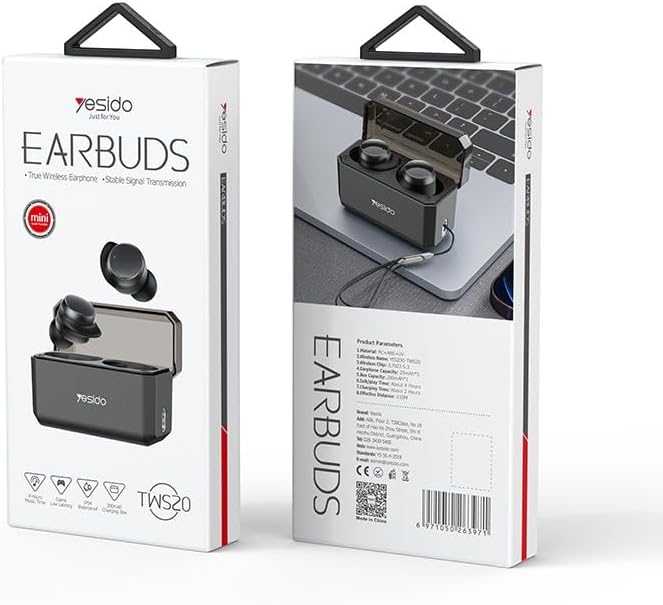
Image: The YESIDO TWS20 Earbuds product packaging, showing the earbuds and charging case.
Setup
1. Charging the Earbuds and Case
Before first use, fully charge the earbuds and the charging case. Place the earbuds into the charging case. Connect the charging cable to the case and a USB power source. The indicator lights on the case will show the charging status.
2. Pairing with Your Device
- Ensure the earbuds are charged.
- Open the lid of the charging case. The earbuds will automatically enter pairing mode.
- On your device (smartphone, tablet, etc.), go to Bluetooth settings and enable Bluetooth.
- Search for available devices and select "YESIDO TWS20" from the list.
- Once connected, a confirmation sound will play, and the earbuds will be ready for use.

Image: The YESIDO TWS20 charging case open next to a smartphone, illustrating the quick connection pairing process.
3. Wearing the Earbuds
The earbuds are designed for a secure and comfortable fit. Insert each earbud into your ear canal and gently twist to find the most stable position. The ergonomic shape helps prevent them from falling out during activity.
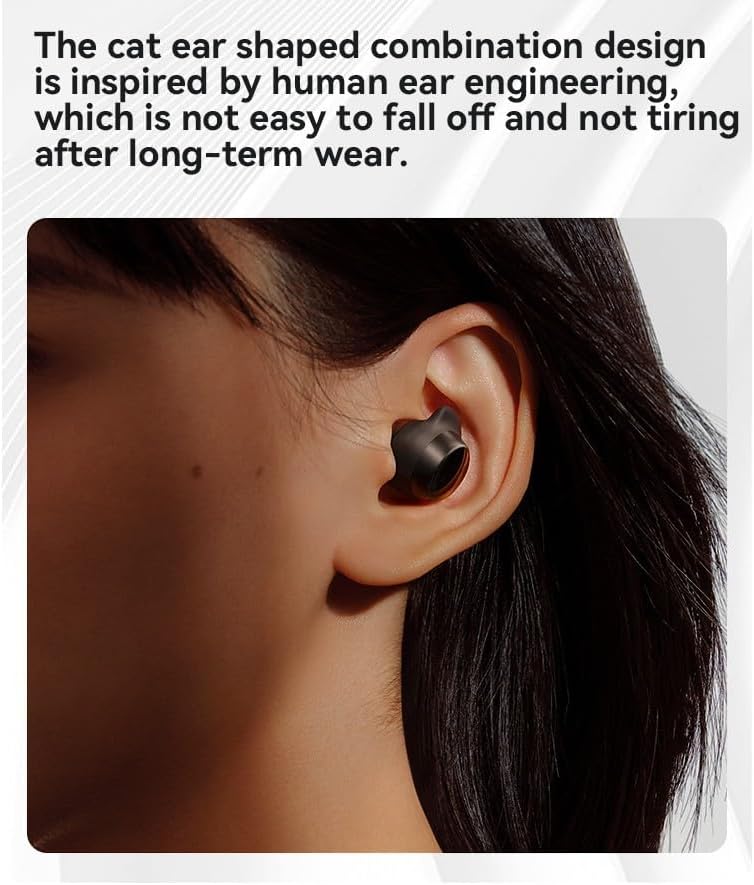
Image: An earbud correctly placed in a human ear, demonstrating the ergonomic design for a secure fit.
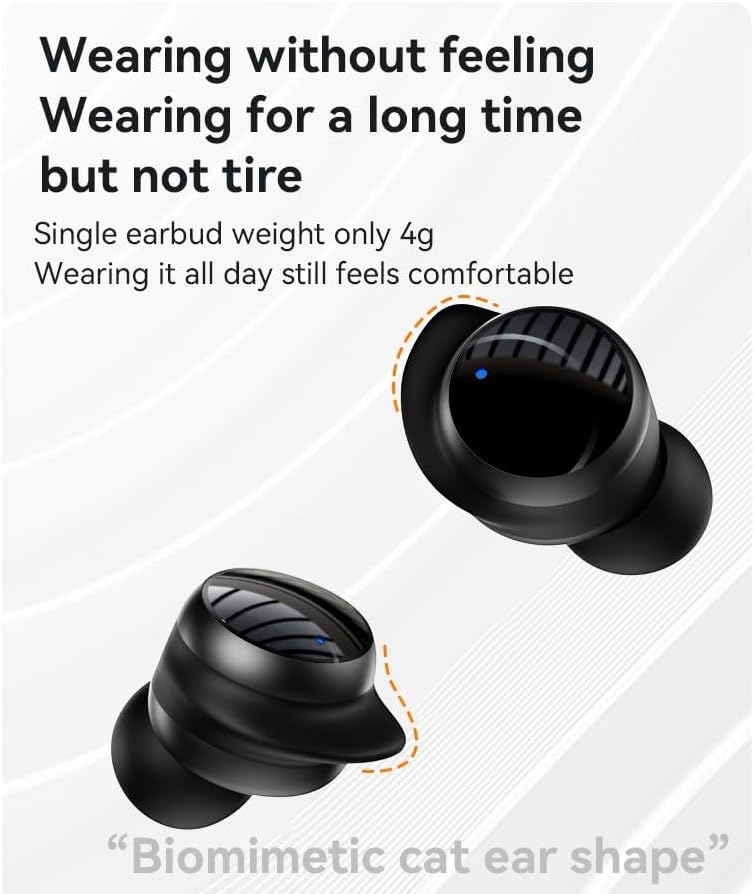
Image: Two YESIDO TWS20 earbuds, highlighting their lightweight design (approximately 4g per earbud) for comfortable long-term wear.
Operating Instructions
1. Power On/Off
- Power On: Open the charging case lid, and the earbuds will automatically power on.
- Power Off: Place the earbuds back into the charging case and close the lid. They will automatically power off and begin charging.
2. Touch Controls
The YESIDO TWS20 earbuds feature capacitive touch controls on each earbud for easy management of audio playback and calls.

Image: A close-up of the YESIDO TWS20 earbud, indicating the touch-sensitive area for control.
- Play/Pause: Single tap on either earbud.
- Next Track: Double tap the right earbud.
- Previous Track: Double tap the left earbud.
- Answer/End Call: Single tap on either earbud.
- Reject Call: Press and hold either earbud for 2 seconds.
- Activate Voice Assistant: Triple tap on either earbud.
3. Making Calls
The built-in microphone allows for hands-free calls. Use the touch controls to manage incoming and outgoing calls.
4. Battery Life
A single earbud provides approximately 6 hours of continuous use. When paired with the charging case, the total usage time extends to approximately 18 hours.

Image: A smartphone displaying music playback next to the YESIDO TWS20 charging case and earbuds, illustrating the extended battery life of up to 18 hours with the case.
5. Portability
The compact charging case includes a hanging rope hole and comes with a woven high-density lanyard for convenient carrying.
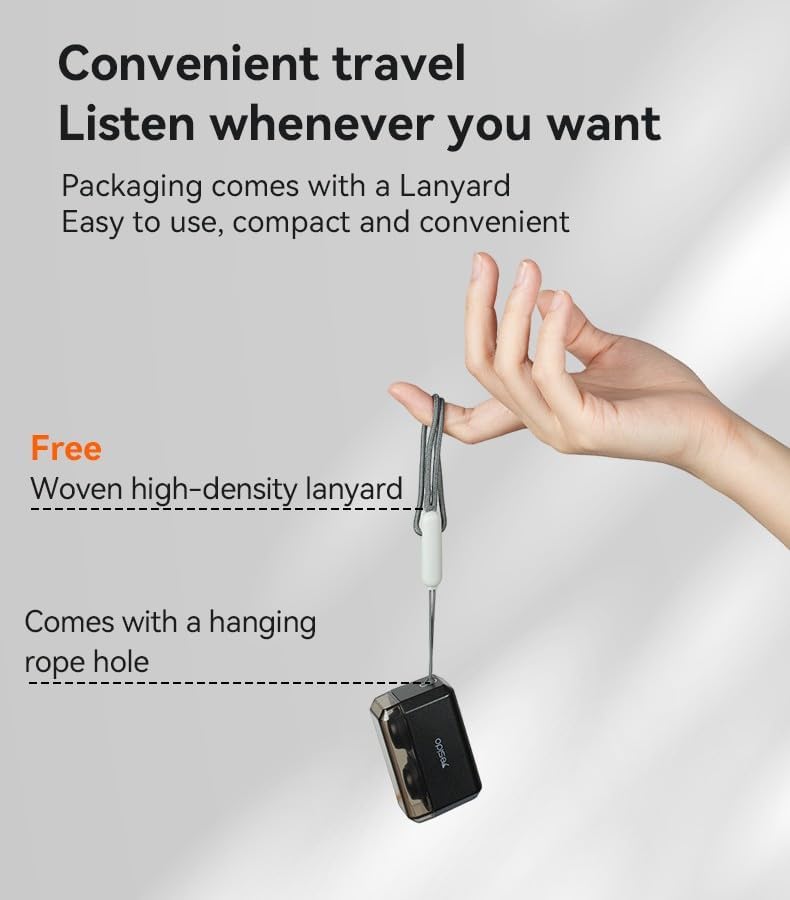
Image: A hand holding the YESIDO TWS20 charging case, which is attached to a lanyard, demonstrating its portability.
Maintenance
Cleaning
Regularly clean the earbuds and charging case with a soft, dry, lint-free cloth. Avoid using abrasive materials or harsh chemicals. Ensure charging contacts are free of dust and debris.
Water Resistance (IPX4)
The earbuds have an IPX4 rating, meaning they are resistant to sweat and light splashes of water. They are not designed for submersion in water or exposure to heavy rain. Ensure the earbuds are dry before placing them back in the charging case to prevent damage.
Troubleshooting
- Earbuds not pairing: Ensure both earbuds are charged and out of the case. Turn off and on your device's Bluetooth. Try resetting the earbuds (refer to manufacturer's specific reset instructions if available, or place them back in the case and try pairing again).
- No sound from one earbud: Place both earbuds back in the charging case, close the lid, then open it again. Reconnect to your device.
- Charging issues: Check the charging cable and power source. Ensure the charging contacts on both the earbuds and the case are clean and dry.
- Low volume: Adjust the volume on your connected device. Ensure earbuds are properly seated in your ears.
Specifications
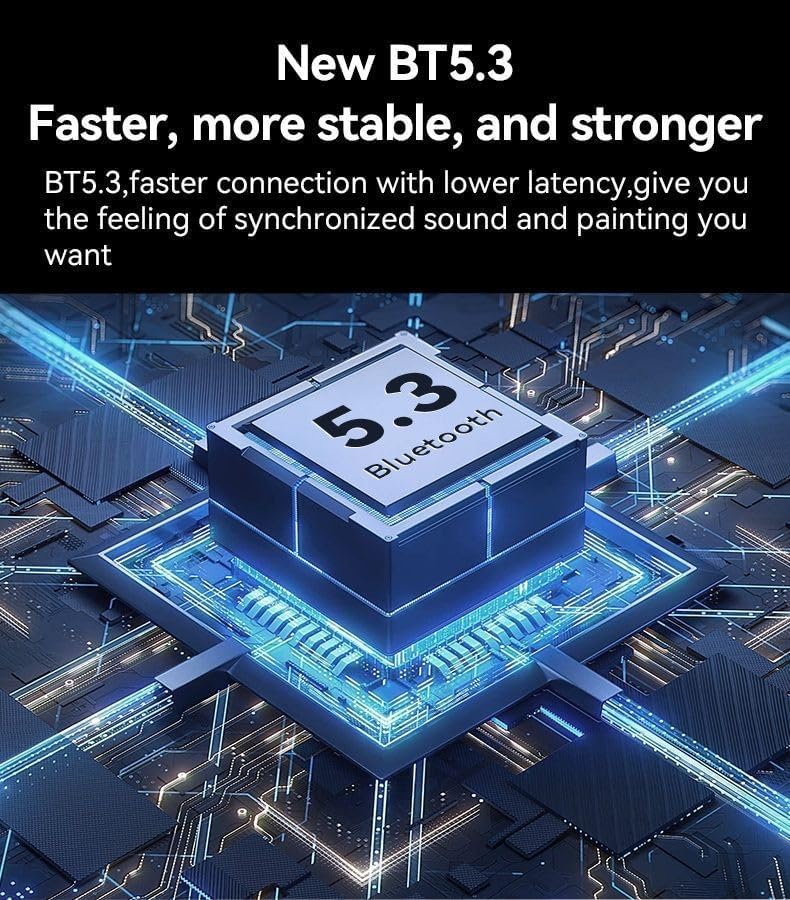
Image: A graphic representation of the Bluetooth 5.3 chip, indicating faster and more stable connectivity.
| Feature | Detail |
|---|---|
| Model Name | TWS20 |
| Connectivity Technology | Wireless (Bluetooth 5.3) |
| Ear Placement | In Ear |
| Noise Control | Sound Isolation |
| Water Resistance | IPX4 (Sweat and splash resistant) |
| Single Earbud Weight | Approximately 4g |
| Single Earbud Battery Life | Approximately 6 hours |
| Total Battery Life (with case) | Approximately 18 hours |
| Included Components | Earbuds, Charging Case, Charging Cable, User Manual |
Warranty Information
This product comes with a 6-month warranty from the date of purchase. Please retain your proof of purchase for warranty claims. The warranty covers manufacturing defects but does not cover damage caused by misuse, accidents, or unauthorized modifications.
Customer Support
If you encounter any issues or have questions not covered in this manual, please contact the seller or manufacturer for assistance. Refer to your purchase documentation for contact details.