1. Introduction
Thank you for choosing the KurieTim 15.6" Laptop, Model T152A-N95. This laptop is designed for efficiency and versatility, featuring an Intel N95 Quad-Core processor, 32GB DDR4 RAM, and a 512GB SSD for fast performance. It comes with Windows 11 Pro pre-installed, offering a modern and secure computing experience. This manual provides essential information to help you get started and make the most of your new device.
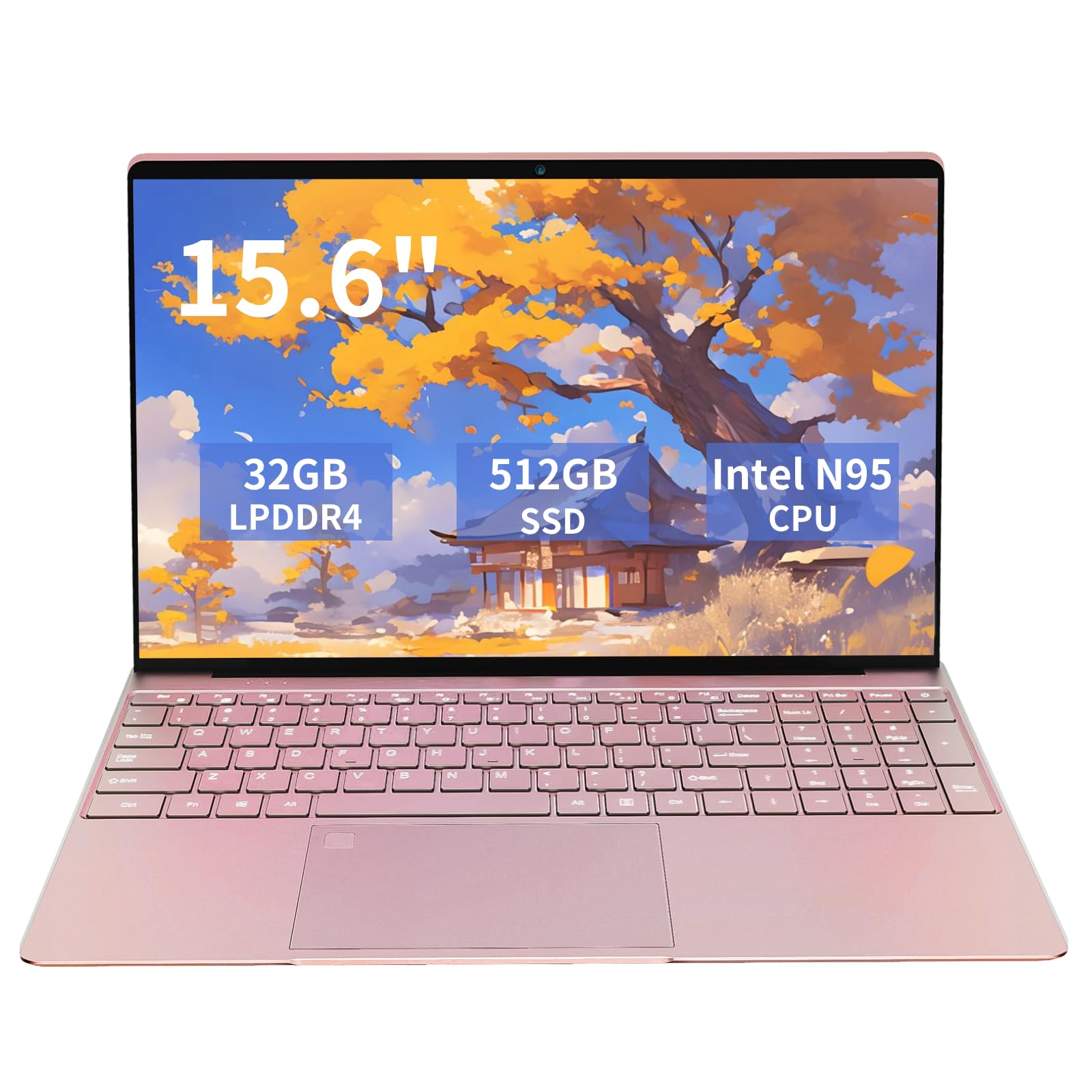
Figure 1: KurieTim 15.6" Laptop in Rose Gold.
2. Package Contents
Please check the box for the following items:
- KurieTim 15.6" Laptop (Model T152A-N95)
- Power Adapter/Charger
- User Guide (this manual)

Figure 2: Laptop displaying key features like Windows 11 Pro, WiFi, Bluetooth, and stereo speakers.
3. Setup
3.1 Initial Power On and Charging
- Unpack: Carefully remove the laptop and all accessories from the packaging.
- Connect Power: Plug the power adapter into the laptop's charging DC port and then into a power outlet.
- First Boot: Open the laptop lid. The laptop may power on automatically or you may need to press the power button (integrated with the fingerprint sensor).
- Windows Setup: Follow the on-screen instructions to complete the initial Windows 11 Pro setup, including language, region, network connection, and user account creation.
3.2 Network Connection
The laptop supports 2.4G/5G dual-band WiFi (802.11AC) and Bluetooth 4.0 for wireless connectivity.
- WiFi: During initial setup or via Windows settings, select your desired WiFi network and enter the password.
- Bluetooth: Enable Bluetooth in Windows settings to pair with compatible devices like headphones or mice.
4. Operating Your Laptop
4.1 Keyboard and Touchpad
The laptop features a full-size keyboard with an additional numeric keypad for efficient data entry. The keyboard is backlit, allowing for comfortable typing in low-light conditions.
- Backlit Keyboard: Press Fn + F5 to cycle through brightness levels or turn the backlight off.
- Numeric Keypad: Use the dedicated numeric keypad for quick number input.
- Touchpad: The large touchpad supports multi-touch gestures for navigation.

Figure 3: Keyboard with backlit keys, fingerprint unlock, and numeric keypad.
4.2 Display and Webcam
Enjoy a vibrant visual experience on the 15.6-inch Full HD (1920x1080) IPS display. The laptop also includes a built-in front webcam for video calls and photos.
- Display: The thin-bezel screen provides an immersive viewing experience. The screen can open 180 degrees to lay completely flat.
- Webcam: The integrated webcam is located above the screen, suitable for online meetings and capturing images.

Figure 4: Full HD IPS Display for clear visuals.
4.3 Connectivity
The laptop offers a range of ports for connecting various devices:
- 2 x USB 3.0 ports
- 1 x Mini HDMI port
- 1 x 3.5mm Headphone Jack
- 1 x SD Card Slot (supports up to 64GB Micro SD card)
- 1 x Charging DC port

Figure 5: Multi-connected design with various ports.
4.4 Fingerprint Unlock
For enhanced security and convenience, the laptop features a fingerprint unlock sensor. Set up your fingerprint through Windows settings to log in without a password.
5. Specifications
| Feature | Detail |
|---|---|
| Brand | KurieTim |
| Model Name | N95325120113 (Item model number: T152A-N95) |
| Operating System | Windows 11 Pro |
| Processor | 11th Gen Intel N95 (Quad-Core, up to 3.4GHz) |
| RAM | 32GB DDR4 SDRAM |
| Storage | 512GB SSD |
| Screen Size | 15.6 Inches |
| Screen Resolution | 1920 x 1080 Pixels (Full HD IPS) |
| Graphics Coprocessor | Intel HD Graphics 600 (Integrated) |
| Wireless Type | 802.11ac, 802.11bgn (2.4G/5G Dual Band WiFi), Bluetooth 4.0 |
| USB Ports | 2 x USB 3.0 Ports |
| Other Ports | Mini HDMI, 3.5mm Headphone Jack, SD Card Slot, Charging DC Port |
| Battery | 6000mWh Li-polymer Battery (Average 5 hours usage) |
| Item Weight | 2.86 pounds (1.3 kg) |
| Product Dimensions | 12.64 x 0.55 x 8.19 inches (32.1 x 1.4 x 20.8 cm) |
| Special Features | Backlit Keyboard, HD Audio, Fingerprint Reader, Lightweight, Memory Card Slot, 0.3 MP Webcam |
6. Maintenance and Care
To ensure the longevity and optimal performance of your KurieTim laptop, follow these maintenance guidelines:
- Cleaning: Use a soft, lint-free cloth to clean the screen and exterior. Avoid harsh chemicals.
- Ventilation: Ensure the laptop's vents are not obstructed to prevent overheating.
- Battery Care: Avoid fully discharging the battery frequently. For long-term storage, charge the battery to about 50-60%.
- Software Updates: Regularly update Windows and drivers to maintain security and performance.
- Safe Handling: Handle the laptop with care to prevent physical damage. Avoid placing heavy objects on it.
7. Troubleshooting
If you encounter issues with your laptop, try the following basic troubleshooting steps:
- No Power: Ensure the power adapter is securely connected to both the laptop and a working power outlet. Check if the power indicator light is on.
- Screen Issues: If the screen is blank, try adjusting the brightness using the keyboard function keys (Fn + F5). If the issue persists, restart the laptop.
- Slow Performance: Close unnecessary applications, check for Windows updates, and ensure sufficient free space on the SSD.
- Connectivity Problems: For WiFi or Bluetooth issues, try toggling them off and on in Windows settings. Restart your router if necessary for WiFi.
- Fingerprint Sensor Not Working: Ensure your finger is clean and dry. Re-register your fingerprint in Windows settings if the problem continues.
For more complex issues, please refer to the KurieTim support website or contact customer service.
8. Warranty and Support
8.1 Return Policy
The product comes with a 30-day return/replacement policy. Please refer to your purchase documentation for specific terms and conditions.
8.2 Protection Plans
Extended protection plans are available for purchase:
- 2-Year Protection Plan
- 4-Year Protection Plan
- Complete Protect (monthly plan covering eligible past and future purchases)
For detailed information on protection plans, please visit the retailer's website where you purchased the product.
8.3 Customer Service
For any inquiries or technical assistance, please contact KurieTim customer service through the official channels provided at the time of purchase or on the KurieTim brand store: KurieTim Store.
9. Product Videos
Stylish, Powerful Laptop for Work & Study
Video 1: An overview of the KurieTim laptop, highlighting its stylish design and powerful features suitable for work and study.