Introduction
This manual provides comprehensive instructions for the jaroco Portable Baby Sound Machine, model SM01. This device is designed to create a calming audio environment, offering 12 soothing sounds to assist in sleep and relaxation for babies, children, and adults. Its portable design ensures comfort can be provided anywhere, anytime.
Product Features
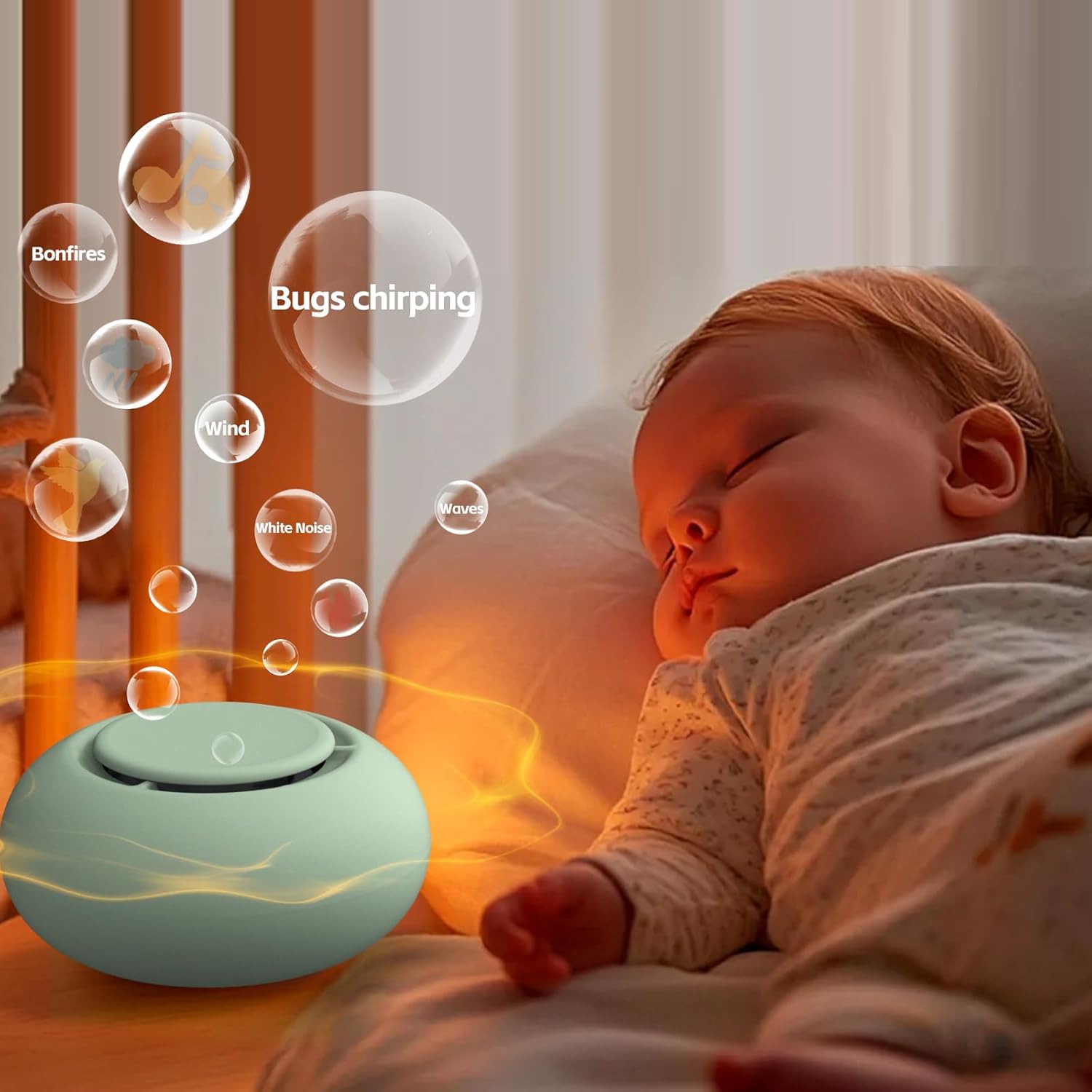
- 12 Soothing Sounds: Includes White Noise, Hush, Heartbeat, Ocean, and other nature and ambient sounds to cater to various preferences.
- Portable Design: Compact and lightweight, ideal for use at home or on the go. Features a hoop clip for easy attachment to strollers and cribs.
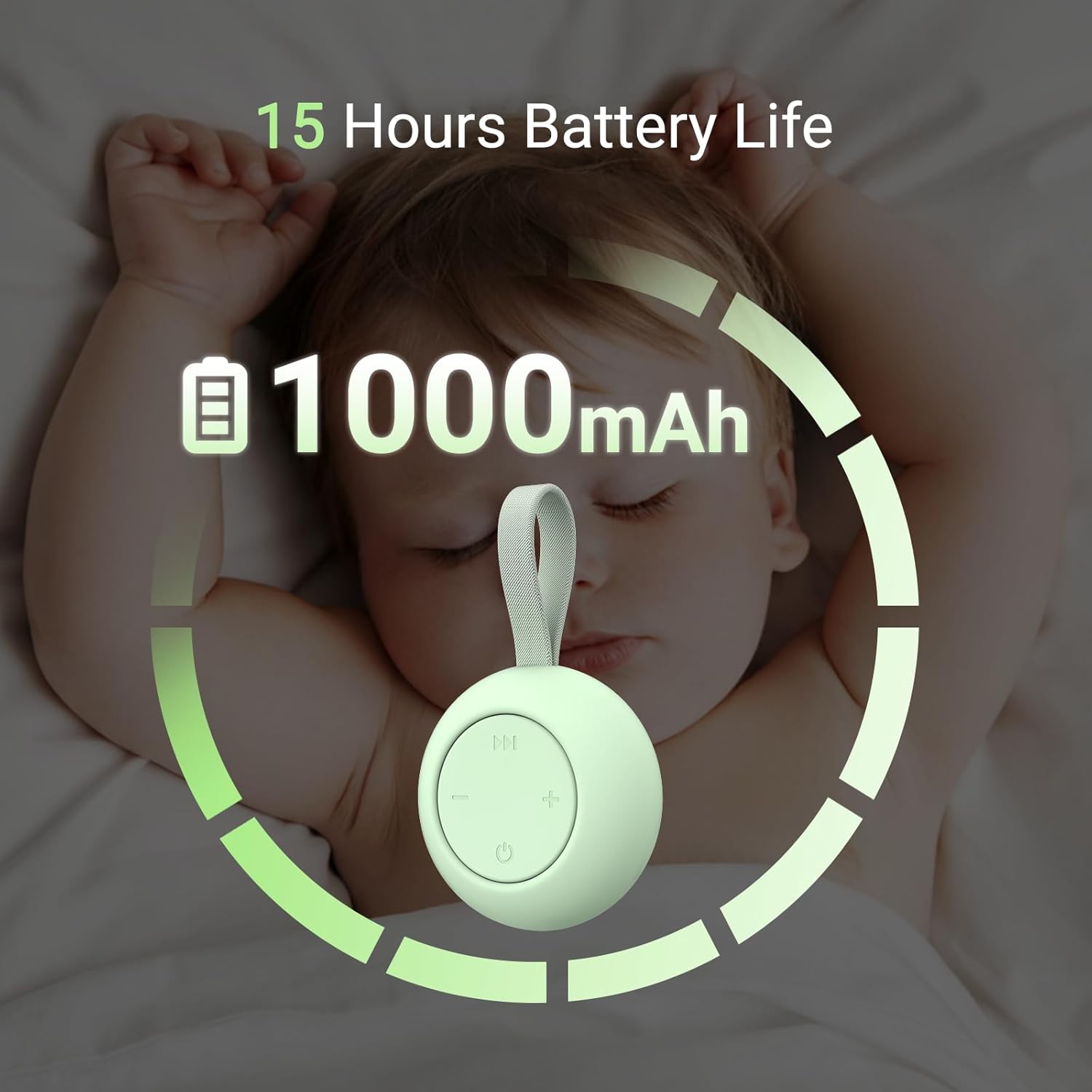
- Long Battery Life: Equipped with a 1000mAh Lithium Polymer battery, providing up to 15 hours of continuous operation on a single charge.
- Easy Operation: Simple three-button control for power, sound selection, and volume adjustment.
- Memory Function: Automatically recalls the last used volume, sound, and timer settings upon power-on.
- Safety Certified: Approved by 3C safety certification, ensuring reliable and safe use.
- No Wireless Connectivity: Operates without the need for Wi-Fi, Bluetooth, or app control, ensuring no radiation exposure.
- USB-C Charging: Convenient and modern USB-C port for recharging.
Setup
Charging the Device
Before initial use, fully charge the sound machine. Connect the provided USB-C cable to the device's charging port and plug the other end into a compatible USB power adapter (not included).
The device features a 1000mAh Lithium Polymer battery, offering extended use after a full charge.
Attaching the Hoop Clip
The sound machine comes with a hoop clip for easy portability. Attach the clip to the device's strap. This allows you to securely hang the sound machine on strollers, cribs, diaper bags, or other suitable locations.

Operating Instructions
The jaroco Portable Baby Sound Machine is designed for simple and intuitive operation with three main buttons.

- Power On/Off: Press the power button (circle with a vertical line) located at the bottom center of the control panel to turn the device on or off.
- Sound Selection: Press the 'play/pause' button (double arrow icon) at the top of the control panel to cycle through the 12 available soothing sounds. The sounds include White Noise, Hush, Heartbeat, Ocean, and other nature and ambient sounds.
- Volume Adjustment: Use the '-' button on the left to decrease the volume and the '+' button on the right to increase the volume.
- Automatic Shut-off: The device features an automatic shut-off after 30 minutes to conserve battery. To turn it off manually at any time, press the power button.
Memory Function
The sound machine is equipped with a memory function. It will automatically recall your last selected sound, volume level, and timer setting when powered on again, providing a consistent experience without needing to reconfigure settings each time.

Video Demonstration
Official video demonstrating the features and use of the jaroco Portable White Noise Machine for babies and adults.
Maintenance
- Cleaning: Wipe the device with a soft, dry cloth. Do not use abrasive cleaners or immerse the device in water.
- Storage: Store the sound machine in a cool, dry place away from direct sunlight and extreme temperatures when not in use.
- Battery Care: To prolong battery life, avoid fully discharging the device frequently. Charge it regularly, even if not in constant use.
- Avoid Disassembly: Do not attempt to open or repair the device yourself. This may void the warranty and cause damage.
Troubleshooting
| Problem | Possible Cause | Solution |
|---|---|---|
| Device does not turn on. | Low or no battery charge. | Connect the device to a USB-C power source and charge it fully. |
| No sound or low volume. | Volume set too low or muted. Incorrect sound selected. | Press the '+' button to increase volume. Press the sound selection button to cycle through sounds. |
| Sound quality is poor or distorted. | Device obstruction or interference. | Ensure the speaker is not covered. Move the device away from other electronic devices that might cause interference. |
| Device turns off unexpectedly. | Automatic shut-off activated. Low battery. | The device has a 30-minute auto-off feature. If it's not the auto-off, recharge the battery. |
Specifications
- Model Number: SM01
- Brand: jaroco
- Dimensions: 3.15 x 3.03 x 2.64 inches (Package)
- Weight: 4.2 ounces (0.12 Kilograms)
- Power Source: Battery Powered
- Battery Type: 1 Lithium Polymer battery (included)
- Material: Plastic
- Color: Mint (for this variant)
- Sound Options: 12 soothing sounds (White Noise, Hush, Heartbeat, Ocean, etc.)
Warranty and Support
For detailed warranty information, product registration, or technical support, please refer to the documentation included with your purchase or visit the official jaroco website. You may also contact jaroco customer service directly for assistance with any product-related inquiries.