
Elikliv LCD Digital Coin Microscope
Elikliv LCD Digital Coin Microscope User Manual
Learning the Basics from Setup to Advanced Techniques
Introduction
This comprehensive guide is designed to help you unlock the full potential of your Elikliv LCD Digital Coin Microscope. Whether you are a coin collector, electronics enthusiast, educator, or hobbyist, this manual provides step-by-step instructions, detailed explanations, and expert tips to confidently operate, maintain, and maximize your microscope's capabilities for high-resolution imaging and precision analysis.
The Elikliv LCD Digital Coin Microscope allows for stunning clarity and precision in all your inspections, with magnification up to 1000x and adjustable LED lighting for optimal viewing.
Setup and Assembly
Proper setup ensures optimal performance of your Elikliv LCD Digital Coin Microscope. Follow these steps to assemble your device.
- Unboxing: Carefully remove all components from the packaging. Verify that all parts listed in the packing list are present.
- Base and Stand Assembly: Attach the microscope stand to the base unit. Ensure it is securely fastened to provide a stable platform for observation.
- Microscope Head Attachment: Mount the microscope head onto the stand. Gently secure it in place, ensuring the lens is facing downwards towards the stage.
- LCD Screen Connection: Connect the LCD screen to the microscope head. Ensure the connection is firm.
- Power Connection: Plug the power adapter into the microscope and then into a suitable power outlet.
- Initial Power On: Press the power button to turn on the microscope. The LCD screen should illuminate.
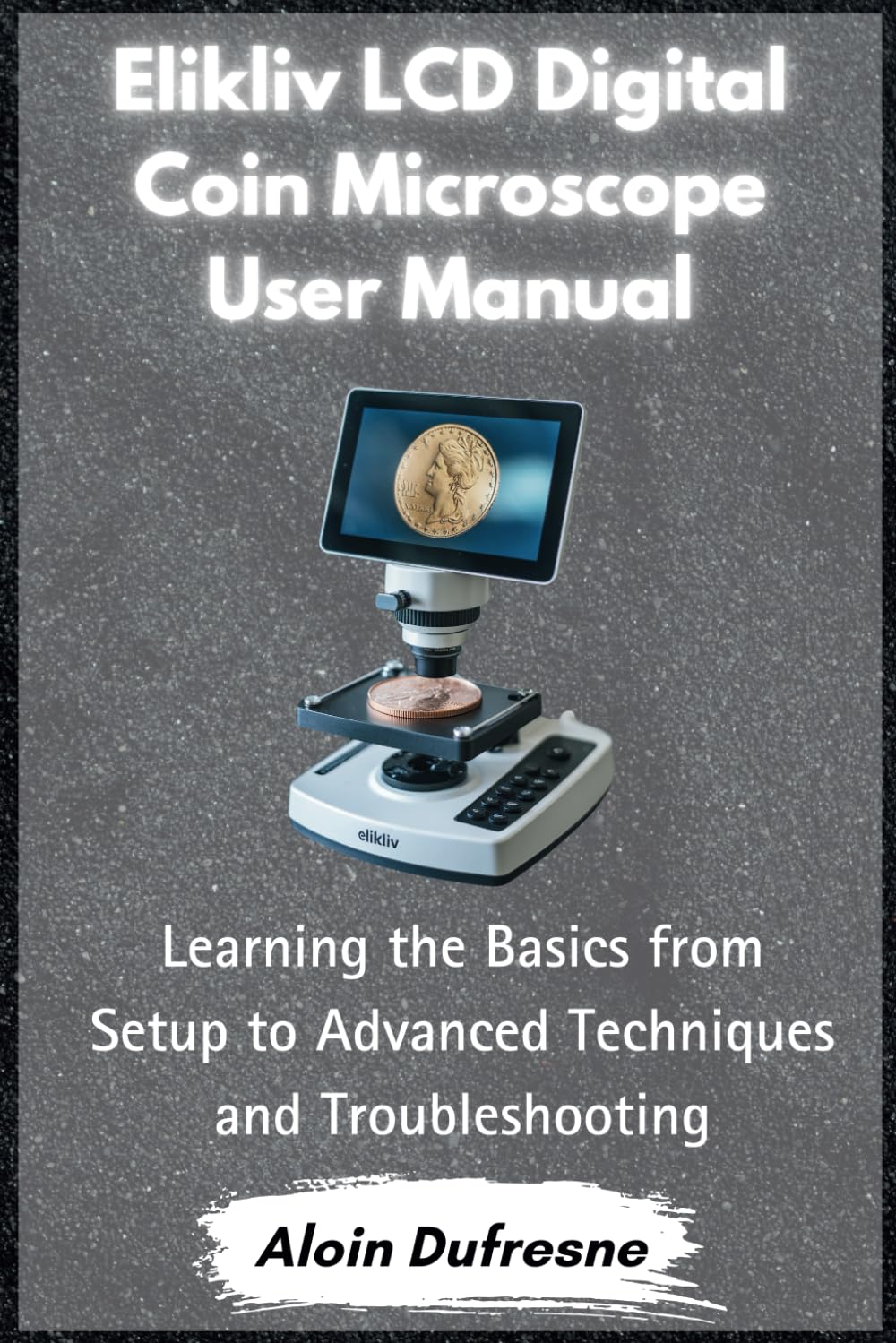
This image displays the front cover of the user manual, which prominently features the Elikliv LCD Digital Coin Microscope. The microscope is shown with a coin placed on its viewing stage, and its LCD screen displays a magnified image of the coin. The title 'Elikliv LCD Digital Coin Microscope User Manual' is clearly visible.
Operating the Microscope
Adjusting Magnification and Focus
The Elikliv microscope offers up to 1000x magnification. Achieving a sharp image requires precise adjustment of both magnification and focus.
- Magnification Adjustment: Rotate the zoom dial on the microscope body to change the magnification level. Start with a lower magnification to locate your specimen, then increase as needed.
- Focus Control: Use the coarse and fine focus knobs to bring your specimen into sharp view. The coarse knob makes large adjustments, while the fine knob allows for precise focusing.
- Working Distance: Adjust the distance between the lens and the specimen for optimal clarity, especially at higher magnifications.
Optimizing Lighting for Perfect Clarity
The microscope is equipped with 8 built-in LED lights to illuminate your specimen. Proper lighting is crucial for clear observation.
- LED Brightness Control: Use the dedicated control knob or buttons to adjust the intensity of the LED lights.
- Angle Adjustment: If applicable, adjust the angle of the LED lights to eliminate shadows and highlight specific features of your specimen.
- External Lighting: For certain specimens or advanced techniques, supplementary external lighting may be beneficial.
Capturing and Saving Images and Videos
Document your discoveries by capturing high-resolution images and videos directly from your microscope.
- SD Card Storage: Insert a compatible SD card into the designated slot on the microscope. Images and videos can be saved directly to the card.
- Capture Button: Press the capture button on the microscope to take a still image or start/stop video recording.
- File Management: Access the microscope's menu to review, delete, or manage your captured files on the SD card.
- Transfer to Computer: Connect the microscope to your computer via USB cable to transfer captured media files for further analysis or storage.
Using PC View for Enhanced Display
For a larger viewing experience and advanced analysis, connect your Elikliv microscope to a Windows or Mac computer.
- Software Installation: Install the necessary driver or software provided with your microscope (or download from the official Elikliv website) on your computer.
- USB Connection: Connect the microscope to your computer using the supplied USB cable.
- Select PC Mode: On the microscope, select the "PC Camera" or "PC View" mode from the menu.
- Launch Software: Open the installed software on your computer. The microscope's live feed should appear on your computer screen.
- Software Features: Utilize the software's features for advanced image capture, measurement, and annotation.
Troubleshooting and Maintenance
This section provides practical advice to resolve common issues and tips for maintaining your device to ensure its longevity and optimal performance.
Common Troubleshooting
- No Power: Ensure the power adapter is securely connected to both the microscope and the power outlet. Check the power button.
- Blurry Image: Adjust the focus knobs (coarse and fine) and ensure the working distance is appropriate for the magnification level. Clean the lens if necessary.
- Dark Image: Increase the brightness of the LED lights. Ensure the specimen is properly illuminated and not casting shadows.
- PC Connection Issues: Verify that the correct drivers are installed and the microscope is in PC Camera mode. Try a different USB port or cable.
Maintenance Tips
- Cleaning Lenses: Use a soft, lint-free cloth specifically designed for optical lenses to clean the microscope lens. Avoid abrasive materials.
- Dust Protection: When not in use, cover the microscope with a dust cover to prevent dust accumulation on optical components.
- Storage: Store the microscope in a cool, dry place, away from direct sunlight and extreme temperatures.
- Battery Care (if applicable): If your model has a rechargeable battery, follow manufacturer guidelines for charging and storage to prolong battery life.
Specifications
| Feature | Detail |
|---|---|
| ASIN | B0DM2NY7K8 |
| Publisher | Independently published |
| Publication date | November 5, 2024 |
| Language | English |
| Print length | 101 pages |
| ISBN-13 | 979-8345567487 |
| Item Weight | 7.4 ounces |
| Dimensions | 6 x 0.23 x 9 inches |
This image shows the back cover of the user manual. It features another view of the Elikliv LCD Digital Coin Microscope, highlighting its design. The ISBN barcode '979-8345567487' is visible at the bottom right.
Warranty and Support
This user manual focuses on the operation and maintenance of the Elikliv LCD Digital Coin Microscope. Specific warranty details and comprehensive support information are typically provided with the product packaging or can be found on the official Elikliv website.
For technical assistance, warranty claims, or further inquiries, please refer to the contact information provided by Elikliv at the time of purchase or visit their official support channels.