
EJ-JSQ101
Humidifier User Manual
Model: EJ-JSQ101
Product Overview
This evaporative humidifier is designed to provide comfortable humidity levels in your bedroom or other living spaces. It features a 4-liter top-fill water tank, a mistless operation, and a replaceable filter for clean, pure humidification. The unit also includes an adjustable night light and operates quietly, making it ideal for use during sleep.
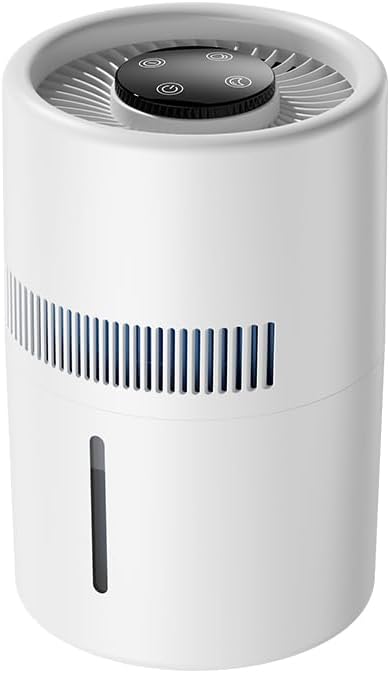
Image: Front view of the EJ-JSQ101 humidifier, showcasing its compact design and control panel on top.
Key features include:
- Mistless Evaporation: Utilizes advanced evaporation technology to turn water into nano-water molecules, preventing wet desktops, mist, and white powder residue.
- Fan Diffusion: A built-in fan ensures 360° whole-house diffusion of humidified air, avoiding wetting surfaces.
- 4-Liter Top-Fill Tank: Easy and convenient water refilling without removing the tank.
- Quiet Operation: Designed for silent performance, suitable for bedrooms and nurseries.
- Replaceable Filter: Ensures natural and pure evaporative water mist.
- Adjustable Night Light: Provides soft illumination for nighttime use.
Safety Precautions
- Always place the humidifier on a firm, flat, water-resistant surface.
- Do not place the humidifier near heat sources or in direct sunlight.
- Keep out of reach of children and pets.
- Unplug the unit before cleaning or refilling.
- Do not immerse the unit in water or other liquids.
- Use only clean tap water. Do not add essential oils directly into the water tank unless specified for the aromatherapy box.
- Ensure the power cord is not damaged or pinched.
Setup
Unpacking and Placement
- Carefully remove the humidifier and all packaging materials from the box.
- Place the humidifier on a flat, stable surface at least 6 inches (15 cm) away from walls and furniture to allow for proper airflow.
- Ensure the power cord can reach an electrical outlet without being stretched or obstructed.
Filling the Water Tank
The EJ-JSQ101 features a convenient top-fill design.
- Ensure the humidifier is unplugged before filling.
- Carefully pour clean tap water directly into the top opening of the humidifier.
- Fill the tank up to the "MAX" water level mark indicated on the side. Do not overfill.
- When adding water, turn off the machine. Do not pour water on the touch screen. Keep the touch screen clean and free of water droplets to avoid making the touch insensitive.

Image: A hand pouring water into the top opening of the humidifier, illustrating the top-fill feature. The water level mark is visible on the side.
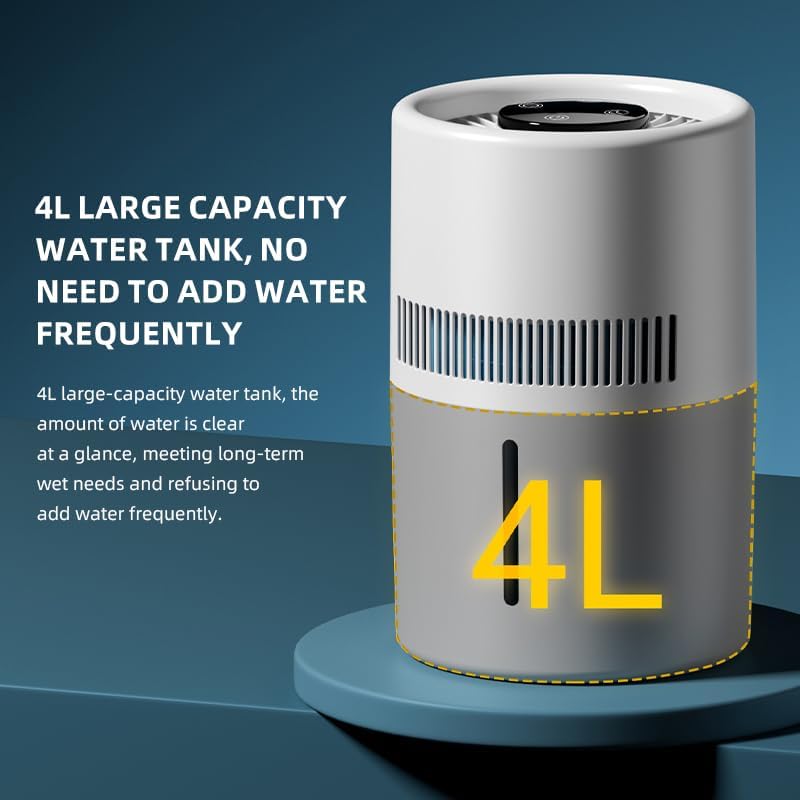
Image: Diagram showing the 4-liter capacity of the humidifier's water tank, highlighting its large volume for extended use.
Power Connection
Connect the USB power cable to the humidifier and then to a suitable USB power source (e.g., adapter, computer, mobile power bank).

Image: The humidifier connected to a laptop via a USB cable, demonstrating its versatile power supply options.
Operating Instructions
Power On/Off
After filling the water tank and connecting the power, press the power button on the top control panel to turn the humidifier on or off.
Adjusting Fan Speed / Humidity Output
The humidifier offers 2 fan speeds to adjust the humidity output. Press the fan speed button (usually indicated by a fan icon) to cycle through the available settings.
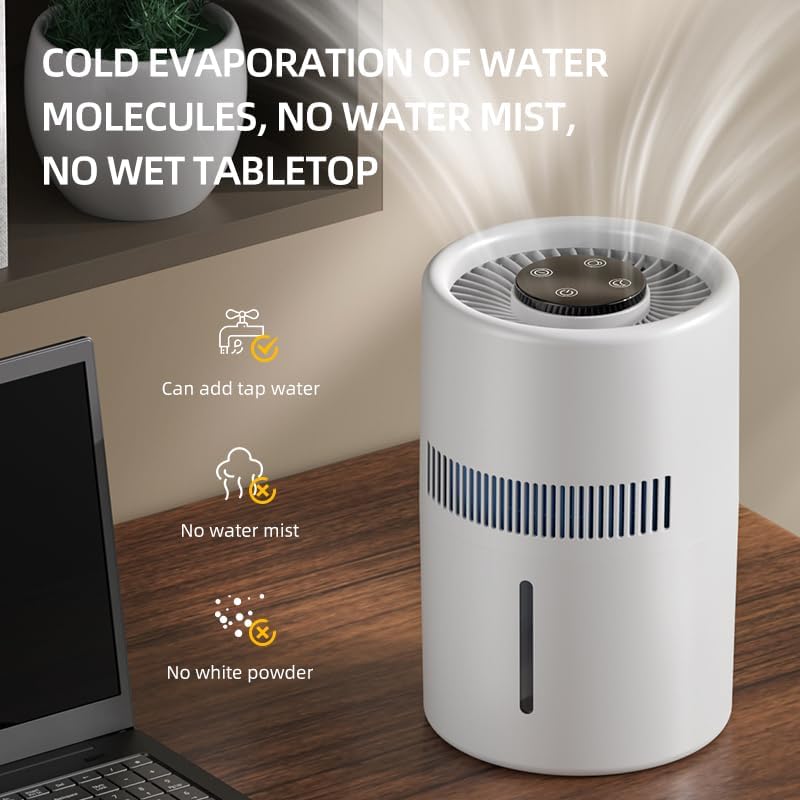
Image: The humidifier in operation, illustrating the cold evaporation process that produces no visible mist or wet residue on surfaces.
Night Light Function
To activate or adjust the night light, press the light button (usually indicated by a light bulb icon) on the control panel. This feature provides soft illumination for a comfortable sleeping environment.
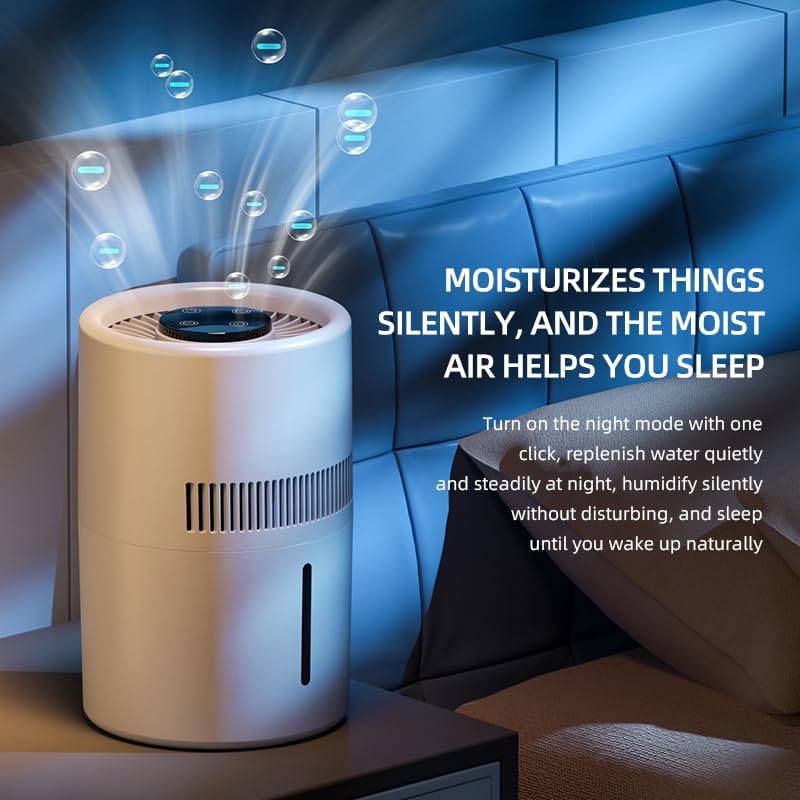
Image: The humidifier operating in a bedroom at night, with its blue night light activated, emphasizing its silent operation and ability to aid sleep.
Aromatherapy (if applicable)
If your model includes a built-in aromatherapy storage box, add a few drops of essential oil to the designated pad within the box. Do not add essential oils directly into the water tank.
Maintenance
Regular cleaning and maintenance are crucial for optimal performance and longevity of your humidifier.
Daily Maintenance
- Empty and rinse the water tank daily, especially if not in continuous use.
- Wipe down the exterior of the unit with a soft, damp cloth.
Weekly Cleaning
- Unplug the humidifier and empty any remaining water.
- Remove the filter and set it aside.
- Clean the water tank: Fill the tank with a mixture of equal parts white vinegar and water. Let it soak for 20-30 minutes to loosen mineral deposits.
- Use a soft brush or cloth to scrub away any buildup inside the tank.
- Rinse the tank thoroughly with clean water until the vinegar smell is gone.
- Wipe all surfaces dry before reassembling.
Filter Replacement
The humidifier uses a replaceable high-density fiber filter for purification. The frequency of replacement depends on water quality and usage, but generally, it is recommended to replace the filter every 3-6 months or when you notice a decrease in performance or an unpleasant odor.
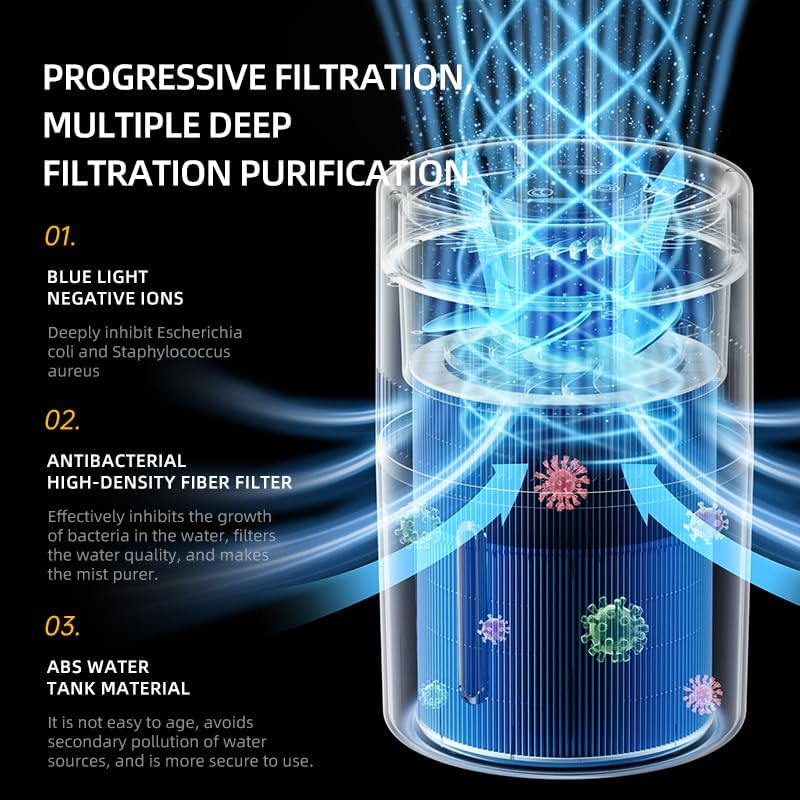
Image: An exploded diagram illustrating the multi-stage filtration process, including blue light negative ions, antibacterial high-density fiber filter, and ABS water tank material.
- Unplug the humidifier.
- Remove the top cover and access the filter compartment.
- Carefully remove the old filter.
- Insert a new, genuine replacement filter, ensuring it is properly seated.
- Reassemble the humidifier.
Troubleshooting
| Problem | Possible Cause | Solution |
|---|---|---|
| Humidifier does not turn on. | No power supply; Power cord not properly connected. | Ensure the unit is plugged into a working outlet. Check the USB cable connection. |
| No humidity output. | Water tank is empty; Filter is clogged or needs replacement. | Refill the water tank. Clean or replace the filter. |
| Unusual noise. | Unit not on a flat surface; Foreign object inside; Fan obstruction. | Place the unit on a stable, flat surface. Unplug and check for obstructions. |
| Water leakage. | Overfilled water tank; Unit not assembled correctly. | Do not overfill the tank. Ensure all components are securely in place. |
If the problem persists after trying the above solutions, please contact customer support.
Specifications
- Model Name: EJ-JSQ101
- Brand: Generic
- Color: White
- Water Tank Capacity: 4 Liters
- Product Dimensions: 7"D x 7"W x 10.7"H
- Item Weight: 2.65 pounds
- Filter Type: HEPA (High-Density Fiber Filter)
- Special Features: No water spray, quiet operation, large capacity, adjustable night light, blue light negative ion purification.
- Included Components: Humidifier unit, Charging Cable, User Manual
Warranty and Support
This product is designed for reliable performance. If you encounter any issues or have questions regarding your humidifier, please contact our customer support team. We are committed to providing assistance and resolving any concerns you may have with a defective product.
Please retain your purchase receipt for any warranty claims or support inquiries.
Ask a question about this manual
Ask about setup, troubleshooting, compatibility, parts, safety, or missing instructions. Manuals+ will review the question and use this page’s manual context to help answer it.