
1. Introduction
This manual provides essential information for the safe and effective use of your uijino QP4530 Charger. Please read these instructions carefully before using the product and retain them for future reference.

Image 1: uijino QP4530 Charger cable and included cleaning brush.
2. Safety Information
- Use this charger only for its intended purpose as described in this manual.
- Do not expose the charger to water or excessive moisture.
- Keep out of reach of children.
- Do not disassemble or attempt to repair the charger.
- Ensure the power source matches the charger's specifications.

Image 2: The charger is certified by FCC, CE, ETL, and RoHS, indicating compliance with safety standards.
3. Compatible Models
This 5V USB charging cable is compatible with the Philips Norelco OneBlade 360 with connectivity hybrid face, latest version QP4530/90.
Important Note: This charger is NOT applicable to QP2520, QP2630, HQ8505, HQ850, HQ840, QP6510, or QP6520 models. Please verify your device's model number before use.

Image 3: The charger is compatible with the Philips Norelco OneBlade 360 QP4530/90 model.

Image 4: Visual guide to compatible 5V 2-prong plug type, distinguishing it from incompatible 4.3V, 8V, and 15V plugs.
4. Features
- Input: AC 5V USB Type-A
- Output: DC 5V 1A 5W (maximum) 2-Prong Plug
- Power Cord Length: 3.3ft / 1m
- Certifications: FCC, CE, ETL, RoHS
- Includes 1 cleaning brush for device maintenance.
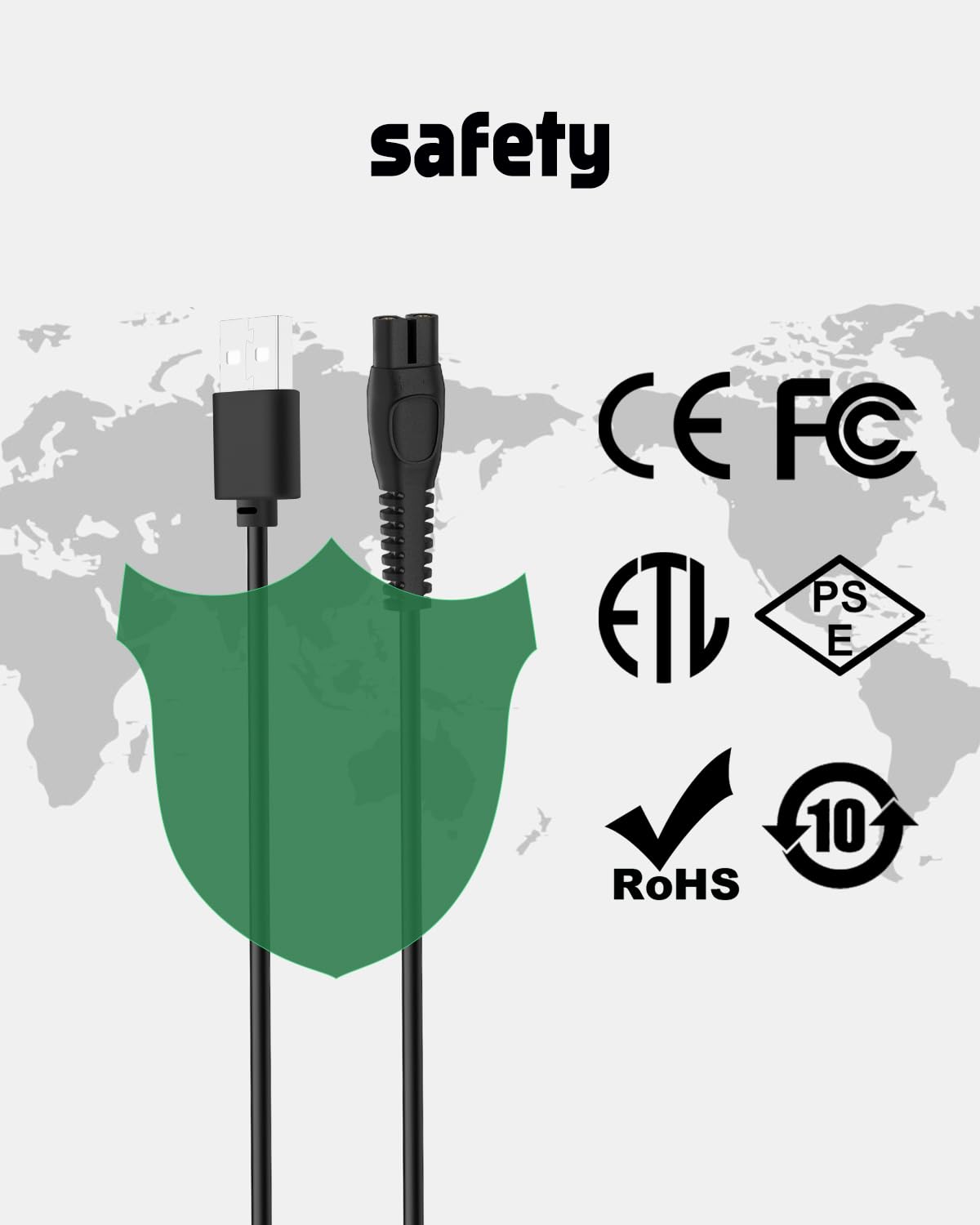
Image 5: Detailed view of the charger's specifications, including input, output, and cable length.
5. Setup and Operating Instructions
The uijino QP4530 Charger is designed for ease of use, allowing you to charge your compatible Philips Norelco OneBlade device conveniently.
Connecting the Charger:
- Connect the USB Type-A plug of the charger cable to a compatible power source. This can be a computer, laptop, power bank, or a charger adapter with a USB port.
- Insert the 2-prong end of the charger cable into the charging port at the bottom of your Philips Norelco OneBlade device.
- Ensure a secure connection. The device's charging indicator should illuminate, signifying that charging has commenced.

Image 6: The charger can be connected to various USB power sources, including wall adapters, power banks, and laptops.

Image 7: The compact design allows for easy portability, requiring only the cable and a USB power source for charging.
Video Demonstration:
Watch the following video for a visual guide on how to connect and use the charger with your Philips Norelco OneBlade device.
Video 1: Demonstration of connecting the USB charging cable to a Philips Norelco OneBlade device and a power source.
Video 2: Unboxing and demonstration of a 5V charger for Philips Norelco OneBlade, showing connection to a wall adapter and shaver.
6. Maintenance
To ensure optimal performance and longevity of your charger and device:
- Regularly clean the charging port of your OneBlade device and the charger's prongs using the provided cleaning brush to remove any debris or hair.
- Store the charger in a dry place, away from extreme temperatures.
- Avoid bending or twisting the cable excessively to prevent internal damage.
7. Specifications
| Specification | Detail |
|---|---|
| Brand | uijino |
| Item Model Number | UJI-FLP-4530 |
| Connector Type | USB Type A |
| Cable Type | USB |
| Compatible Devices | Philips Norelco OneBlade 360 QP4530/90, Power Bank, Laptop, USB Wall Adapter |
| Special Feature | Lightweight |
| Package Dimensions | 4.17 x 1.77 x 0.75 inches |
| Item Weight | 1.13 ounces |
8. Troubleshooting
Device not charging:
- Ensure the charger is securely plugged into a working USB power source.
- Verify that the 2-prong connector is fully inserted into the OneBlade's charging port.
- Check if your OneBlade model (QP4530/90) is compatible with this 5V charger. Refer to Section 3.
- Try using a different USB power source (e.g., another wall adapter, a different USB port on your computer) to rule out issues with the power source.
- Inspect the charging cable for any visible damage. If damaged, discontinue use.
9. Warranty and Support
For any product inquiries, technical support, or warranty information, please contact uijino customer service. We are available 24/7 to assist you and resolve any issues you may encounter.
Please refer to your purchase documentation for specific warranty terms and contact details.