Introduction
This manual provides detailed instructions for the installation, operation, and maintenance of your Alaga Indoor Security Camera 3K. Please read this manual thoroughly before using the product to ensure proper functionality and safety.
The Alaga Indoor Security Camera 3K offers advanced features including 3K Ultra HD clarity, dual-band WiFi connectivity (2.4G and 5G), 360° pan and tilt functionality, AI-powered motion detection for humans and pets, advanced night vision, two-way audio, and compatibility with Alexa and Google Assistant.
Package Contents
Before proceeding with installation, please verify that all items are present in the package:
- Alaga Indoor Security Camera 3K
- Power Adapter
- USB Cable
- Mounting Bracket
- Screws and Wall Plugs
- User Manual (this document)
Setup Guide
1. Powering On the Camera
Connect the provided USB cable to the camera's power port and the other end to the power adapter. Plug the power adapter into a wall outlet. The camera will power on and initiate its self-test sequence.
2. App Installation and Account Creation
Download the official Alaga security camera application from your device's app store (iOS App Store or Google Play Store). Follow the on-screen instructions to create a new account or log in if you already have one.
3. Connecting to Wi-Fi
In the app, select "Add Device" and choose your camera model. Follow the in-app prompts to connect the camera to your Wi-Fi network. The camera supports both 2.4G and 5G Wi-Fi bands for flexible connectivity. Ensure your mobile device is connected to the same Wi-Fi network during the setup process.
4. Mounting the Camera (Optional)
The camera can be placed on a flat surface or mounted to a wall or ceiling. Use the provided mounting bracket, screws, and wall plugs for secure installation. Ensure the camera has a clear line of sight to the area you wish to monitor.

Image: The Alaga Indoor Security Camera 3K shown alongside a smartphone displaying its live view and control interface. This illustrates the camera's design and its integration with the mobile application for remote monitoring and control.
Operating Instructions
Live View and Pan/Tilt Control
Open the Alaga app and select your camera to access the live view. Use the on-screen joystick or swipe gestures to control the camera's 345° horizontal pan and 62° vertical tilt, allowing you to monitor every corner of your room.

Image: An Alaga camera positioned in a living space, with arrows indicating its 360-degree pan and tilt capability, demonstrating its wide coverage area.
Motion Detection and Alerts
The camera features AI-powered motion detection. When motion, a person, or a pet is detected, the camera will send instant push notifications to your phone. You can customize detection zones and sensitivity settings within the app.
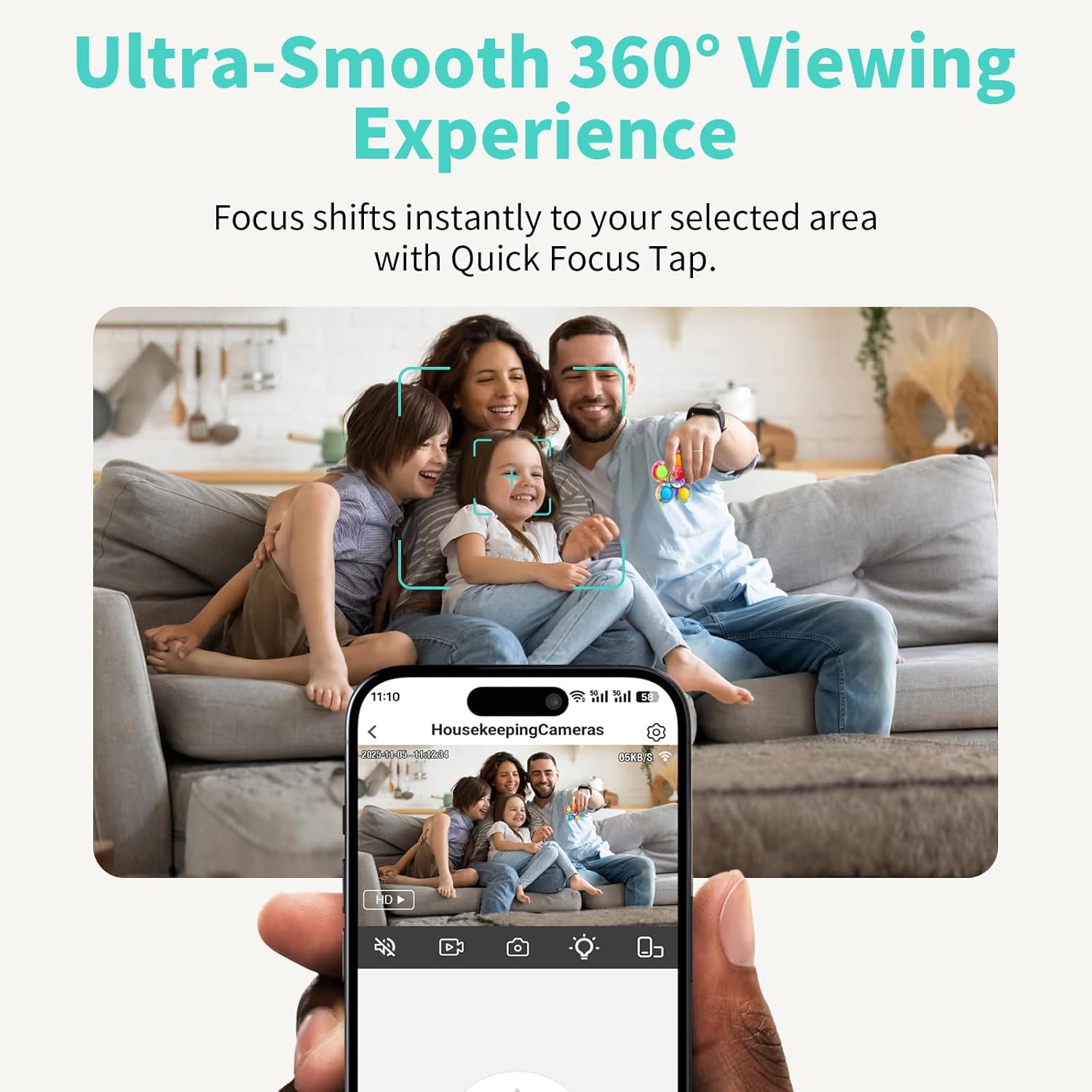
Image: A child playing on a couch, with a visual overlay indicating that the camera's AI tracking feature is actively following the subject, highlighting its ability to keep targets in view.
Night Vision
The camera automatically switches to advanced infrared night vision in low-light conditions, providing clear footage up to 30 feet. This ensures continuous monitoring even in complete darkness.
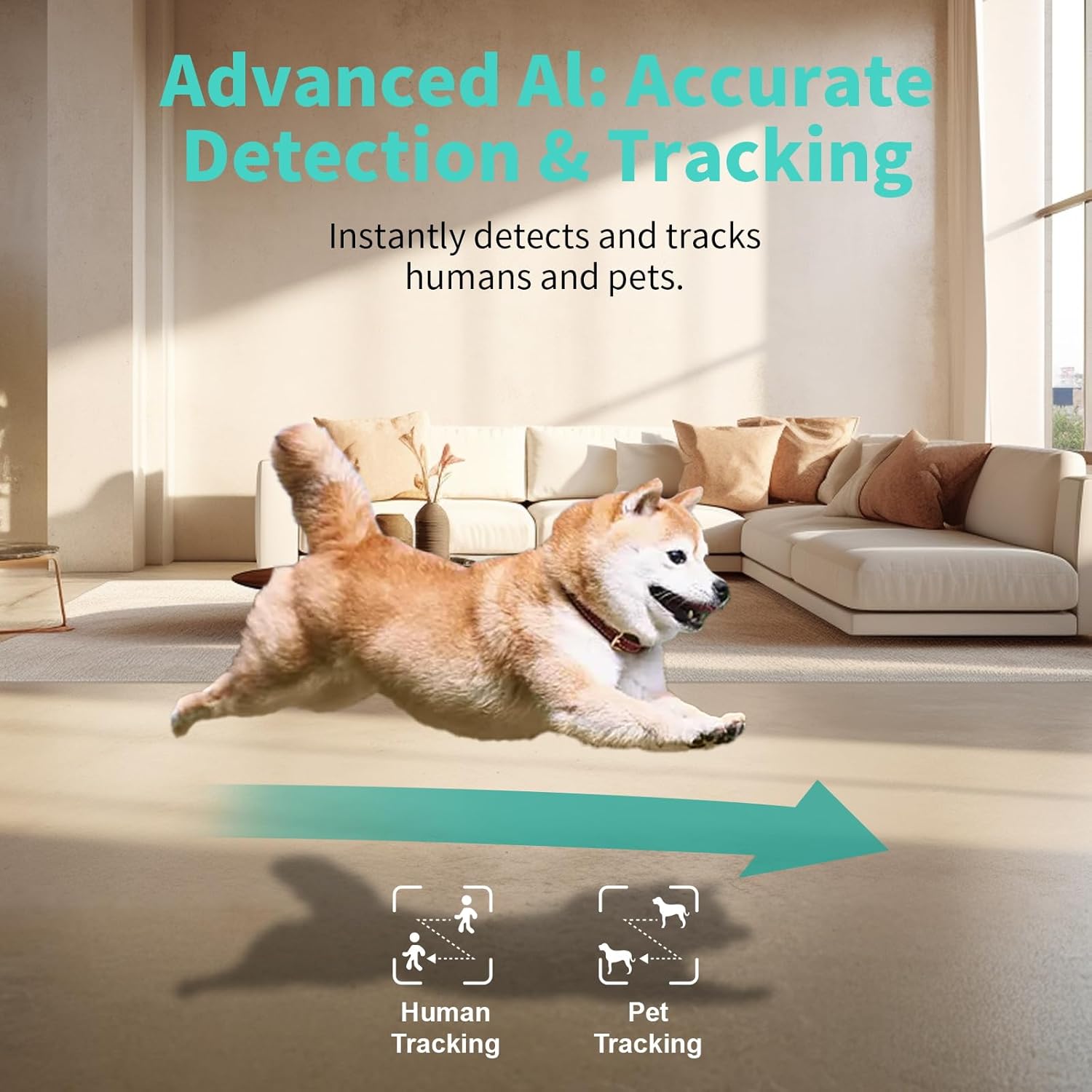
Image: A smartphone screen displaying a black and white night vision feed from the Alaga camera, showing a dog and a person sleeping, with indicators for lens aperture, light increase, and clear face detection distance.
Two-Way Audio
Utilize the two-way audio feature to communicate with individuals near the camera. Tap the microphone icon in the app to speak, and the camera's built-in speaker will transmit your voice. You can also hear audio from the camera's environment.
Storage Options
The camera supports local storage via a Class 10 microSD card (up to 256GB, not included). Alternatively, you can subscribe to cloud storage services for encrypted footage backup, ensuring data safety even if the camera is compromised.
Voice Assistant Integration
Integrate your Alaga camera with Amazon Alexa or Google Assistant. Once linked, you can view live footage on compatible devices like Echo Show or Google Chromecast using simple voice commands.
Privacy Mode
Activate privacy mode through the app to temporarily disable recording and live view, ensuring your privacy when needed. The camera lens may physically retract or turn away in this mode.

Image: A hand interacting with a smartphone app, showing the option to toggle "Camera On" or "OFF" for privacy mode, with the Alaga camera in the background, illustrating how privacy can be activated with a tap.
Maintenance
Cleaning the Camera
To maintain optimal image quality, gently wipe the camera lens and body with a soft, dry, lint-free cloth. Do not use liquid cleaners or abrasive materials, as they may damage the camera.
Firmware Updates
Periodically check the Alaga app for available firmware updates. Keeping your camera's firmware up-to-date ensures access to the latest features, security enhancements, and performance improvements.
MicroSD Card Management
If using a microSD card for local storage, regularly back up important footage and format the card periodically to maintain performance and prevent data corruption. Refer to the app for microSD card management options.
Troubleshooting
| Problem | Possible Cause | Solution |
|---|---|---|
| Camera offline/Cannot connect to Wi-Fi | Incorrect Wi-Fi password; Camera too far from router; Router issues; Incorrect Wi-Fi band selected. |
|
| Poor image quality | Dirty lens; Insufficient lighting; Network bandwidth issues. |
|
| Motion alerts not received | App notifications disabled; Motion detection sensitivity too low; Detection zone not configured. |
|
| Two-way audio not working | Microphone/speaker permissions not granted; Volume too low; Network latency. |
|
Specifications
| Feature | Detail |
|---|---|
| Model | Alaga Indoor Security Camera 3K (B0DLBFVT55) |
| Resolution | 3K Ultra HD (2880×1620) |
| Connectivity | 2.4G & 5G Wi-Fi, Bluetooth |
| Pan/Tilt Range | 345° Horizontal, 62° Vertical |
| Night Vision Range | Up to 30 feet (10 meters) |
| Audio | Two-Way Audio |
| Storage Options | MicroSD Card (up to 256GB, Class 10), Cloud Storage |
| AI Features | Human & Pet Motion Detection, Tracking |
| Compatibility | Amazon Alexa, Google Assistant |
| Indoor/Outdoor Usage | Indoor Only |
Warranty Information
Alaga products are covered by a limited warranty from the date of purchase. For specific warranty terms and conditions, please refer to the warranty card included in your product packaging or visit the official Alaga website. This warranty typically covers manufacturing defects and malfunctions under normal use.
Customer Support
If you encounter any issues or have questions regarding your Alaga Indoor Security Camera 3K, please contact our customer support team:
- Email: support@alaga.com
- Website: www.alaga.com/support
- Phone: Please refer to the contact information provided on the official Alaga website for regional support numbers.
When contacting support, please have your product model (B0DLBFVT55) and purchase date ready.


