
1. Introduction
This manual provides detailed instructions for the proper use and maintenance of your SHT RECCI TYCHE REP-W56 True Wireless Stereo (TWS) Earbuds. Please read this manual thoroughly before using the product to ensure optimal performance and longevity.
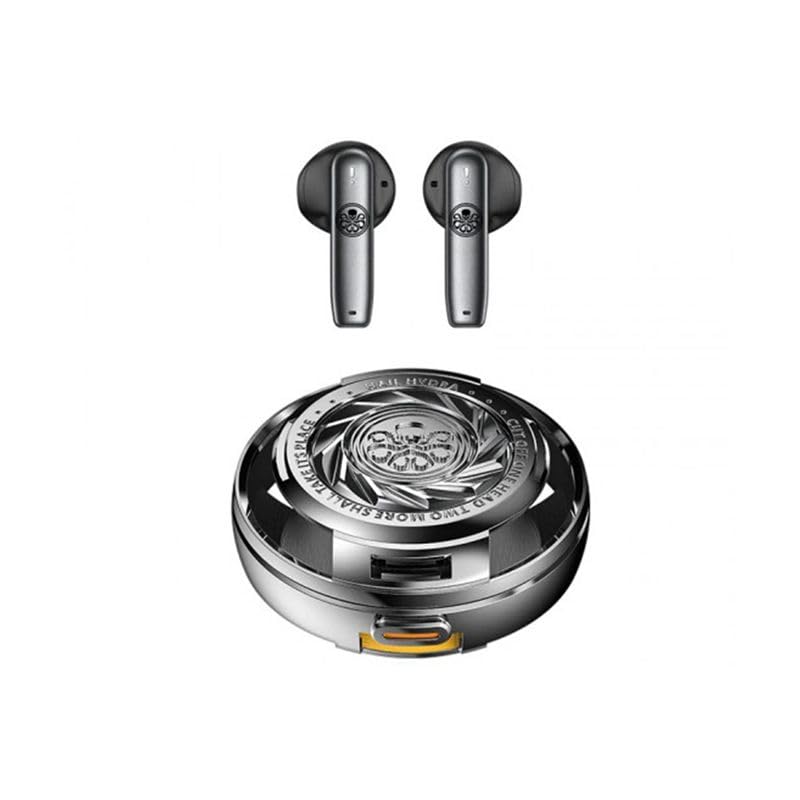
Figure 1: SHT RECCI TYCHE REP-W56 TWS Earbuds and their charging case.
2. Package Contents
Verify that all items are present in your product package:
- SHT RECCI TYCHE REP-W56 TWS Earbuds (Left and Right)
- Wireless Charging Case
- USB Type-C Charging Cable
- Lanyard
- User Manual (this document)
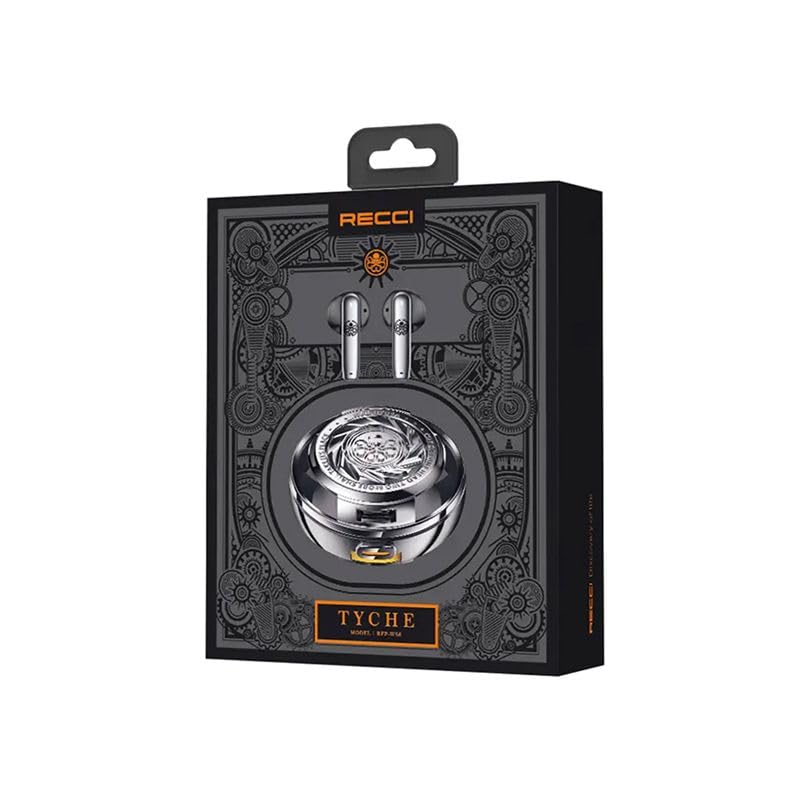
Figure 2: The retail packaging for the SHT RECCI TYCHE REP-W56 TWS Earbuds, showing the earbuds and charging case.
3. Setup
3.1 Charging the Earbuds and Case
Before first use, fully charge the earbuds and the charging case.
- Place the earbuds into the charging case, ensuring they are correctly seated.
- Connect the provided USB Type-C charging cable to the charging port on the case and to a compatible USB power source.
- The charging indicator on the case will illuminate to show charging status.
- Charging time for the case is approximately 2 hours. The earbuds will charge simultaneously when placed inside the case.
The charging case has a battery capacity of 250 mAh, and each earbud has a capacity of 25 mAh.
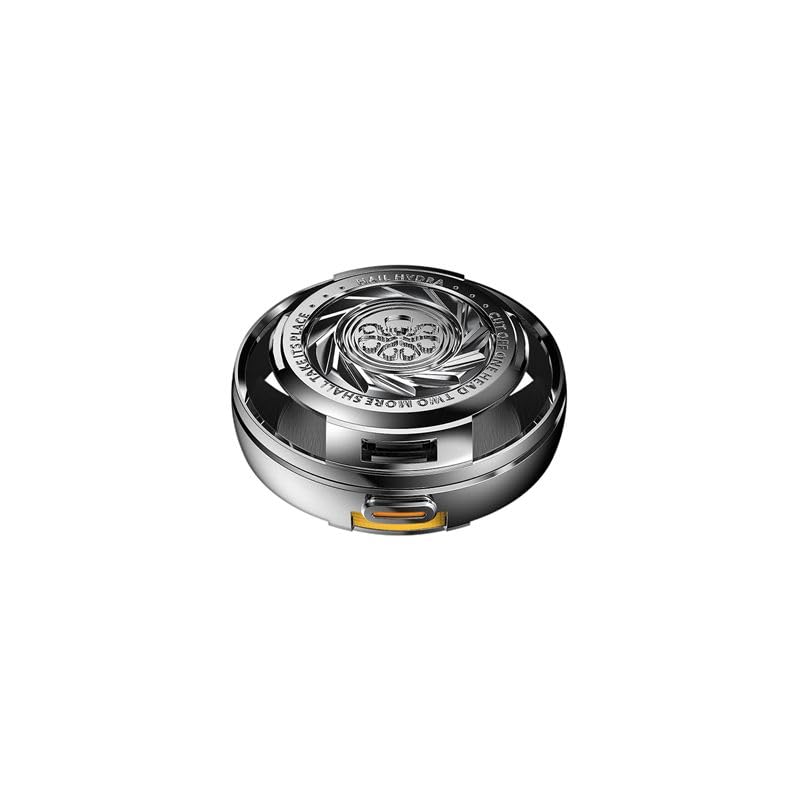
Figure 3: The SHT RECCI TYCHE REP-W56 TWS Earbuds charging case, shown closed.
3.2 Bluetooth Pairing
To connect your earbuds to a device:
- Ensure the earbuds are charged and placed inside the charging case.
- Open the charging case. The earbuds will automatically enter pairing mode.
- On your device (e.g., smartphone), enable Bluetooth and search for available devices.
- Select "REP-W56" from the list of found devices.
- Once connected, a confirmation sound or indicator will be present.
The earbuds use Bluetooth version 5.3 and have a transmission range of up to 10 meters.
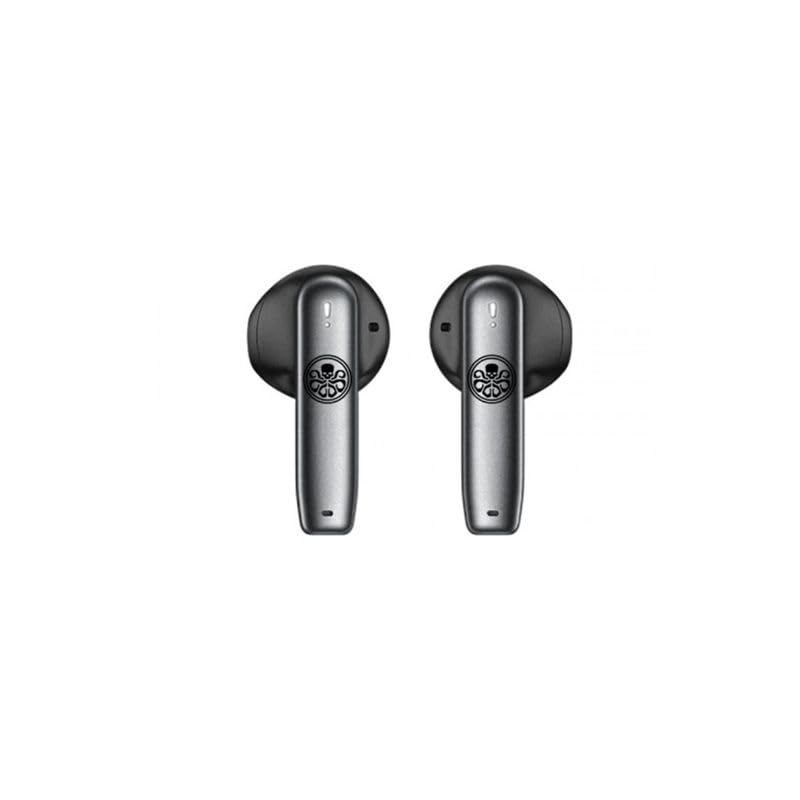
Figure 4: A close-up view of the SHT RECCI TYCHE REP-W56 TWS Earbuds.
4. Operating Instructions
The REP-W56 earbuds feature touch controls for various functions.
4.1 Power On/Off
- Power On: Open the charging case, and the earbuds will automatically power on.
- Power Off: Place the earbuds back into the charging case and close the lid. They will automatically power off and begin charging.
4.2 Music Playback
- Play/Pause: Tap either earbud once.
- Next Track: Double-tap the right earbud.
- Previous Track: Double-tap the left earbud.
4.3 Call Management
- Answer/End Call: Tap either earbud once.
- Reject Call: Press and hold either earbud for 2 seconds.
4.4 Voice Assistant
- Activate Voice Assistant (Google Assistant): Triple-tap either earbud.
5. Maintenance
5.1 Cleaning
- Regularly clean the earbuds and charging case with a soft, dry, lint-free cloth.
- Do not use harsh chemicals, cleaning solvents, or strong detergents.
- Ensure charging contacts on both earbuds and case are free from dust and debris.
5.2 Storage
- When not in use, store the earbuds in their charging case to protect them and keep them charged.
- Store in a cool, dry place away from extreme temperatures and direct sunlight.
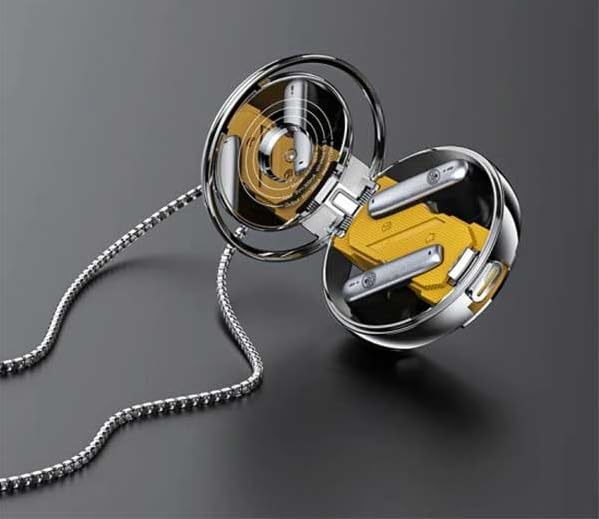
Figure 5: The SHT RECCI TYCHE REP-W56 TWS Earbuds placed inside their open charging case, revealing the internal design.
6. Troubleshooting
- Earbuds not pairing: Ensure both earbuds are charged. Place them back in the case, close the lid, wait a few seconds, then open the lid again to re-enter pairing mode. Check your device's Bluetooth settings and try reconnecting.
- No sound from one earbud: Try placing both earbuds back in the case and taking them out again. Ensure they are properly paired. If the issue persists, try resetting the earbuds (refer to manufacturer's website for specific reset instructions if not detailed here).
- Charging issues: Verify the USB Type-C cable is securely connected to both the case and the power source. Try a different cable or power adapter. Ensure the charging contacts on the earbuds and inside the case are clean.
- Poor sound quality: Ensure the earbuds are properly seated in your ears. Check the audio source device for volume and equalizer settings. Ensure there are no obstructions between your device and the earbuds within the 10-meter range.
7. Specifications
| Feature | Specification |
|---|---|
| Model Name | TYCHE (REP-W56) |
| Bluetooth Version | 5.3 |
| Connectivity Technology | Wireless (Bluetooth) |
| Transmission Range | 10 Metres |
| Headphone Battery Capacity | 25 mAh |
| Charging Box Battery Capacity | 250 mAh |
| Charging Time | 2 Hours (for case) |
| Duration of Operation (Battery Life) | 4 Hours |
| Charging Port | Type C |
| Noise Control | Active Noise Cancellation |
| Compatible Devices | Smartphone |
| Control Type | Google Assistant (Voice) |
| Material | Plastic (Earbuds), Metal (Carrying Case) |
| Earpiece Shape | Bud (In-Ear) |
| Color | Black |
| Item Weight | 200 Grams |
| Product Dimensions | 1.6 x 1.4 x 0.4 cm |
| Country of Origin | China |
8. Warranty and Support
For warranty information and customer support, please refer to the warranty card included in your product packaging or contact the retailer/manufacturer directly. Keep your proof of purchase for any warranty claims.