
1. Product Overview
The VEVOR Commercial Humidifier (Model BE-J001) is designed for efficient humidification in large spaces. It features a substantial water tank capacity and intelligent controls to maintain optimal humidity levels. This manual provides essential information for safe and effective operation.
Key Features:
- Commercial Grade Humidification: Large 21 L / 5.5 Gal water tank suitable for areas of 473.6-1291.7 ft² (44-120 m²), ideal for homes, greenhouses, supermarkets, warehouses, offices, and factories. Operates quietly at ≤ 35 dB.
- Intelligent Humidification: Features a preset humidity range of 40%RH-90%RH and a 12-hour timer. Control via body panel or remote. Includes a UV light for water purification and a sleep mode that turns off the light.
- Multiple Mist Discharge Tubes: Equipped with a 4-way mist discharge tube, a long mist discharge tube, and a tube cap, offering three mist discharge methods for versatile humidification. Mist volume is adjustable (low, medium, high) with a maximum output of 1200 ml/h.
- Flexible Water Filling: Convenient top-filling design. Includes a water hose for direct connection to a faucet. A visual water level window allows easy monitoring. Automatic shut-off and alert light when water is low.
- Convenient Movement and Easy Operation: Bottom casters for easy mobility. Large water filling caliber for simple cleaning. A diffuser box is included for essential oils.
2. Package Contents
Ensure all items are present upon unboxing:
- 1 x Commercial Humidifier
- 1 x Remote Control
- 1 x Instruction Manual
- 1 x 4-Way Fog Hose
- 1 x Fog Hose Holder
- 1 x Fog Hose
- 1 x Fog Hose Head
- 1 x Tap Fitting
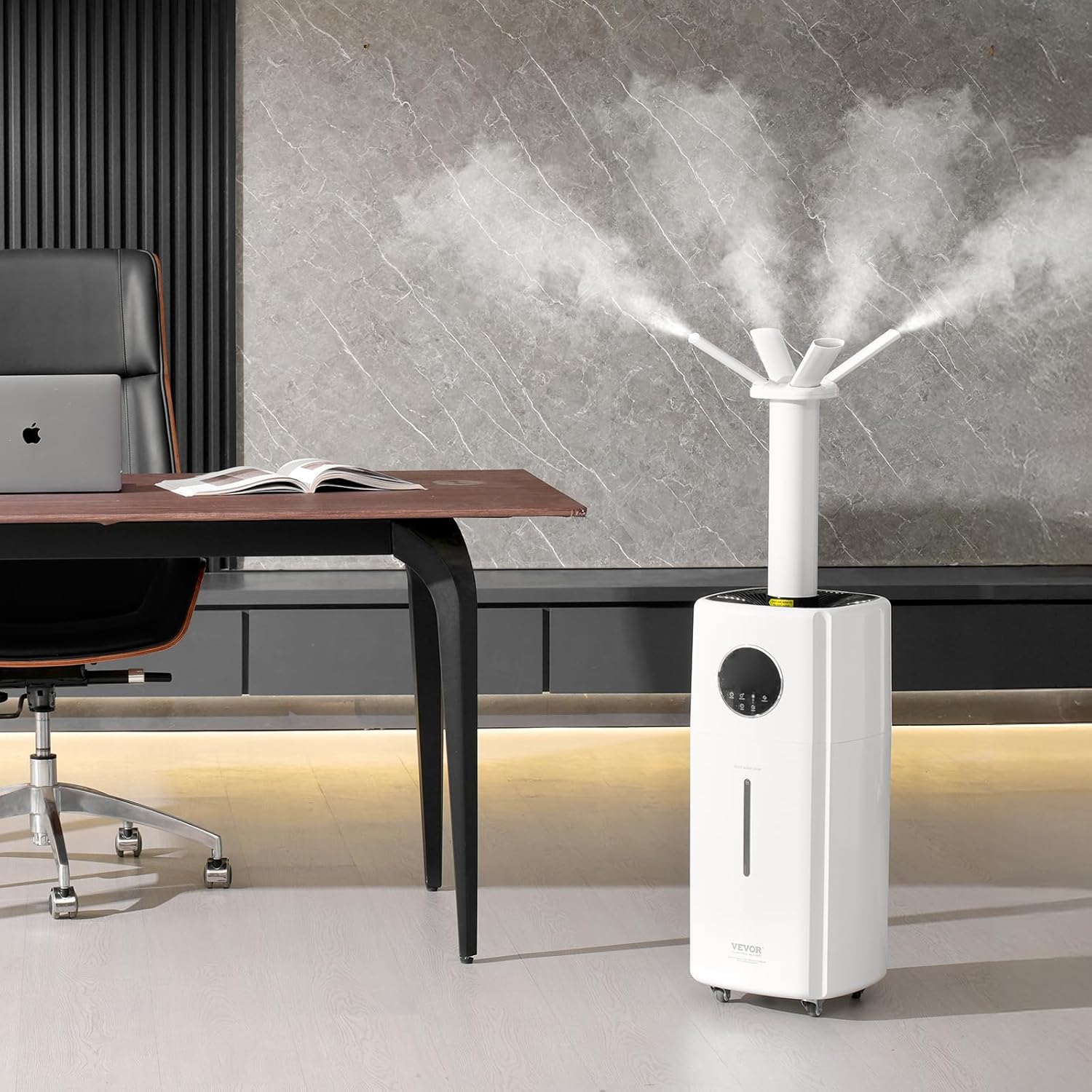
Figure 1: Humidifier and included accessories.
3. Setup and Assembly
3.1 Unboxing and Initial Setup
- Carefully remove all components from the packaging.
- Place the humidifier on a flat, stable surface.
- Ensure all protective films and packaging materials are removed from the unit and accessories.
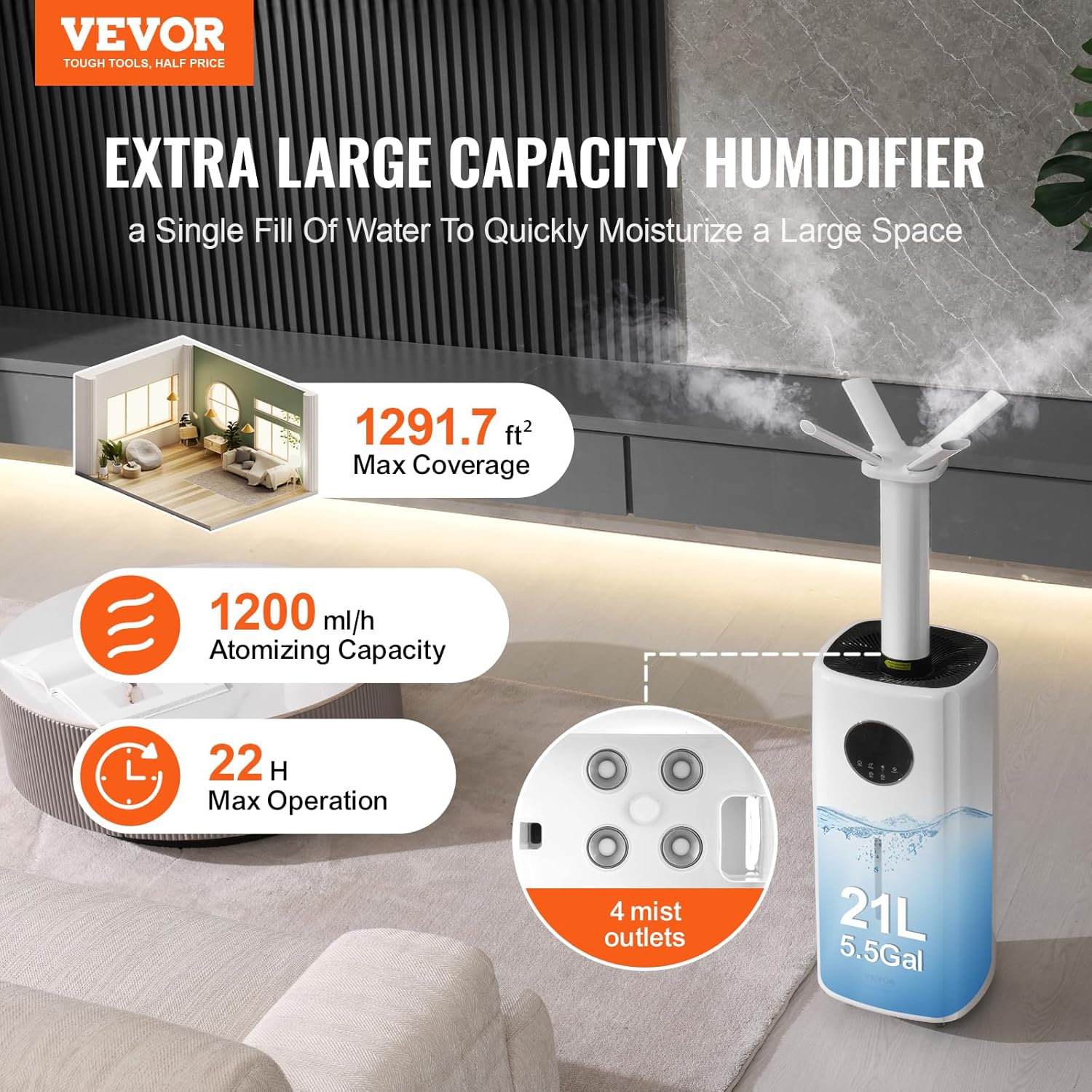
Figure 2: All components ready for assembly.
3.2 Water Filling
The humidifier supports top-filling and direct connection to a faucet for convenience.
- Top Filling: Open the top cover and pour clean water directly into the water tank. Observe the water level through the visual window. Do not exceed the 'MAX' line.
- Direct Faucet Connection: Connect the provided water hose to a faucet and to the humidifier's water inlet. Turn on the faucet to fill the tank. The humidifier will automatically stop filling when the maximum level is reached.

Figure 3: Top-filling the humidifier.
3.3 Mist Tube Assembly
Choose the appropriate mist tube configuration for your needs:
- Attach the desired mist tube (e.g., 4-way fog hose, long mist tube with cap) to the mist outlet on top of the humidifier.
- Ensure the connection is secure to prevent mist leakage.

Figure 4: Various mist tube options for customized humidification.
4. Operating Instructions
4.1 Control Panel and Remote
The humidifier can be operated using the touch control panel on the unit or the included remote control.

Figure 5: Humidifier control panel.
4.2 Basic Operation
- Power On/Off: Press the Power button to turn the unit on or off.
- Mist Level Adjustment: Press the Mist button to cycle through low, medium, and high mist output levels.
- Humidity Setting: Press the Humidity button to set your desired humidity level between 40%RH and 90%RH. The unit will automatically maintain this level.
- Timer Function: Press the Timer button to set an operating duration from 1 to 12 hours.
- Sleep Mode: Activate Sleep Mode to turn off the display light for undisturbed rest.
- UV Sterilization: The UV light function helps purify the water. It can be toggled on/off as needed.
5. Maintenance
5.1 Cleaning the Water Tank
Regular cleaning is essential to prevent mineral buildup and maintain hygiene.
- Unplug the humidifier from the power outlet.
- Remove the mist tube and top cover.
- Empty any remaining water from the tank.
- Wipe the inside of the water tank with a soft cloth and mild detergent. Rinse thoroughly with clean water.
- For stubborn mineral deposits, use a descaling solution or a mixture of white vinegar and water. Let it soak for 30 minutes, then scrub and rinse.
- Ensure all parts are completely dry before reassembling.
Video 1: How to Clean the Humidifier (provided by Vendor).
5.2 Filter Maintenance
The humidifier uses a foam filter to prevent dust from entering the unit. Clean it regularly.
- Remove the foam filter from its slot.
- Rinse the filter under running water to remove dust and debris.
- Allow the filter to air dry completely before placing it back into the unit.
6. Troubleshooting
If you encounter issues with your humidifier, refer to the following common solutions:
- No Mist Output: Check if the water tank is empty. Refill if necessary. Ensure the unit is properly plugged in and powered on.
- Weak Mist: Clean the ultrasonic atomizer plate (located at the bottom of the water tank) with the provided brush. Ensure the water tank is clean and free of mineral buildup.
- Unusual Odor: Clean the water tank and replace the water. If using essential oils, clean the diffuser box.
- Water Leakage: Ensure all parts, especially the mist tubes and top cover, are correctly assembled and securely fitted. Do not overfill the water tank.
- Unit Not Responding: Unplug the unit for 5 minutes, then plug it back in and try again. If the issue persists, contact customer support.
7. Specifications
| Feature | Specification |
|---|---|
| Item Model Number | BE-J001 |
| Brand | VEVOR |
| Power Supply | AC100V-240V, 50Hz/60Hz |
| Power | 100W |
| Humidifying Area | 473.6-1291.7 ft² / 44-120 m² |
| Water Tank Capacity | 21 L / 5.5 Gal |
| Atomization Volume | 1200 ml/h / 40.6 oz/h |
| Noise Level | ≤ 35 dB |
| Product Dimensions | 14.0 x 14.0 x 40.7 inch / 35.5 x 35.5 x 103.5 cm |
| Item Weight | 11.0 lbs / 5.0 kg |
| Main Material | ABS |
| Special Feature | Adjustable Humidity Control, Quiet |
| Color | White |
Figure 6: Technical specifications of the humidifier.
8. Warranty and Support
For warranty information, technical support, or any inquiries regarding your VEVOR Commercial Humidifier, please visit the official VEVOR website or contact their customer service directly.
You can find more information and support at the VEVOR Store.