1. Introduction
Thank you for choosing the RAINPOT Portable Compressed Air Duster. This device is designed for efficient and versatile cleaning, featuring a powerful motor and adjustable speeds. It is suitable for a variety of tasks, from cleaning delicate electronics like computer keyboards to outdoor applications such as clearing leaves or supporting combustion for barbecues. Please read this manual thoroughly before operation to ensure safe and optimal use of your new device.
2. Safety Information
Your safety is paramount. Please observe the following warnings and precautions:
- Do Not Blow Towards People: Never direct the air duster towards yourself or other individuals during operation. The powerful airflow can cause injury.
- Secure Grip: Always grasp the device firmly during use. Be aware that hair or loose clothing may get tangled in the machine's intake. Keep the device away from the human body, especially hair.
- Proper Ventilation: Use the device in a well-ventilated area.
- Keep Dry: Do not expose the device to water or operate it in wet conditions.
- Children and Pets: Keep out of reach of children and pets. This is not a toy.
- Battery Safety: Use only the provided charger and batteries. Do not attempt to open, modify, or short-circuit the battery. Dispose of batteries responsibly.

Figure 2.1: Important Safety Warnings for the Air Duster.
3. Package Contents
Please verify that all items are present in your package:
- Portable Compressed Air Duster Unit
- Rechargeable Li-ion Battery (Quantity: 2 for this model)
- Battery Charger
- User Manual (this document)

Figure 3.1: Contents included in the package.
4. Product Features and Components
Familiarize yourself with the main parts of your air duster:
- Air Outlet: Where the concentrated airflow is expelled.
- Motor: High-speed motor providing powerful airflow (up to 130,000 RPM).
- Switch: Trigger for activation and speed adjustment. Releasing the switch stops the machine.
- Rubber Handle: Ergonomically designed for comfortable and secure grip.
- Battery: Detachable Li-ion battery pack that powers the unit.

Figure 4.1: Key components of the Portable Air Duster.
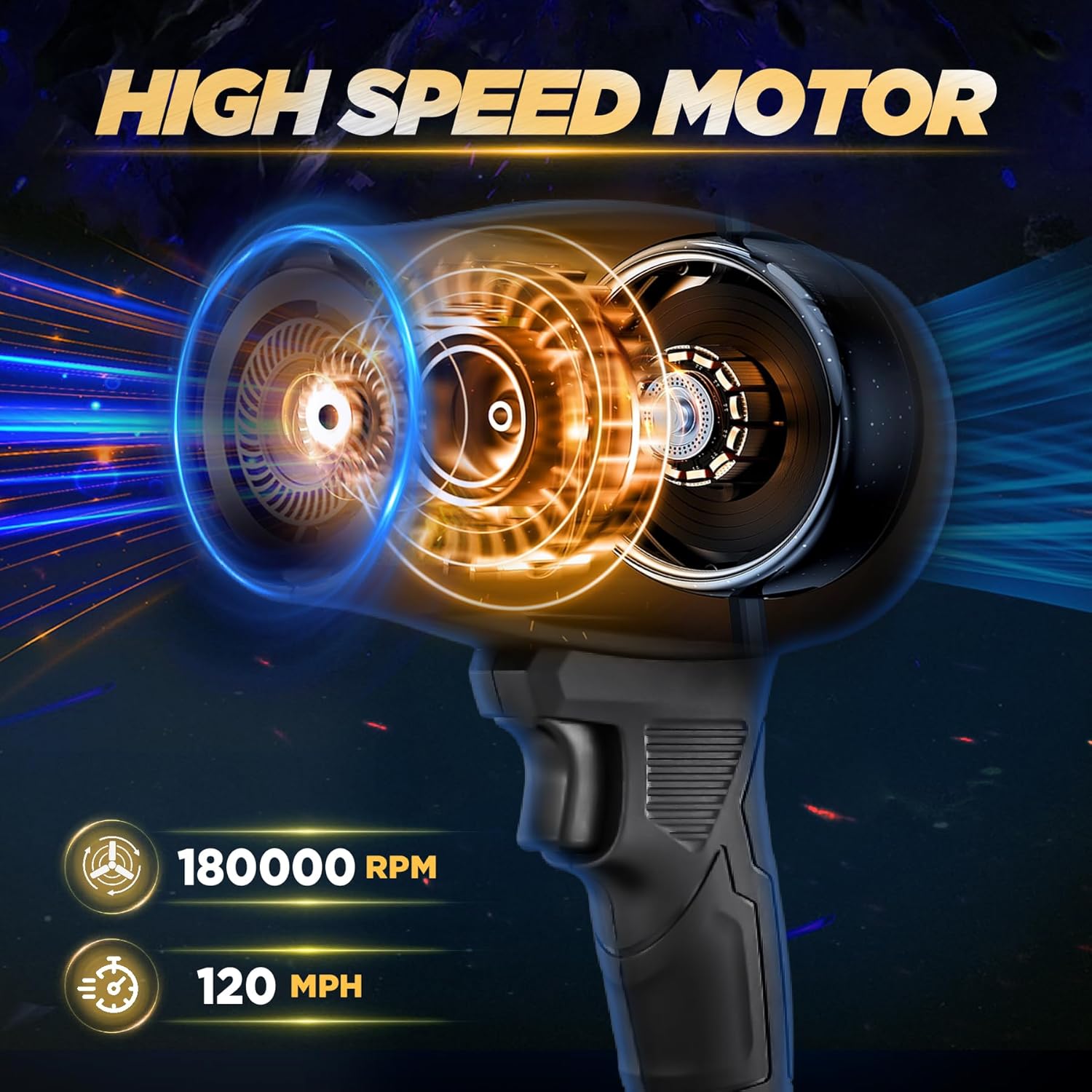
Figure 4.2: Internal view highlighting the high-speed motor performance.
5. Setup
5.1 Charging the Battery
- Connect the charger to a standard electrical outlet.
- Insert the battery into the charger. Ensure it is securely seated.
- Allow the battery to charge fully before first use. The charging indicator on the charger will typically change color or turn off when charging is complete.
- Once charged, disconnect the battery from the charger and unplug the charger from the outlet.
5.2 Attaching the Battery
- Align the battery pack with the battery slot at the base of the air duster handle.
- Slide the battery into the slot until it clicks securely into place. Ensure it is firmly attached to prevent accidental detachment during operation.
6. Operating Instructions
6.1 Powering On and Off
- To power on the device, press and hold the trigger switch located on the handle.
- To power off the device, release the trigger switch. The motor will stop immediately.
6.2 Adjusting Airflow Speed
The air duster features a continuously variable speed switch, allowing you to control the airflow intensity:
- Gentle Press: Lightly press the trigger for a low-speed, gentle airflow, suitable for delicate surfaces or light dust.
- Hard Press: Press the trigger fully for a strong, high-speed airflow, ideal for heavy debris, outdoor cleaning, or drying tasks.

Figure 6.1: Speed adjustment mechanism.
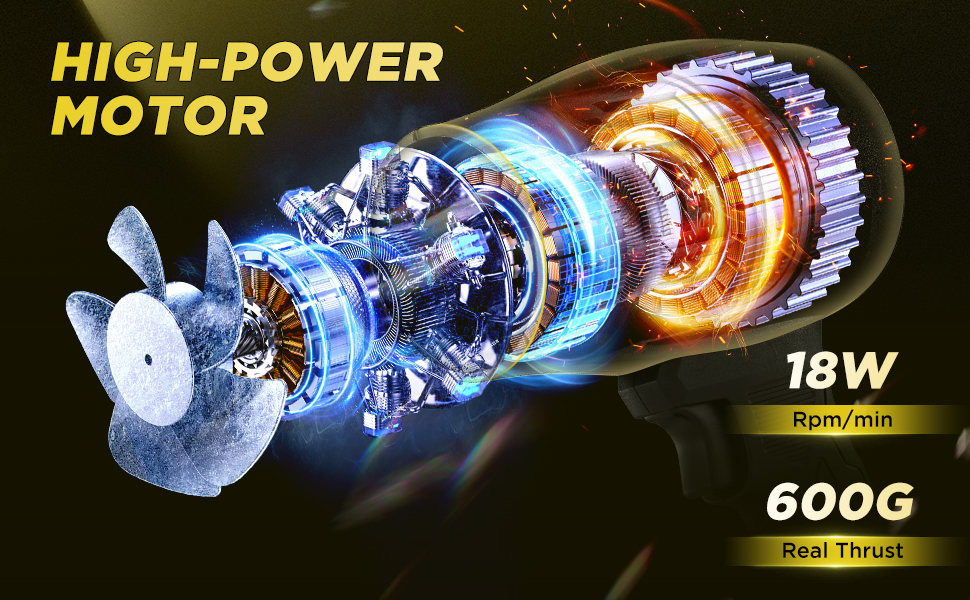
Figure 6.2: Examples of low-speed and high-speed applications.
6.3 Versatile Applications
The RAINPOT Portable Compressed Air Duster is designed for a wide range of uses:
- Computer & Electronics Cleaning: Safely remove dust from keyboards, computer towers, and other electronic devices.
- Outdoor Cleaning: Ideal for clearing leaves, debris from patios, driveways, or small outdoor spaces.
- Vehicle Cleaning: Use for drying car surfaces after washing or clearing debris from car interiors.
- Camping & Barbecues: Can be used to support combustion for campfires or barbecues.
- Snow Clearing: Effective for blowing light snow from surfaces.

Clearing Leaves

Blowing Snow

Combustion Support

Car Cleaning

Blowing Dust

Outdoor Cleaning
7. Maintenance
- Cleaning: Wipe the exterior of the device with a soft, dry cloth. Do not use harsh chemicals or abrasive cleaners.
- Storage: Store the air duster and batteries in a cool, dry place away from direct sunlight and extreme temperatures.
- Battery Care: For long-term storage, it is recommended to charge the battery to approximately 50% every few months to maintain battery health.
8. Troubleshooting
| Problem | Possible Cause | Solution |
|---|---|---|
| Device does not turn on. | Battery is not charged or not properly attached. | Ensure battery is fully charged and securely clicked into place. |
| Weak airflow. | Battery low or partial trigger press. | Recharge battery. Press the trigger fully for maximum power. |
| Unusual noise during operation. | Debris in air intake or internal issue. | Check air intake for obstructions. If noise persists, discontinue use and contact support. |
9. Specifications
| Feature | Detail |
|---|---|
| Brand | RAINPOT |
| Model Name | GJ81110 |
| Item Model Number | GJ81110-X57940 |
| Color | Black |
| Power Source | Battery Powered |
| Voltage | 21 Volts |
| Form Factor | Handheld |
| Special Feature | Portable, Adjustable Speeds |
| Item Weight | 3.23 Pounds |
| Material | Acrylonitrile Butadiene Styrene (ABS) |
| Product Dimensions | 7"L x 3.5"W x 11"H |
| Batteries Required | Yes (Lithium Ion) |
10. Warranty and Support
10.1 Warranty Information
This product comes with a 1-year limited warranty from the date of purchase, covering manufacturing defects. Please retain your proof of purchase for warranty claims. The warranty does not cover damage caused by misuse, accident, unauthorized modification, or normal wear and tear.
10.2 Customer Support
For technical assistance, troubleshooting, or warranty inquiries, please contact RAINPOT customer support. Refer to the contact information provided on the product packaging or the official RAINPOT website.