
Bairnqner YS-805C
Bairnqner YS-805C Digital Stopwatch Timer User Manual
Model: YS-805C
1. Introduction
The Bairnqner YS-805C is a versatile digital stopwatch timer designed for various timing needs, including sports, training, and general use. It features both stopwatch and countdown modes, a clear digital display, and a power-saving ON/OFF function. This manual provides detailed instructions to help you operate and maintain your device effectively.

Figure 1: Front view of the Bairnqner YS-805C Stopwatch Timer, yellow color, with display showing "00:00.00" and buttons labeled MODE ON/OFF, SPLIT RESET, START STOP. A black lanyard is attached.
2. Package Contents
- Bairnqner YS-805C Digital Stopwatch Timer
- 1 AAA Battery (pre-installed or included separately)
- Lanyard
- User Manual (this document)
3. Setup
3.1 Battery Installation
The Bairnqner YS-805C stopwatch requires one AAA battery for operation. The battery may be pre-installed or included separately. If the display is blank or dim, follow these steps to install or replace the battery:
- Locate the battery compartment on the back of the stopwatch.
- Use a small tool (such as the yellow tool provided, if applicable, or a small screwdriver) to gently pry open the battery cover.
- Insert one AAA battery, ensuring the positive (+) and negative (-) terminals are aligned correctly according to the markings inside the compartment.
- Close the battery cover securely.

Figure 2: Exploded view of the stopwatch showing the back cover removed, revealing the battery compartment. An AAA battery and a small yellow tool for battery replacement are depicted. The image highlights the ABS plastic shell and battery inclusion.
4. Operating Instructions
4.1 Button Functions
The stopwatch features three primary buttons for all operations:
- MODE ON/OFF: Used to switch between Stopwatch and Countdown modes, and to power the device on or off.
- SPLIT RESET: Used to record split times in stopwatch mode and to reset the timer.
- START STOP: Used to start and stop the timer in both modes.

Figure 3: Diagram illustrating the functions of the three buttons: MODE ON/OFF for mode switching and power, SPLIT RESET for resetting and split timing, and START STOP for starting and pausing. It also shows the countdown timer display and instructions to press and hold ON/OFF for 3 seconds to turn on/off.
4.2 Power ON/OFF
- To Turn On: Press and hold the MODE ON/OFF button for approximately 3 seconds. The display will illuminate.
- To Turn Off: Press and hold the MODE ON/OFF button for approximately 3 seconds. The display will turn off, conserving battery power.
4.3 Stopwatch Mode
In Stopwatch mode, the device measures elapsed time with 1/100th second accuracy.
- Ensure the stopwatch is powered on. If in Countdown mode, press MODE ON/OFF to switch to Stopwatch mode (display shows 00:00.00).
- Press START STOP to begin timing.
- To record a split time (lap time), press SPLIT RESET while the stopwatch is running. The display will momentarily show the split time while the total time continues to run in the background. Press SPLIT RESET again to return to the running total time.
- Press START STOP again to pause the timing.
- To resume timing, press START STOP.
- To reset the stopwatch to zero, press SPLIT RESET while the stopwatch is paused.
4.4 Countdown Mode
The Countdown mode allows you to set a specific time and count down to zero.
- Ensure the stopwatch is powered on. If in Stopwatch mode, press MODE ON/OFF to switch to Countdown mode (display shows a time, e.g., 99:59.59).
- To set the countdown time: While the countdown is paused, press and hold SPLIT RESET. The digits will begin to flash. Use START STOP to adjust the minutes and SPLIT RESET to move to the seconds. Press MODE ON/OFF to confirm the setting.
- Press START STOP to begin the countdown.
- Press START STOP again to pause the countdown.
- To resume countdown, press START STOP.
- When the countdown reaches zero, an alarm may sound (if applicable to the model). Press any button to silence it.
- To reset the countdown to the last set time, press SPLIT RESET while the countdown is paused.
5. Maintenance
5.1 Cleaning
To clean your stopwatch, wipe it with a soft, dry cloth. Do not use abrasive cleaners, solvents, or immerse the device in water. While the stopwatch is durable, it is not waterproof.
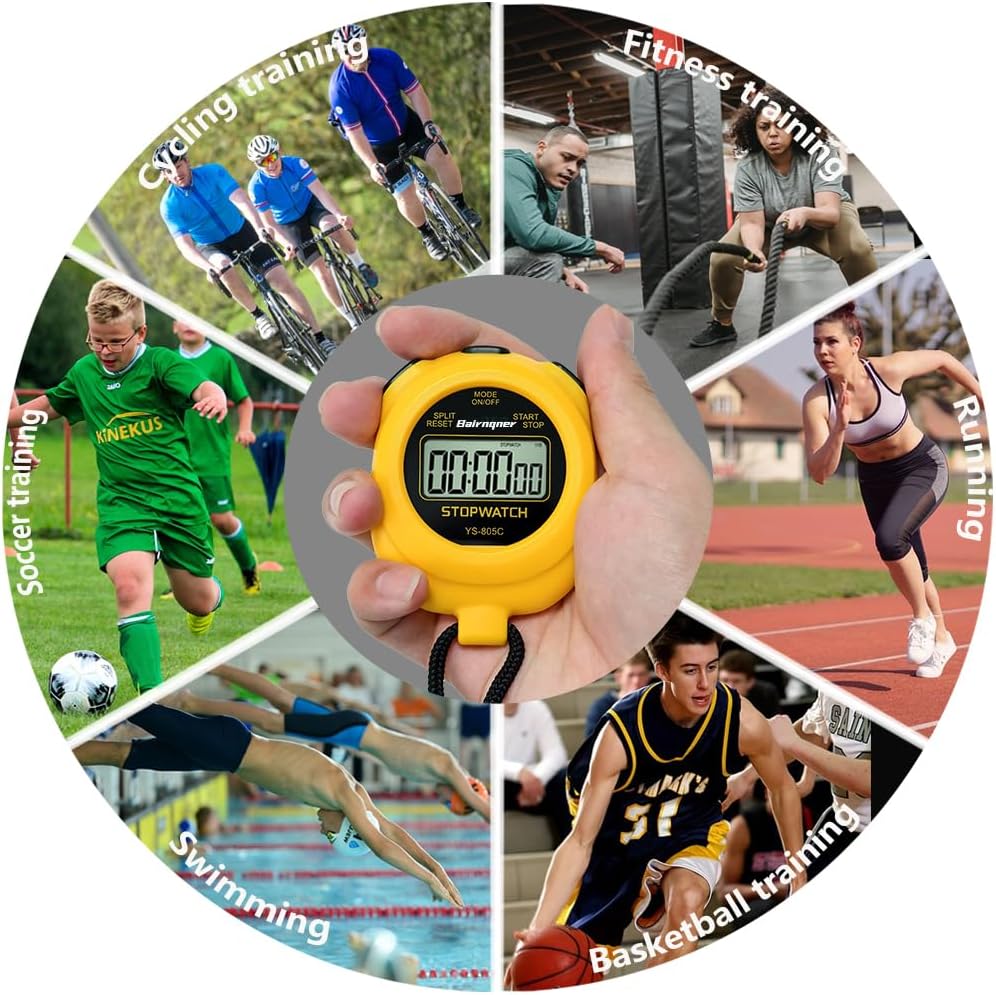
Figure 4: The stopwatch shown near a swimming pool with a clear warning: "Do not use in water." This emphasizes that the device is not waterproof and should be kept dry.
5.2 Battery Replacement
Refer to Section 3.1 for detailed instructions on replacing the AAA battery. It is recommended to replace the battery when the display becomes dim or unresponsive to ensure optimal performance.
5.3 Storage
Store the stopwatch in a cool, dry place away from direct sunlight and extreme temperatures. If storing for an extended period, consider removing the battery to prevent leakage.
6. Troubleshooting
- Device does not turn on or display is blank:
- Check if the battery is installed correctly with the correct polarity.
- Replace the AAA battery with a new one.
- Ensure you are pressing and holding the MODE ON/OFF button for at least 3 seconds to power on.
- Buttons are unresponsive:
- Ensure the battery has sufficient power. Replace if necessary.
- Clean around the buttons to ensure no debris is obstructing them.
- Inaccurate timing:
- The stopwatch is designed for 1/100th second accuracy. If you suspect significant inaccuracy, try replacing the battery.
7. Specifications
| Model Number | YS-805C |
| Brand | Bairnqner |
| Material | Acrylonitrile Butadiene Styrene (ABS Plastic) |
| Dimensions (L x W x H) | 8cm x 6.2cm x 1.8cm (approx. 3.15" x 2.44" x 0.7") |
| Item Weight | 50g (1.7 oz) |
| Battery Type | 1 x AAA Battery |
| Functions | Stopwatch, Countdown Timer, Split Timing, ON/OFF Function |
| Accuracy | 1/100th Second |
| UPC | 748743714678 |

Figure 5: Image showing the dimensions of the stopwatch (6.2cm/2.44inch width, 8cm/3.15inch height) and its weight (50g/1.7oz), along with a 22-inch lanyard.
8. Warranty and Support
For warranty information or technical support, please refer to the product packaging or contact Bairnqner customer service directly. Contact details can typically be found on the manufacturer's official website or through your point of purchase.
9. Intended Use and Applications
The Bairnqner YS-805C stopwatch is suitable for a wide range of activities requiring precise time measurement. Its simple operation makes it ideal for:
- Sports training (running, swimming, basketball, soccer, cycling, fitness)
- Coaching and refereeing
- Laboratory experiments
- Cooking and baking
- General timing tasks
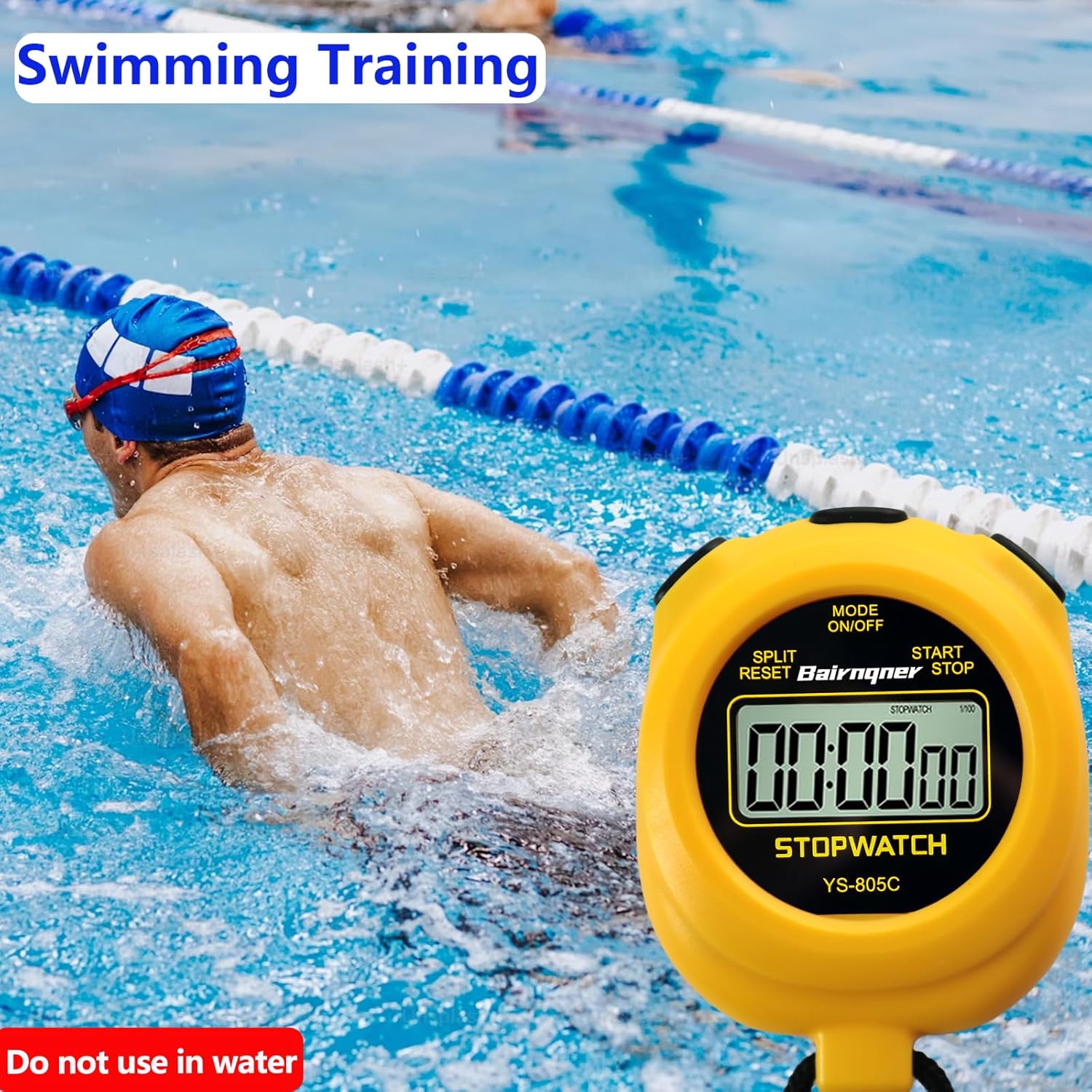
Figure 6: A circular collage of various sports activities including cycling, fitness, running, basketball, swimming, and soccer training, with the stopwatch held in the center, illustrating its versatility for different timing applications.

Figure 7: A collage of images depicting football, basketball, cycling, swimming, and running training, with accompanying text stating that this digital timer is a great time measuring device for competitive sports.