
HOgardenME 766H0WQ8WC88WB07QX6D8KVVT
RF Power Amplifier Module User Manual
Model: 766H0WQ8WC88WB07QX6D8KVVT
1. Introduction
This user manual provides essential information for the operation, setup, and maintenance of the HOgardenME RF Power Amplifier Module. This module is designed for a wide range of wireless applications, including FM shortwave radios, remote control toys, and digital radios, offering stable and reliable performance.

Figure 1.1: Front view of the RF Power Amplifier Module, showcasing its compact design and integrated heatsink.
2. Specifications
| Power Supply Voltage | DC+12~15V (typical 15V@0.3-0.5A) |
| Working Frequency | 2MHZ-700MHZ |
| Input/Output Impedance | 50 ohms |
| Maximum Output Power | 34.8dBm (3W) |
| Maximum Input Power | <+10dBm |
| Typical Power Gain | 35 dB (>300M gain slightly reduced) |
| Dimensions | 7 x 3 cm (2.76 x 1.18 inches) |
| Weight | 28g (0.988 ounces) |

Figure 2.1: The RF Power Amplifier Module showing its compact dimensions, approximately 7cm in length and 3cm in width.
3. Setup and Installation
Proper setup is crucial for optimal performance and longevity of the RF Power Amplifier Module. Follow these steps carefully:
- Power Connection: Connect a stable DC power supply within the range of +12V to +15V. The typical current draw is 0.3-0.5A at 15V. Ensure correct polarity (VCC and GND terminals).
- RF Input Connection: Connect your RF signal source to the "RF IN" port. This port has a 50-ohm impedance. Ensure the input power does not exceed +10dBm to prevent damage to the module.
- RF Output Connection: Connect your antenna or load to the "RF OUT" port. This port also has a 50-ohm impedance.
- Mounting: The module features an integrated heatsink. Ensure adequate airflow around the module, especially during continuous operation, to dissipate heat effectively.

Figure 3.1: Top-down view of the module, highlighting the "RF IN" and "RF OUT" ports, and power connections (VCC, GND).
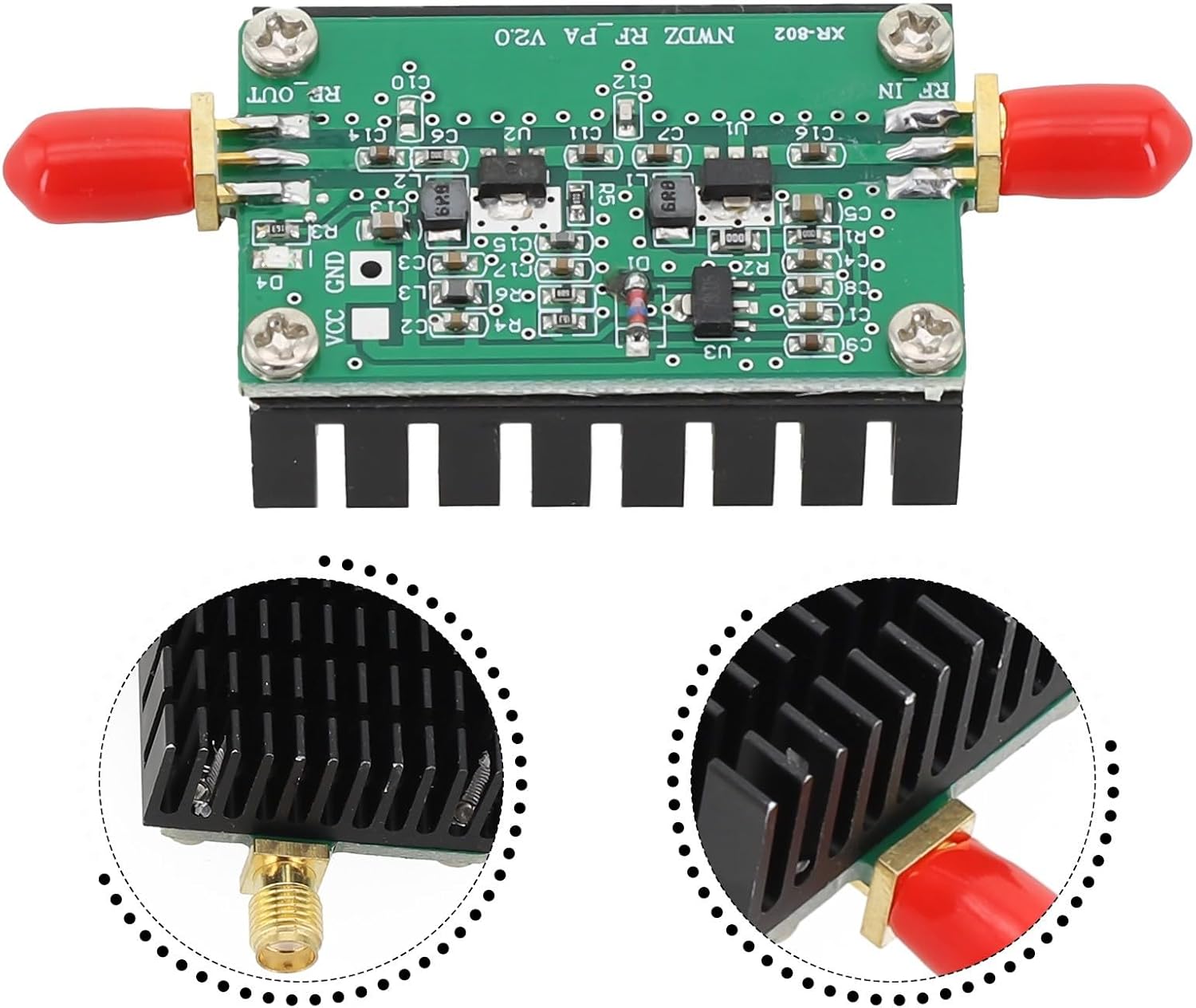
Figure 3.2: Detail view of the integrated heatsink and the RF connectors, emphasizing the robust construction.
4. Operating Instructions
Once the module is correctly set up, follow these guidelines for operation:
- Power On: After all connections are secure, apply power to the module.
- Signal Transmission: Begin transmitting your RF signal through the "RF IN" port. The module will amplify the signal to a maximum output power of 3W (34.8dBm).
- Frequency Range: The amplifier operates across a broad frequency range from 2MHZ to 700MHZ. Note that the power gain may be slightly reduced above 300MHZ.
- Monitoring: It is recommended to monitor the output power and module temperature during operation, especially for prolonged use or at higher power levels.

Figure 4.1: The RF Power Amplifier Module shown in a typical operating environment alongside radio equipment, demonstrating its application.
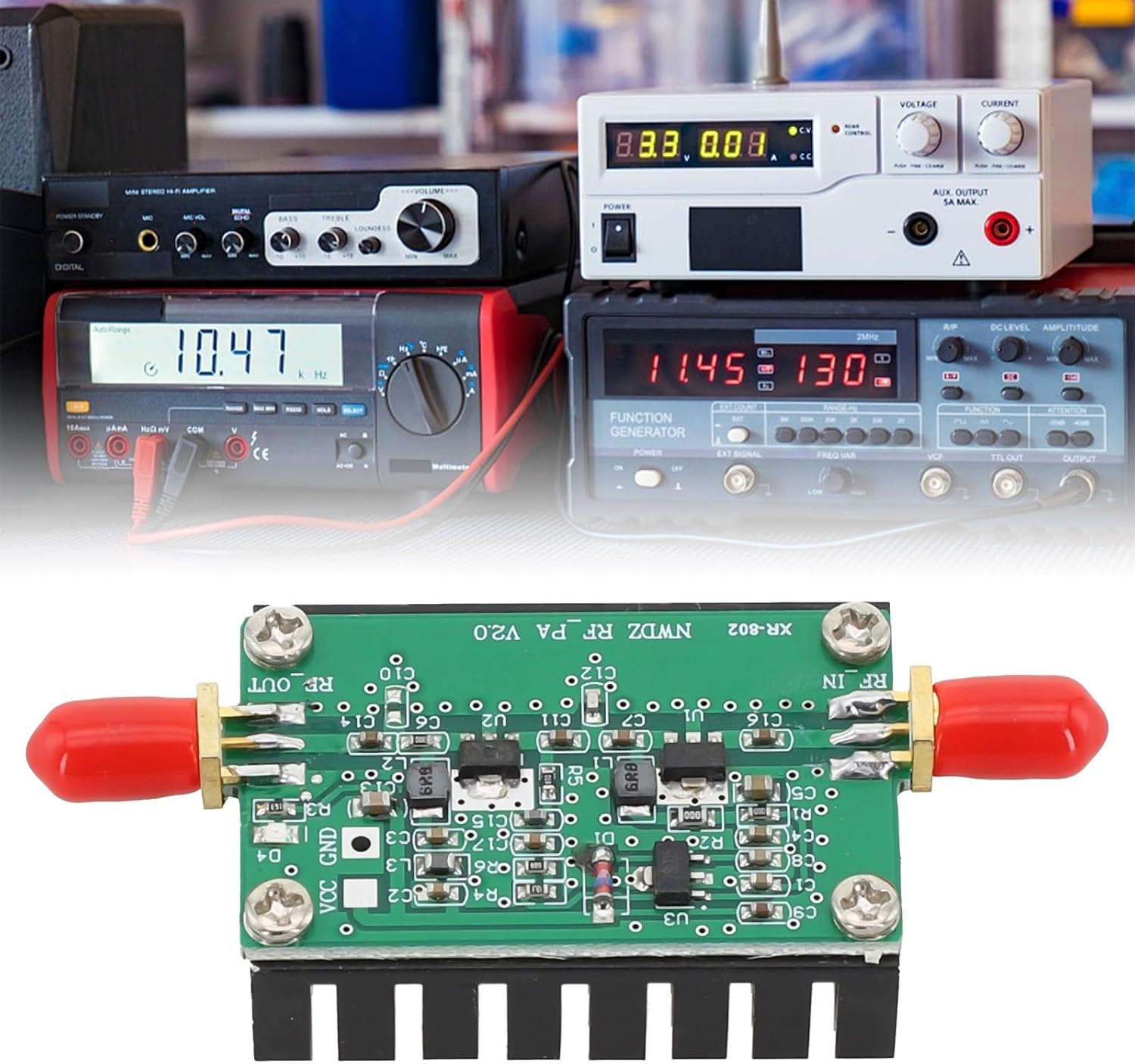
Figure 4.2: The module positioned in front of various electronic test equipment, indicating its use in professional or hobbyist radio setups.
5. Maintenance
The RF Power Amplifier Module is designed for durability and requires minimal maintenance. However, adhering to these practices can extend its lifespan:
- Cleaning: Keep the module clean and free from dust and debris. Use a soft, dry cloth for cleaning. Do not use liquid cleaners.
- Environmental Conditions: Operate and store the module in a dry environment, away from extreme temperatures and humidity.
- Connection Integrity: Periodically check all cable connections to ensure they are secure and free from corrosion.
- Heatsink Inspection: Ensure the heatsink fins are not obstructed, allowing for proper heat dissipation.
6. Troubleshooting
If you encounter issues with your RF Power Amplifier Module, refer to the following common problems and solutions:
| Problem | Possible Cause | Solution |
|---|---|---|
| No output power | Incorrect power supply voltage or polarity; loose connections; input power too low. | Verify power supply (DC+12~15V) and polarity. Check all RF and power connections. Ensure input signal is present and within specifications. |
| Reduced output power | Input power too low; operating frequency above 300MHZ; impedance mismatch. | Increase input power if safe. Note that gain naturally reduces above 300MHZ. Check input/output impedance (50 ohms). |
| Module overheating | Insufficient airflow; prolonged operation at maximum power; impedance mismatch. | Ensure adequate ventilation around the heatsink. Reduce operating time at peak power. Verify 50-ohm impedance at output. |
| Interference or noisy output | Poor grounding; external electromagnetic interference; faulty connections. | Ensure proper grounding of your setup. Isolate the module from other electronic devices. Re-check all connections for integrity. |
7. Warranty and Support
For information regarding warranty coverage and technical support, please refer to the purchase documentation or contact HOgardenME customer service directly. Keep your proof of purchase for any warranty claims.
Manufacturer: HOgardenME
ASIN: B0DKJS5PKS
Date First Available: October 22, 2024
Ask a question about this manual
Ask about setup, troubleshooting, compatibility, parts, safety, or missing instructions. Manuals+ will review the question and use this page’s manual context to help answer it.