
Introduction
This manual provides detailed instructions for the installation, operation, and maintenance of your ETLFUCyber Android 13 Car Stereo. Designed specifically for VW Volkswagen Polo models from 2008 to 2020, this 9-inch touchscreen unit integrates advanced features such as Wireless CarPlay, Android Auto, WiFi, GPS navigation, FM RDS radio, and Bluetooth connectivity. Please read this manual thoroughly before using the product to ensure proper function and safety.
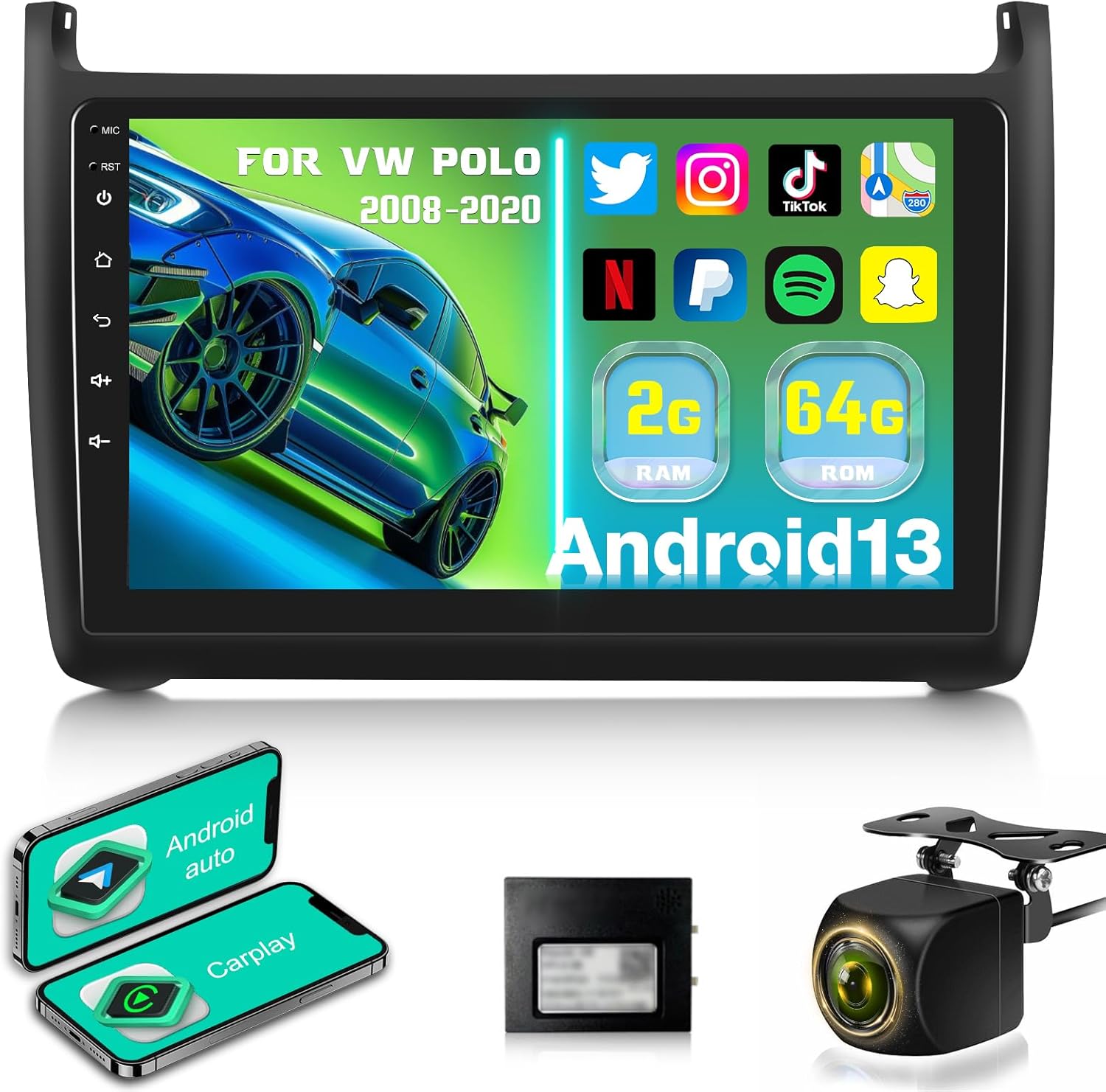
Image: The main unit of the ETLFUCyber Android 13 Car Stereo, featuring a 9-inch display. The screen shows the Android 13 operating system, indicating 2GB RAM and 64GB ROM, along with icons for popular applications like YouTube, Netflix, Spotify, and TikTok. The unit is designed to fit VW Polo models from 2008-2020.
Setup
1. Installation
The car stereo is designed for direct fitment into VW Volkswagen Polo models manufactured between 2008 and 2020. Professional installation is highly recommended to ensure correct wiring and integration with your vehicle's electrical system and dashboard. Incorrect installation can lead to damage to the unit or the vehicle.
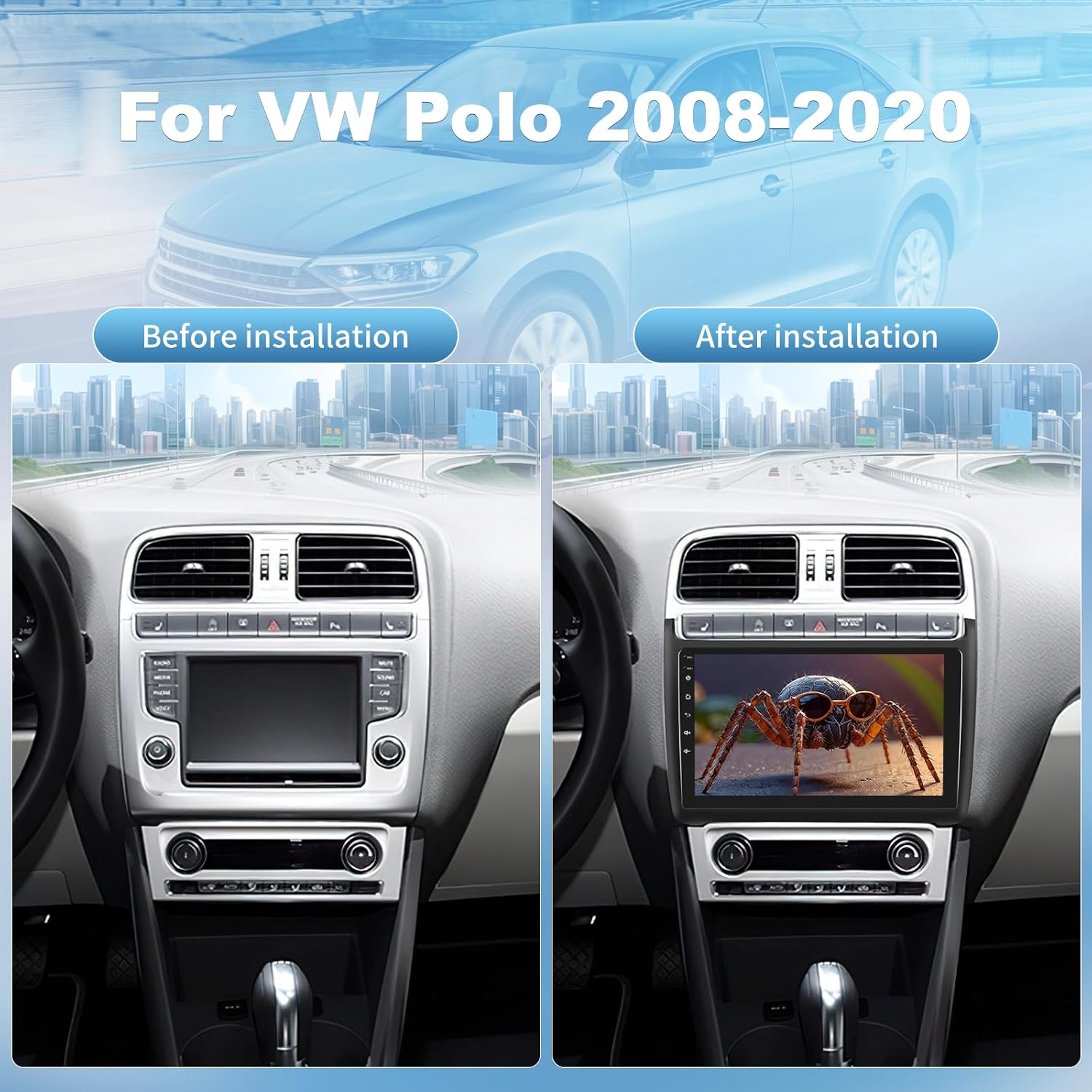
Image: A side-by-side comparison showing the interior of a VW Polo dashboard. The 'Before installation' view displays the original car stereo, while the 'After installation' view shows the ETLFUCyber 9-inch Android 13 car stereo seamlessly integrated into the dashboard, enhancing the vehicle's interior.
2. Initial Configuration
- Power On: After installation, turn on your vehicle's ignition to power on the unit.
- Language Settings: Follow the on-screen prompts to select your preferred language.
- Wi-Fi Connection: Connect the unit to a Wi-Fi hotspot (e.g., from your smartphone) to enable online features, download apps, and receive software updates. Navigate to Settings > Network & Internet > Wi-Fi.
- Date and Time: Ensure the date and time are correctly set, either manually or by synchronizing with the network.
Operating Instructions
1. Wireless CarPlay & Android Auto
This unit supports both wireless and wired CarPlay and Android Auto, allowing seamless integration with your smartphone. Access navigation, make calls, send messages, and enjoy music directly from the car stereo's display.
- Connection: Enable Bluetooth and Wi-Fi on your smartphone. On the car stereo, open the 'CarPlay' or 'Android Auto' application and follow the pairing instructions.
- Functions: Once connected, your phone's compatible apps will appear on the stereo screen. Use voice commands (e.g., "Hey Siri" or "Ok Google") for hands-free operation.
2. Mirror Link
The Mirror Link function allows you to mirror your smartphone's screen onto the car stereo display. This enables you to view content such as videos, photos, and other applications from your phone on the larger screen.

Image: The car stereo display showing both CarPlay and Android Auto interfaces. The CarPlay screen features navigation, music playback, and communication apps, while the Android Auto screen displays similar functionalities, demonstrating seamless smartphone integration.
3. GPS Navigation & WiFi Hotspot
The unit features an integrated GPS receiver and WiFi module for online navigation. Connect to a WiFi hotspot to access real-time traffic updates, weather information, and download maps or navigation apps like Waze and Navfree.
- Online Navigation: Open your preferred navigation app (e.g., Google Maps) and enter your destination.
- Offline Maps: Download maps for offline use in areas with limited network coverage.

Image: The car stereo screen displaying a GPS navigation map with a highlighted route and estimated distance. Below, the screen shows various streaming and social media applications, illustrating the unit's WiFi hotspot connectivity and multimedia capabilities.
4. Bluetooth Connectivity
The built-in Bluetooth module supports hands-free calling, phonebook synchronization, and audio streaming from your smartphone.
- Pairing: Go to the Bluetooth settings on the stereo and your phone. Select the stereo's name from your phone's Bluetooth device list to pair.
- Hands-Free Calls: Once paired, you can make and receive calls directly from the stereo screen.
- Audio Streaming: Play music from your phone through the car's speakers.
5. FM/RDS Radio
Tune into your favorite radio stations with the integrated FM RDS radio. The RDS (Radio Data System) feature provides additional information such as station name, program type, and traffic announcements.
- Frequency Range: 87.5 MHz to 108.0 MHz.
- Scanning: Use the auto-scan function to find and save available stations.
6. Steering Wheel Controls
The unit supports integration with your vehicle's existing steering wheel controls, allowing you to manage audio playback, calls, and other functions without taking your hands off the wheel. Configuration may be required in the settings menu.
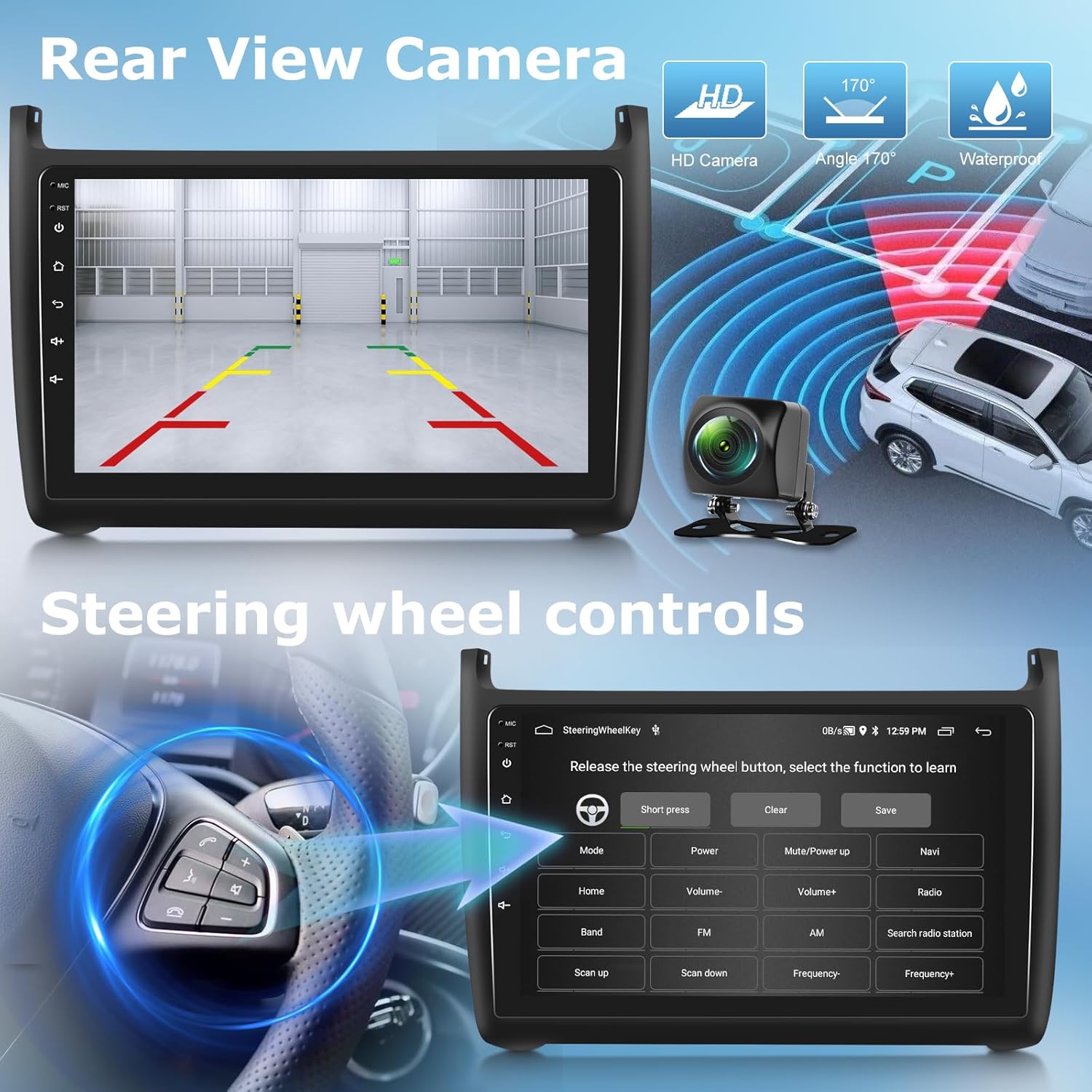
Image: The car stereo screen displaying a rear view camera feed with parking guidelines, indicating support for AHD backup cameras. Below, an interface for learning steering wheel controls is shown, allowing users to map vehicle buttons to stereo functions like volume, mode, and navigation.
7. Multimedia Playback & EQ Settings
Enjoy HD video playback and various audio formats. The unit features a multi-band EQ adjustment, allowing you to customize the sound output to your preference.

Image: A composite image illustrating several features of the car stereo. It shows a Bluetooth interface for hands-free calls, the FM RDS radio display tuned to 87.50 MHz, and a detailed multi-band equalizer (EQ) setting screen for audio customization. Also visible is a music player interface.
8. Split Screen Function
Utilize the split-screen feature to run two applications simultaneously, such as navigation on one side and music playback on the other, enhancing multitasking capabilities.
Maintenance
1. Cleaning the Screen
Use a soft, lint-free cloth, slightly dampened with water or a screen cleaner, to gently wipe the touchscreen. Avoid abrasive materials or harsh chemicals that could damage the display.
2. Software Updates
Periodically check for software updates via the system settings when connected to Wi-Fi. Updates can provide performance improvements, new features, and security enhancements.
Troubleshooting
- No Power: Check all power connections and vehicle fuses. Ensure the ignition is on.
- No Sound: Verify speaker connections. Check volume levels and mute settings. Ensure the correct audio source is selected.
- GPS Not Working: Ensure the GPS antenna is properly installed and has a clear view of the sky. Check network connection for online navigation.
- Bluetooth Connection Issues: Ensure Bluetooth is enabled on both the stereo and your phone. Delete previous pairings and try reconnecting.
- Touchscreen Unresponsive: Try restarting the unit. If the issue persists, a factory reset might be necessary (note: this will erase all user data).
- Unit Freezes/Crashes: Perform a soft reset by pressing the 'RST' button (usually a small pinhole button) with a thin object.
Specifications
| Brand | ETLFUCyber |
| Model Number | 524171f3-14a6-4eb2-8b0d-f8cd6eb96ba7 |
| Operating System | Android 13 |
| RAM | 2GB |
| ROM | 64GB |
| Screen Size | 9 Inches |
| Connectivity Technology | Wi-Fi, Bluetooth, Auxiliary |
| Connector Type | ISO, 3.5mm jack, RCA |
| Compatible Devices | TV, Personal Computer, Tablet, Smartphone, Game Console, Amplifier, Speaker |
| Number of HDMI Ports | 1 |
| Number of USB Ports | 2 |
| Audio Output Mode | Stereo, Surround |
| Surround Sound Channels | 5.1 |
| Video Encoding | H.264, H.265/HEVC |
| Manufacturer | ETLFUCyber |
| Country of Origin | China |
Warranty and Support
Your ETLFUCyber car stereo comes with the following assurances:
- Manufacturer Warranty: 2 Years
- Technical Support: 2 Years technical support guarantee.
- Refund Policy: 30-day unconditional refund policy.
- Customer Service: 24-hour email response service.
For any questions, technical assistance, or warranty claims, please contact our customer support team. Refer to your purchase documentation for specific contact details.

Image: A graphic illustrating the service guarantees provided with the product, including 24-hour email response service, a 30-day unconditional refund policy, and a 2-year technical support guarantee.