
8223656334423887
Sporty Hanging Ear Bluetooth Earphones User Manual
Model: 8223656334423887 | Brand: Generic
1. Introduction
Thank you for choosing the Sporty Hanging Ear Bluetooth Earphones. These earphones are designed for comfort and performance, featuring Bluetooth 5.4 for stable connections and IPX5 waterproofing, making them ideal for sports and daily use. Additionally, they incorporate advanced features for real-time language translation, enhancing communication in diverse environments. Please read this manual carefully to ensure proper use and maintenance of your device.
2. Package Contents
- 1 × Sporty Hanging Ear Bluetooth Earphones (Left and Right)
- 1 × Charging Case
- 1 × Type-C Charging Cable
- 1 × User Manual
3. Specifications
| Color | Black (Also available in White, Beige) |
| Bluetooth Version | 5.4 |
| Receiving Distance | Up to 15m |
| Earphone Battery Capacity | 60 mAh (each earphone) |
| Charging Case Battery Capacity | 300 mAh |
| Charging Interface | Type-C |
| Charging Time | Approximately 1 hour |
| Battery Life (Earphones) | More than 8 hours |
| Waterproof Rating | IPX5 |
4. Setup
4.1 Charging the Earphones and Case
Before first use, fully charge the earphones and the charging case. Place the earphones into the charging case and connect the Type-C cable to the charging port on the case. Connect the other end to a USB power source.

Image: The earphones securely placed within their charging case, indicating the charging process. The image also highlights the IPX5 waterproof capability with water splashes.
4.2 Bluetooth Pairing
- Ensure the earphones are charged.
- Open the charging case. The earphones will automatically enter pairing mode.
- On your device (smartphone, tablet, etc.), enable Bluetooth.
- Search for available Bluetooth devices and select "Sporty Earphones" (or similar name) from the list.
- Once connected, a voice prompt will confirm successful pairing.

Image: A visual representation of the Bluetooth 5.3 chip (note: product uses 5.4) emphasizing stable and continuous connection for reliable audio performance.
5. Operating Instructions
5.1 Wearing the Earphones
These earphones feature a hanging ear design for a secure and comfortable fit, especially during physical activity. Gently place the earbud into your ear canal and loop the hanging part over the top of your ear.

Image: A person demonstrating the ergonomic fit of the hanging ear earphones, alongside smaller images showing usage during running and working on a laptop.
5.2 Basic Earphone Controls
The earphones are equipped with touch controls for easy management of audio and calls. Specific touch gestures may vary, but common functions include:
- Single Tap: Play/Pause music, Answer/End call.
- Double Tap (Left/Right): Previous/Next track.
- Long Press: Activate voice assistant, Reject call.
5.3 Advanced Translation Features
These earphones offer real-time two-way translation capabilities, supporting 144 languages and 8 offline modes. To utilize these features, you may need to download a dedicated translation application on your smartphone and connect the earphones via Bluetooth.
- Real-Time Translation: Speak into the earphone's microphone, and the translated audio will play through the other earphone or your connected device.
- Offline Modes: For major languages like Chinese, English, Japanese, Korean, Russian, German, French, and Spanish, translation can occur without an internet connection.
- Versatile Modes: Includes Free Chat, Offline Translation, Audio Transcription, and Image Translation (via the companion app).
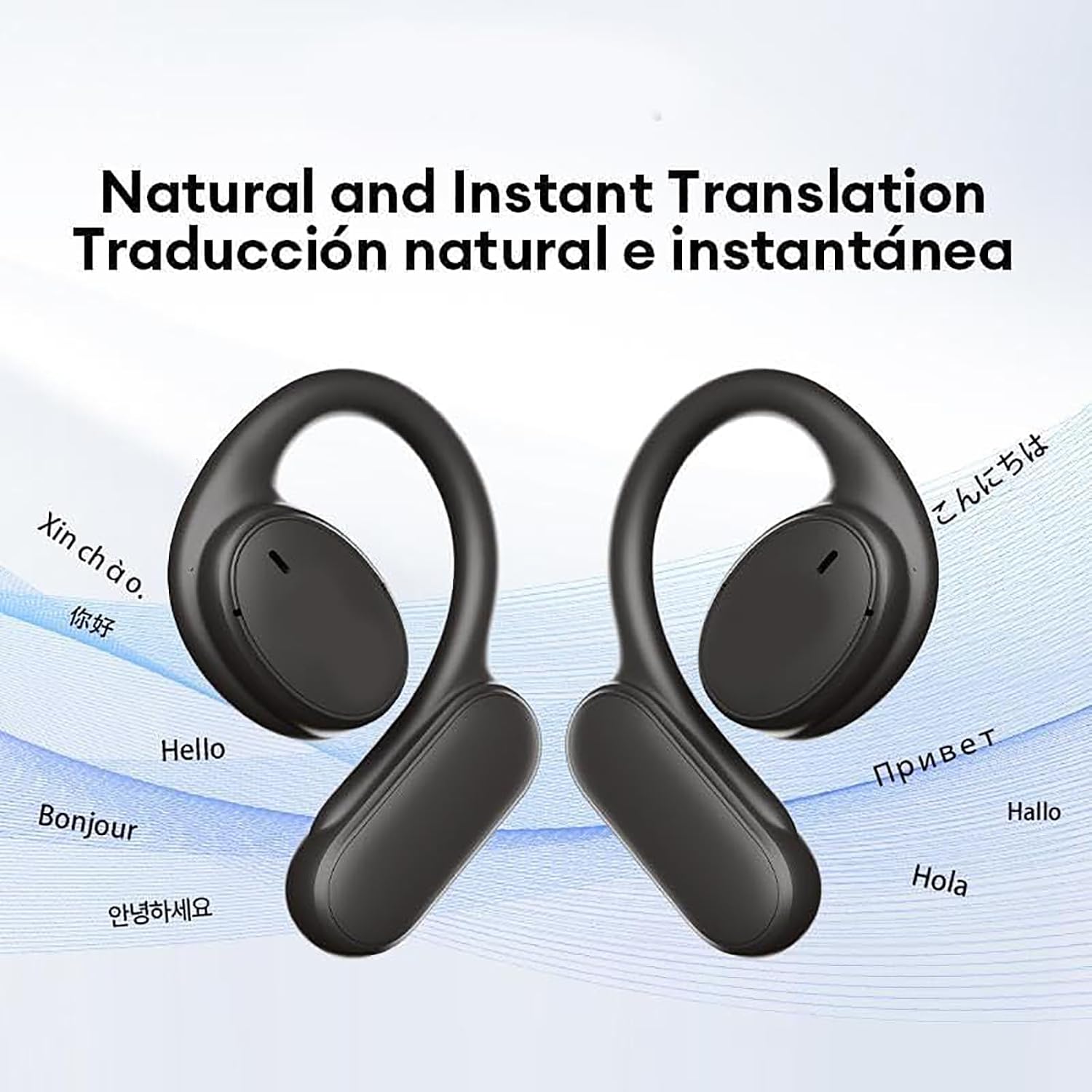
Image: Two earphones displayed with various language greetings around them, illustrating the natural and instant translation capabilities.
5.4 Sound Quality
Experience high-quality audio with crystal-clear sound for both music and conversations. The earphones are designed to provide a full-dimensional perception of high-pitched sound waves, delivering a rich sensory experience.
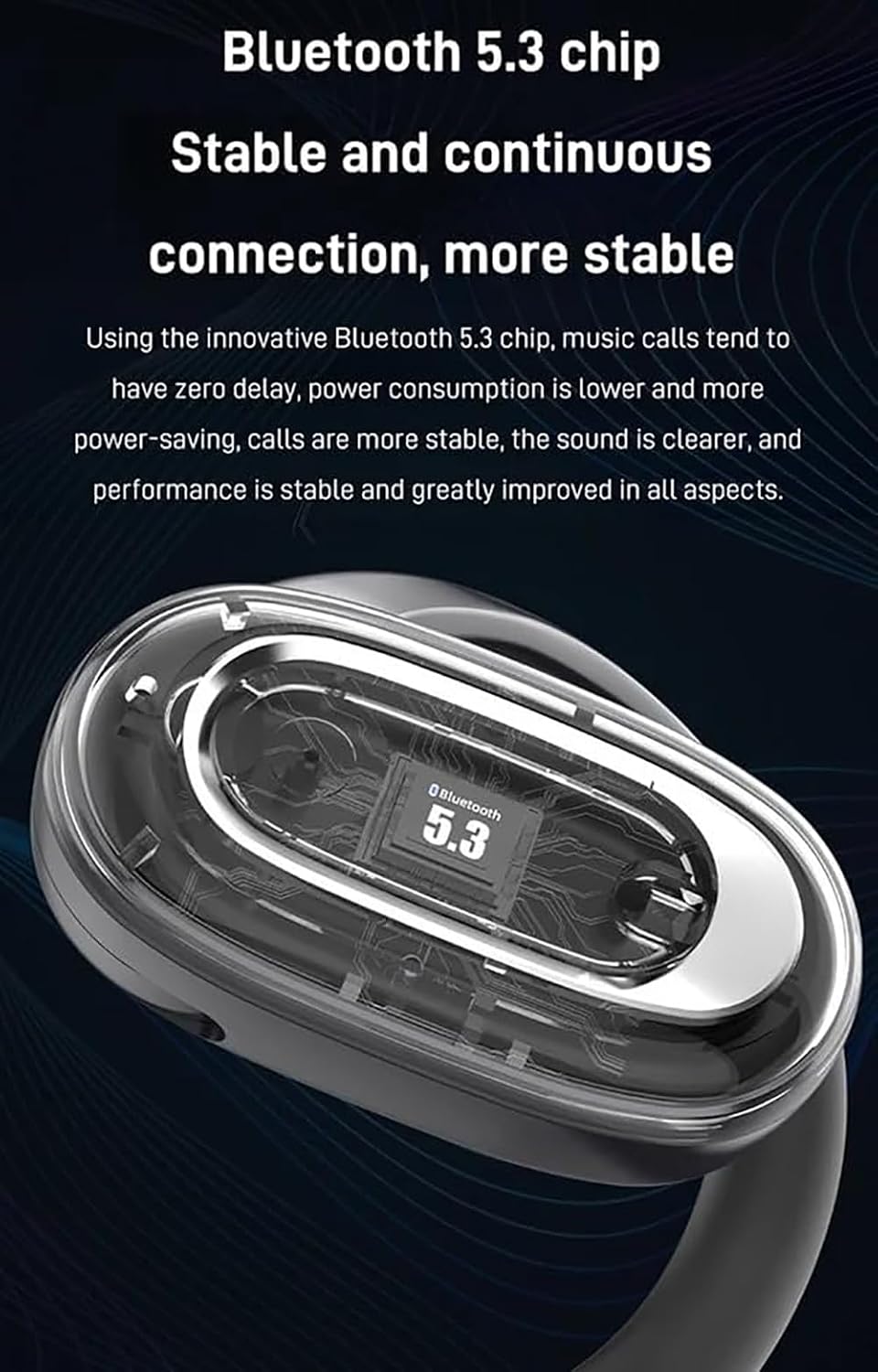
Image: A diagram illustrating the "5D panoramic audio matrix" concept, showing sound waves emanating from an earbud around a human head, indicating immersive sound.

Image: An exploded view of an earbud, showcasing its internal components such as the speaker, diaphragm, and other acoustic elements, highlighting the sound technology.
6. Maintenance
6.1 Cleaning
Regularly clean the earphones and charging case with a soft, dry, lint-free cloth. Do not use abrasive cleaners or solvents. For earwax buildup, gently clean the earbud mesh with a small, soft brush.
6.2 Waterproof Care (IPX5)
The earphones are IPX5 waterproof, meaning they are resistant to splashes and sweat. They are not designed for submersion. Do not expose them to running water or wear them while swimming. Ensure the charging port is dry before charging.

Image: The charging case and earphones partially submerged in water, visually representing their IPX5 waterproof rating and durability against splashes.
6.3 Storage
When not in use, store the earphones in their charging case to protect them and keep them charged. Store in a cool, dry place away from extreme temperatures.
7. Troubleshooting
7.1 Earphones Not Pairing
- Ensure earphones are charged.
- Turn off and on Bluetooth on your device.
- Forget the device in your Bluetooth settings and try pairing again.
- Restart your device.
7.2 No Sound
- Check volume levels on both earphones and your connected device.
- Ensure earphones are properly connected to your device.
- Try playing different audio sources.
7.3 Charging Issues
- Ensure the charging cable is securely connected.
- Try a different USB power adapter or port.
- Clean the charging contacts on the earphones and inside the case.
8. Warranty Information
This product comes with a standard manufacturer's warranty. Please refer to the product packaging or retailer's website for specific warranty terms and conditions. Keep your proof of purchase for warranty claims.
9. Customer Support
For further assistance, technical support, or inquiries regarding your Sporty Hanging Ear Bluetooth Earphones, please contact the retailer or manufacturer directly. Contact information can typically be found on the product packaging or the brand's official website.
Ask a question about this manual
Ask about setup, troubleshooting, compatibility, parts, safety, or missing instructions. Manuals+ will review the question and use this page’s manual context to help answer it.