
1. Introduction
Welcome to the instruction manual for your new LYTIO 50 Inch 4K UHD Smart TV. This manual provides essential information for setting up, operating, maintaining, and troubleshooting your television. Please read this manual thoroughly before using your TV to ensure proper and safe operation. Keep this manual for future reference.
2. Product Overview
The LYTIO 50 Inch 4K UHD Smart TV offers a stunning visual experience with its 4K resolution and smart functionalities. It integrates seamlessly into your home entertainment system, providing access to a wide range of streaming services and features.

Figure 2.1: Front view of the LYTIO 50 Inch 4K UHD Smart TV, showcasing its sleek design and display.

Figure 2.2: The LYTIO Smart TV displaying the Roku interface with various streaming applications.
3. Setup Guide
3.1 Unpacking and Inspection
- Carefully remove the TV and all accessories from the packaging.
- Inspect the TV for any signs of damage. If damaged, do not proceed with setup and contact customer support.
- Ensure all components listed in the packing list are present.
3.2 Wall Mount Installation
Your LYTIO Smart TV comes with a complimentary wall mount for flexible placement. Follow these steps for secure installation:

Figure 3.1: Included wall mount components, including the bracket, screws, and level.
- Identify a suitable wall location, ensuring it can support the weight of the TV and mount.
- Using the provided template (if any) or the mount itself, mark the drilling points on the wall.
- Drill pilot holes at the marked locations.
- Secure the wall mount bracket to the wall using the appropriate screws and anchors. Ensure it is level.
- Attach the TV mounting brackets to the back of your TV using the provided screws.
- Carefully lift the TV and hook it onto the wall mount bracket. Ensure it is securely seated.
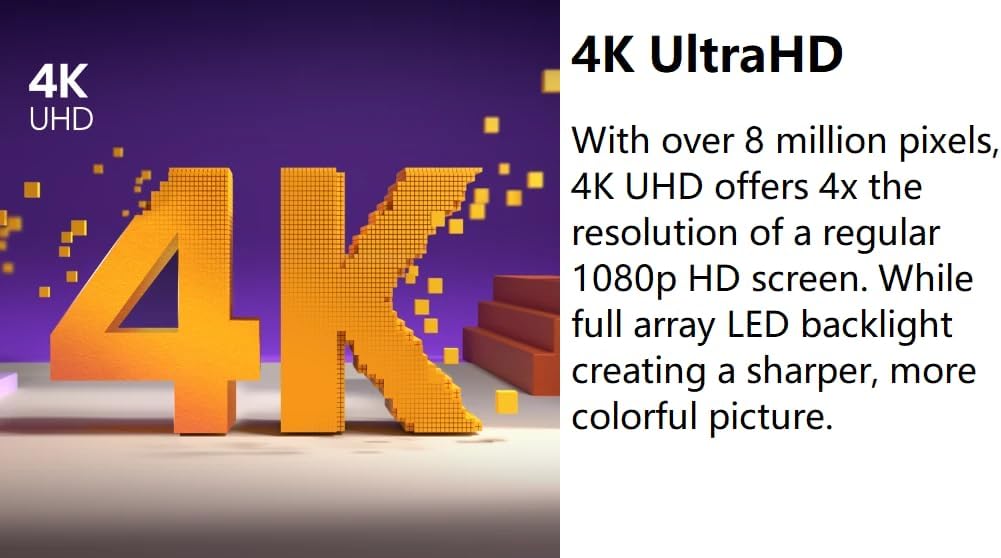
Figure 3.2: The LYTIO Smart TV securely mounted on a wall, providing an optimal viewing angle.
3.3 Initial Power On and Network Connection
- Connect the power cord to the TV and then to a power outlet.
- Press the power button on the remote control or TV.
- Follow the on-screen instructions to select your language, country, and connect to your Wi-Fi network.
- Complete the initial setup, including channel scanning (if using an antenna) and software updates.
4. Operating Instructions
4.1 Smart TV Functionality
Your LYTIO Smart TV provides instant access to a wide array of streaming services and applications. Navigate the smart interface using your remote control to browse and launch your favorite content.
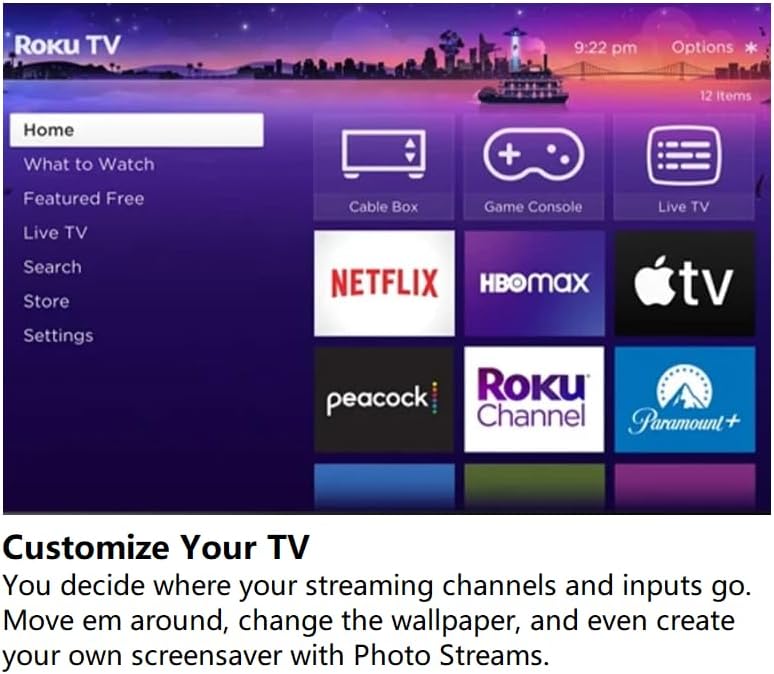
Figure 4.1: The customizable smart TV interface, allowing users to arrange streaming channels and inputs.
4.2 Voice Assistant Integration
Control your TV with simple voice commands using integrated voice assistants like Alexa and Google Assistant. This feature allows for hands-free control of channels, volume, app launching, and smart home device management.

Figure 4.2: Logos indicating compatibility with Alexa and Google Assistant for voice control.
4.3 Connecting External Devices
Your TV is equipped with multiple HDMI ports and other inputs for connecting devices such as gaming consoles, Blu-ray players, soundbars, and cable boxes. Refer to the TV's port labels for correct connections.
5. Key Features
5.1 4K UHD Display
Experience unparalleled clarity with 4K Ultra High Definition. With over 8 million pixels, 4K UHD offers four times the resolution of a standard 1080p HD screen. The powerful 4K Quantum Processor optimizes images for impeccable color, light, and detail, providing an immersive viewing experience.

Figure 5.1: Visual representation of 4K UHD resolution, highlighting its superior pixel density.
5.2 Game Mode Plus with VRR
Game Mode Plus is a suite of technologies designed to enhance your gaming experience. It delivers super-low latency, significantly reducing input lag for faster response times. Combined with Variable Refresh Rate (VRR) on its 60Hz panel, this mode ensures the television can handle the demands of next-generation gaming consoles, providing smooth and responsive gameplay.

Figure 5.2: Graphic illustrating Game Mode Plus, emphasizing low latency and smooth visuals for gaming.
5.3 Motion Rate 120
With Motion Rate 120 technology, your TV ensures smooth motion and clarity, even in fast-paced scenes. This image processing technology minimizes blur and judder, making it easier to follow rapid action in sports, movies, and games, providing a more fluid viewing experience.
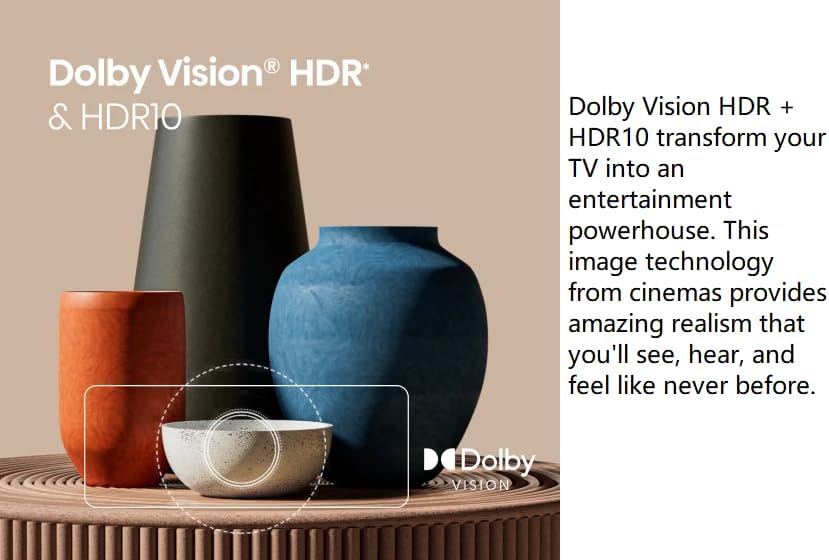
Figure 5.3: Graphic depicting smooth motion, illustrating how the TV handles fast-moving objects without blur.
5.4 Dolby Vision HDR & HDR10
Dolby Vision HDR and HDR10 transform your TV into an entertainment powerhouse. This advanced image technology, derived from cinematic standards, provides incredible realism with enhanced brightness, contrast, and color accuracy. You'll experience details and nuances in visuals that were previously unseen, bringing content to life with stunning depth and vibrancy.
Figure 5.4: The LYTIO Smart TV screen showing the HDR and Dolby Vision logos, indicating support for advanced high dynamic range formats.
6. Maintenance
6.1 Cleaning the TV
- Always unplug the TV before cleaning.
- Use a soft, dry, lint-free cloth to gently wipe the screen and cabinet.
- For stubborn marks on the screen, lightly dampen the cloth with water or a specialized screen cleaner (do not spray directly onto the screen).
- Avoid using abrasive cleaners, waxes, or solvents as they can damage the finish.
6.2 General Care
- Do not block ventilation openings on the TV.
- Keep the TV away from direct sunlight, heat sources, and excessive dust.
- Avoid placing heavy objects on top of the TV.
- If moving the TV, ensure it is properly supported to prevent damage.
7. Troubleshooting
Before contacting customer support, please refer to the following common issues and their solutions:
| Problem | Possible Cause | Solution |
|---|---|---|
| No Power | Power cord disconnected; Power outlet issue. | Ensure power cord is securely plugged into TV and outlet. Test outlet with another device. |
| No Picture, but Sound is Present | Incorrect input source; Backlight issue. | Press the "Input" or "Source" button on your remote to select the correct input. Check if TV is in standby mode. |
| No Sound, but Picture is Present | Volume muted or too low; External audio device issue. | Unmute volume or increase level. Check audio cables for external devices. Ensure correct audio output setting. |
| Remote Control Not Working | Dead batteries; Obstruction; Remote not paired. | Replace batteries. Remove any obstructions between remote and TV. Re-pair remote if necessary (refer to TV settings). |
| Cannot Connect to Wi-Fi | Incorrect password; Router issue; Signal too weak. | Double-check Wi-Fi password. Restart your router. Move TV closer to router or use a Wi-Fi extender. |
8. Specifications
| Feature | Detail |
|---|---|
| Brand | LYTIO |
| Model | 50 Inch 4K UHD Smart TV (B0DKB38NB4) |
| Screen Size | 50 Inches (127 cm diagonal) |
| Display Technology | LED |
| Resolution | 4K UHD (3840 x 2160) |
| Refresh Rate | 60 Hz (Motion Rate 120) |
| Special Features | Game Mode Plus, HDR (Dolby Vision, HDR10), Smart TV functionality, Voice Assistants (Alexa, Google Assistant) |
| Connectivity Technology | HDMI, Wi-Fi |
| Supported Internet Services | Netflix, YouTube, Hulu Plus, and more |
| Product Dimensions (L x W x H) | 45.3 x 11.3 x 27.7 inches |
| Item Weight | 29 pounds |
9. Warranty and Support
9.1 Warranty Information
This product is sold as a renewed item. Please refer to the specific warranty terms provided at the time of purchase or contact the seller, Exclusive Bulbs, for detailed warranty information regarding renewed products. Typically, renewed products come with a limited warranty period.
9.2 Customer Support
For technical assistance, troubleshooting beyond this manual, or warranty claims, please contact the seller directly. You can usually find their contact information on your purchase receipt or through the platform where the product was purchased.
For general inquiries about Amazon Renewed products, you may visit the Amazon Renewed Store.