1. Safety Guidelines
Before operating the CANKETEC F8S GPS Drone, please read and understand all safety instructions. Failure to follow these guidelines may result in injury, damage to the drone, or property damage.
- Read the Manuals: Thoroughly read all provided manuals to understand connection methods and basic app functions.
- Outdoor Calibration: Always calibrate your drone outdoors before flying, following the guide video in the app.
- Flight Environment: Fly in open areas, away from people, animals, buildings, and power lines. Avoid flying in strong winds or adverse weather conditions.
- Battery Safety: Use only approved batteries and chargers. Do not overcharge or damage batteries.
- Propeller Safety: Keep hands and face clear of rotating propellers. Ensure propellers are correctly installed before flight.
- Emergency Stop: Familiarize yourself with the emergency stop function on the remote control.
2. Package Contents
Verify that all items are included in your CANKETEC F8S drone package:
- CANKETEC F8S GPS Drone
- Remote Control
- Batteries (2 included)
- User Manual
- Handbag
- Spare Blades
- Screwdriver
- USB Charging Cable

Image: The CANKETEC F8S GPS Drone, remote control, two batteries, spare propellers, charging cable, screwdriver, and carrying case.
3. Product Overview
The CANKETEC F8S is a foldable GPS drone designed for ease of use and high-quality aerial photography. It features a 4K HD camera, brushless motors, and various intelligent flight modes.
3.1 Drone Components
- Foldable Design: Compact and portable for easy transport.
- 4K HD Camera: Equipped with image stabilization technology, 90° wide-angle adjustment, and 3840 x 2160 resolution for sharp visuals.
- Brushless Motors: Provide stable flight, longer lifespan, and lower power consumption.
- GPS & Optical Flow Positioning: Dual system for precise positioning and stable hovering.
- LED Lights: Integrated LED lights for visibility and status indication.

Image: Close-up of the CANKETEC F8S drone highlighting its 4K UHD camera with EIS, 110° FOV, and 90° adjustable lens.
3.2 Remote Control
- Mobile Device Holder: Securely holds your smartphone for FPV viewing.
- Control Sticks: Standard dual-stick configuration for flight control.
- Dedicated Buttons: One-key takeoff/landing/return, headless mode, speed adjustment, camera/video capture.
- Rechargeable: Built-in rechargeable battery.
4. Setup
4.1 Battery Installation and Charging
- Ensure drone batteries are fully charged using the provided USB charging cable.
- Insert the charged battery into the drone's battery compartment until it clicks securely into place.
- Charge the remote control using its dedicated USB charging cable.
4.2 Propeller Attachment
If not already attached, carefully install the propellers according to the user manual. Ensure they are securely fastened.
4.3 App Connection and Calibration
- Download the official CANKETEC drone app on your smartphone.
- Power on the drone and the remote control.
- Connect your smartphone to the drone's Wi-Fi network (usually named '4DRC_8K_GPS...' or similar).
- Open the app and follow the on-screen instructions for initial setup and outdoor calibration. This typically involves rotating the drone in specific patterns to calibrate its compass and gyroscope.
Video: A tutorial demonstrating the drone connection process and initial setup steps.
5. Operating Instructions
5.1 Basic Flight
- Place the drone on a flat, open surface after successful calibration.
- Press the one-key takeoff button on the remote control or within the app. The drone will automatically ascend and hover.
- Use the control sticks to maneuver the drone: left stick for altitude and rotation, right stick for forward/backward and left/right movement.
- To land, press the one-key landing button. The drone will descend and land automatically.
5.2 GPS Modes and Features
The CANKETEC F8S drone offers advanced GPS-assisted flight modes for enhanced control and creative possibilities:
- GPS Mode: Provides precise positioning and stable flight, even in moderate wind conditions (Level 5 wind resistance).
- Optical Flow Positioning: Assists with accurate hovering and stability, especially indoors or at lower altitudes.
- Follow Me Mode: The drone will automatically follow the remote control or the app's location, keeping you in the frame.
- Auto Return (RTH): The drone will automatically return to its takeoff point in case of low battery, signal loss, or manual activation.
- Trajectory Flight: Draw a path on the app, and the drone will fly along the specified route.
- Gesture Photo/Video: Use specific hand gestures to trigger photo or video capture.
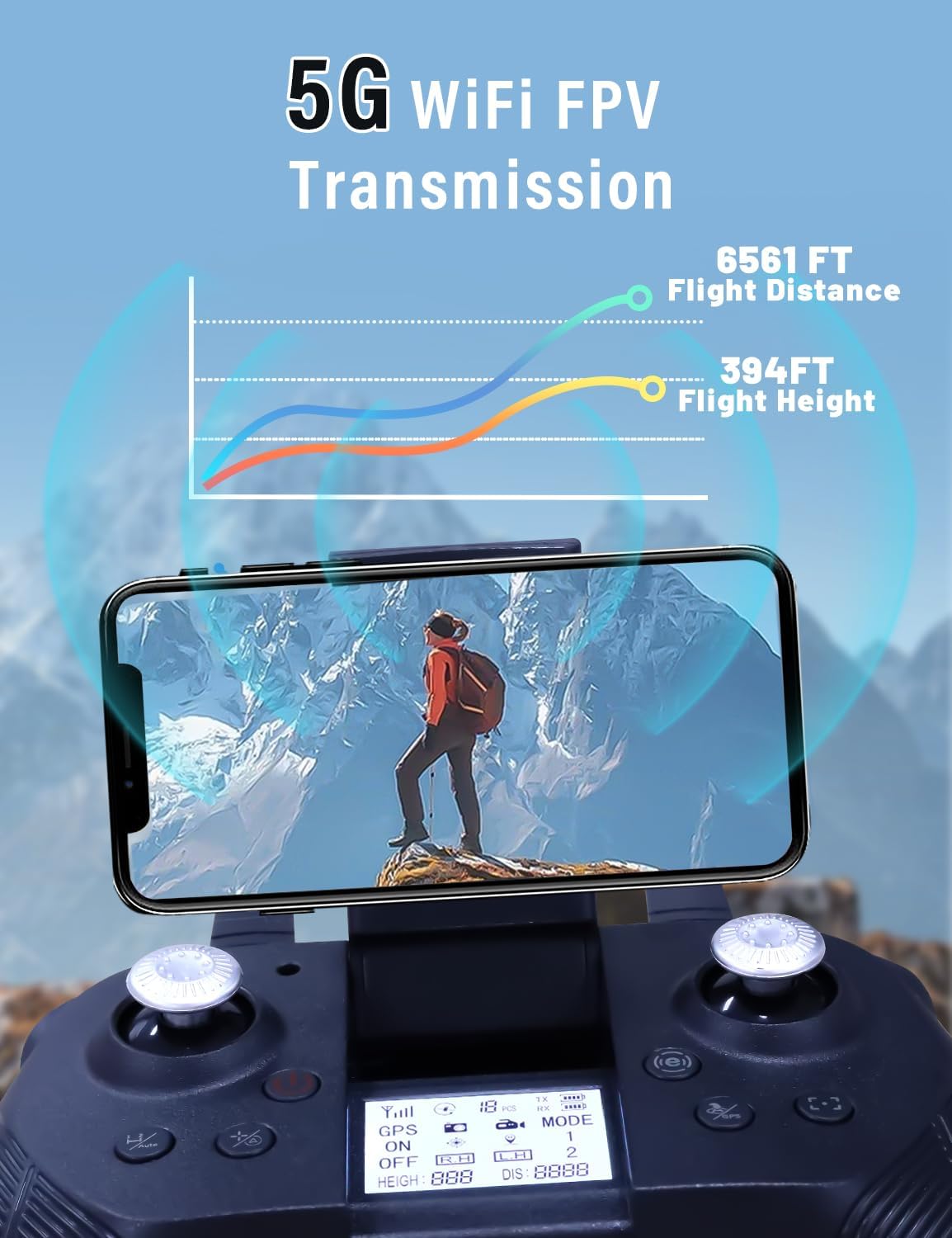
Image: The CANKETEC F8S drone demonstrating GPS Intelligent Return-to-Home (RTH) features, including low-battery RTH, signal loss RTH, and GPS return.
Video: A demonstration of the CANKETEC F8S GPS drone's UHD camera capabilities and flight stability.
5.3 Camera Operation
- Use the dedicated camera/video buttons on the remote control to capture photos or start/stop video recording.
- Adjust the camera angle (up to 90°) via the remote control or the app for optimal shots.
- View live FPV feed on your smartphone through the app.
Video: A short clip showcasing the CANKETEC F8S GPS drone with its 4K camera in action.
6. Maintenance
- Cleaning: Regularly clean the drone body and camera lens with a soft, dry cloth.
- Propeller Inspection: Check propellers for damage before each flight. Replace any bent or broken propellers using the provided spare parts and screwdriver.
- Battery Care: Store batteries in a cool, dry place. Do not leave batteries fully discharged for extended periods.
- Firmware Updates: Check the app periodically for any available firmware updates for the drone.
7. Troubleshooting
| Problem | Possible Cause | Solution |
|---|---|---|
| Drone does not power on | Low battery; Incorrect battery installation | Charge battery; Reinstall battery correctly |
| Drone does not respond to remote | Not paired; Remote battery low | Re-pair drone and remote; Charge remote |
| Unstable flight/Drifting | Poor calibration; Strong wind; Damaged propellers | Recalibrate outdoors; Fly in calmer conditions; Replace propellers |
| No FPV feed in app | No Wi-Fi connection; App issue | Reconnect to drone's Wi-Fi; Restart app/phone |
| Auto Return not accurate | Weak GPS signal; Environmental interference | Ensure strong GPS signal (9+ satellites); Fly in open areas |
8. Specifications
- Brand: CANKETEC
- Model Name: CANKETEC GPS Drones with Camera for Adults
- Model Number: F8S
- Item Weight: 1.6 Pounds
- Product Dimensions: 8.6"L x 7"W x 1.9"H
- Video Capture Resolution: 4K
- Video Capture Format: MP4
- Supported Image Format: JPEG
- Connectivity Technology: Wi-Fi
- Remote Control Technology: Bluetooth
- Battery Cell Composition: Lithium Ion
- Batteries: 1 Lithium Ion batteries required (included)
- Special Features: Adjustable, Auto Follow, First Person View (FPV), Foldable, Integrated GPS
- Skill Level: All
- Material: Plastic
9. Warranty and Support
For any technical support, user guidance, or inquiries about drone accessories, please reach out to our dedicated CANKETEC Support Team for service and assistance. Refer to your product packaging or the official CANKETEC website for specific warranty details and contact information.