
1. Introduction
This manual provides essential instructions for the proper use, setup, and maintenance of your Twievo Smart Ring R9. Please read this manual thoroughly before using the device to ensure optimal performance and longevity.

Image 1.1: The Twievo Smart Ring R9 with its compact charging case.
2. Product Overview
2.1. What's in the Box
- Smart Ring (1 unit)
- Charging Case (1 unit)
- Magnetic USB Charging Cable (1 unit)
- Type-C Charging Cable (1 unit)
- Instruction Manual (1 unit)
2.2. Key Features
- Comprehensive Fitness Tracking: Monitors daily steps, distance, and calories burned. Records exercise data for various activities including running, cycling, jump rope, walking, hiking, yoga, golf, and dance.
- Health Monitoring: Integrated heart rate, blood oxygen, and blood pressure monitoring.
- Automatic Sleep Tracking: Monitors sleep patterns and provides detailed analysis of deep sleep, light sleep, and wake-up times.
- Gesture Control: Seamlessly controls somatosensory games, electronic books, and navigates device interfaces with precise hand movements.
- Remote Photography: Captures photos effortlessly.
- Extended Battery Life: Up to 5 to 7 days of continuous use on a single 0.5-hour charge.
- Water Resistance: 5ATM SGS certified for daily waterproofing, suitable for swimming and hand washing.
3. Sizing and Fit
Accurate sizing is crucial for the smart ring to function correctly and provide precise data. Please measure your finger circumference before selecting a ring size.
3.1. Measuring Your Finger
- Take a long rope or paper strip and wrap it around your finger.
- Ensure the rope or paper strip fits tightly around your finger without being too loose or too tight.
- Mark the intersection of the rope or paper strip.
- Lay the marked rope or paper strip flat and measure its length in millimeters. It is recommended to measure multiple times and take the average value.
3.2. Size Chart
| Model | Inner Diameter | Circumference |
|---|---|---|
| 8# | 17.7mm / 0.69inch | 55.5mm / 2.19inch |
| 9# | 18.9mm / 0.74inch | 59.6mm / 2.35inch |
| 10# | 20.4mm / 0.80inch | 64mm / 2.52inch |

Image 3.1: Visual guide for measuring finger circumference to determine ring size.
4. Setup
4.1. App Download and Installation
To utilize the full functionality of your Twievo Smart Ring R9, you must download and install the companion application, EC TRI. Follow the registration steps provided within the app.
4.2. Initial Connection
- Ensure your smart ring is fully charged before attempting to connect.
- Do not connect the device directly through your phone's Bluetooth settings. The ring will not connect this way.
- Open the EC TRI application and follow the in-app instructions to pair your smart ring.
- If the connection fails, fully charge the ring and retry the pairing process through the app.
4.3. App Permissions
To ensure normal connection and data transmission between the smart ring and the app, navigate to "Permission Management" in the "My Page" section of the app to grant the necessary permissions in your phone's settings.
4.4. App Customization
On the Health screen within the app, click the "Edit Feature Card" button at the bottom to add or remove feature cards displayed in the application according to your preferences.
5. Operating Instructions
5.1. Health Monitoring
The Twievo Smart Ring R9 monitors various health metrics. To view data, open the EC TRI app.
- Heart Rate: Provides real-time heart rate data.
- Blood Oxygen: Measures blood oxygen saturation levels.
- Blood Pressure: Monitors blood pressure.
- Stress Level: Tracks and displays stress levels.
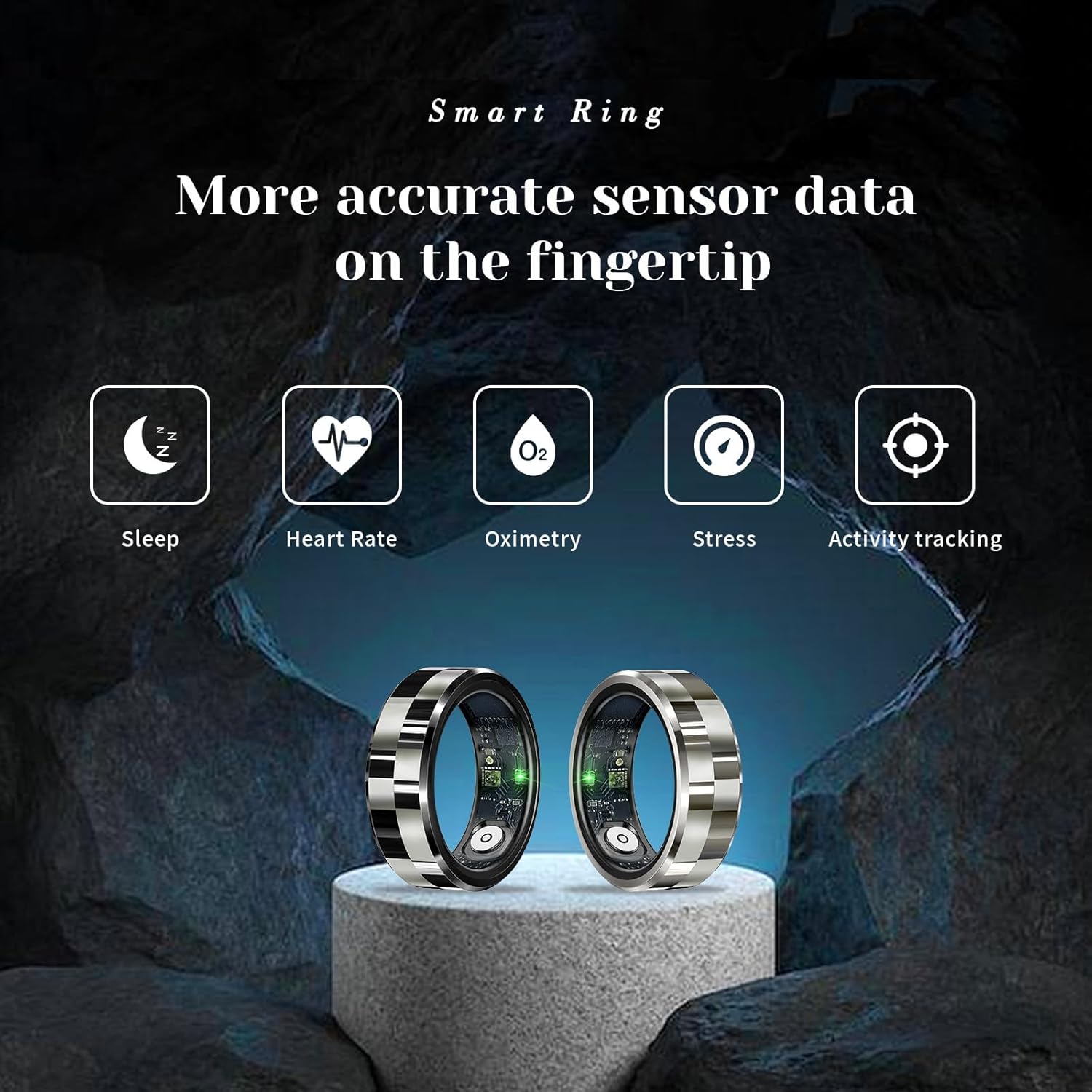
Image 5.1: Visual representation of the smart ring's sensor data capabilities.
5.2. Sleep Tracking
The ring automatically monitors your sleep patterns. Access the app for a detailed sleep quality analysis, including deep sleep, light sleep, and wake-up times, to help develop healthy sleeping habits.
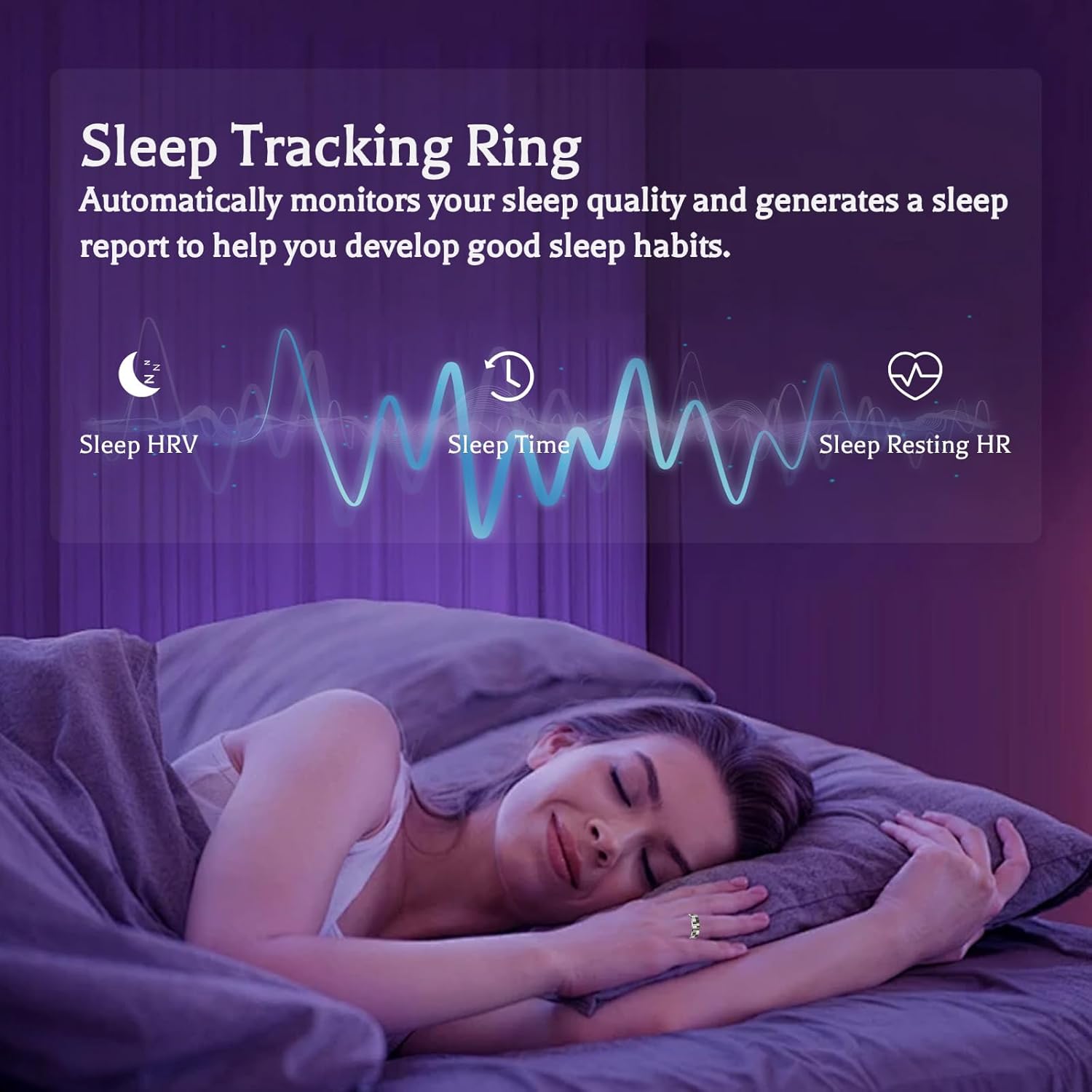
Image 5.2: The smart ring's sleep tracking feature in action, providing insights into sleep quality.
5.3. Fitness Tracking
The smart ring tracks various fitness activities and provides detailed insights to help you achieve your fitness goals.
- Daily Activity: Monitors steps, distance, and calories burned.
- Multi-sport Modes: Records data for running, cycling, jump rope, walking, hiking, yoga, golf, and dance.

Image 5.3: The smart ring's capability to track data across multiple sports and activities.
5.4. Gesture Control & Remote Photography
The ring features gesture-controlled functions for enhanced interaction with your devices.
- Somatosensory Games: Control games with hand movements.
- Electronic Books: Navigate through e-books.
- Remote Photography: Use the ring to trigger your phone's camera for photos or videos.
- Gesture Brush TK: Navigate device interfaces with precise hand movements.

Image 5.4: Examples of remote control and gesture functions, including presentation control and remote camera activation.
6. Charging and Battery Life
The Twievo Smart Ring R9 is designed for extended use with efficient charging.
- Charging Time: Approximately 0.5 hours for a full charge.
- Battery Life: Provides 5 to 7 days of continuous use on a full charge.
- Charging Accessories: Includes a magnetic charging cable and a mini charging dock for convenience.

Image 6.1: The smart ring and its charging case, emphasizing its long battery life.
7. Water Resistance
The Twievo Smart Ring R9 is 5ATM SGS certified, indicating its resistance to water.
- Waterproof Rating: 5ATM SGS.
- Usage: Suitable for daily waterproofing, including hand washing and swimming.
- Protection: Fully enclosed structure provides rainproof and other measures to meet various waterproof needs.

Image 7.1: Visual representation of the smart ring's 5ATM waterproofing capabilities.
8. Important Notices and Tips
8.1. Important Notice
Please follow the registration steps in this instruction manual and on the details page, and download the application EC TRI to connect. Do not connect the device directly through your cell phone's Bluetooth, or the ring will not connect. If the connection fails, please fully charge the ring and retry.
8.2. Important Tips
- Be sure to measure the right size for you before you buy! Wearing an incorrect-size ring (too small or too big) will affect the accuracy of the app data.
- To ensure the normal connection and data transmission between the smart ring and the app, please click "Permission Management" on the My Page of the app to open the corresponding permissions in the phone settings.
- Click on the "Edit Feature Card" button at the bottom of the Health screen to add or remove feature cards displayed in the application to your liking.
- The app will be continuously upgraded and optimized. Please pay attention to app upgrade requests and keep the app up-to-date to get a better user experience.
- To ensure you get the most accurate monitoring experience, please wear your smart bracelet continuously for more than 3 days. It needs some time to adapt to your wearing habits and accurately capture your body data so that it can provide you with more accurate records of each monitoring. Please keep this in mind to avoid any misunderstanding about our products.
9. Specifications
| Feature | Detail |
|---|---|
| Model Name | R9 |
| Brand | Twievo |
| Screen Size | 0.7 Inches (Standing screen display size: 0.7 Inches) |
| Shape | Round |
| GPS | No GPS |
| Battery Cell Composition | Lithium Polymer |
| Wireless Communication Standard | Bluetooth |
| Battery Capacity | 18 Milliamp Hours |
| Special Feature | Activity Tracker |
| Operating System | Android Wear 2.9 (Compatible with Android 6.0+ and iOS 11.0+) |
| Item Weight | 1 Milligrams |
| Manufacturer | Twievo |
| ASIN | B0DK4Q3GC2 |
10. Troubleshooting
If you encounter issues with your Twievo Smart Ring R9, please refer to the following common solutions:
- Connection Issues: Ensure the ring is fully charged. Always connect via the EC TRI app, not directly through your phone's Bluetooth settings. If problems persist, restart both your phone and the ring, then try pairing again.
- Inaccurate Data: Verify that the ring is worn on the correct finger (typically index finger for best results) and fits snugly according to the sizing guide. Ensure the app has all necessary permissions granted. Allow for an initial adaptation period of 3 days for the ring to calibrate to your body data.
- App Functionality: Keep the EC TRI app updated to the latest version. Check for available updates in your device's app store. If the app freezes or displays incorrect language, try reinstalling it and ensure your phone's language settings are correct.
- Charging Problems: Ensure both the magnetic charging cable and the Type-C cable are securely connected. Use the provided charging case and cables.
11. Maintenance
To ensure the longevity and optimal performance of your Twievo Smart Ring R9, follow these maintenance guidelines:
- Cleaning: Wipe the ring regularly with a soft, dry cloth. For stubborn dirt, a slightly damp cloth can be used, ensuring the ring is completely dry before charging or prolonged storage.
- Storage: Store the ring in its charging case or a safe, dry place when not in use. Avoid extreme temperatures.
- Avoid Harsh Chemicals: Do not expose the ring to strong chemicals, solvents, or detergents, as these can damage the finish and internal components.
12. Warranty and Support
For warranty information and customer support, please refer to the documentation included with your product or contact Twievo customer service directly through their official website or the contact information provided at the point of purchase. Keep your purchase receipt as proof of purchase.