
GREVA N100-16G+512G-BLACK
GREVA Mini PC Intel Alder Lake N100 User Manual
Model: N100-16G+512G-BLACK
1. Introduction
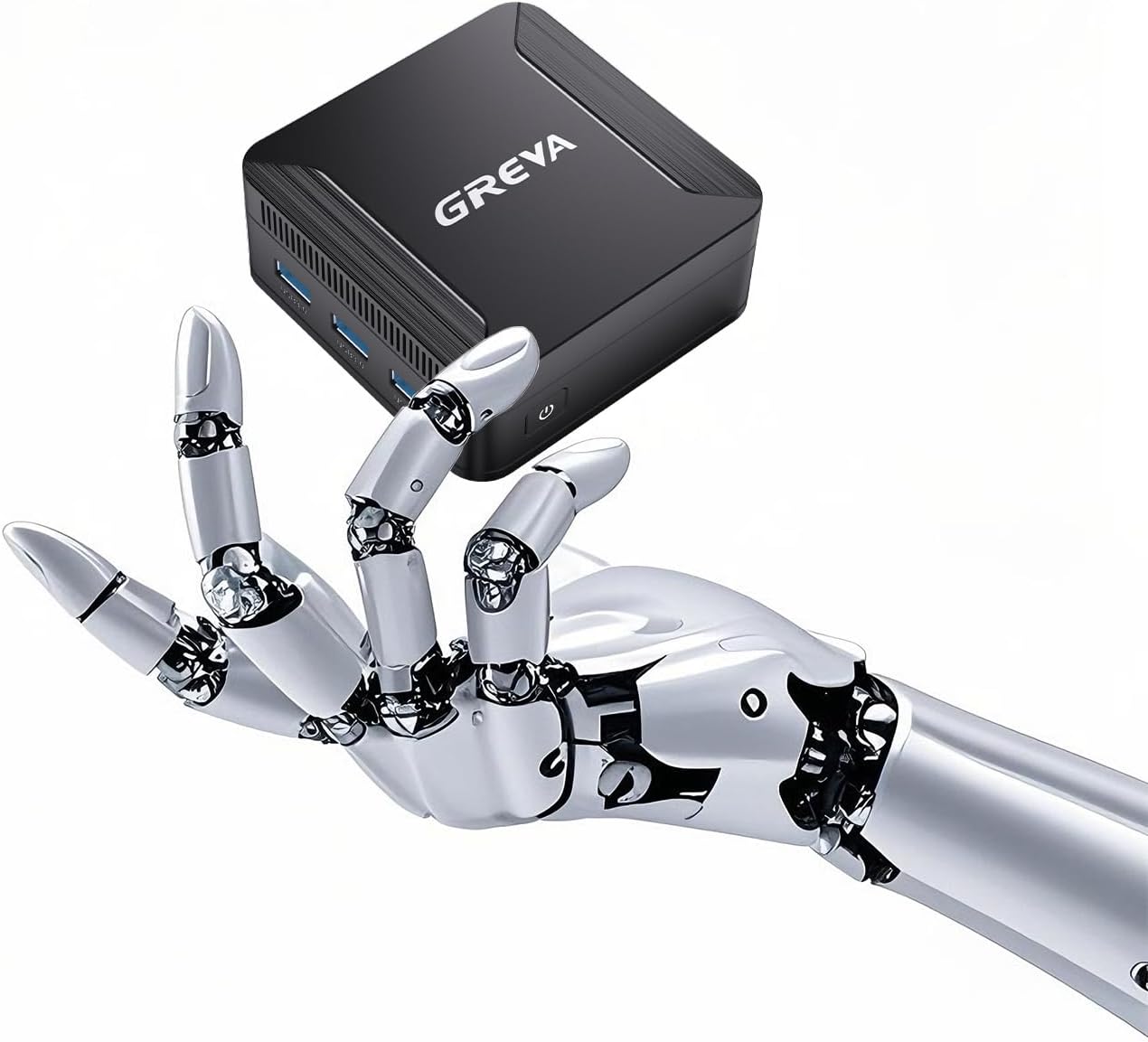
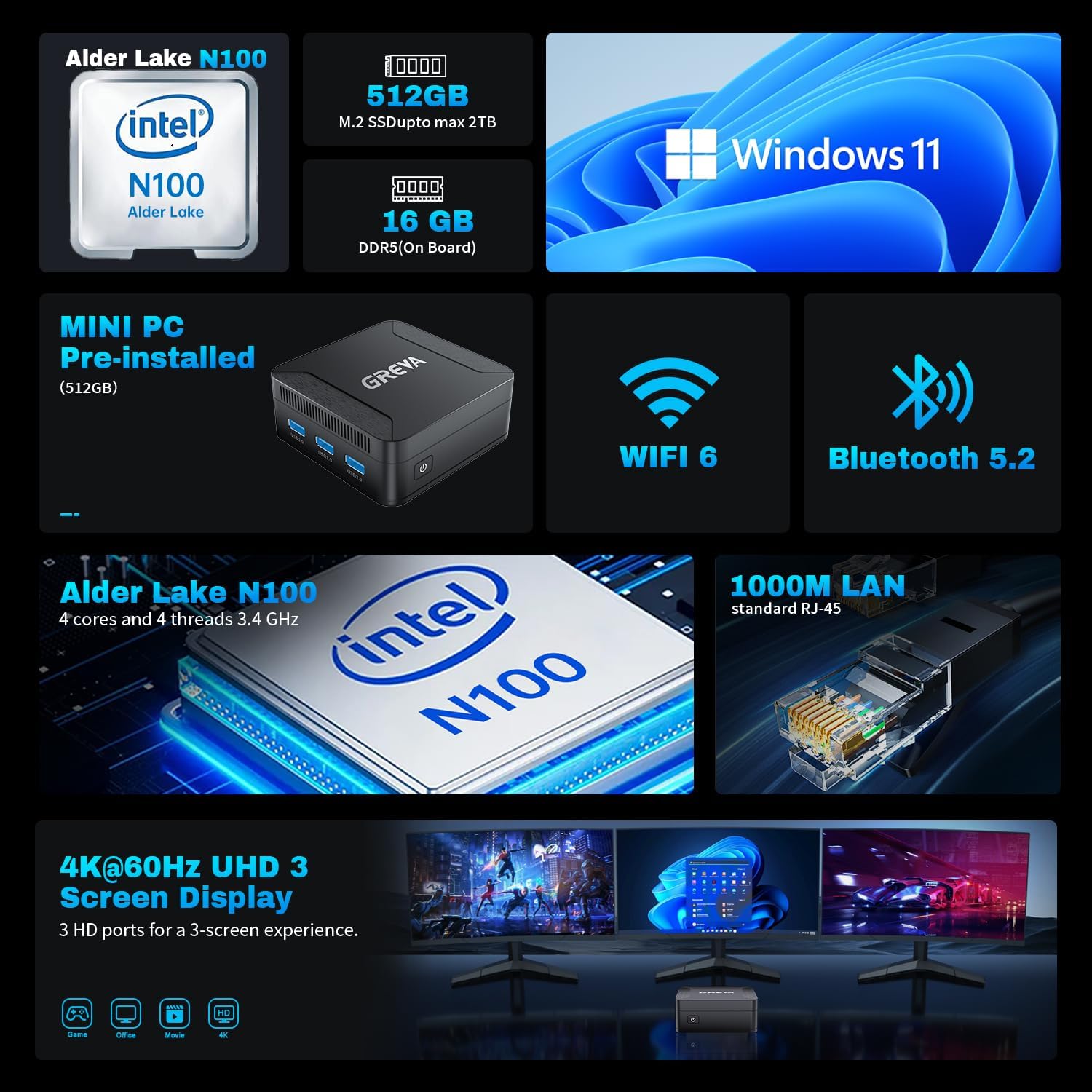
The GREVA Mini PC is a compact yet powerful desktop computer designed for various applications, from home entertainment to office productivity. Featuring an Intel Alder Lake N100 processor, 16GB of DDR5 RAM, and a 512GB M.2 SSD, it delivers efficient performance in a small form factor. Its design allows for flexible placement, including mounting behind a monitor, to maintain a clutter-free workspace.

2. Package Contents
Please verify that all items are present in the package before proceeding with the setup:
- 1 x GREVA Small PC Intel N100
- 1 x Power Adapter
- 1 x Stand (for vertical placement)
- 1 x User Manual (this document)
- 1 x HDMI Cable
- 1 x VESA-mount bracket (for monitor mounting)

3. Setup Guide
3.1 Connecting Peripherals
- Connect Display: Use the provided HDMI cable to connect the Mini PC to your monitor, TV, or projector. The Mini PC supports up to three displays simultaneously via its two HDMI ports.
- Connect USB Devices: Plug in your keyboard, mouse, and any other USB peripherals into the available USB 3.1 ports.
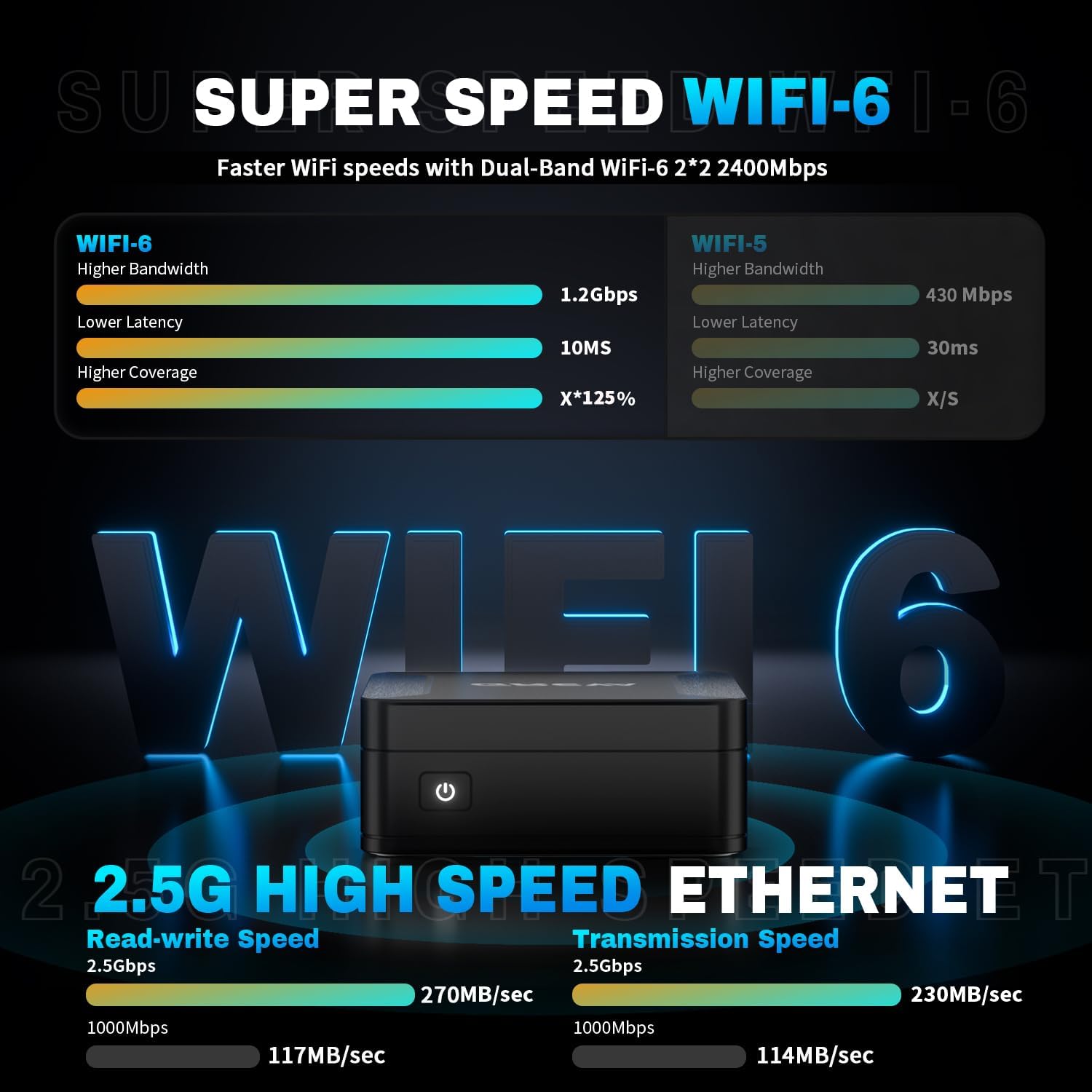
- Connect Network (Optional): For a wired connection, connect an Ethernet cable to the Gigabit Ethernet port. For wireless, the device supports 2.4G/5G Dual-Band WiFi 6.
- Connect Power: Plug the power adapter into the DC 12V port on the Mini PC, then connect the adapter to a power outlet.

3.2 Powering On
Press the power button located on the front of the Mini PC. The power indicator light will illuminate, and the system will begin to boot up.
3.3 Placement Options
The GREVA Mini PC offers versatile placement options:
- Desktop Placement: Place the Mini PC horizontally or use the included stand for vertical placement on your desk.
- Monitor Mounting: Utilize the VESA-mount bracket to attach the Mini PC to the back of a compatible monitor, saving desk space.

4. Operating Instructions
4.1 Initial Boot and Windows 11 Setup
The Mini PC comes with Windows 11 pre-installed. Upon the first boot, follow the on-screen instructions to complete the Windows 11 setup, including region, language, network connection, and user account creation.

4.2 Multi-Screen Display
The Mini PC supports up to three 4K@60Hz displays simultaneously via its two HDMI ports. To configure multiple displays:
- Connect all desired monitors to the HDMI ports.
- Right-click on the desktop and select "Display settings."
- Arrange your displays and choose your preferred display mode (e.g., Extend, Duplicate).

4.3 Storage Expansion
The Mini PC includes a built-in 512GB M.2 2280 SSD. For additional storage, you can install a 2.5-inch SSD/HDD (not included) in the detachable empty base, expanding storage up to 2TB.
4.4 Usage Scenarios
The GREVA Mini PC is suitable for a variety of tasks:
- Home Entertainment: Enjoy 4K UHD video playback and casual gaming.
- Office Productivity: Handle web browsing, document editing, and video conferencing with ease.
- Professional Applications: Capable of running photo editing software and other demanding applications.

5. Maintenance
- Cleaning: Regularly clean the exterior of the Mini PC with a soft, dry cloth. Use compressed air to clear dust from ventilation openings to ensure proper airflow and prevent overheating.
- Ventilation: Ensure the Mini PC is placed in a well-ventilated area. Do not block the air vents.
- Software Updates: Keep your Windows operating system and drivers updated to ensure optimal performance and security.
- Storage: When not in use for extended periods, store the Mini PC in a cool, dry place away from direct sunlight and extreme temperatures.
6. Troubleshooting
6.1 No Power
- Ensure the power adapter is securely connected to both the Mini PC and a working power outlet.
- Verify the power outlet is functional by plugging in another device.
- Check the power adapter for any visible damage.
6.2 No Display Output
- Confirm the HDMI cable is securely connected to both the Mini PC and the monitor.
- Ensure the monitor is powered on and set to the correct input source (HDMI 1, HDMI 2, etc.).
- Try a different HDMI cable or monitor to rule out faulty equipment.
6.3 Network Connectivity Issues
- Wired Connection: Check if the Ethernet cable is properly connected to both the Mini PC and the router/modem. Verify the router/modem is working correctly.
- Wireless Connection: Ensure Wi-Fi is enabled on the Mini PC. Restart your router/modem. Verify you are connecting to the correct Wi-Fi network and entering the correct password.
6.4 System Slowdown or Freezing
- Close unnecessary applications running in the background.
- Check for sufficient free storage space on the SSD.
- Ensure the Mini PC is well-ventilated to prevent thermal throttling.
- Run a system scan for malware or viruses.
7. Specifications
| Feature | Specification |
|---|---|
| Processor | Intel Alder Lake N100 (4 Cores/4 Threads, up to 3.4 GHz, 6MB Smart Cache, 6W TDP) |
| Graphics | Intel UHD Graphics (450MHz - 750MHz) |
| RAM | 16GB DDR5 (On-Board, max 6000MHz) |
| Storage | 512GB M.2 2280 SSD (Expandable with 2.5-inch SSD/HDD up to 2TB) |
| Operating System | Windows 11 |
| Video Output | 2 x HDMI (Supports 4K@60Hz, Triple Display) |
| USB Ports | USB 3.1 (Quantity not specified, typically 3-4) |
| Network | Gigabit Ethernet (1000M LAN), 2.4G/5G Dual-Band WiFi 6 |
| Bluetooth | Bluetooth 5.2 |
| Audio | Audio Jack |
| Dimensions | Approx. 3.5'' x 3.5'' x 1.5'' |
| Weight | Approx. 1.3 pounds |

8. Warranty and Support
GREVA provides lifetime technical support and a warranty for this product. If you encounter any questions or issues during use, please contact the seller directly. Responses are typically provided within 24 hours.
Frequently Asked Questions (FAQs)
- Not satisfied with your purchase?
We offer a 30-day return/exchange on all orders if you are not satisfied with the product you received.
- How long will we reply to your messages?
If you have any questions, please leave us a message anytime. We strive to respond to customers within 24 hours.
- If my products have issues, what should I do?
If you encounter issues after you ordered our products, please send a message to us. We will provide satisfied solutions.