
ACMOMO 3116
ACMOMO 3116 Audio Amplifier User Manual
Model: 3116 (Amph-2023) | Brand: ACMOMO
Introduction
This manual provides detailed instructions for the proper setup, operation, and maintenance of your ACMOMO 3116 Audio Amplifier. Please read this manual thoroughly before using the product to ensure optimal performance and safety.
Safety Instructions
To prevent fire, electric shock, or product damage, please observe the following safety guidelines:
- Do not expose the amplifier to rain or moisture.
- Do not place objects filled with liquids, such as vases, on the amplifier.
- Ensure proper ventilation; do not block any ventilation openings.
- Use only the power supply provided or specified by the manufacturer.
- Do not open the amplifier casing. Refer all servicing to qualified personnel.
- Keep out of reach of children.
Package Contents
Verify that all items are present in the package:
- AK3116 Amplifier
- Bluetooth Antenna
- User Manual
- 24V/4.5A Power Supply
- Remote Control

Image: The package contents including the AK3116 amplifier, Bluetooth antenna, user manual, power supply, and remote control.
Product Overview
Familiarize yourself with the amplifier's front and rear panels.

Image: Detailed view of the amplifier's front panel showing controls for power, treble, bass, volume, and input selection. The rear panel displays connections for Bluetooth antenna, USB, Optical, RCA, speaker outputs, and DC power input.

Image: Various angles of the amplifier, including front, side, and rear views, highlighting its compact design and connectivity options.
Front Panel Controls:
- Power Switch: Turns the amplifier on or off.
- Treble Control: Adjusts the high-frequency sound output.
- Bass Control: Adjusts the low-frequency sound output.
- Volume Control: Adjusts the overall sound volume.
- Input Selector: Switches between AUX, Bluetooth, USB, and Optical inputs.
Rear Panel Connections:
- Bluetooth Antenna: For wireless Bluetooth connectivity.
- USB Input: For connecting USB storage devices.
- OPT (Optical) Input: For digital audio input from devices like TVs.
- RCA Input: For analog audio input (L/R).
- Speaker Outputs: Connects to passive speakers (Left and Right channels).
- DC Input (24V/5A): Power connection port.
Setup Instructions
- Connect Speakers: Connect your passive speakers to the "Speaker Outputs" terminals on the rear panel. Ensure correct polarity (+ to + and - to -) for each speaker.
- Attach Bluetooth Antenna: Screw the provided Bluetooth antenna into the "BT ANT" connector on the rear panel.
- Connect Power: Plug the 24V/5A power adapter into the "DC INPUT" port on the rear panel, then plug the adapter into a wall outlet.
- Select Input Source: Turn on the amplifier using the power switch. Use the input selector on the front panel or the remote control to choose your desired audio source (e.g., AUX, Bluetooth, USB, OPT).
- Bluetooth Pairing:
- Select "BT" input on the amplifier.
- On your mobile device (smartphone, tablet, laptop), enable Bluetooth and search for available devices.
- Select "AK-3116" or similar from the list to pair. A confirmation sound will indicate successful pairing.
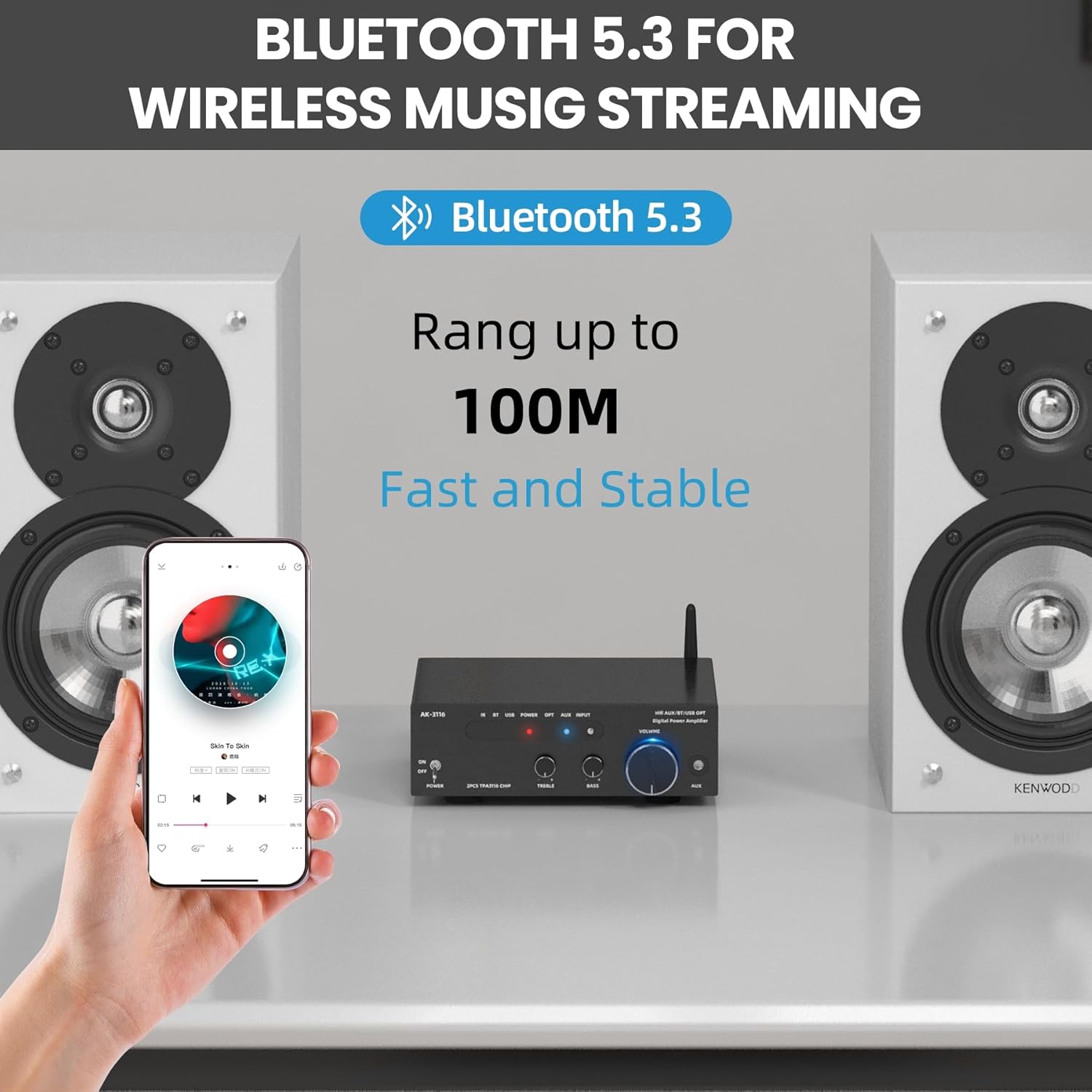
Image: Illustration of a smartphone connected via Bluetooth 5.3 to the amplifier, demonstrating wireless music streaming with a range of up to 100 meters.
- Other Input Connections:
- AUX/RCA: Connect audio devices (CD players, DVD players, etc.) using RCA cables to the "RCA Input" ports.
- USB: Insert a USB flash drive into the "USB" port for direct playback of audio files.
- Optical (TOSLINK): Connect compatible devices like TVs or game consoles using an optical cable to the "OPT" input.

Image: Icons representing various supported input devices including FM, CD/DVD, RCA, Bluetooth, USB, and SD cards, highlighting the amplifier's versatility.
Operating Instructions
Basic Operation:
- Power On/Off: Use the toggle switch labeled "POWER" on the front panel.
- Volume Adjustment: Rotate the large "VOLUME" knob on the front panel clockwise to increase volume and counter-clockwise to decrease.
- Tone Control: Use the "TREBLE" and "BASS" knobs to fine-tune the audio output to your preference.
- Input Selection: Press the "INPUT" button on the front panel or use the remote control to cycle through available audio sources.
Remote Control Usage:
The included remote control allows convenient operation from a distance.

Image: The remote control for the amplifier, showing buttons for power, volume, input selection, and playback controls.

Image: A family using the remote control to operate the amplifier, illustrating its convenience for adjusting volume and input mode from various angles.
- Power: Turns the amplifier on/off.
- Volume +/-: Adjusts the volume level.
- Input Buttons (BT, AUX, USB, OPT): Directly select the desired input source.
- Playback Controls (Play/Pause, Next, Previous): Control media playback when using USB or Bluetooth inputs.
Maintenance
- Cleaning: Use a soft, dry cloth to clean the amplifier's exterior. Do not use liquid cleaners or aerosols.
- Ventilation: Ensure that the ventilation openings are not obstructed to prevent overheating.
- Storage: If storing the amplifier for an extended period, disconnect it from power and store it in a cool, dry place.
Troubleshooting
| Problem | Possible Cause | Solution |
|---|---|---|
| No power | Power cable not connected; power outlet faulty. | Check power cable connection; try a different outlet. |
| No sound output | Incorrect input selected; speakers not connected; volume too low; source device not playing. | Select correct input; ensure speakers are properly connected; increase volume; check source device playback. |
| Bluetooth pairing failed | Amplifier not in pairing mode; device too far; interference. | Ensure amplifier is on BT input; move device closer; restart amplifier and device. |
| Distorted sound | Volume too high; incorrect speaker impedance; faulty audio cable. | Reduce volume; ensure speakers are compatible; replace audio cables. |
| Remote control not working | Batteries depleted; obstruction between remote and amplifier. | Replace remote control batteries; remove obstructions; ensure direct line of sight. |
Specifications
| Feature | Detail |
|---|---|
| Brand | ACMOMO |
| Model Number | Amph-2023 (3116) |
| Channels | 2 |
| Rated Power Output | 100W x 2 |
| Peak Power Output | 1000W + 1000W |
| Bluetooth Version | 5.3 |
| Input Options | AUX, Bluetooth, TOSLINK (Optical), RCA, USB, SD cards, MIC |
| Power Supply | 24V DC, 5A |
| Dimensions (L x W x H) | 16 x 15 x 5 cm |
| Compliance | CE |
Warranty and Support
The ACMOMO 3116 Audio Amplifier comes with a manufacturer's warranty of 2 years. Spare parts availability in the EU is also guaranteed for 2 years.
For technical support, troubleshooting assistance, or warranty claims, please contact your retailer or the manufacturer's customer service. Refer to your purchase documentation for specific contact details.
Ask a question about this manual
Ask about setup, troubleshooting, compatibility, parts, safety, or missing instructions. Manuals+ will review the question and use this page’s manual context to help answer it.