
Bingotec LNPS-24V1.5A
Bingotec LNPS-24V1.5A 36W Universal Regulated Switching Power Supply User Manual
Model: LNPS-24V1.5A
1. Introduction
This user manual provides essential information for the safe and efficient operation of your Bingotec LNPS-24V1.5A 36W Universal Regulated Switching Power Supply. Please read this manual thoroughly before installation and use, and retain it for future reference. This power supply converts 100-250V AC input to a stable 24V DC output at 1.5A, providing 36W of power for various applications.
2. Safety Information
WARNING: Risk of electric shock. Installation should only be performed by qualified personnel.
- Ensure the power supply is disconnected from the main AC power source before any installation, wiring, or maintenance procedures.
- Do not operate the unit in wet or damp environments.
- Ensure proper ventilation to prevent overheating. The metal casing acts as a heat sink.
- Do not exceed the maximum output current (1.5A) or power (36W) to prevent damage to the unit and connected devices.
- Always connect the Earth wire (ground) for safety.
- Verify correct polarity (+V and -V) when connecting DC loads.
- It is recommended to select a power supply with at least 20% more wattage than the total rated power of the connected lights or devices for optimal performance and longevity.
3. Product Overview
The Bingotec LNPS-24V1.5A is a robust and reliable switching power supply designed for various industrial and lighting applications. Its compact design and protective features ensure stable and safe power delivery.

A general view of the Bingotec 24V 1.5A 36W Universal Regulated Switching Power Supply, highlighting its compact form factor and durable metal construction.
Key Features:
- Input: 100-250V AC, 50/60Hz
- Output: 24V DC, 1.5A, 36W
- Protection Features: Short-circuit, Boot, Leakage, Overheat, Overvoltage, Overload, Over-Current, Undercooling (Hiccup mode and auto-recovery after fault).
- Housing: Durable metal casing for efficient heat dissipation and extended lifespan.
Applications:
This power supply is suitable for 24V DC LED strip lights, modules, computer projects, 3D printers, ham radio transceivers, CCTV cameras, audio amplifiers, wireless routers, and video power supply systems.
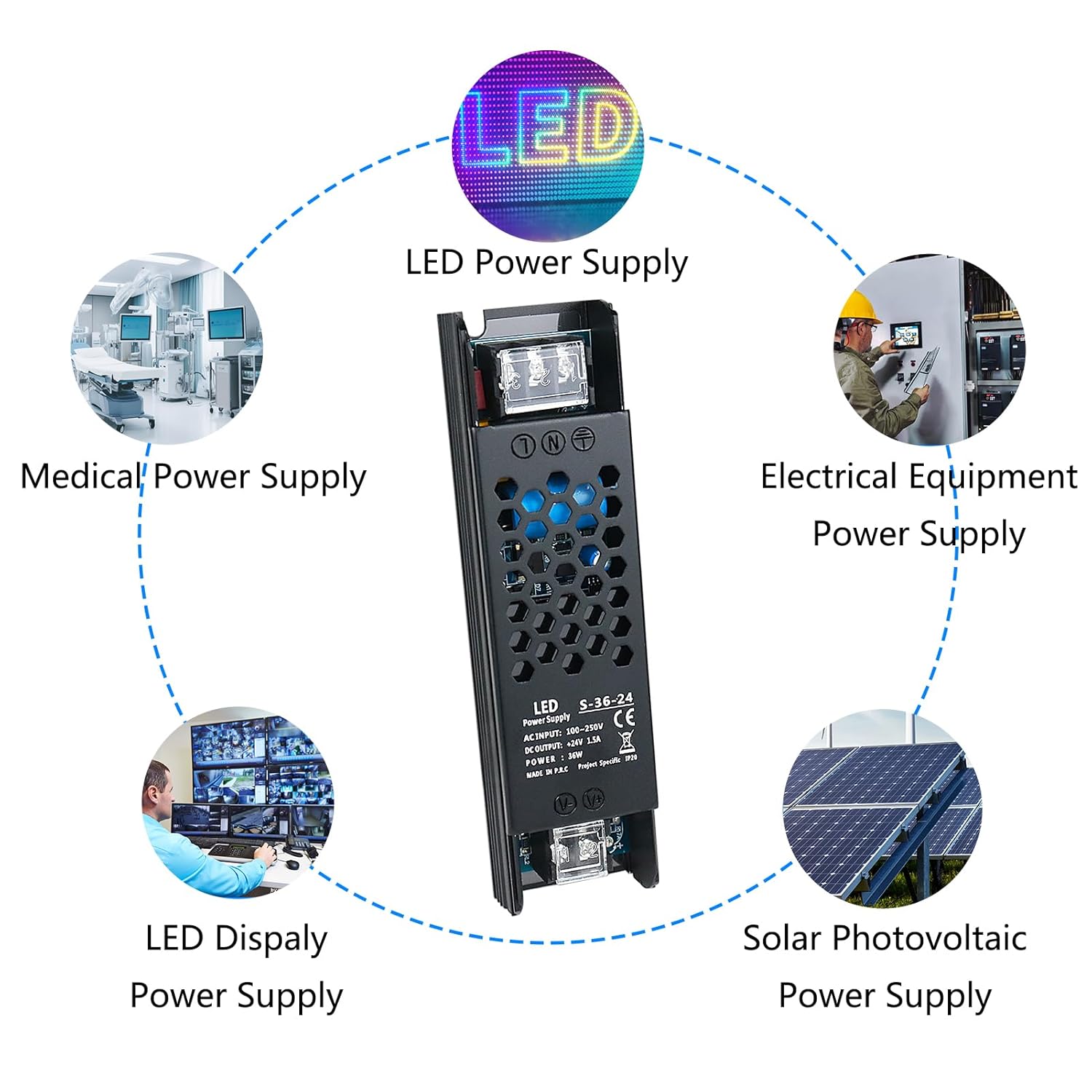
This image illustrates the versatility of the power supply, showing its use in LED lighting, medical equipment, general electrical systems, solar setups, and LED displays.
Protection Functions:

The power supply incorporates multiple safety features to protect itself and connected devices from various electrical anomalies, ensuring reliable operation.
Heat Dissipation:

The metal housing and ventilation design facilitate effective heat dissipation, contributing to the unit's stability and extended operational life.
Dimensions:

The compact size of the power supply, measuring approximately 5.24 inches in length, 1.34 inches in width, and 0.87 inches in height, allows for flexible installation in various setups.
4. Specifications
| Feature | Detail |
|---|---|
| Model Number | LNPS-24V1.5A |
| Input Voltage | 100-250V AC, 50/60Hz |
| Output Voltage | 24V DC |
| Output Current | 1.5 Amps |
| Output Power | 36 Watts |
| Protection | Overload, Over Voltage, Over Temperature, Over Current, Short Circuit, Boot, Leakage, Undercooling |
| Housing Material | Metal |
| Dimensions (L x W x H) | 5.51 x 1.57 x 1.18 inches (approx. 140 x 40 x 30 mm) |
| Weight | 3.53 ounces (approx. 100 grams) |
| Mounting Type | Rack Mount |
5. Setup and Installation
Follow these steps for proper installation of your power supply. Ensure all safety precautions are observed.
Wiring Instructions:
- Input Connections (AC):
- Connect the Earth wire to the terminal marked with the ground symbol (⊕).
- Connect the Neutral wire to the terminal marked 'N'.
- Connect the Live wire to the terminal marked 'L'.
- Output Connections (DC):
- Connect the positive (+) terminal of your 24V DC load to the terminal marked '+V' (Red Line).
- Connect the negative (-) terminal of your 24V DC load to the terminal marked '-V' (Black Line).
- Ensure all wire connections are secure and properly insulated to prevent short circuits.
- Double-check all connections before applying power.

This diagram illustrates the correct connection points for AC input (Earth, Neutral, Live) and DC output (+V, -V) to ensure safe and functional operation.
Mounting:
The unit features a rack mount design. Securely mount the power supply in a location that allows for adequate airflow and prevents obstruction of the ventilation holes.
6. Operating Instructions
- After completing all wiring and mounting, connect the power supply to the main AC power source.
- The power supply will automatically convert the AC input to a stable 24V DC output.
- Monitor the connected devices to ensure they are functioning correctly.
- In case of a fault condition (e.g., overload, short circuit), the power supply's protection mechanisms will activate. The unit is designed for auto-recovery once the fault condition is removed.
7. Maintenance
- Cleaning: Periodically clean the exterior of the power supply with a dry, soft cloth. Do not use liquid cleaners or solvents. Ensure ventilation holes are free from dust and debris.
- Inspection: Regularly inspect the wiring for any signs of damage, fraying, or loose connections. Address any issues promptly.
- Ventilation: Ensure the power supply is always operated in a well-ventilated area to prevent heat buildup.
- No user-serviceable parts inside. Do not attempt to open or repair the unit.
8. Troubleshooting
| Problem | Possible Cause | Solution |
|---|---|---|
| No output voltage | No AC input power; Loose wiring; Internal fault; Overload protection activated. | Check AC power source and connections. Verify all wiring is secure. Disconnect load and re-apply power to check for auto-recovery. If problem persists, contact support. |
| Output voltage unstable or fluctuating | Overload; Poor connections; Faulty load device. | Reduce load to within specifications. Check all wiring connections. Test with a different load device. |
| Unit is excessively hot | Insufficient ventilation; Overload; High ambient temperature. | Ensure adequate airflow around the unit. Reduce load. Operate in a cooler environment. |
| Protection features frequently activating | Load exceeds power supply capacity; Short circuit in load; Faulty wiring. | Verify total power consumption of connected devices does not exceed 36W. Check load and wiring for short circuits. Consider using a higher wattage power supply if the load is consistently near maximum. |
9. Warranty and Support
Bingotec is committed to providing excellent products and professional after-sales service. For any questions, technical assistance, or warranty claims, please contact Bingotec customer support through your purchase platform or the official Bingotec website.
Please have your model number (LNPS-24V1.5A) and purchase information ready when contacting support.
For more information about Bingotec products, visit the Bingotec Store on Amazon.
Ask a question about this manual
Ask about setup, troubleshooting, compatibility, parts, safety, or missing instructions. Manuals+ will review the question and use this page’s manual context to help answer it.