
Introduction
This manual provides detailed instructions for the installation, operation, and maintenance of your YiLaie RGB LED Rock Lights Kit. Please read this manual thoroughly before installation and use to ensure proper function and longevity of the product.
What's in the Box
Your YiLaie RGB LED Rock Lights Kit includes the following components:
- 4 x LED Rock Lights
- 1 x Control Box
- 1 x RF Remote Control
- Heat Shrink Wire Connectors
- Fuse Holder
- Blade Fuse
- Zip Ties
- Screws
- Allen Wrench

Specifications
| Feature | Detail |
|---|---|
| Brand | YiLaie |
| Model | EL-XDP-4 |
| Color | RGB 60° |
| Form Factor | Pod |
| Auto Part Position | Bottom |
| Special Features | APP Control & Remote Control, Dust Proof, Multi-Color, Rust Proof, Waterproof |
| Item Weight | 0.91 Kilograms (2.01 pounds) |
| Material | Polycarbonate (PC) |
| Water Resistance Level | Waterproof (IP68) |
| Dimensions (L x W x H) | 9.84 x 6.3 x 1.97 inches |
| Lifespan | 50,000+ hours |
| Beam Angle | 60° Narrow Beam Optics |

Setup & Installation
The YiLaie RGB LED Rock Lights Kit features a plug-and-play design for simplified installation. Ensure all connections are secure to prevent issues.
1. Pre-Installation Check
Before permanent installation, connect all components and test the lights to ensure they function correctly. This helps identify any issues before mounting.
2. Wiring Diagram
Refer to the diagram below for proper wiring connections. The system is designed for direct connection to your vehicle's 12V power source.

3. Power Connection
- Connect the red wire from the control box to the positive (+) terminal of your vehicle's 12V battery.
- Connect the black wire from the control box to the negative (-) terminal or a suitable ground point on your vehicle.
- Utilize the included fuse holder and blade fuse for circuit protection.
- Ensure all connections are tight and secure. The connectors are screw-on and waterproof to protect against elements.


4. Mounting the Rock Lights
- Choose desired mounting locations under your vehicle, ensuring they are clear of moving parts and high-temperature areas.
- Use the provided screws and zip ties to securely fasten each rock light pod.
- Route all wiring neatly and secure it with zip ties to prevent snagging or damage.


Operating Instructions
Your YiLaie RGB LED Rock Lights can be controlled via a smartphone application or the included RF remote control.
1. App Control (Smart Life App)
- Download the Smart Life App: Scan the QR code on the control box or search for "Smart Life" in your device's app store (smartapp.tuya.com/smartlife).
- Register/Log In: Create an account or log in to the Smart Life App.
- Add Device: Ensure your vehicle's power is on. The app should automatically detect the rock lights. If not, manually add the device.
- Control Features: Once connected, you can access various functions:
- RGB Color Selection: Choose from millions of colors.
- Brightness Adjustment: Adjust light intensity.
- Scene Modes: Select from 23 pre-programmed flashing and strobing modes with speed adjustment.
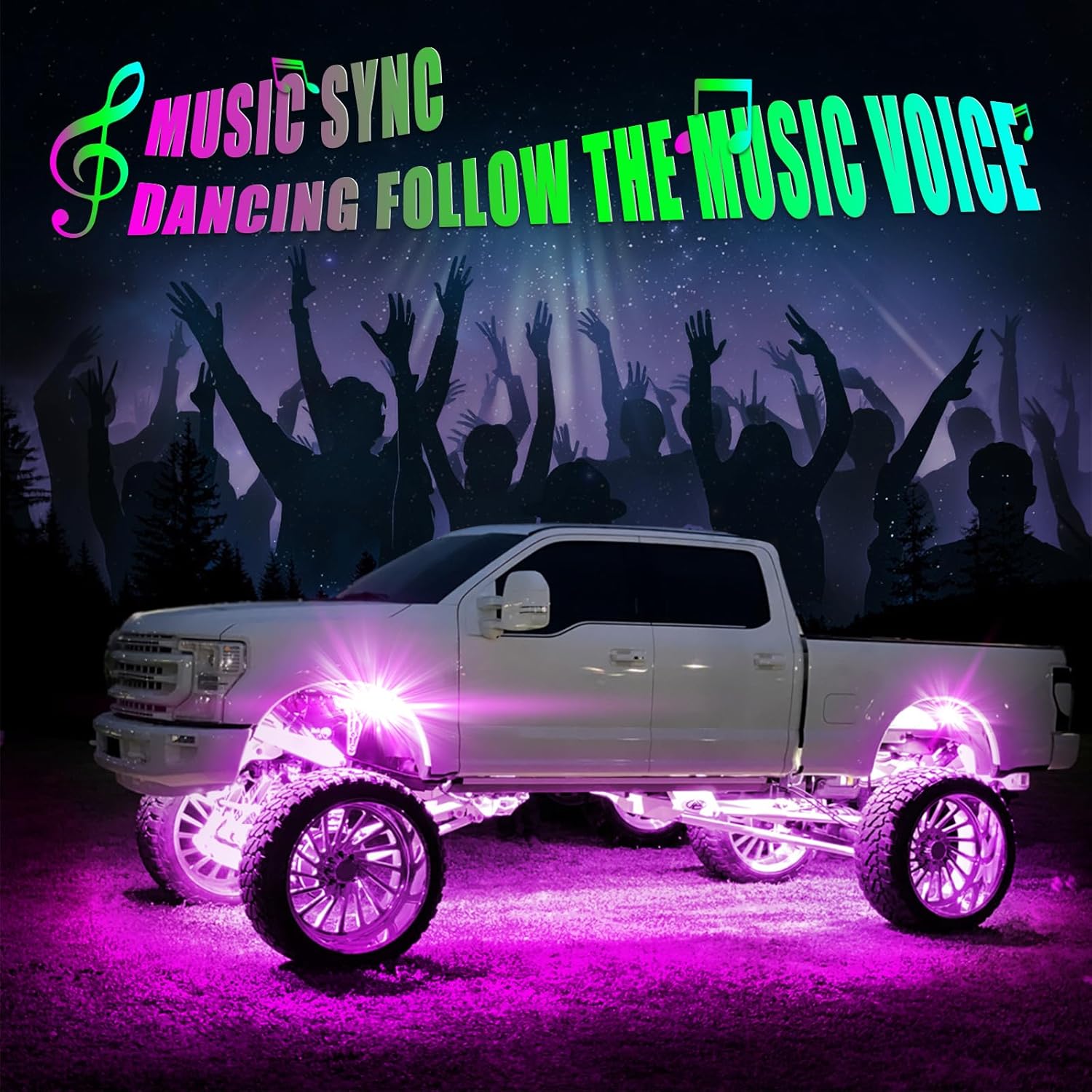
- Music Mode: Lights sync with music rhythm.
- Voice Responsive: Lights react to voice commands.
- Timing Function: Set schedules for lights to turn on/off.


2. RF Remote Control
The included 4-button RF remote provides convenient control over basic functions:
- ON/OFF: Power the lights on or off.
- Colorful Change Speed Adjustment: Adjust the speed of dynamic lighting effects.
- Scene Mode: Cycle through various pre-set lighting scenes.
- RGB Color: Change the static color of the lights.

3. Music Sync Mode
The music sync feature allows the lights to pulse and change colors in rhythm with music playing in your vehicle. This mode is typically activated via the Smart Life App.
Video Demonstration: Color Changing Modes
Maintenance
To ensure the longevity and optimal performance of your YiLaie RGB LED Rock Lights, follow these maintenance guidelines:
- Cleaning: Periodically clean the light pods with a soft, damp cloth to remove dirt, mud, and debris. Avoid abrasive cleaners or high-pressure water jets directly on the lights.
- Connection Check: Regularly inspect all wiring and connections for any signs of wear, corrosion, or looseness. Tighten any loose connections and replace damaged wiring as needed.
- Waterproof Integrity: The lights are IP68 rated for waterproofing. Ensure the rubber caps on connectors are properly seated after any adjustments to maintain water resistance.
- Environmental Protection: While durable, avoid prolonged exposure to extreme temperatures or harsh chemicals that could degrade the polycarbonate housing.

Troubleshooting
If you encounter issues with your YiLaie RGB LED Rock Lights, refer to the following common troubleshooting steps:
- Lights Not Turning On:
- Check power connections to the vehicle battery (red to positive, black to negative/ground).
- Verify the fuse in the fuse holder is intact. Replace if blown.
- Ensure all light pod connectors are securely screwed on.
- App Connectivity Issues:
- Ensure Bluetooth is enabled on your smartphone.
- Confirm the Smart Life App has necessary permissions (e.g., location access, if required by your device's OS for Bluetooth scanning).
- Try restarting the app or your phone.
- Disconnect the rock light kit from power for 10 seconds, then reconnect and try pairing again.
- Remote Control Not Working:
- Check if the remote's battery needs replacement.
- Ensure there are no obstructions between the remote and the control box.
- Inconsistent Lighting/Colors:
- Check for loose or corroded connections at the light pods or control box.
- Ensure the control box is not exposed to excessive heat or moisture.
Warranty and Support
For specific warranty information regarding your YiLaie RGB LED Rock Lights Kit, please refer to the product packaging or contact the seller directly. YiLaie is committed to providing quality products and customer satisfaction.
For further assistance or to explore other YiLaie products, visit the official YiLaie Store: YiLaie Store on Amazon.


